

Last week, Amazon announced plans to mint its own virtual currency, Amazon Coins, as a new way to pay for games, apps, and in-app purchases. The company’s custom currency will be aimed at Kindle Fire owners when they debut in May, and only U.S. residents will be able to use them at first. Amazon plans to prime the pump by dumping “tens of millions of dollars’ worth” of Amazon Coins into customers’ accounts to get things rolling.
So why does Amazon need a virtual currency — isn’t real money good enough? Are Amazon Coins a virtual gimmick, or could they offer real-world benefits?
Cross my palm with silver
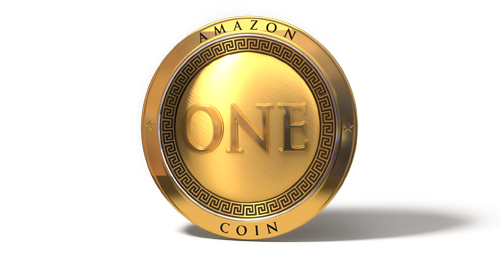
The basics of Amazon Coins are simple. Amazon Coins will be valued at one penny each, so customers can buy a $4.99 app for 499 Amazon Coins. Coins will be good for apps, in-app purchases (like virtual items and expansion packs for games), and even other in-app currencies. However, Amazon Coins can’t be used for subscriptions, and customers won’t be able to spend Coins on Kindle books, music from Amazon MP3, or anything else Amazon offers.
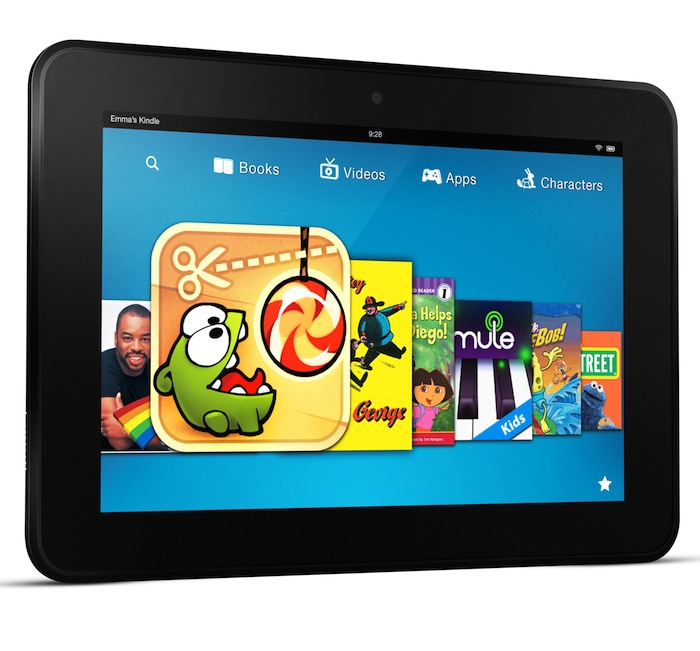
There are other limits. Amazon Coins cannot be cashed out or exchanged between customers, so the term “currency” is a bit of a stretch. Further, Coins will only be good for apps and purchases available for Kindle Fire tablets. That can include Android apps in Amazon’s Appstore that work on other devices, but only if they’re also available for a Kindle Fire.
Why would anyone use Amazon Coins?
What makes Amazon Coins preferable to real money, which can be spent anywhere? Or better than an Amazon gift card that’s good for almost anything?
Right now, the main answer is that the first Amazon Coin customers won’t have to spend money to get them. By awarding some “tens of millions of dollars’ worth” of Coins to current Amazon customers, Amazon is basically tossing out free money, even if only for Kindle Fire apps.
Besides appealing to consumers, the launch giveaway should also draw in developers eager to sell apps to customers who suddenly have Coins burning holes in their virtual pockets.
“Amazon Coins [are] a great thing for developers who want to make more money on their apps and games,” wrote Amazon spokesperson Sally Fouts, via email. “Developers who aren’t yet in the Amazon Appstore will want to make sure their apps have been submitted and approved so they’re ready for customers to start spending the tens of millions Amazon is giving customers in Amazon Coins.”
Amazon wants to bolster both its Appstore and the Kindle Fire ecosystem with Amazon Coins, making them a first choice for more Android developers rather than second thought after Google Play. Apps that aren’t in the Amazon Appstore when Coins launch will be essentially leaving money on the table… but apps ready by April 25 will have a shot at the initial rush of Amazon Coins.
Amazon’s seed money won’t come off the books at face value. Amazon will be keeping 30 percent of purchases made with Coins (just like real money), meaning Coin giveaways cost $0.70 on the dollar. Of course, some Coins will go unused, costing Amazon nothing.
Amazon declined to reveal how many Coins customers might receive, which U.S. customers might receive them, or whether the awards will be a one-time event. However, Amazon Coins seem designed to attract customers to the Kindle Fire, and app developers we contacted believe Amazon will use Coins like a loyalty program to retain customers, perhaps through discounts and bonuses.
“Maybe if you’ve got a couple thousand Amazon Coins you’d think twice about dropping your Kindle Fire for another tablet,” noted an engineer at freemium game maker Glu Mobile. “Can’t take’em with you.”
Pros and cons of funny money

Amazon Coins are just the latest in a long line of virtual currencies. Some flopped spectacularly (anyone remember Beenz?) but customers often criticize even the most successful. Consider Microsoft Points on Xbox Live Marketplace: In the U.S., they cost 80 points to the dollar, obscuring true costs with an impression of lower prices — a $0.99 item is just 79 points. (Microsoft abandoned Microsoft Points for real money in Windows 8…so Microsoft Points may be going away soon.) What about Nintendo Points? They’re 100 to a dollar in the United States, but they can be applied only to the Wii/Wii U or the DSi/3DS, annoying anyone with both platforms. In 2009, Facebook Credits were supposed to make sure in-game pricing was consistent worldwide, but after a tepid reception Facebook decided last year to use real money instead.
Virtual currencies also lead to overpayment. Most are available in $5, $10, or $20 increments, so getting a $3.99 app means spending at least $5 and figuring out what can be done with the leftovers. The remainders are trapped in company coffers: they might only be a few pennies or few dollars per customer, but that can add up across thousands (or millions) of accounts. Worse, some virtual currencies expire in as little as a year, meaning customers get nothing for that money.
There are upsides to virtual currencies — for instance, they’re often vehicles for limited-time incentives and discounts. If Amazon decided to eat some of its 30 percent margin and sell 1,000 Amazon Coins for $9, that’d effectively discount Kindle Fire purchases by 10 percent. Not too shabby.
Combined with parental controls available in most mobile, desktop, and gaming platforms, virtual currencies can also help control or monitor online spending.
“When it comes to Amazon Coins and other virtual currencies, I think one of the main benefits to parents is the ability to allow a responsible kid to download apps or make in-app purchases while keeping spending at a comfortable level,” noted Caroline Knorr, parenting editor at Common Sense Media. “Letting kids know how much they have to spend is also a good way to teach them about personal finance basics like earning, saving, budgeting, and spending.”
Similar ideas apply to situations where using a credit or debit card for online purchases isn’t practical: Consider seniors who aren’t comfortable online, or some assisted-living situations.
Money talks
Amazon Coins are being touted as an easy way for Kindle Fire customers to spend money in the Amazon Appstore. We won’t know how easy until launch, but purchases should be simple when Amazon Coins magically appear in accounts. However, once customers need to exchange hard cash for soft Amazon Coins, it’s hard to see how Amazon Coins will be easier than real money — they may even add complexity to Amazon’s 1-Click process. At that point, Amazon will have to sweeten the deal — and customers need to be aware of the pitfalls and limitations of virtual currencies.
In the meantime? Cash is king.


