
 Cars today are a lot like computers: they help you stay connected to the world and they also churn out a ton of information.
The problem is, all that information can be difficult to decipher if you don’t have the right tools.
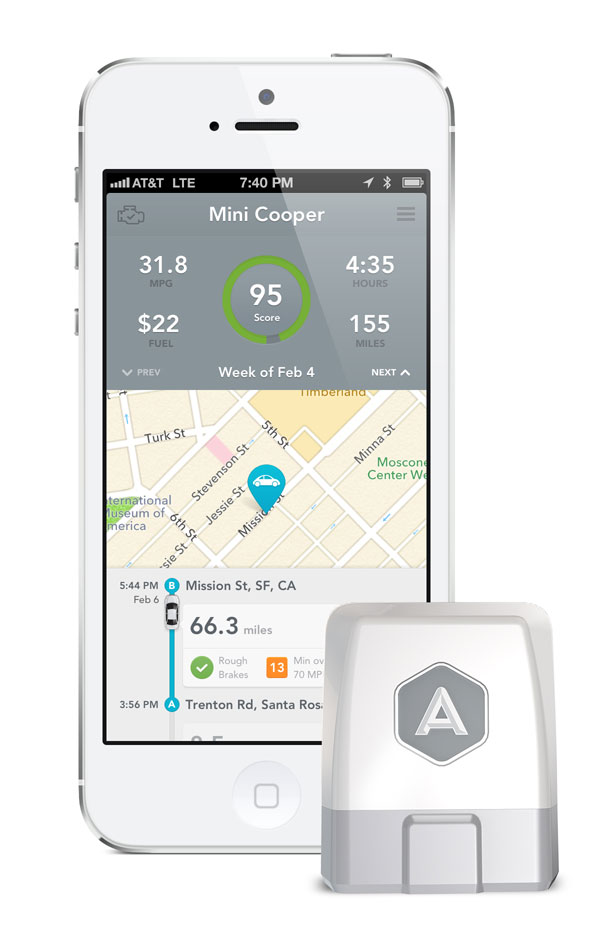
Automatic — a start-up company based out of San Francisco — is looking to change all of that. The company is launching an iPhone app and small hardware device, which plugs into your vehicle’s existing OBD port (the one they use at the air quality testing facilities).
Once plugged in, the device and app communicate via Bluetooth and grind out various vehicle metrics and safety functions.
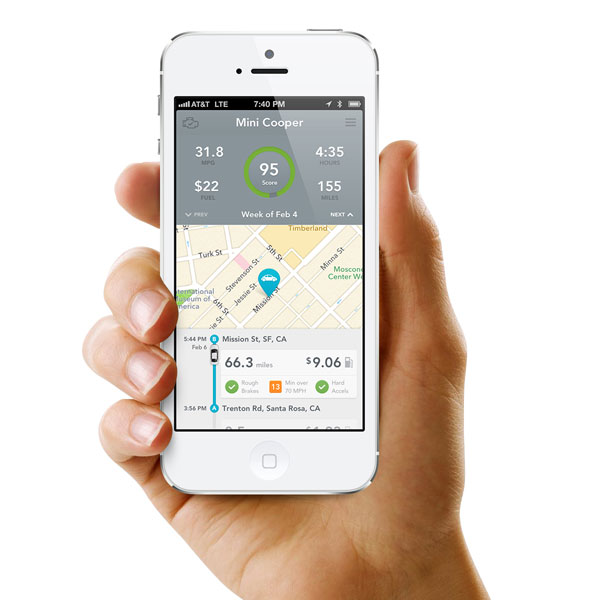
These metrics include personalized feedback regarding how you are driving. For example: How efficiently you are braking, how suddenly you are accelerating, and — using your phone’s GPS — whether or not you’re traveling above the posted speed limit.
Automatic will then rate your driving efficiency based on these benchmarks each week and award you with a grade from 0-100.
It might not seem groundbreaking, but according to the Automatic’s developers, even slight changes to driving habits such as those laid out can save drivers “hundreds on gas every year.”

There is also a trip timeline that displays fuel efficiency. With each trip taken, the app will display how much fuel it took to get you from point A to point B, as well as your mileage per gallon. This seems especially helpful to drivers in older vehicles, which don’t provide fuel economy figures.
Automatic can show you what those pesky “check engine” codes mean and for simple problems, allows you to clear the light yourself — saving you a trip to a mechanic in the process.
Rounding out the Automatic’s features list is a built-in parking reminder app and automated crash alert system that notifies emergency services in the event of an accident.
 During the setup process, drivers can select three emergency contacts with mobile numbers who are then notified via a text message when an accident has occurred and when help is on the way.
“Smartphones and the internet have transformed our day-to-day lives, but our cars and how we drive them have been left behind, said Thejo Kote, chief executive office and co-founder of Automatic. “We believe that the smartphone can, in effect, upgrade millions of cars on the road today, and offers drivers features only available in high-end cars with expensive service plans.”
Those features are what make Automatic standout from similar devices we’ve covered recently, such as Splitsecnd, a small USB-based device that provides automated crash reports in the event of an accident.
Unlike Splitsecnd, however, Automatic doesn’t require a subscription fee (Splitsecnd is $14.99 per month) and costs considerably less at $70 (Splitsecnd will set you back $199) with a whole host of additional features.
While Automatic won’t work with every car on the road, both Thejo Kote and Ljuba Miljkovic, Automatic’s chief product officer, assured us that the device will work in virtually every car built since 1996 – save for a few obscure European models.
Automatic is now available for pre-order from Automatic.com with shipping slated for May. The device is currently compatible with iPhone 4S and iPhone 5 only, with an Android version to follow in the fall.


