
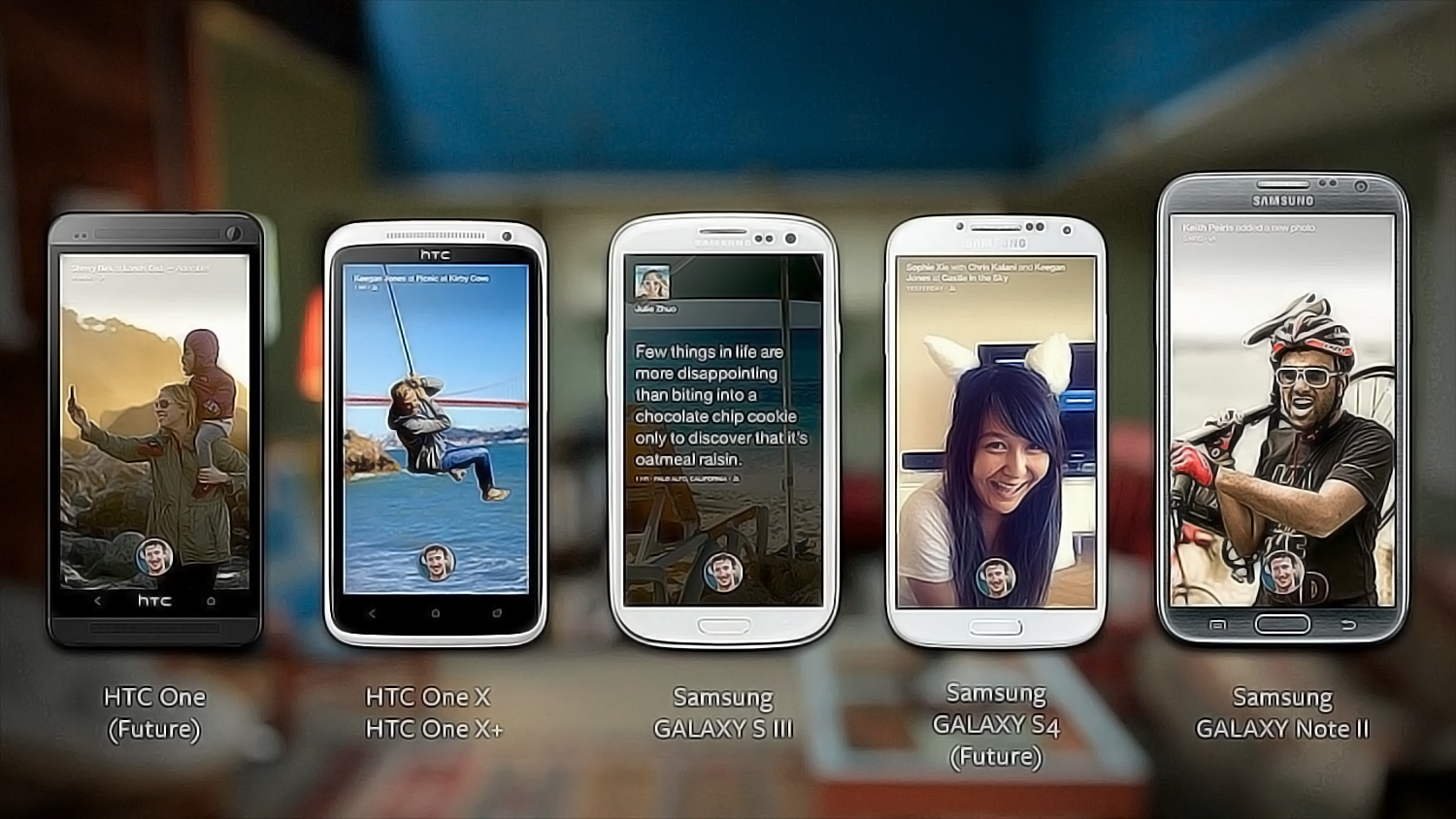
Facebook Home is not for everyone. It’s not the best way to experience Facebook, and isn’t the best Android interface out there. But even if you have little interest in Home, there’s still a reason to look at the HTC First. The First is, appropriately, the first phone to come with Home pre-installed at the factory. However, the coolest part about it is in the settings. You see, unlike every other Android phone out there, should you not want to fiddle about with Home, it can be switched off, leaving you with the rarely seen standard version of Google’s Android OS. And that is very cool, indeed.
What if every manufacturer let you disable their custom interfaces?
Of course, not everyone will want to do this. Many people will just buy the HTC First for Facebook Home (read our full review of Home). The First is, well, the first smartphone to offer the best of both worlds, a fun custom UI along with the solid functionality of Google’s basic Android OS, available at any time.
Now, here’s a radical thought: What if every manufacturer let you disable their custom interfaces? Imagine bringing your brand-new Galaxy S4 home and immediately after charging it, you head to Settings and the very first option let you disable TouchWiz, leaving you with Android 4.2.2. Instead of that brightly-colored Fischer Price interface, you’d get the dark, sleek Android Jelly Bean design. It would be the same with LG’s Optimus UI and HTC’s Sense, or any other manufacturer from Sony to Huawei to Motorola. If you don’t want the bundled user interface, you don’t have to put up with it. Just shut it off.
Goodbye permanent UI. Hello choice
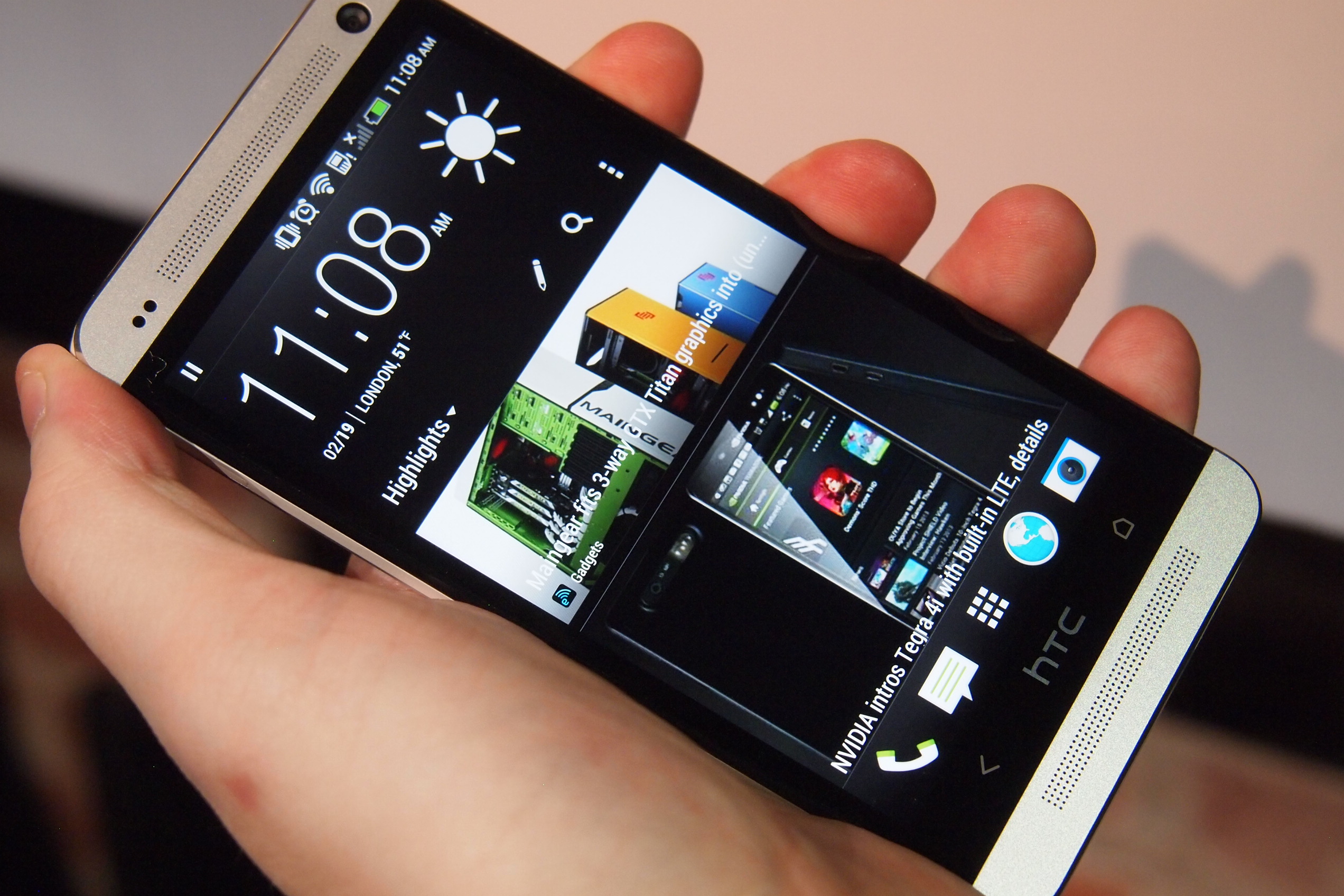 Despite the endless moaning about them, manufacturer-created user interfaces aren’t all bad, and they’ve improved a lot since the early days of TouchWiz and, shudder, MotoBlur and Sony’s “Timescape.” Those interfaces were hideous and unintuitive. These days, for a great many users, a custom user interface is just fine.
For manufacturers, custom interfaces provide a unique differentiator, and an easy way to incorporate special apps and software into the OS. User interfaces aren’t going anywhere, and nor should they, but we think they should be an option, not a requirement, on modern Android phones. We don’t even care if the setting is buried so deep inside the Settings menu it takes 20 minutes of button presses and gestures to get to it, just as long as it’s user selectable.
This isn’t a particularly new wish, but if Facebook Home is a success, could it prompt a shift away from the extensively modified Android user interface, and instead see manufacturers lean towards lightweight launchers, too? If anything, Facebook Home is more intrusive than TouchWiz and its peers, because it’s all Facebook, all the time.
In our perfect world, anyone who doesn’t care about a phone’s UI can continue living in ignorant bliss, and those who don’t like it can turn it off. The stock Android experience is sufficiently mature to be acceptable to most users these days, and manufacturers are under constant pressure to update the OS on a regular basis.
User interfaces are still important, but they’re also becoming old hat, with manufacturers preferring to stuff Android with special apps and features to help persuade us to buy their newest models. We doubt many would complain if their custom interfaces were even more front-and-center than they are now, assuming they could be turned off. If these apps and tweaks were easier to find, more people may also get some benefit from them.
The splintered world of Android user interfaces has needed an overhaul for years, so the needs of the manufacturer no longer overshadow the needs of a growing percentage of users. Wouldn’t it be funny if Facebook, a company notorious for locking down its designs and data, turns out to be the catalyst that helps patch Android back together.



