

Celebrities are just like you and me – they, too are very much into tweeting or Facebook-posting their random thoughts and taking Instagram selfies. However, these tried and true social platforms just aren’t cutting it, because quite a few of the famous among us are taking the leap into app-creation to cater to their fans’ own social media needs and wants. Snoop Dogg (sorry, he’s forever Snoop Dogg – can’t get on board with this “Lion” nonsense) has actually been at this for quite some time, but first let’s talk about his most recent project, a photo-sharing app called Snoopify.
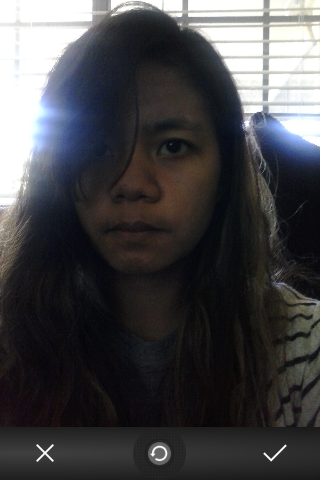
Instead of telling you how it works, allow me to show you. First, take or choose a photo with your phone:
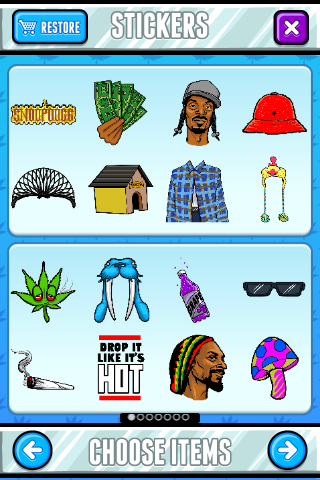
Slap on some Snoop Dogg-themed stickers:
Save or share your masterpiece on Twitter, Facebook, and/or Instagram (don’t forget to tag it with #snoopifyapp). So without further ado, here’s my Snoopified selfie:

And … yeah, that’s that. It doesn’t quite give me the same satisfaction as selecting the Rise filter to make me look exuberant and fresh,but there’s some appeal here … right? Anyone?
I’ve got to give Snoop credit, though. He truly loves social media. This, along with his other self-branded app released earlier this year is proof enough that he intends on putting himself out there in cyberspace for us to enjoy and love (for the record, Snoop is a big time Instagram user). He isn’t the only star with social media creation aspirations: Here are other a few other celebrity apps you might enjoy (or hate, depending on how much time you squander using them), brought to you by famous people who want nothing but your unadulterated admiration.
Kiss Justin Bieber – Android, free
For any girl who’s been absolutely dying to plant a wet one on the teenage heartthrob, this app is pretty basic: Get a photo of the Biebs and kiss it. Now, I’m definitely NOT the demographic for this app, but for the sake of research, I downloaded to see what other features it has to offer.
It’s actually an app that rates how well you kiss, through Justin Bieber’s (fake) point-of-view.
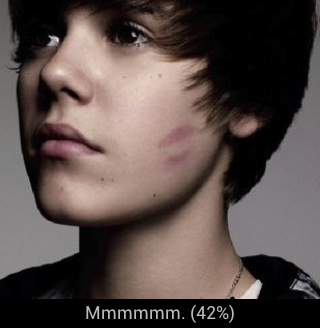
If you’re anything like me (or in my age range), you will simultaneously feel bad for kissing your phone and getting a poor rating. However after another try … and by try, I mean pressing my thumb hard against the screen, I was rewarded with a serenade.
Ask the Hoff – Android, $1.59
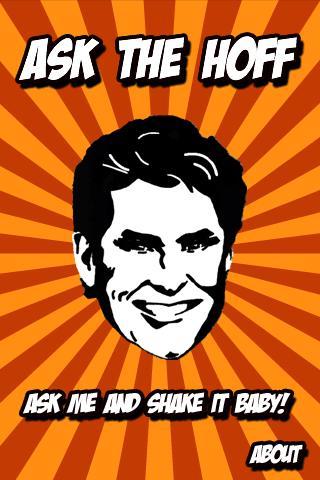
When faced with a very important and life-changing decision, have you ever asked yourself, “What would David Hasselhoff do?” If you have, at least two things are true: You may need psychiatric evaluation, and you may want to purchase this app. It features exclusive audio of the Hoffman himself, so any Knight Rider or Baywatch fan can rest easy knowing advice from the Hoff is just a phone-shake away. It’s like a Magic 8 Ball with a drinking problem.
WWE Presents: Rockpocalypse – iTunes, free

You get to pretend that you are Dwayne ‘The Rock’ Johnson, on set filming your latest movie. You also get to pretend that the world is overrun by crazy, virus-infected people and that only you can punch and beat them to a pulp in order to save the day (and your movie). Oh, and there’s also pie.
It’s Britney! – iTunes, $1.99
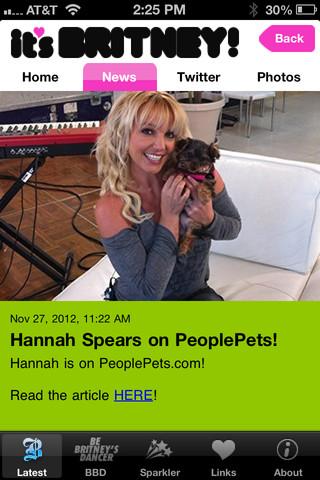
If you can’t be troubled to listen to the song Scream & Shout and hear Brit say “It’s Britney, bitch!” or check out her Twitter profile for news and updates, then this app is probably for you … if you don’t mind ponying up two bucks for it (yeah, that’s right, $2). You can also pretend to be besties with her by inserting yourself in photos. That last one could be pretty hilarious I admit, but why settle for being next to her when you can be her through FaceInHole?


