  1. Home
  2. Computing
  3. Apple
  4. Legacy Archives

Apple updates Mountain Lion to 10.8.4 with fix for Messages, Exchange, and FaceTime bugs

Add as a preferred source on Google
OS X Mountain Lion
Image used with permission by copyright holder

Though the sun is quickly setting on Mountain Lion, Apple released an update for its current operating system today. This is likely to be the last major update to Mountain Lion as Apple’s new OS is slated to be unveiled at WWDC next week. The update bears the less-than-sexy moniker 10.8.4 and fixes various bugs while adding several improvements. It’s available for download today through the Mac App Store Software Update.

The squashed bugs include issues with FaceTime calls to non-U.S. numbers and enterprise Wi-Fi connections. The update also includes improvements with Microsoft Exchange compatibility in Calendar and improvements with VoiceOver in PDF documents. Lastly, the update bumps Safari up to version 6.0.5, which, according to Apple, “improves stability for some websites with chat features and games.”

Recommended Videos

One of the biggest fixes included in this update stops iMessages from appearing out of time order, a massive pet peeve for anyone trying to follow a conversation within Messages.

The full release notes for OS X 10.8.4 state the following changes:

  • Compatibility improvements when connecting to certain enterprise Wi-Fi networks
  • Microsoft Exchange compatibility improvements in Calendar
  • A fix for an issue that prevented FaceTime calls to non-U.S. phone numbers
  • A fix for an issue that may prevent scheduled sleep after using Boot Camp
  • Improves VoiceOver compatibility with text in PDF documents
  • Includes Safari 6.0.5, which improves stability for some websites with chat features and games
  • A fix for an issue that may cause iMessages to display out of order in Messages
  • Resolves an issue in which Calendars Birthdays may appear incorrectly in certain time zones
  • A fix for an issue that may prevent the desktop background picture from being preserved after restart
  • A fix for an issue that may prevent documents from being saved to a server using SMB
  • Addresses an issue that may prevent certain files from opening after copied to a volume named “Home”
  • A fix for an issue that may prevent changes to files made over NFS from displaying
  • Resolves an issue saving files to an Xsan volume from certain applications
  • Improves Active Directory log-in performance, especially for cached accounts or when using a .local domain
  • Improves OpenDirectory data replication
  • Improves 802.1X compatibility with ActiveDirectory networks
  • Improves compatibility when using mobile accounts

What are you waiting for? Go update your machine now before your OS becomes obsolete next week.

Meghan McDonough
Former Contributor
Meghan J. McDonough is a Chicago-based purveyor of consumer technology and music. She previously wrote for LAPTOP Magazine…
Shopping for back-to-school? These are the budget laptops I’d actually recommend
From a $359 Chromebook to the cheapest way into macOS, these are the budget picks worth your money.
Computer, Electronics, Laptop

The back-to-school season often turns into a laptop, especially the budget ones that aren't too heavy on your wallet. Due to the ongoing memory crisis, most manufacturers have already bumped up their laptop prices, including Apple. However, that doesn't mean that I won't help you get a new machine. So, for this one, I spent time digging through spec sheets, customer ratings, and price tags, finding devices that don't just look cheap in an Amazon listing, but actually hold up. 

From a flexible touchscreen Chromebook to the least expensive way into macOS, these six laptops balance price and performance well. I'd hand any one of them to a student heading back to campus this fall, depending on what they need and what their priorities are. 

Read more
Asus’ latest Zenbook puts a seriously bright OLED screen inside an impossibly slim body
The Zenbook 14 Air is only 11mm thick but still packs a 77Wh battery
Computer, Electronics, Laptop

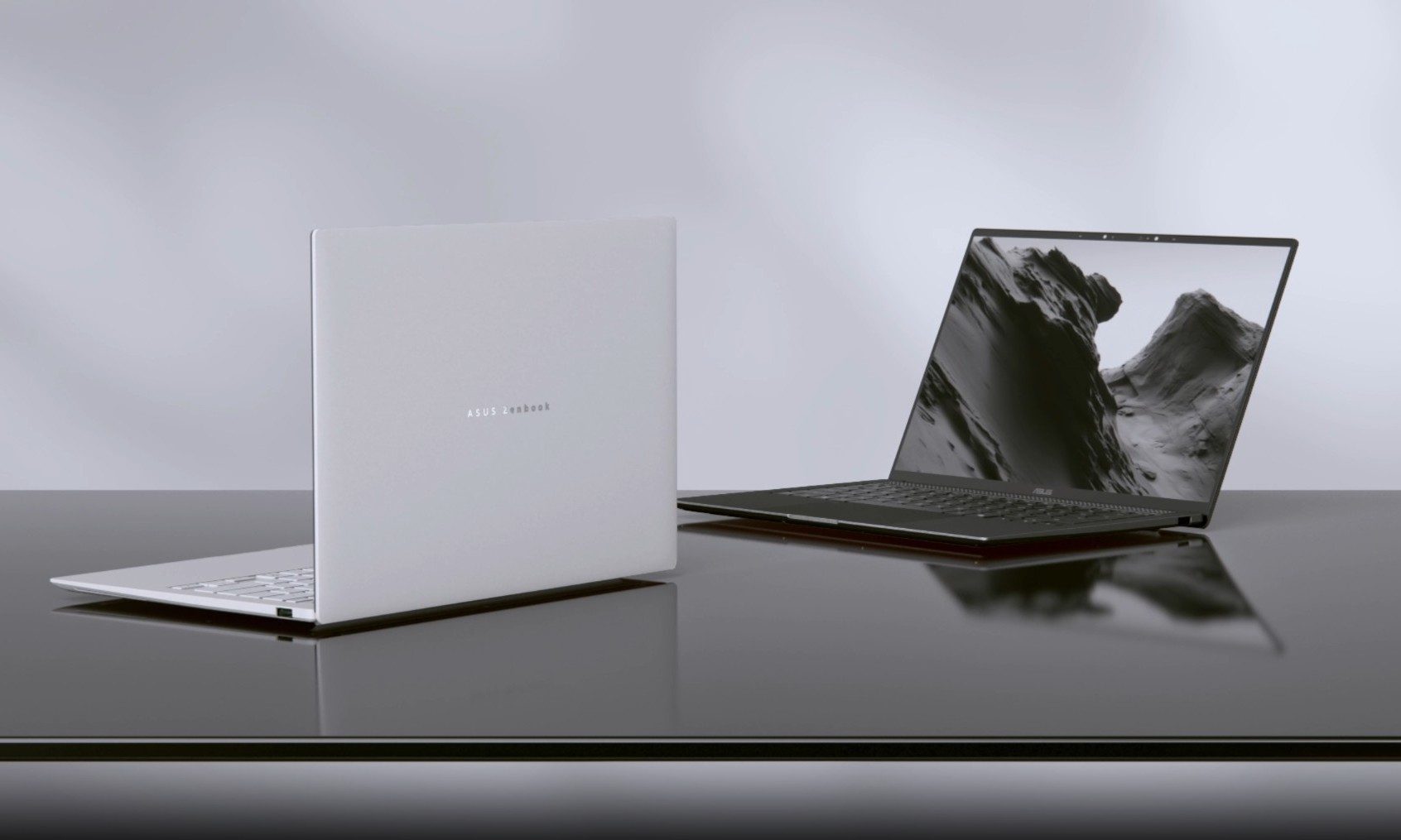
Asus has introduced a new AMD-powered version of the Zenbook 14 Air 2026, combining a bright OLED display and a large battery inside an 11mm-thick chassis. It weighs 1.19kg, keeping it firmly in ultraportable territory despite the 77Wh battery inside.

The Zenbook 14 Air 2026 itself is not entirely new. Asus launched an Intel configuration powered by the Core Ultra 9 386H in China back in January. The latest version switches to AMD’s Ryzen AI 7 H 445 and is priced at CNY 9,999, or around $1,477. (via Notebookcheck)

Read more
Before you blow your student budget, here’s the MacBook that actually suits your major
Confused by the MacBook lineup? I sorted it out so students don't have to
Computer, Electronics, Laptop

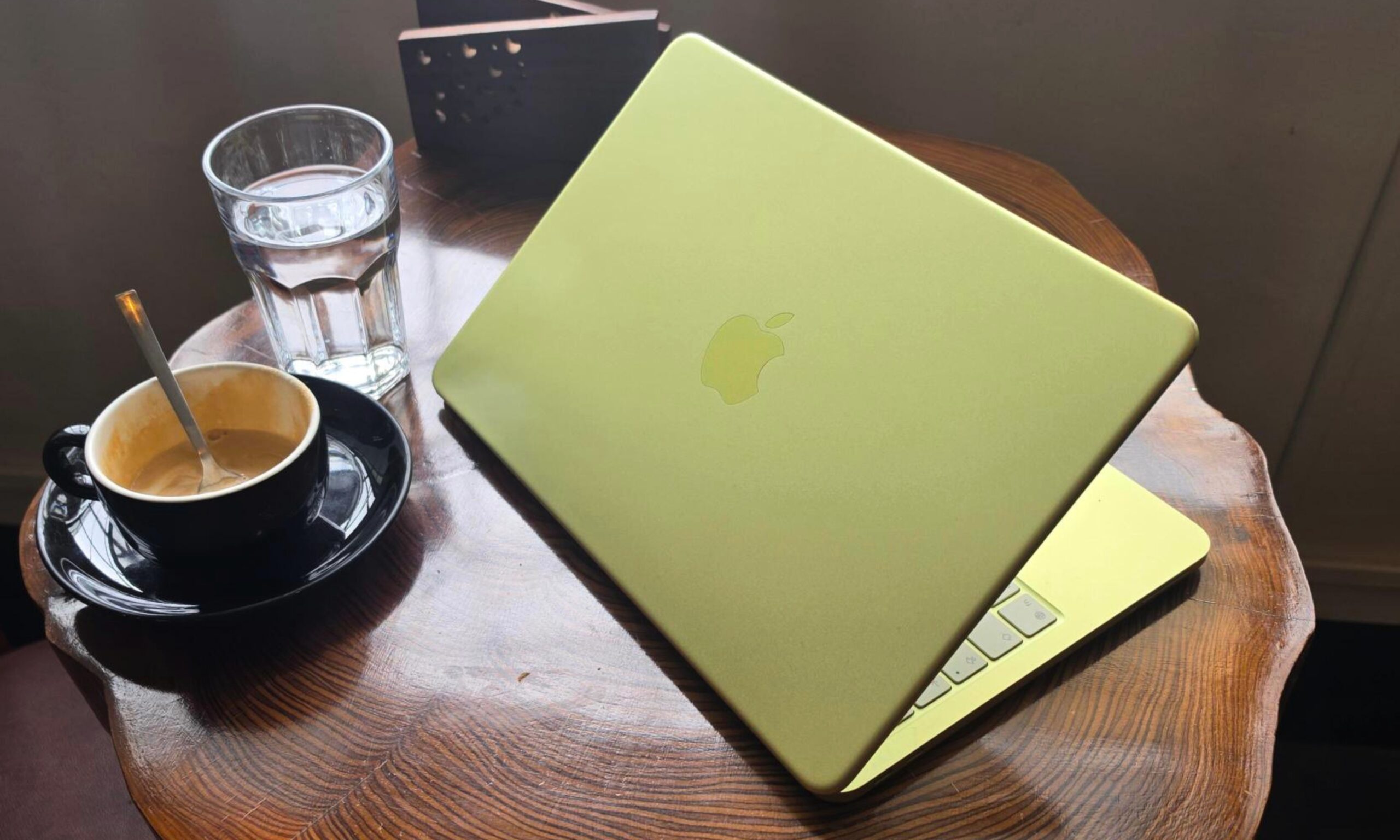
Apple’s MacBook lineup has become much broader in 2026. The MacBook Neo brings the entry price down considerably, the M5 MacBook Air remains the obvious all-rounder, and the MacBook Pro covers students whose coursework can push a laptop to its limits.

But with a wide range, choosing one becomes harder. Spending more can bring a better display, faster storage, additional ports, and considerably greater performance. However, plenty of students will never take advantage of those upgrades. So, I have narrowed the current lineup down to three models, each aimed at a distinct kind of buyer.

Read more