

Samsung and Sony garnered most of the tech press’ attention yesterday with a smartwatch and smartphone-tethering cameras. But Toshiba is hoping to make some waves today, announcing a trio of new devices that – while perhaps not as revolutionary – are certainly interesting in their own right – especially if you’re looking for a new budget-priced laptop or tablet.
Satellite Click
Check out our review of the Toshiba Satellite Click tablet/laptop.
First off, the Toshiba Satellite Click is a 13.3-inch IPS touchscreen detachable laptop/tablet hybrid that’s most noticeable because of its lack of Intel-based internals. Instead, the Click will sport a low-power AMD A4 (Temash) processor, Radeon 8000 graphics, a 500GB hard drive, 4GB of RAM, and dual batteries.
 Its design looks a bit like HP’s Envy x2, but the Click will presumably at least be slightly more powerful than the x2’s Intel Atom processor. Like the x2, Toshiba says the Click has no fan, so you can count on it being dead-quiet.
Toshiba says the Click’s removable upper tablet portion will have a Webcam, Micro USB 2.0, an HDMI port, and a MicroSD slot. The keyboard base, along with an additional battery, will add a USB 3.0 port with sleep-charging capabilities. We’d like to see a full-size SD card slot here, but Toshiba makes no mention of that feature in the press release. It also doesn’t mention screen resolution, so it’s safe to resume it’s not 1080p.
Those looking for a comfortable laptop experience, though, will be happy to hear the hinge opens up to 125 degrees in laptop mode.
Toshiba says the Click will be available in September, exclusively at Best Buy stores. But price, at least for the moment, is still a mystery.
Toshiba Encore
Next up, the Toshiba Encore is an 8-inch Windows 8.1 tablet that looks to give Lenovo’s Miix 8 and Acer’s Iconia W3 some competition. The Intel Atom-powered slate is said to be a fairly chunky 0.42 inches thick, but weighs just over a pound (16.9 ounces), with a scant 32GB of storage and a MicroSD slot, along with a USB 2.0 port.
The 8-inch, 1,280 x 800 LCD screen won’t win any resolution accolades, but Toshiba does promise “wide viewing angles.” The company also says the tablet will ship with a full copy of Office Home & Student 2013, along with the Xbox Smart Glass app and a “free streaming pass to Xbox Music” (no word on how long that lasts).
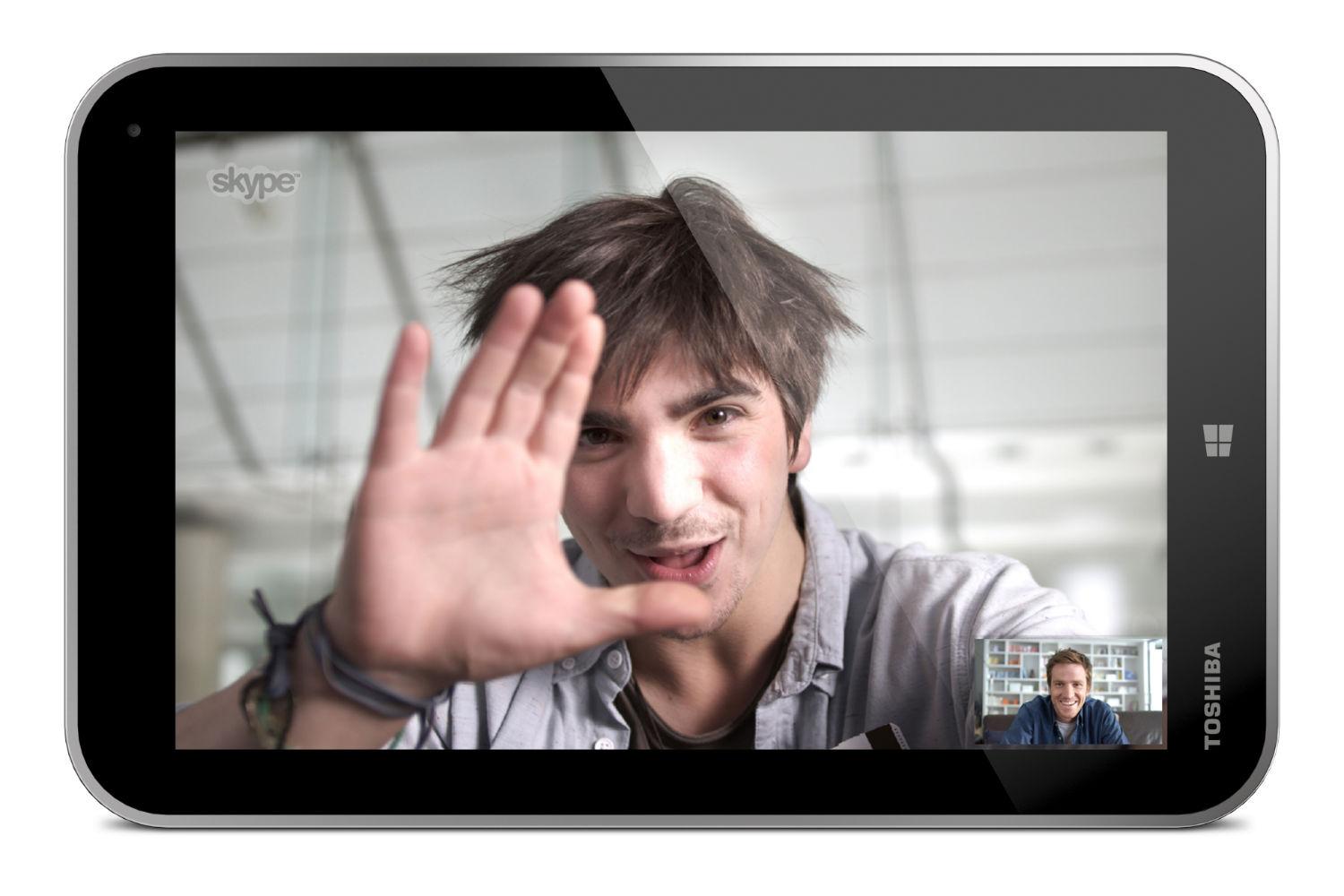
The Encore’s specs may not exactly be exciting, but at least pricing sounds appealing, especially if you were already planning on purchasing a copy of Office 2013. Toshiba says the Encore will be available at major retailers and e-tailers in November for an MSRP of $330.
If you plan on actually doing work with Encore, though, expect to also be picking up a keyboard and a stand. The company calls the Encore “Great for play. Ideal for work.” But there’s no mention of any input method, other than touch.
Satellite NB15T touch-enabled laptop
Lastly, the Satellite NB15t looks to undercut low-priced touchscreen laptops like Asus’ VivoBooks and HP’s Touchsmart Sleekbooks, with an enticing starting MSRP of $380 and a sleek-looking design for a budget laptop.
At that price, though, the specs aren’t exactly exciting. The 11-inch NB15T will run on an Intel Celeron (N2810) dual-core processor and sport a 500GB hard drive. The laptop will have USB 3.0 and an SD card reader. And at 3.3 pounds, it won’t feel like a brick in your bag.
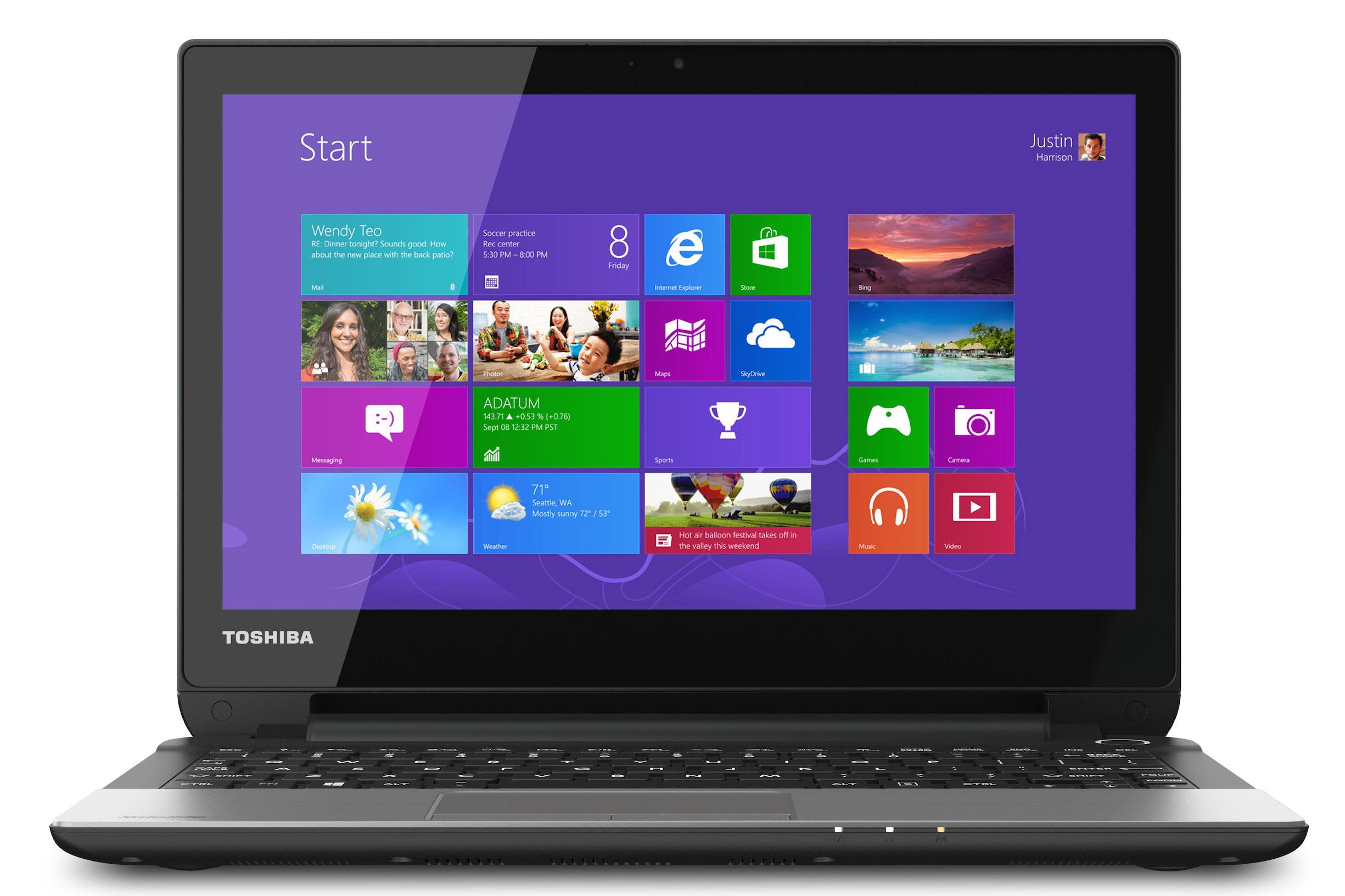
Toshiba says the NB15T will be available in November via online retailers an at ToshibaDirect.com


