Remember that guy who created the perfect wedding for his wife using her Pinterest? No. Well remember that time you got a bunch of new customers using Pinterest? You should. It’s happening, this internet giant is making the jump from time-waster to marketing tool with the rest of it’s social media friends, and it is time for all small business owners to get on board.
Now before you completely write the rest of this article off saying, “But Pinterest is for pictures of wedding cake and dogs,” you’re right. But that doesn’t mean it can’t be used to bump up your business as well. It is okay to use Facebook and Twitter, why not just use the same log in and password on a different site? Just take a gander at these interesting uses for Pinterest and think about how they could make any business more awesome.
1. Make boards about things customers wouldn’t think about
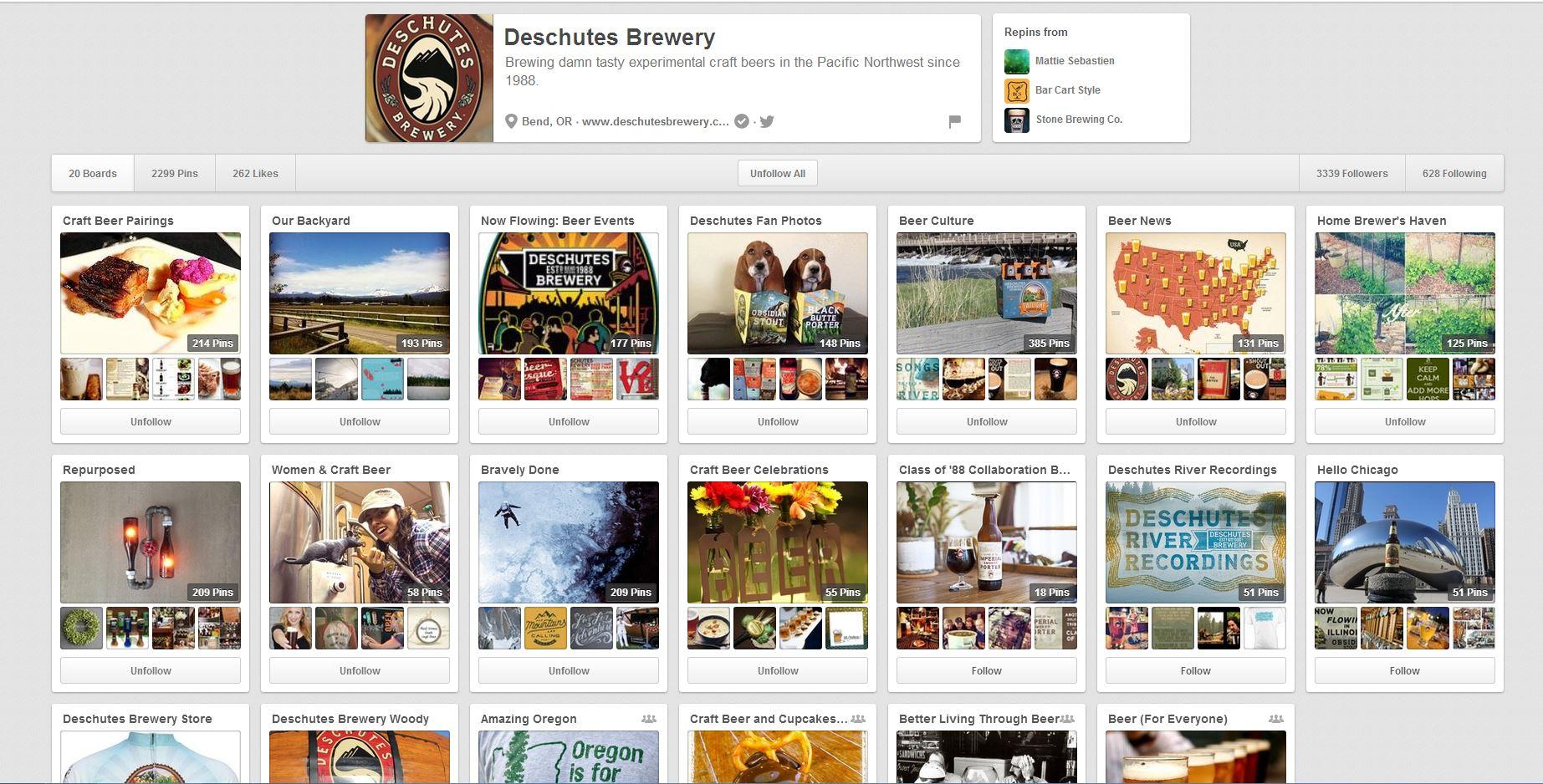
Most companies post photos of their product or services, but it is way more fun to think out of the box, or boards … I’m not sorry. Follow the lead of Deschutes Brewery in Oregon. Their page has boards for recipes using beer, lists of events they are putting on and even how to reuse old bottles around the house. This is a fun way to extend your brand and make your company even more useful and accessible. Deschutes even has a board for beer news so people can learn more about their product. Become the go-to for information on your product while also producing some really interesting content. Pinterest is hip and educational.
2. Contests
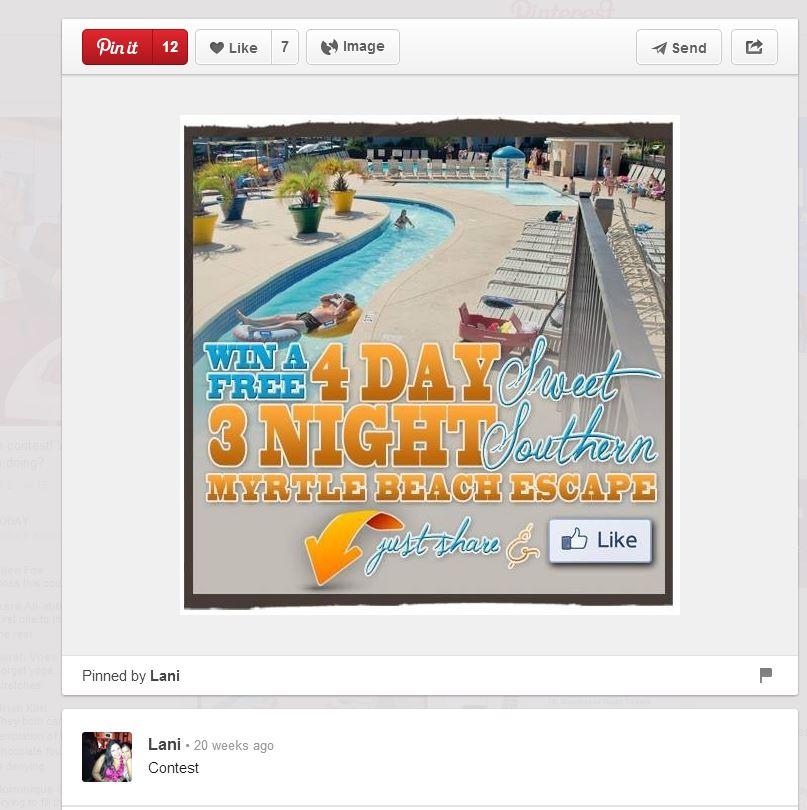
It is hard to go wrong when feeding into people’s basic human need to be better than someone else. Randomly choose a “follower of the week” and put that person on your page for the whole week, or even offer up a weekly prize. People will want to get in on the action once they hear about the $25 gift card. There are many ways to do this, so make it your own.
3. Add a pin it button to your website

This is the easiest way to use Pinterest in a business. The Pinterest button works just like a Facebook or Twitter button. Allow people to share things they think are cool from your website and your name will get out there. Social Media is all about being lazy convenience, so adding a button is a quick and efficient way to get people involved in what you’re doing. It’s free, it’s easy, and you can set it up for your site by following the instructions here. The people that pin things from your site will most likely follow you as well. It is just the right thing to do.
4. Bundle your social media
Nothing goes better with social media than other social media. If you don’t have your Twitter connected to your Facebook and vice versa, you’re doing it wrong. Cross promote everything on everything and people will follow. Why do you think they’re called followers?
5. Coupons
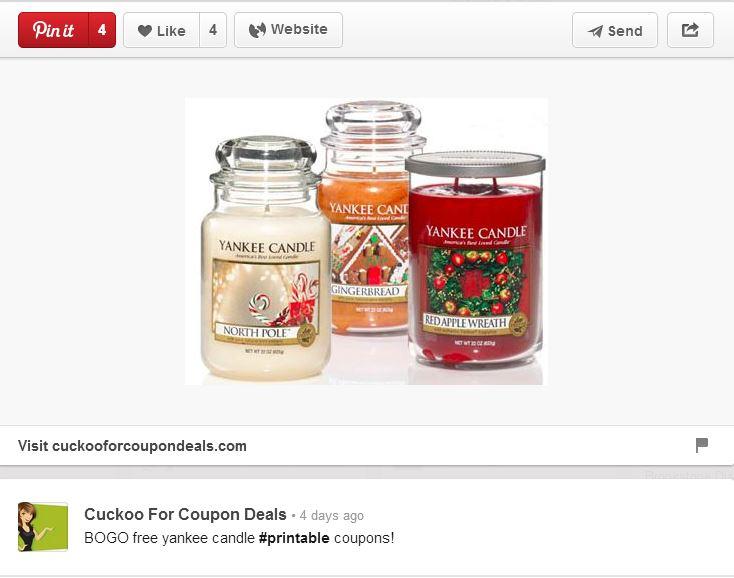
People love coupons and they will print them and cut them out for stuff they don’t even need. It is a proven fact that even if they won’t use the item the coupon is for, people will consider buying it just for the discount. I’m not going to back up that claim, but it’s true. Posting coupons is a great way to get people picking up what you’re laying down, so to speak. Just make them super easy to print, and don’t put in any crazy expiration dates or small print. These are tips to help your business not make everyone hate you. There is a fine line between being reasonable and just being mean with coupons. Don’t cross it.
6. Actually use it
Surprise, you actually have to update a Pinterest account. People have short attention spans and will only look at the same five pins so many times. Update regularly. If you neglect it you will lose pinners and respect in the world of Pinterest. Pinterest is probably the easiest social media platform. Just put up things that are cool to look at and you are golden. Don’t pin just for the sake of pinning, make it something cool that people will appreciate.
What do you think about our guides to using Pinterest to promote your small business? Got a tip we missed? Let us know in the comments.