
Drone, UAV, sUAS – there are a lot of names for the little (and not so little) flying robots that, over the next five to 10 years, are expected to take over the skies. But there’s no reason to wait until then to immerse yourself in the world of airborne gizmos. Fun and surprisingly useful, UAVs can quite literally add a whole new dimension to your life. Here are the basics of what you need to know to kick off your drone addiction.
And a drone is … what, exactly?
It’s not a stupid question. When people talk about drones, they could mean a whole slew of different things. Technically speaking, a “drone” refers to any unmanned aerial vehicle (UAV) that can navigate entirely on its own through the help of GPS tracking systems. But in the real world, “drone” often means any UAV, some of which have autonomous flying capabilities, many of which do not – but instead are simply “smart” RC helicopters or airplanes. Many of these UAVs have on-board cameras, crash-avoidance systems, and other high-tech settings not available on traditional RC flying vehicles, making them a kind of hybrid between traditional RC fliers and true drones. I, however, use the term UAV and drone interchangeably – sue me.
In the terms of government, police, or military drones, we’re talking about large, staggeringly complex UAVs, operated by highly skilled pilots. Some of these drones, like the Predator or Global Hawk, can carry missiles that kill people – which is one reason many people are “anti-drone.” But that’s a topic for another day. For our purposes, let’s just forget all about these futuristic killing machines for a moment and focus on the fun side of drones.
Adopt-a-drone
Okay, so, now we (kinda) know what drones are. How hard are they to fly? It all depends on the specific aircraft. Some are easy enough for your grandmother to get going, others dang near require a computer science degree and a pilot’s license to keep in the air. Luckily, you can start off simple, and move up in complexity (and functionality) as you hone your skills. Below are some solid options for your first UAV.
 Parrot AR Drone v2.0 ($300)
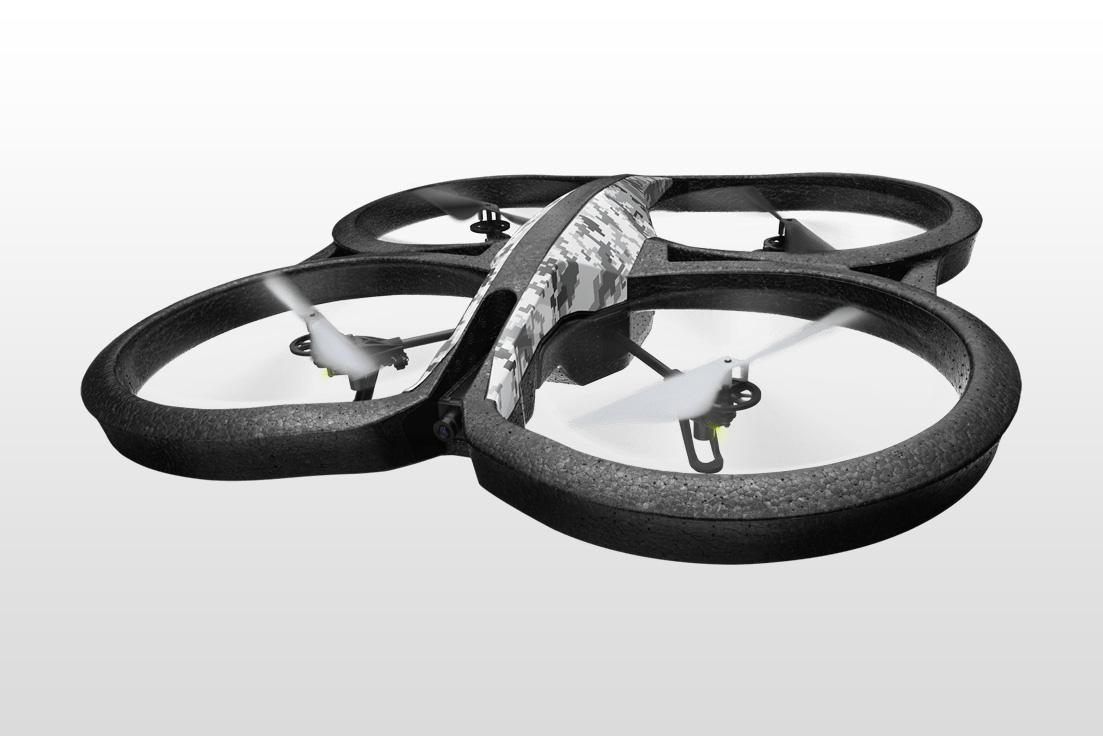
The quintessential “starter” drone, Parrot AR packs in all the features you could want in a casual UAV.Your Android or iOS devices serves as the Parrot AR’s controller thanks to the free AR app, which includes an “Absolute Control” mode for super-easy flying. A slew of sensors and other chips keep track of its altitude. A front-facing 720p high-def camera allows you to record or live stream video during your flights, while a lower-res down-facing camera lets you get a drone’s eye view – and that’s just a fraction of the this bad boy’s features. The AR also comes with two choice of body shells: One for outdoor flying, and an “indoor” shell that keeps the high-velocity spinning propellers from causing any serious damage. If you’ve never owned a drone before, this is the one to buy.
DJI Phantom 2 Vision quadcopter ($1,200)
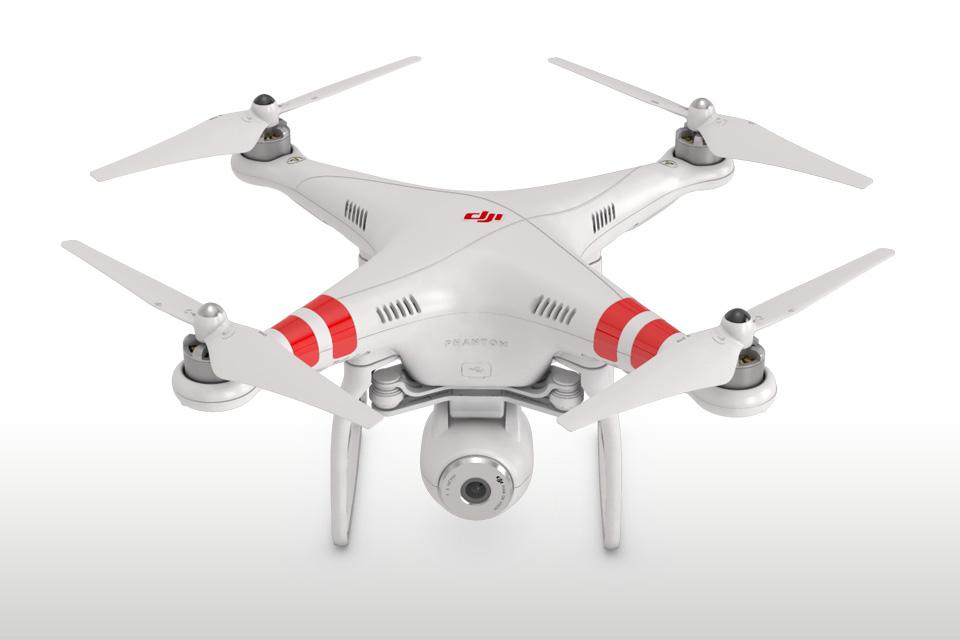
The Phantom 2 Vision is all about the camera. Capable of shooting up to 1080p high-definition video or snapping 14MP resolution photos, the Phantom 2 Vision’s camera can also provide the quadcopter’s POV while you’re flying the craft by streaming video to your smartphone via a free app. The app also allows you to snap photos and post them to social media while the Phantom is still in the air. How awesome is that? Other features include a battery that provides 25 minutes of flight time (one of the industry’s longest), a flight range of 300 meters, and a GPS navigation functionality that autonomously guides the Phantom to the last place it took off.
STORM Drone 6 GPS ($450)

Slightly more advanced than the other systems, the STORM Drone 6 requires some setup procedures, so it could take a few days to get it together. But considering much of the more advanced drones require even more DIY know-how, it’s not a bad move to get some practice putting these puppies together. STORM Drone 6 is made specifically for all you GoPro lovers out there, with a specially designed mounting system for capturing mid-air video. You’re not going to get any nifty smartphone apps or easy pilot modes with this one, however, so be prepared to crash.
Drone dos & don’ts
Okay, I know what you’re thinking: Yes, these camera-equipped drones could be used to spy on people. But don’t be a perv – that’s rude, and quite possibly illegal. Also note that Federal Aviation Administration rules say that you can’t take your drone over 400 feet in the air, and you can’t fly it out of the line of sight – even if you’re guiding it with the help of the camera.
Also, once you get a bit of practice, you might start thinking about how to make money off your newfound drone skills. But beware: The FAA bans all “commercial drone” purposes, unless you receive special permission from the agency, which isn’t easy to do. So think twice before you slap “Aerial photographer” on your business cards.
Finally, take things slowly when you’re first getting started. There will be plenty of time to show off your skills – once you actually have some.


