

“Despite its great display and powerful processor, the Tab-Book 2 can’t overcome the problems common to sliders.”
- Sharp 1080p touchscreen
- Core i5 and Atom processor options
- Solid feel
- Heavy for its size
- Keyboard isn’t great
- Pricing and availability is unknown
“Why you can trust Digital Trends – We have a 20-year history of testing, reviewing, and rating products, services and apps to help you make a sound buying decision. Find out more about how we test and score products.“
Despite its great display and powerful processor, the Tab-Book 2 can’t overcome the problems common to sliders.
We’re not a big fan of sliding convertibles. They tend to be heavy, awkward and often suffer from a poor keyboard. A lot of manufacturers have abandoned the idea in favor of dockables or unique designs, but LG has given the sliding hinge a second chance with its Tab-Book 2.
The device’s most eye-catching feature undoubtedly is its 11.6-inch IPS, 1080p touchscreen. LG claims it can reach a maximum brightness of 400 nits, which is extremely high. We doubt it can actually reach that lofty figure, but it was bright enough to be easily visible on the show floor despite significant glare.
While all versions of the Tab-Book 2 have a 1080p screen, there are actually two distinct versions of the device. The 11T740, which is the “flagship” of the line, boasts an Intel Core i5 processor and is 16.7-millimeters thick. The 11T540, meanwhile, has an Atom processor but shaves off three millimeters. Weight comes in at 2.31 and 2.05 pounds, respectively.
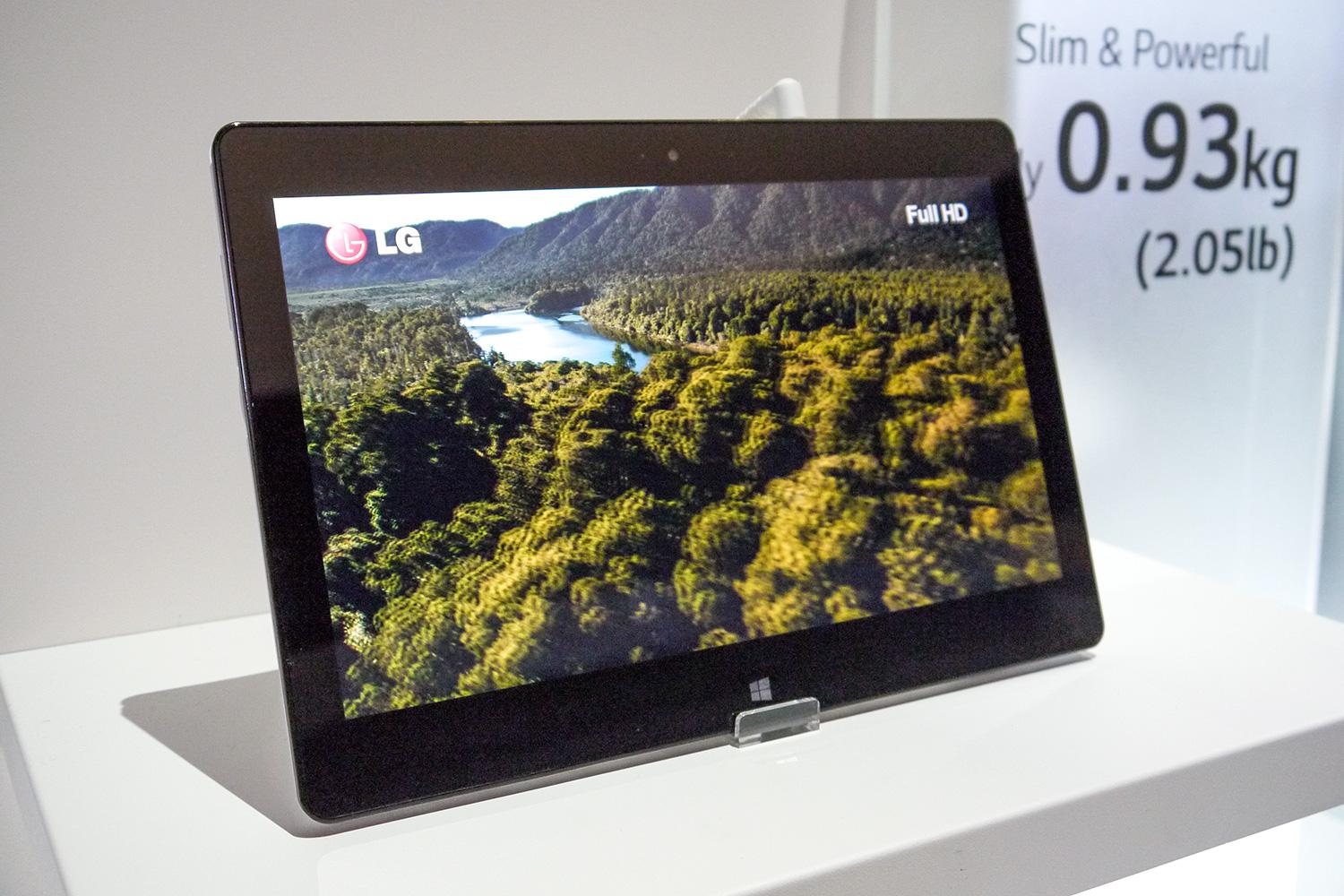
We must admit that, as sliding convertibles go, the Tab-Book 2 is pretty nice. The sliding action felt smooth and easy to use, but could also be locked to prevent accidental activation. Build quality was strong and the chassis didn’t exhibit the flimsy feel that past sliders have suffered from. The inclusion of a Core i5 processor in the flagship model is great, and gives it serious performance chops.
At the same time, the Tab-Book 2 doesn’t overcome the problems common to this form factor. 2.3 pounds of bulk may not seem like a lot, but it makes the device harder to handle than something like an iPad. The keyboard isn’t great either. There’s no palmrest, key caps are small, and the layout is unusually wide from left to right yet narrow from top to bottom. Our attempt to type with the Tab-Book 2 was littered with missed keys.
Pricing and availability are unknown at this time, but a second-quarter release is likely. Whatever it costs, though, we doubt it will convince many to abandon their Yoga or XPS 12, nevermind an iPad Air or Android tablet.
Highs
- Sharp 1080p touchscreen
- Core i5 and Atom processor options
- Solid feel
Lows
- Heavy for its size
- Keyboard isn’t great
- Pricing and availability are unknown


