
Another Microsoft Build conference, another series of announcements that are decidedly ho-hum. This has been the routine for each of Microsoft’s developer-focused conferences, and it unfortunately highlights exactly what’s wrong with the company. During the three hour opening talk, numerous speakers revealed multiple features, products and services – yet it’s clear that the company is still catching up, instead of paving a path for its future.
Cortana, Swype, notifications and more
The first hour of the keynote was devoted mostly to Windows Phone 8.1, and the lion’s share of that hour to Cortana, Microsoft’s version of Siri. Yes, it’s true; the company has named its personal assistant after a busty video game character who once uttered the words “Come on, chief. Take a girl for a ride.”
Cortana is certainly needed, but it’s hard to get excited about the introduction of a voice assistant now that Siri has been with us for over two years. Microsoft’s implementation is, for the most part, simply a re-creation of what iOS users have enjoyed for a while now. Whether or not it may prove to be a match for Siri (or Google Now) is impossible to know, but the occurrence of several glitches during the presentation does not inspire confidence.
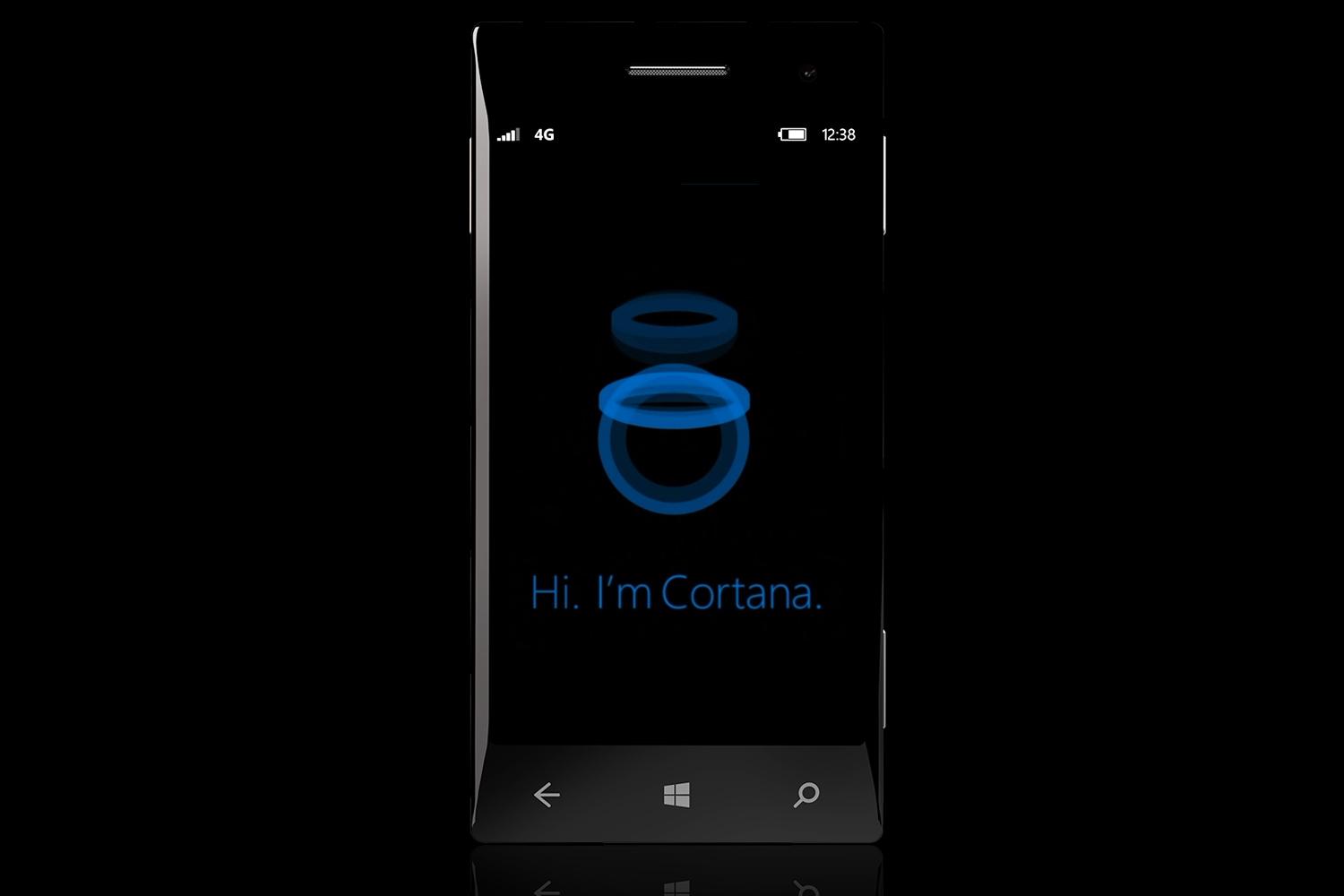
Microsoft also announced a new Swype-style keyboard called Word Flow, and a customizable notification feature called Action Center. Again, these are nice additions, but it’s all catch-up work that merely helps Windows Phone compete in areas where it was previously deficient. The mobile version of Windows still lacks an awesome feature that could make Windows Phone devices a must-have.
Windows goes free on some devices
A more surprising announcement came later in the keynote; Windows is now free on mobile devices with screen sizes below 9 inches, and on “Internet of Things” devices as well. Microsoft used to charge up to $15 for the operating system, a fact that likely contributed to the slim selection of Windows smartphones on the market.
This move means that Windows Phone is effectively less expensive than Android. Though available for free, Android makes use of patents that Microsoft holds claim to, and the company has used that to extract per-device payments from Android OEMs. Analysts claim that these payments add up to a cool $2 billion per year.
Does this mean that Windows Phone will soon see its popularity explode? Probably not. As already mentioned, we still don’t see a compelling reason for users to switch from Android or iOS. However, this could open the gates for more Windows Phone devices, resulting in more choices for buyers who do want Windows. That’s unarguably a good thing.
Where’s the next Windows for desktop?
The biggest disappointment of the Build 2014 keynote was the lack of any news about Windows 9, aka “Threshold.” We have heard rumors about the operating system prior to the conference, but it turns out that some of those rumors are actually features that will be bundled into an update for Windows 8.1 that will be available for download on April 8.
What’s new? Well, as we already covered, not a lot. While the various tweaks are positive, they’re also trivial, and only serve to remind us of how bad Windows 8 was when it was first released back in late 2012. The introduction of a power button to the Start Screen is a perfect example. Yes, that’s convenient – but why in the world wasn’t that included with Windows 8 in the first place? Why did Microsoft think it was okay to hide the button in the Charms bar?
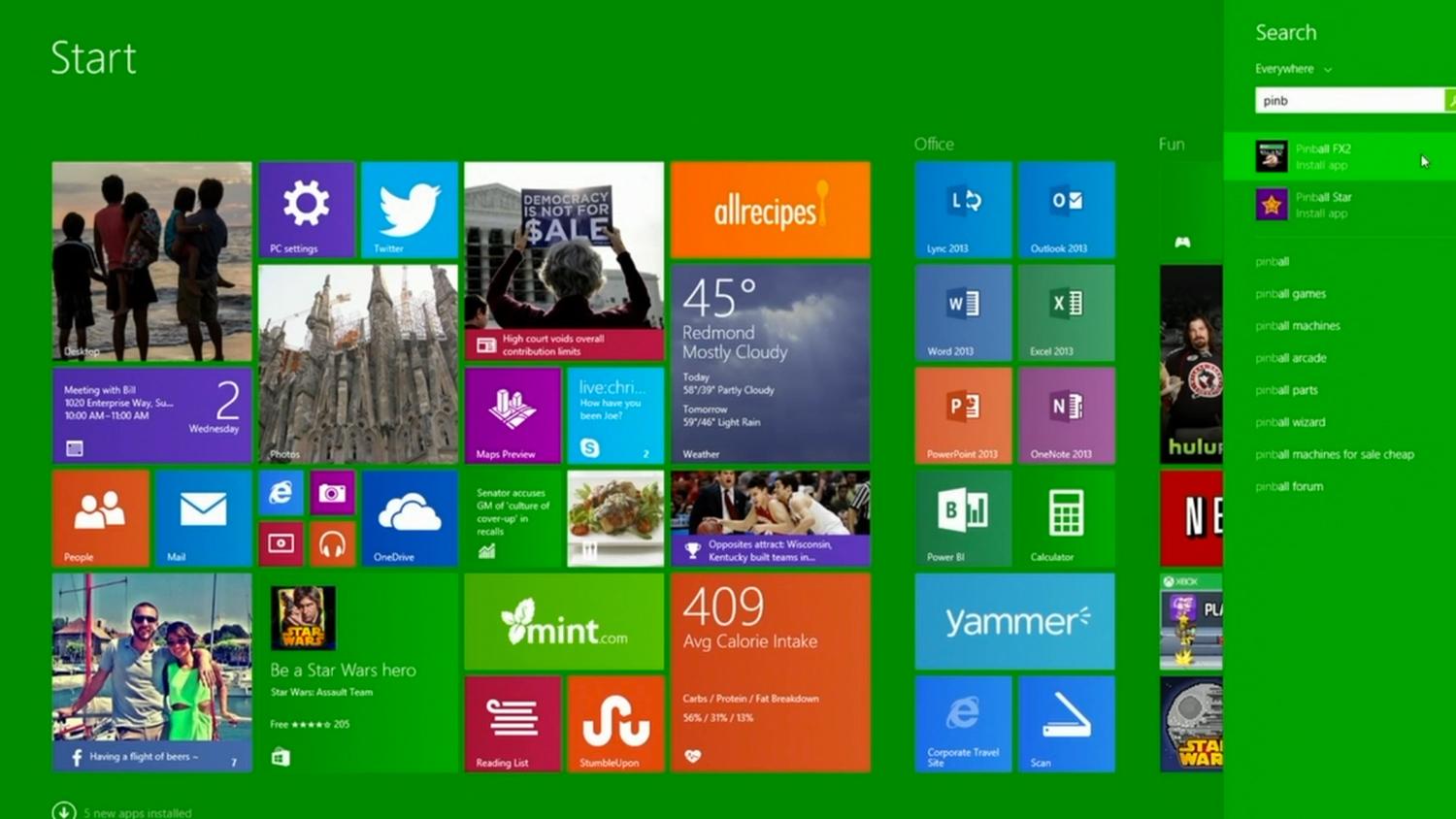
If we sound like a broken record, we apologize, but there’s just so very little to praise here. The complete lack of Windows 9 information is worrying. Rumors say the operating system is only a year off, so Microsoft’s silence can mean just two things; the rumors are wrong, or the company isn’t far enough along in development to feel comfortable with talking about the operating system. Neither is good.
Just one innovation showed promise; the new cross-platform app initiative, which lets developers create a single app for Windows Phone, Windows 8 and even Xbox One. With that said, Microsoft’s recent history is filled with good ideas gone wrong. We’ll get excited when we see it working well in the wild.
Does Microsoft think gamers are idiots?
A small chunk of the conference was devoted to gaming. DirectX 12 is on the way, and while Microsoft already talked about the new API at the Game Developers Conference, it was touched on briefly in the keynote.
Unfortunately, the speech was flubbed by Terry Myerson, who played Forza 5 running on a PC and seemed amazed that the title ran at all. He even went so far as to say “there are not PC games like this.”
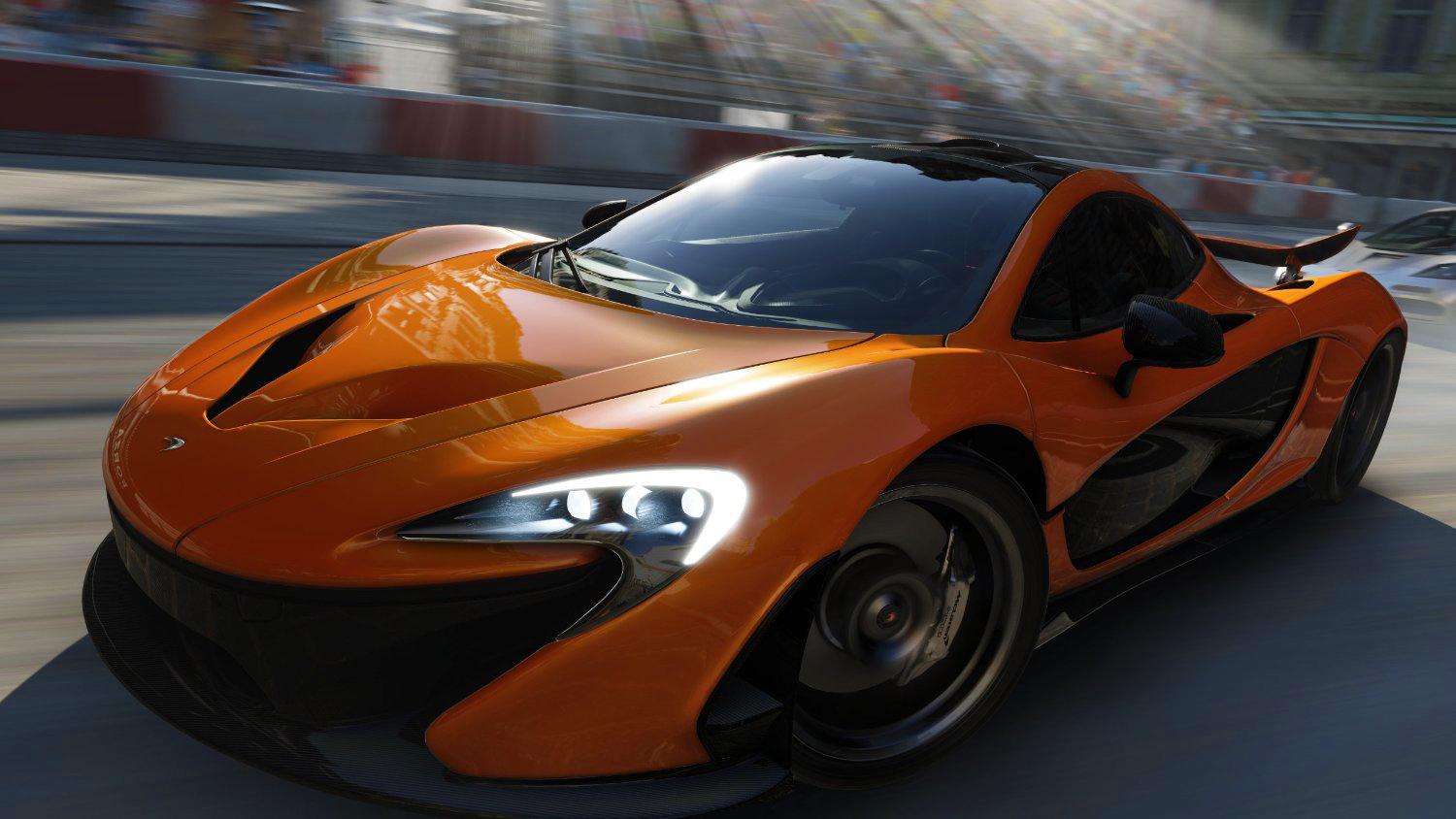
That’s incorrect. Early Xbox One developer kits were essentially PCs, so it’s no surprise that a modern computer can run an Xbox One game, and there are already ports like Titanfall that run substantially better on the PC than on the Xbox One. Either Myerson doesn’t know this, or he was intentionally exaggerating (one might even say lying) on stage. Again, neither is good.
We do think that bringing DirectX 12 to every Microsoft platform is important, and could open new doors for developers, but whatever goodwill gamers had for Redmond has burned away over the last year. Gamers think that Microsoft doesn’t take them seriously, and the latest Build keynote only reinforces that perception.
Conclusion
Microsoft’s future still isn’t clear. The vast majority of the keynote was spent talking about Windows Phone, a struggling platform that hasn’t managed to crack a five percent share in its market. While it needs improvement, it’s hardly the only problem on Microsoft’s plate, and it may already be a lost cause.
Meanwhile, we received no information about Windows 9, and the updates that were revealed don’t address major outstanding issues. What does Microsoft intend to do about poor scaling on high-PPI displays? Will the Windows store ever be properly curated? Is there any chance of seeing new innovations for the desktop interface? These questions remain unanswered.
Another Build, another bust, in other words.The lack of a clear path forward for many of the company’s products, most particularly Windows 8.1, leaves us baffled and frustrated. Will Microsoft ever change? We hope so, but we’re not optimistic.


