1. Home
  2. Computing
  3. Legacy Archives

Hands On with Lenovo’s Dual-Screen W700DS

Add as a preferred source on Google
Hands On with Lenovo
Image used with permission by copyright holder

There are big notebooks, and there are big notebooks. Of these categories, Lenovo’s W700DS most definitely falls into the latter, but the second screen and extreme feature load would seem to justify the weight – for those who really need it.

I had a chance to try the stately behemoth at Lenovo’s recent Digital Experience press event, and while it’s quite a monster, Lenovo has done a respectable job implementing the innovative new dual-screen design too.

Recommended Videos

For starters, every corner of the notebook touts Lenovo’s characteristically refined built quality. The slide-out screen, which you might expect to feel flimsy, was smooth and sturdy as well. Though it doesn’t pivot much to reach the user’s preferred angle, it doesn’t need to either. Lenovo also matched the dot-pitch of the slider to the dot-pitch of the main screen, so that windows spanned across both don’t awkwardly vary in size.

The secondary screen does lack the brightness of the main screen, though. It appeared quite dim under the conditions I tested it with.

While Lenovo’s estimated $3,663 starting price could be called high but reasonable, that’s only the tip of the iceberg in terms of both price and performance. The quad-core version of the machine, specced up with Nvidia graphics, maxed out RAM, and other features could run into the $7,000 to $8,000 range. That’s a lot of laptop. We’re not entirely surprised that Lenovo is pushing it for industries for oil exploration – if you shell out for one, you had better be prepared to strike oil to pay for it.

Nick Mokey
As Digital Trends’ Editor in Chief, Nick Mokey oversees an editorial team covering every gadget under the sun, along with…
Topics
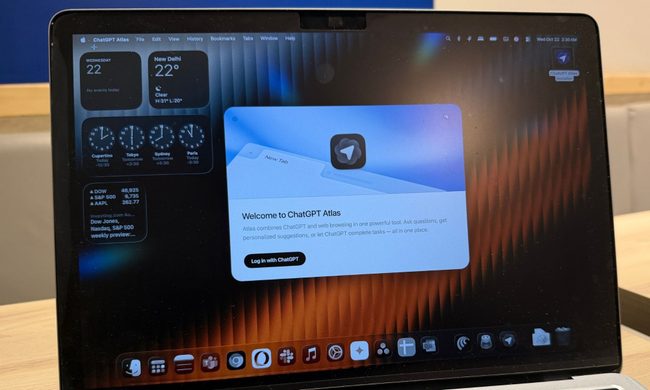
OpenAI is killing ChatGPT Atlas browser. I loved it, but it was an uphill race to the top
It was a trailblazer in a few ways, before it was copied down to its skeleton.
ChatGPT Atlas browser on a MacBook.

When OpenAI launched its own web browser, there was plenty of skepticism as to why a frontier AI lab is even bothering with making a browser in the first place. And yet, the company went ahead and launched ChatGPT Atlas with a heavy dosage of AI features built in. Well, the days of browser ambitions are over, and it will be put on cold ice in September this year.

OpenAI says it is sunsetting the short-lived browser in favor of pushing the new ChatGPT work desktop app, which already has a built-in browser as well as a cloud browser for AI agents. And now that ChatGPT is making its way to other browsers, such as Chrome, as an extension, there is little need for maintaining a dedicated browser project of its own.

Read more
Windows 11 Search is getting bigger, but only by 4 pixels
The change could be in preparation for the upcoming Ask Copilot feature
Windows 11 Laptop

If you have used Windows 11 Search after the June update, you may have noticed it feels a little less annoying. Microsoft recently made the Start menu and Search more responsive, and also fixed one of Search’s stranger limits by letting it find local files using just two characters.

Now, the company appears to be making a much smaller change. According to Windows Central, Microsoft accidentally revealed that the search box in the Taskbar and Start menu is getting 4 pixels taller. Four pixels sounds like the kind of change only a UI/UX designer could love, but screenshots from the Insider Preview build suggest it is visible once you know where to look.

Read more
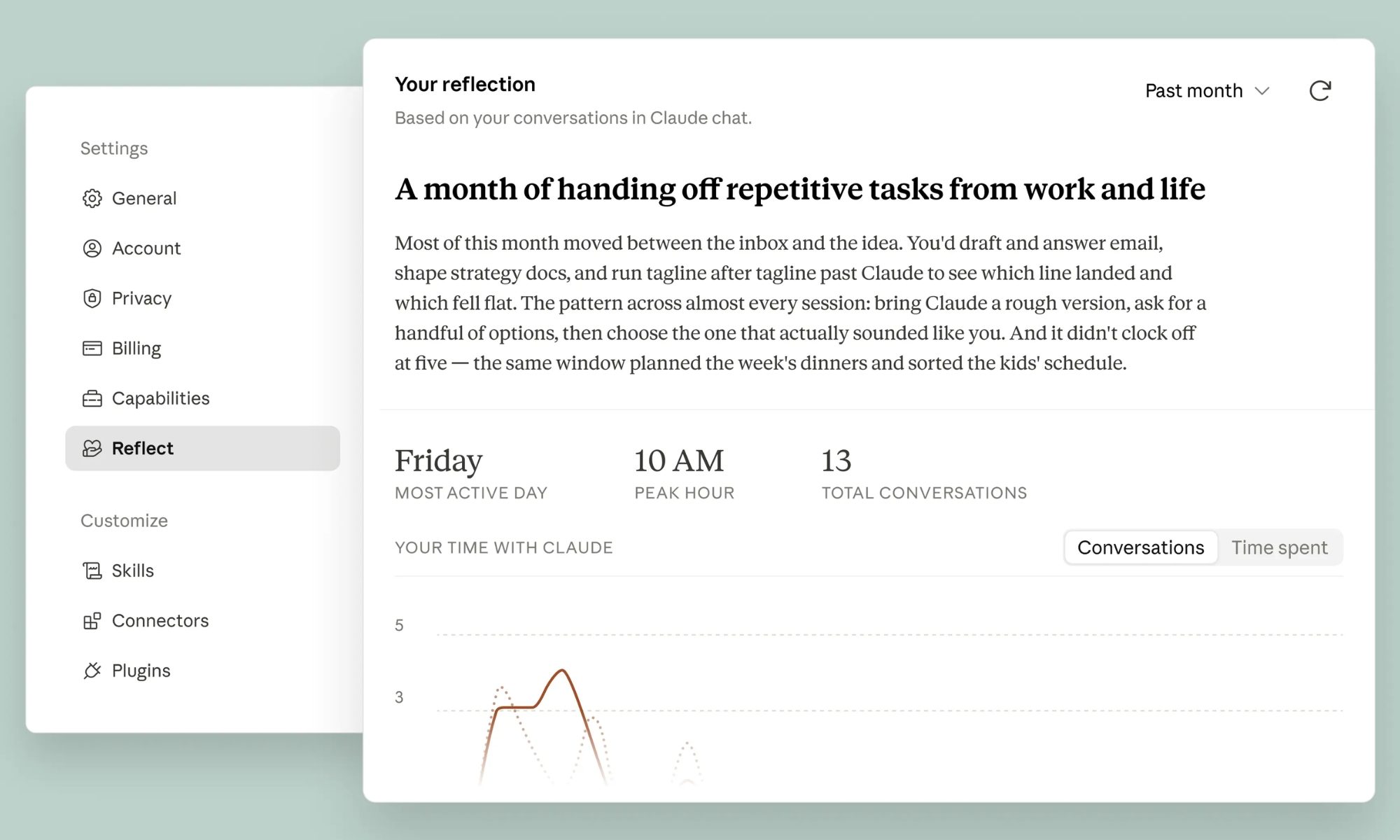
Claude Reflect is here. It’s your usual yearly Wrapped, but with Anthropic’s AI
It also makes you reflect on your usage and reminds you to take breaks.
Page, Text, Business Card

Anthropic just launched a usage analytics dashboard for Claude. It’s like the ‘Wrapped’ feature you see every major streaming or AI service announce at the end of a year, except it’s not called Claude Wrapped.

The feature is called Claude Reflect, as it does more than simply tell you what you’ve been using the AI for. Available in beta for free, Pro, and Max users who have enabled memory, the feature encourages mindful use of Claude or other AI tools. 

Read more