1. Home
  2. Computing
  3. News

You can now make cinametic AI videos in Google Flow just by doodling

The latest update lets you generate visuals, add objects and adjust camera angles

Add as a preferred source on Google
Google-flow-ai-videos-doodle
Google

What’s happened? Google Flow, the AI video-making tool that turns your ideas into cinematic clips, just got a major refresh. Apart from its existing video features, Google Flow now supports Nano Banana Pro for image generation and a refreshed version of the underlying video model Veo 3.1, which brings more control, realism, and flexibility to creators.

  • The latest update unlocks four powerful new capabilities: image creation with Nano Banana Pro, doodle-based instructions, object insertion/removal, and camera angle adjustment.

This is important because: The latest updates make your Flow projects feel more like cinematic videos, not rough drafts.

  • Flow’s new Images tab lets you create or refine characters and visuals before turning them into video. Nano Banana Pro adds greater control over lighting, focus and colour, plus the ability to tweak poses or blend multiple reference images without starting over.
  • You can now draw directly on an image instead of relying only on text prompts. Flow reads your doodles as instructions and applies them to the final frame.
  • Google Flow now lets you add or remove specific objects in a clip without changing the rest of the scene. Object removal will roll out next month and will start as an experimental feature.
  • If a camera angle or movement doesn’t look right, you can now adjust it after the clip is generated. This works best on videos that don’t already include camera motion.
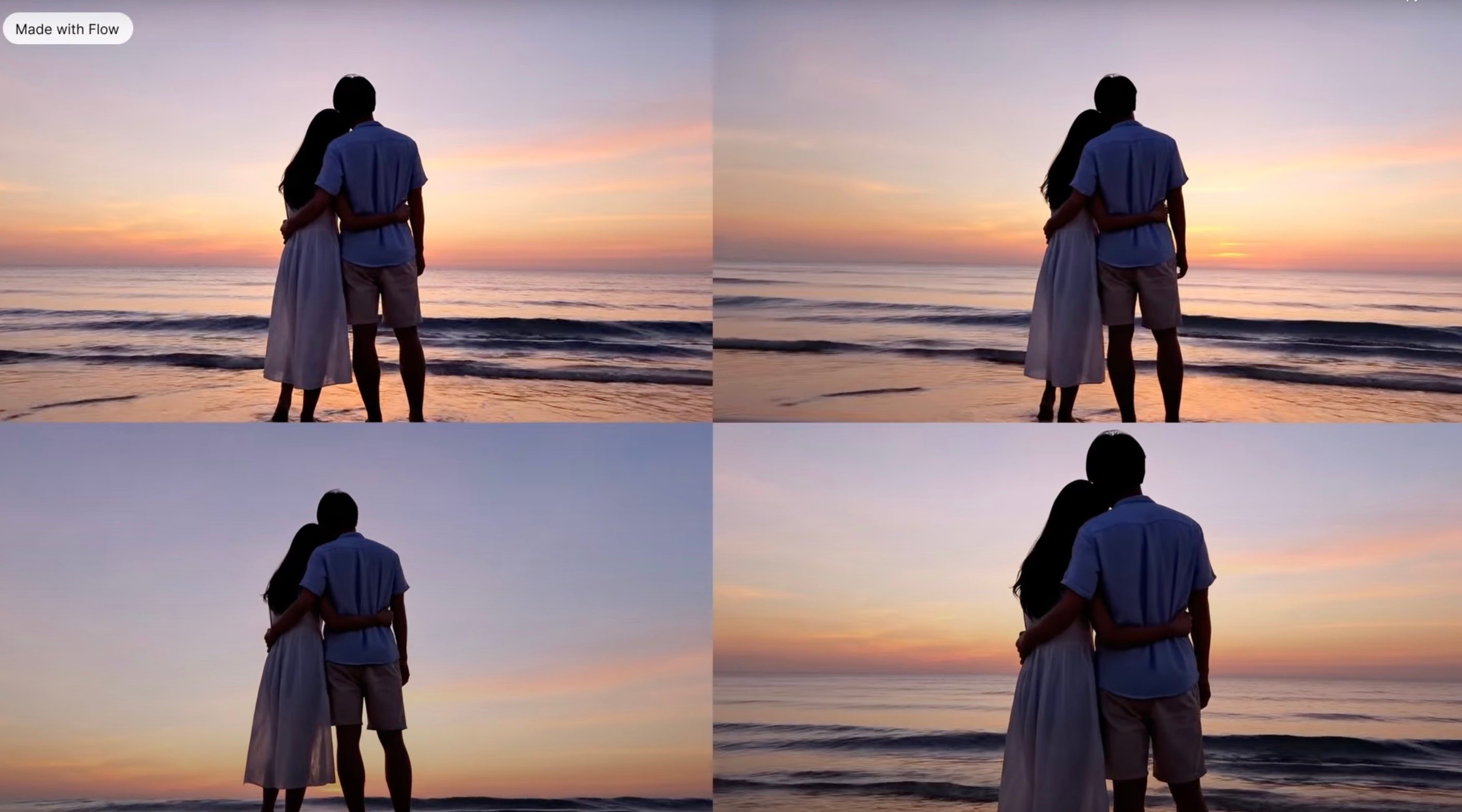
Why should I care? With AI-powered capabilities, you don’t need a large crew, dedicated hardware, or traditional filming, as Google Flow lets you bring ideas alive just with imagination and a prompt.

  • You now have the tools to create fully cinematic videos with audio and polished editing, right inside the browser.
  • You don’t need separate editing software for layering sound or cleaning up scenes, as Google Flow can now handle that end-to-end, saving time and technical headaches.
Recommended Videos

Whether you’re a filmmaker experimenting with ideas, a content creator chasing a quick turnaround, or someone curious about storytelling, the upgrade makes video production more accessible, flexible, and powerful.

Manisha Priyadarshini
Manisha Priyadarshini is a tech and entertainment writer with over nine years of editorial experience.
A Windows 11 bug may be quietly eating hundreds of gigabytes of your storage
Windows 11’s storage-eating bug now has a fix from Microsoft
Windows 11 suffering from RAM crisis

If your Windows 11 PC suddenly looks low on storage, your downloads folder or game library may not be the problem. According to Windows Latest, a bug tied to a Windows system file can silently consume tens or even hundreds of gigabytes on the system drive.

The file in question is called CapabilityAccessManager.db-wal, and it sits inside Windows’ Capability Access Manager folder. Windows Latest says the issue may appear as unusually high “System files” usage in Windows 11’s storage breakdown, even though the Settings app does not clearly identify the exact file responsible. In some reported cases, users saw it grow to 200GB, and even more.

Read more
Your next Teams meeting could have an AI teammate that answers questions for you
Teams is getting smarter, cleaner, and quieter about it. The AI features are opt-in, the chat cleanup is automatic.
Computer, Electronics, Laptop

Microsoft Teams is getting a meaningful update that overhauls almost every part of how you use the app, from AI-assisted meetings to a cleaner chat layout. Most of the changes are already in testing, and several are scheduled to roll out before the end of the summer.

Starting with the most interesting addition: an upgraded AI Facilitator that can listen to your meeting, spot when someone seems confused, and generate a response (via Windows Report). 

Read more
A hacker’s arrest just revealed how Microsoft can track your Windows device
Microsoft knew what websites his Windows PC visited.
Windows 11 on a laptop

A teenager allegedly used a VPN to cover his tracks while hacking a US jewelry retailer, but Microsoft knew anyway.

Court documents unsealed in the US case against Peter Stokes, a 19-year-old dual US-Estonian citizen accused of being a member of the notorious Scattered Spider hacking group, reveal that Microsoft provided the FBI with records tied to a tracking mechanism called the Global Device Identifier, or GDID. 

Read more