1. Home
  2. Computing
  3. News

Microsoft makes theming your Windows 11 PC as easy as phones, but not as much fun

Windows 11 finally gets easier, with centralized theming, though the experience isn't quite as playful as what you get on phones.

Add as a preferred source on Google
Screenshot of the Themes section in the Microsoft Store.
Microsoft

There’s a new Themes section in the Microsoft Store for Windows 11. It houses hundreds of curated themes, including wallpapers, theme colors, and other visual elements, that you can download and apply in a single click. The new Themes section aims to make personalization easier for users.

With users now accustomed to rich theming on smartphones and tablets, Microsoft had to address growing complaints that Windows PCs didn’t offer the same level of customization (with the same level of ease). The new Themes section contains over 400 themes, “over 35 of which are new to the store.”

✨Announcing the new Themes department in the Microsoft Store, home for hundreds of free themes to make your PC feel uniquely yours. Explore 35+ new themes from Microsoft and ecosystem artists, featuring over 140 new wallpapers and accent colors. Which theme is your favorite?… pic.twitter.com/rH3PN5n2ws

— Giorgio Sardo (@gisardo) December 11, 2025

While there’s a new way to discover themes, managing them remains a familiar experience via the Settings app. Even though Windows allowed users to tailor their desktop with wallpapers, color schemes, and sounds, the new update streamlines the theme discovery process.

Store-first themes streamline customization

Whether you want seasonal wallpapers, color-matching accent sets, or officially licensed packs from popular games and franchises, the new Themes section should offer all. Microsoft is also highlighting a few themes on the official blog page, including Luminous Flow, Mountain Dwellings, Dreamscapes, Sea of Thieves Official, and Blooming Dimensions.

Recommended Videos

If you’ve ever wanted to customize how your Windows 11 desktop or laptop looks, but the lack of a consolidated solution has stopped you, this update should make it easier with easy discovery in the dedicated Themes section and one-click installation, eliminating the hassle of manually selecting everything.

Microsoft’s move to a Store-first themes strategy reflects a broader effort to centralize content and experiences in the Microsoft Store, much as app discovery works there. In the future, we should see more curated theme collections and personalized recommendations in the Themes section.

Meanwhile, long-time users might want to archive their favorite themes before the legacy web gallery disappears.

Shikhar Mehrotra
For more than five years, Shikhar has consistently simplified developments in the field of consumer tech and presented them…
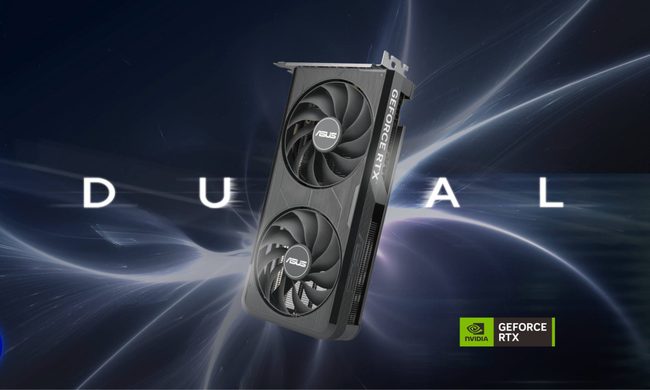
Asus and Gigabyte just made your next RTX 50 GPU even more expensive
One canceled order shows exactly how brutal the current market has become for buyers.
asus-nvidia-GeForce-RTX-5060-evo

After weeks of rumors around another round of hikes, Asus and Gigabyte have pulled the plug. They’ve made the impending price hike official, increasing prices across their entire RTX 50 lineup, and even AMD's Radeon RX 9000 cards. 

It’s worth mentioning that both companies already raised prices in January, blaming the ongoing DRAM and NAND memory shortage and surging costs. From what it looks like, things have only gotten worse since. 

Read more
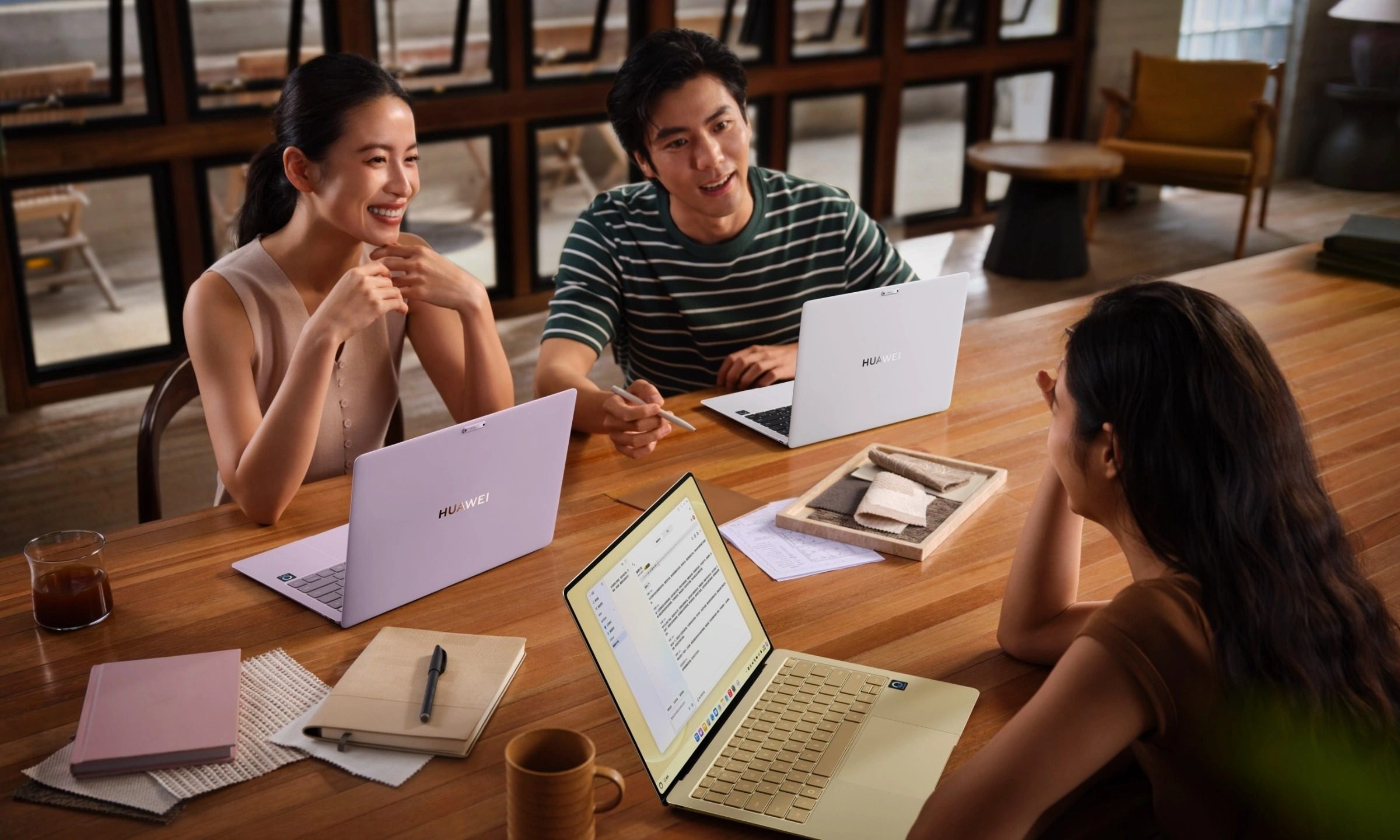
Huawei made an utterly sleek laptop that’s 35% lighter than MacBook Air. Too bad you don’t need it.
The MateBook Pro S weighs less than 800 grams but runs HarmonyOS instead of Windows
Pen, Notebook, Computer

Huawei has made one of the most tempting ultralight laptops most people will probably never consider buying. The new MateBook Pro S weighs just 798 grams in its lightest configuration, making it around 35% lighter than the 13-inch MacBook Air. It is slightly thicker at 11.9mm, but Huawei still managed to fit a larger display and a 54Wh battery inside its magnesium-alloy chassis.

Its color options are pure eye candy, too. The soft pastel finishes immediately reminded me of the MacBook Neo and give the laptop far more personality than the usual sea of silver, gray, and black ultrabooks.

Read more
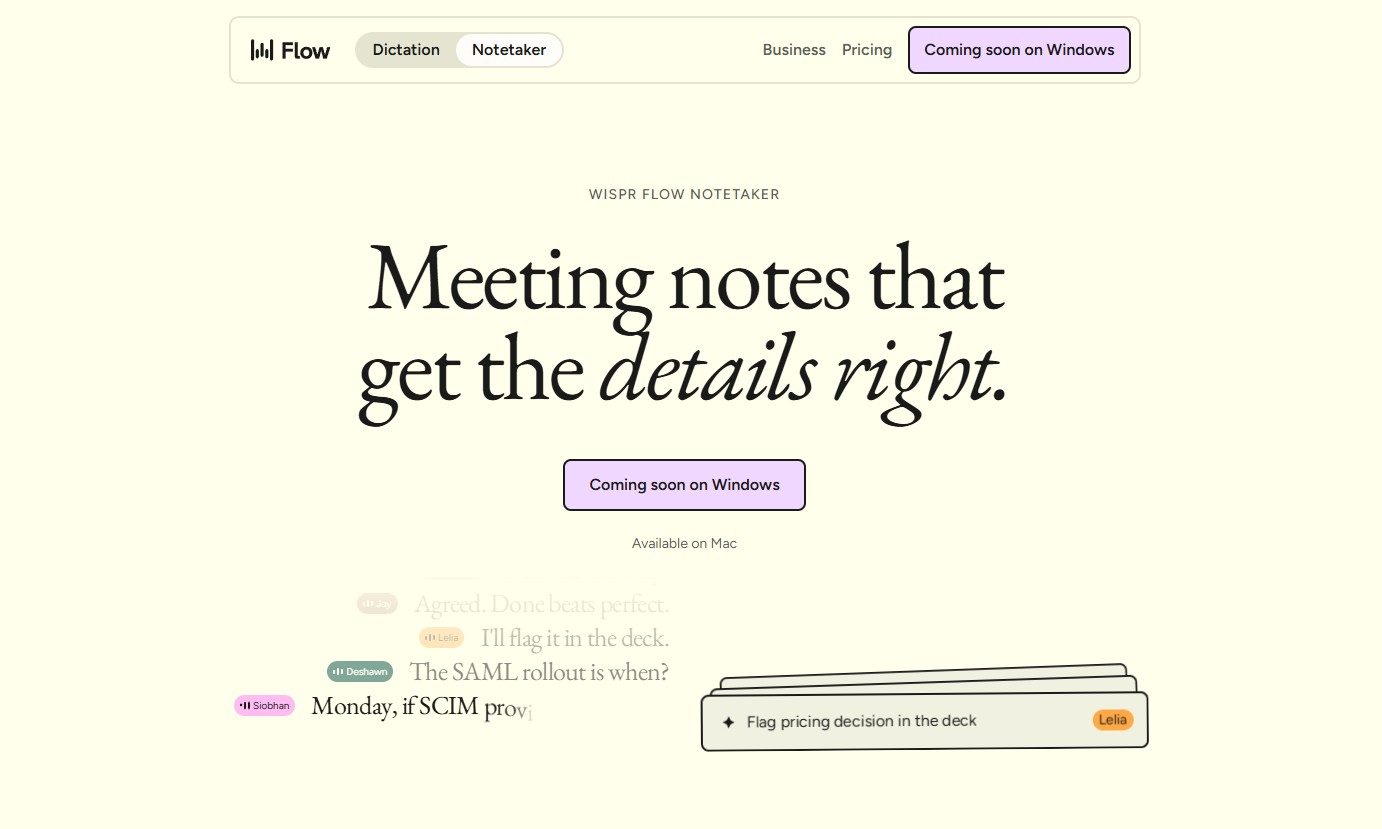
Wispr Flow launches an AI note-taker that works without joining calls
The new Wispr Flow tool called Notetaker creates live transcripts, summaries, and follow-up notes
Page, Text

Wispr Flow has launched Notetaker, an AI meeting assistant built into its existing Mac app. It can record conversations, show a live transcript, and prepare notes covering decisions, deadlines, assigned work, and unresolved issues.

Wispr Flow is best known for its dictation tool, which turns spoken thoughts into edited text wherever the user is working. Notetaker takes the company beyond voice typing and applies its transcription technology to meetings, interviews, and in-person conversations.

Read more