1. Home
  2. Computing
  3. News

Chrome just fixed some of its biggest daily annoyances

Google rolls out split view, PDF editing, and Drive integration to boost productivity.

Add as a preferred source on Google
Chrome
Unsplash

Google has quietly rolled out a trio of Chrome features designed to make everyday browsing feel less like juggling tabs and more like getting work done. The update focuses on productivity, adding tools that help you multitask, manage documents, and move files into Google Drive without leaving the browser.

According to Google’s announcement, the update introduces split view, built-in PDF annotations, and a new “Save to Google Drive” option. The company says these features are meant to help users “focus, collaborate and get things done more quickly.”

Your browser is turning into a workspace

Split view is arguably the headline feature. Chrome can now display two tabs side by side in the same window, turning the browser into something closer to a lightweight workspace. This makes it easier to compare documents, research while writing, or keep a reference page open without constantly switching tabs.

Recommended Videos

The second upgrade targets one of the web’s most stubborn productivity pain points: PDFs. Chrome already lets you open them, but now you can annotate them directly in the browser. That includes highlighting text, adding comments, and marking up files before sharing them with others. Instead of downloading a PDF, opening another app, and then re-uploading the file, the entire workflow can now happen in Chrome.

The third feature connects Chrome more deeply with Google Drive. A new built-in option lets you save files and screenshots directly to Drive without extra steps or extensions. It sounds small, but it removes one of those repetitive tasks that quietly eat away at your day.

Taken together, these updates show how Chrome is evolving beyond a simple web browser. With competitors experimenting with AI-powered browsing and new browser concepts emerging, Google appears focused on making Chrome feel more like a central productivity hub. Considering that for many people, most of the work is done when switching between Chrome tabs, this makes sense. By adding multitasking and document editing features directly into Chrome, Google is trying to reduce the need to bounce between apps and downloads. If Chrome is already where most of your work happens, these updates might make it even harder to leave.

Varun Mirchandani
Varun is an experienced technology journalist and editor with over eight years in consumer tech media. His work spans…
Windows 11 is getting a new Screen Tint mode, and your eyes might thank Microsoft
Users can apply custom color overlays to reduce screen intensity and visual fatigue.
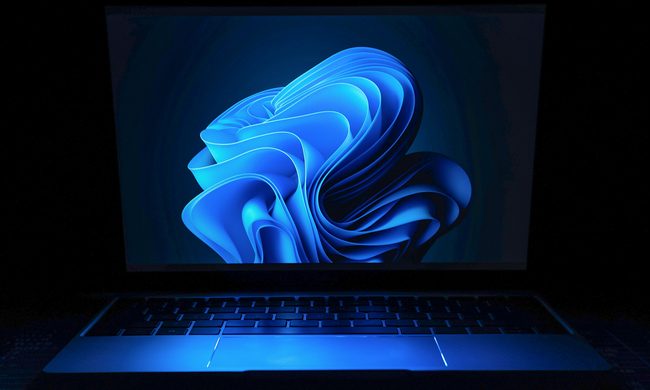
Windows 11 on a laptop

Microsoft is testing a new accessibility feature for Windows 11 called Screen Tint, and it could be one of those small additions that make a surprisingly big difference. Instead of changing your display's color temperature like Night Light, Screen Tint applies a customizable color overlay across the entire screen, making bright displays easier on the eyes during long work or gaming sessions.

A softer screen for tired eyes

Read more
Apple’s looking at a politically radioactive fix for the memory crisis, and the US government isn’t happy about it
Apple blamed memory costs for your price hike. Its proposed solution involves a Pentagon blacklist.
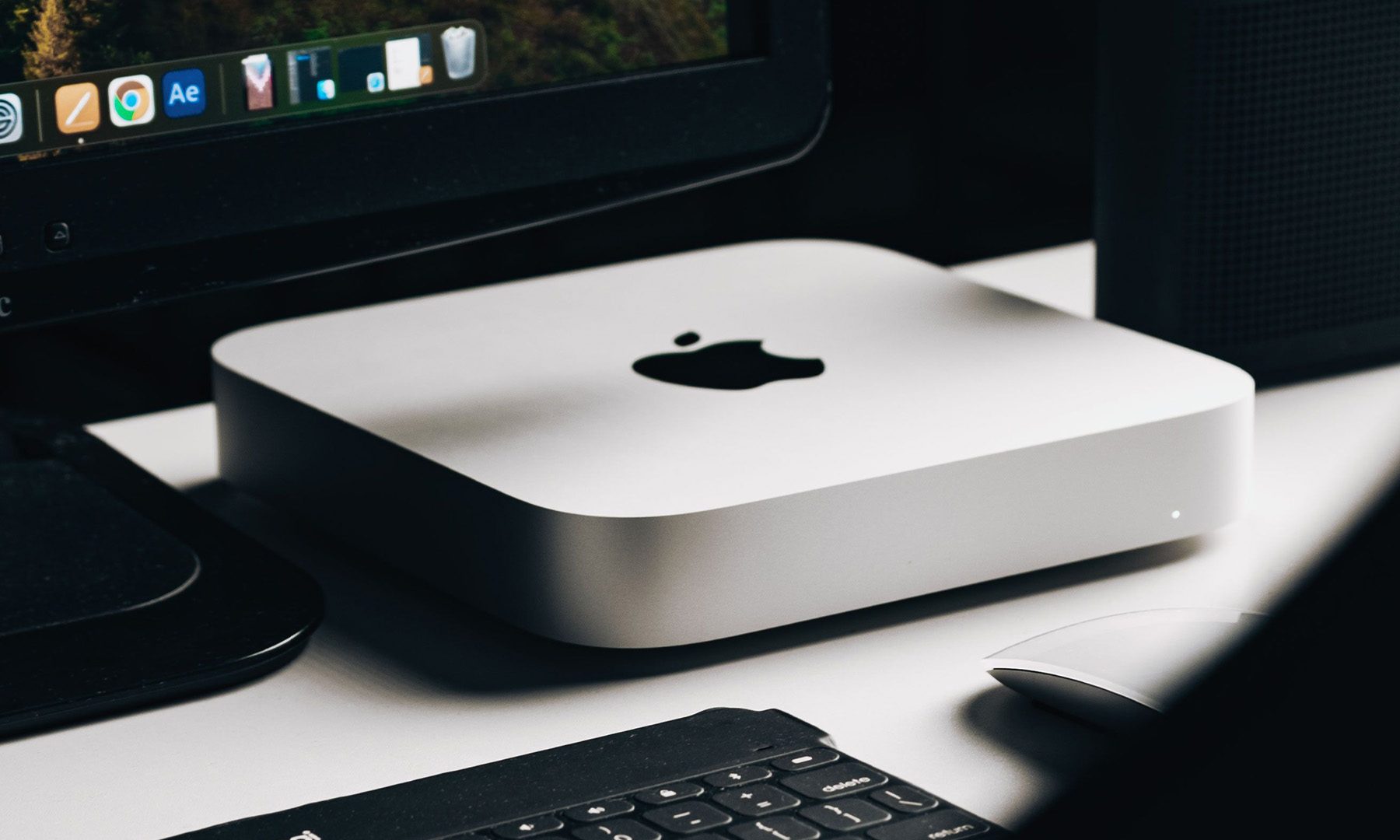
Apple Mac Mini on a Desk

A few days ago, Apple announced an ugly mid-cycle price hike, blaming the worsening-by-the-day memory crisis. According to the Financial Times, the company is now lobbying the government for approval to buy memory chips from a Chinese company. 

The company in question is CXMT, a Chinese chipmaker that the Pentagon added to its Chinese Military Company blacklist for alleged ties to the Chinese army.

Read more
As iPads get pricier, Motorola’s Pad 70 Pro arrives as a solid option… just not for US buyers yet
Great specs, a stylus in the box, and no US launch date: the Moto Pad 70 Pro sounds both impressive and disappointing.
Computer, Electronics, Laptop

If you don’t know about Apple’s recent price hike, which affected all the products in its lineup except the iPhone and Apple Watch (for now), you’ve got to be living under some sort of a rock. The revision made all the iPads much more expensive. 

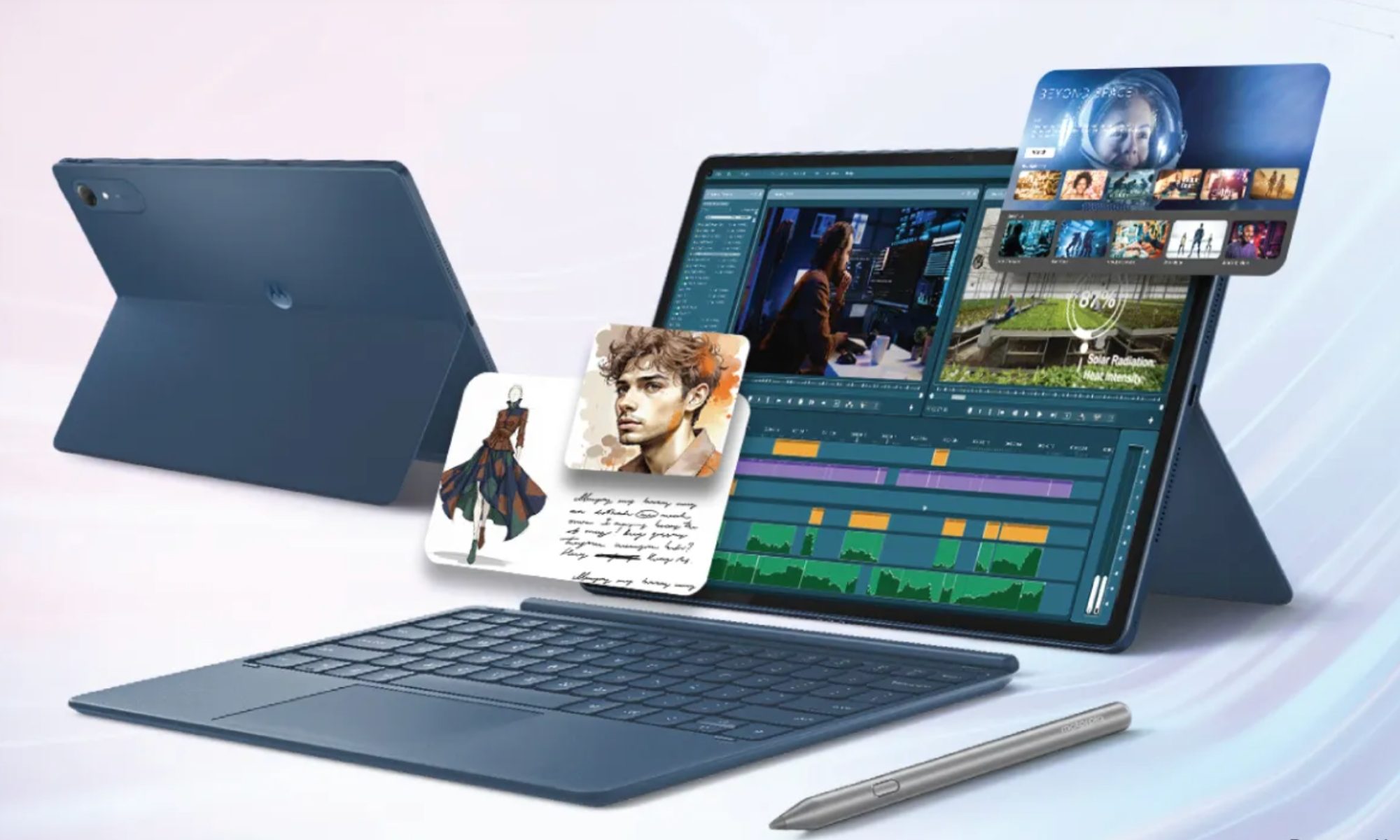
Motorola, however, has just launched a 13-inch tablet that actually sounds good on paper. It’s called the Moto Pad 70 Pro, and it costs around $440 for the baseline model. The catch, however, is that the device isn’t available in the US yet. 

Read more