

Most of us don’t need AI to write sonnets, generate pirate jokes, or explain quantum mechanics for the fifth time. What we really need is much simpler and much harder: help getting through the day.
Email. Calendar. Tasks. Chat. Reminders. Follow-ups. Missed messages. Half-finished replies. The bill you meant to pay. The lunch you forgot to confirm. The document someone sent three weeks ago that you now need “right away.”
WarpSpeed is trying to solve exactly that problem.
In our latest Trending Forward interview, Dan Gall and I sat down with Martin Warner, founder and CEO of WarpSpeed, an AI-powered personal productivity platform that aims to bring your digital life into one place. Instead of bouncing between email, calendar, tasks, contacts, and chat apps, WarpSpeed wants to become a personal AI layer that understands your world and helps you move through it faster.
I am trying WarpSpeed myself, and while it is still early, I think it points toward one of the next big steps in productivity software. Not AI as a novelty. Not AI as a blank prompt box. AI as a working assistant that lives inside the tools you already use.
That is why the full interview is worth watching.
Too many apps, not enough context
Martin Warner is also part of what makes the conversation fun. He is not a typical single-product founder with one neat origin story. He has worked across finance, technology, film, 3D printing, drones, electric aviation, and entrepreneurial coaching. At one point in the interview, we veer into his work on autonomous drone routes and passenger electric aircraft. It sounds like a digression, but it is useful context.
Martin thinks like an inventor. He looks at complicated systems, finds the bottlenecks, and then asks whether technology can simplify the experience for ordinary people. That same pattern shows up in WarpSpeed.
The core insight behind WarpSpeed is that our productivity problem is not caused by a lack of apps. It is caused by too many apps that do not really understand each other. Your email knows one part of your life. Your calendar knows another. Your task list knows another. Your chat threads know another. You are the one left stitching it all together.
WarpSpeed is designed to sit above those systems and bring them together. It supports major ecosystems like Google, Microsoft, and Apple, with the goal of being platform-agnostic. That matters because real people rarely live in one clean environment. You may have a work Gmail account, a personal Apple Calendar, Microsoft tools from a client, and messages scattered across different channels.
The user does not care about the plumbing. The user wants the answer.
One of the strongest parts of Martin’s argument is that AI should not require most people to become amateur systems integrators. There is a lot of excitement in tech circles around agents, APIs, MCP servers, and custom workflows. That is great for technical users. But for most people, it is like being told you can ride the train after you finish laying the track.
WarpSpeed is trying to lay the track for you.
Closing the loop
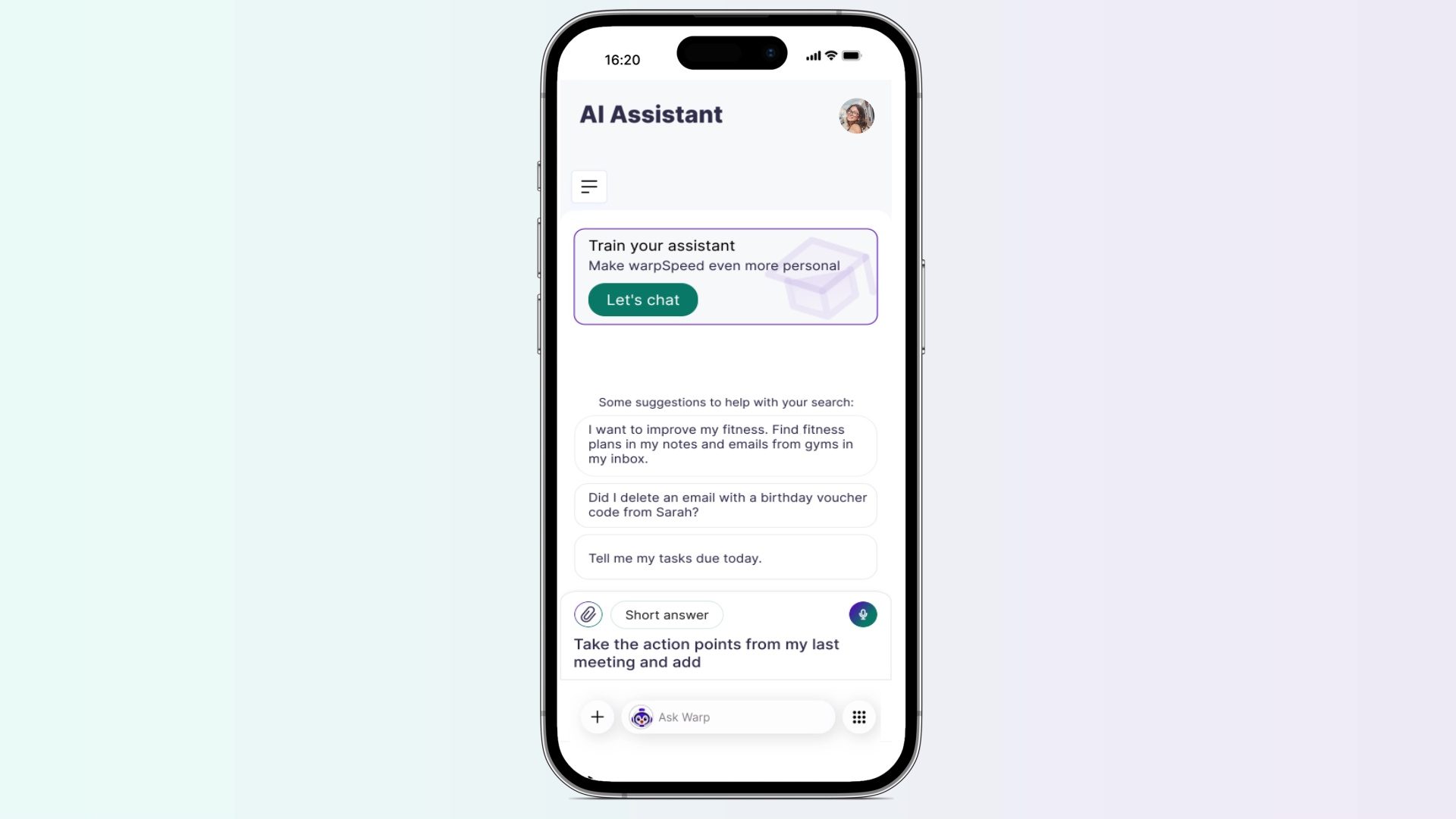
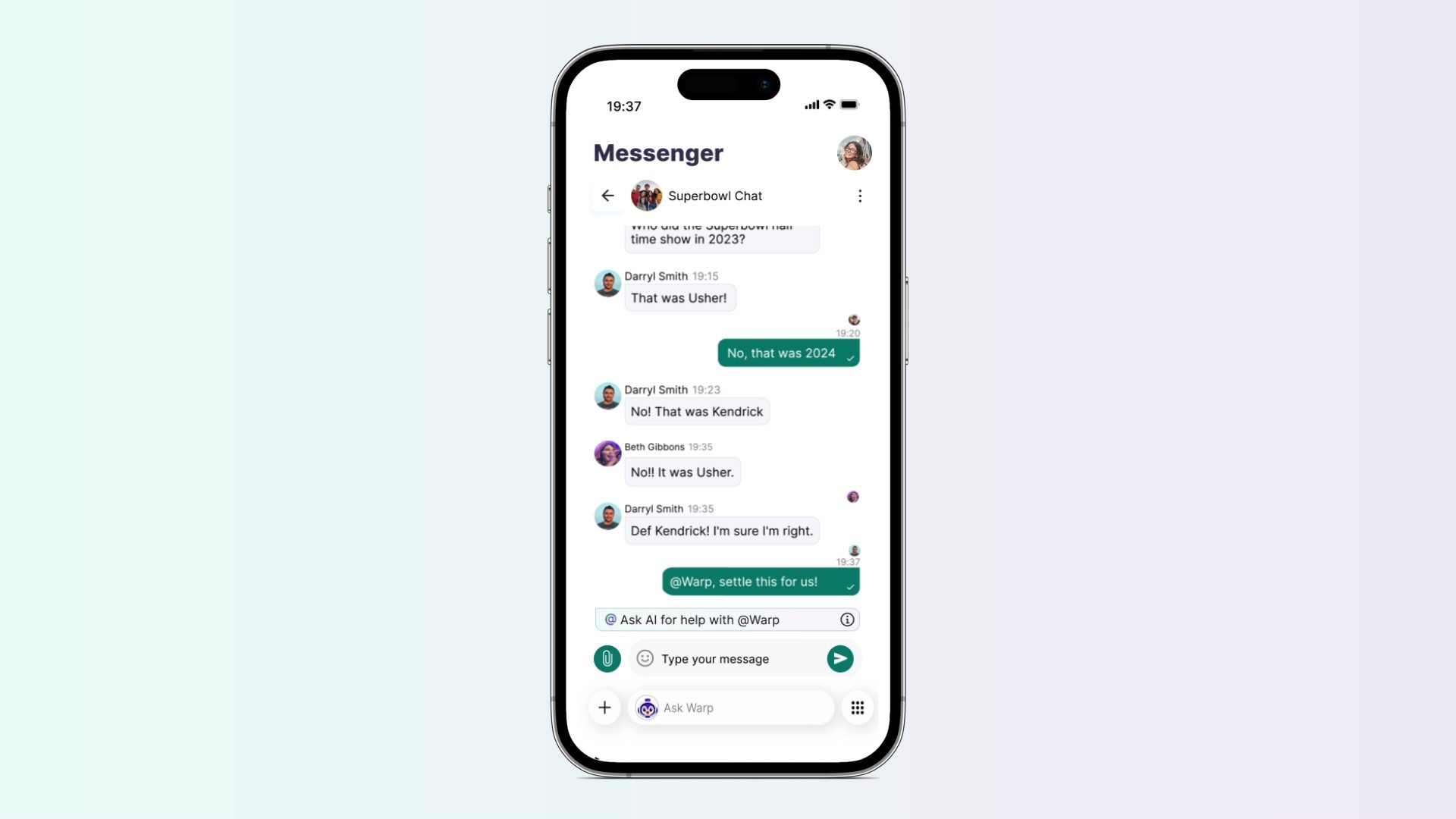
The app includes email, calendar, tasks, AI chat, and its own Messenger. The assistant inside WarpSpeed is called Warp, and the idea is that Warp is not just a chatbot sitting off to the side. It is meant to be inside the work itself.
One example Martin demoed was WarpSpeed Messenger. In a normal group chat, planning a trip can quickly become a mess. Someone suggests Madrid. Someone asks about hotels. Someone else mentions a budget. Then somebody must leave the chat, search the web, check dates, compare options, and come back with a summary.
In WarpSpeed, the idea is that you can bring Warp directly into the conversation. Ask it to find five-star hotels within the discussed budget, and it can respond in context. It knows what the group has already said. It can summarize options. It can check availability. It can help move the conversation toward closure.
It’s really about closure. So much of modern digital work is just unresolved loops, and WarpSpeed is trying to close more of them.
Email is another major focus. Martin described a coming priority system that goes beyond generic “important” flags. Instead of simply guessing what might matter based on broad patterns, WarpSpeed looks at your actual context. Who has followed up multiple times? What bill is due? Which contacts matter most to you? What decision needs to be made today?
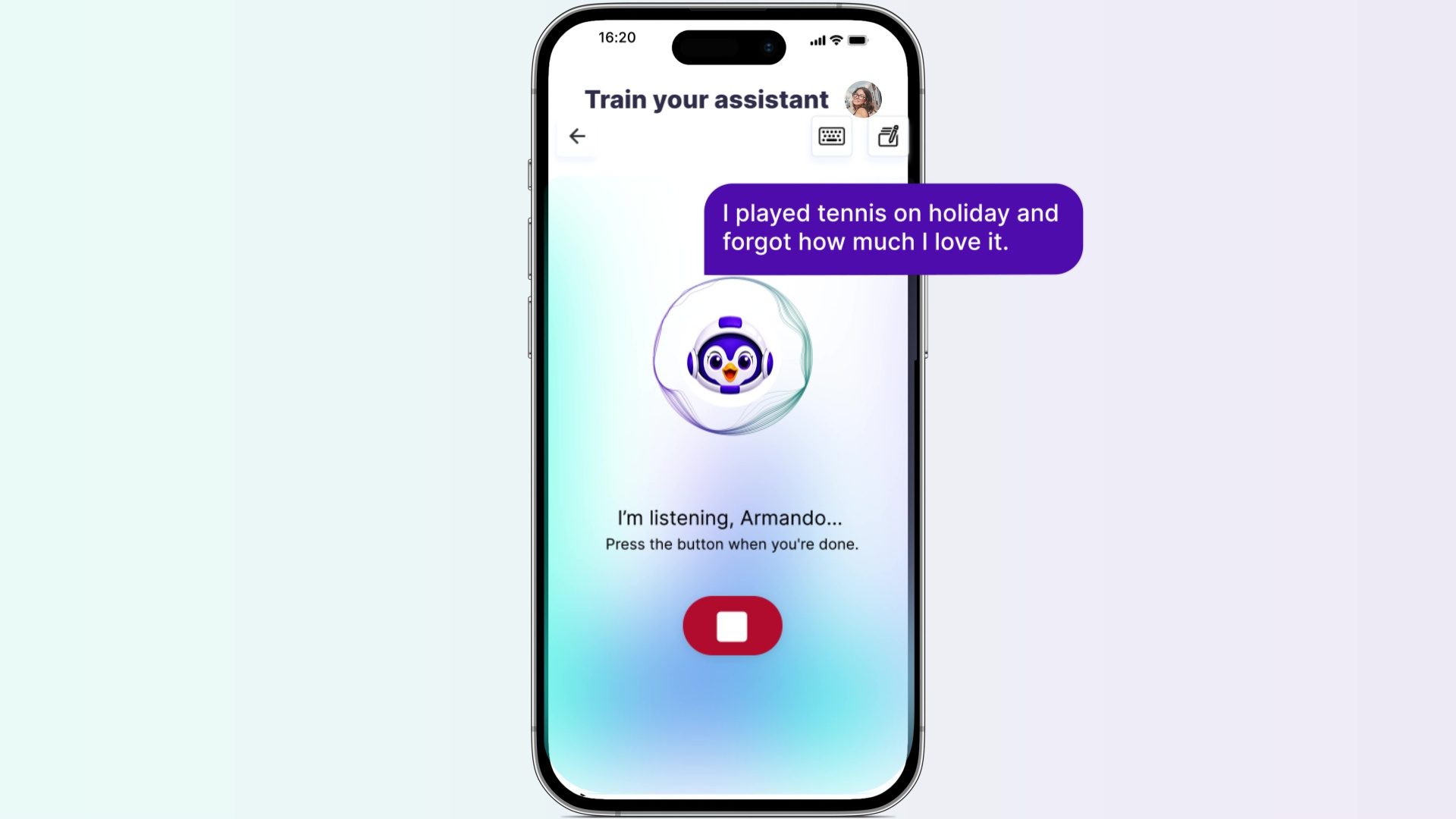
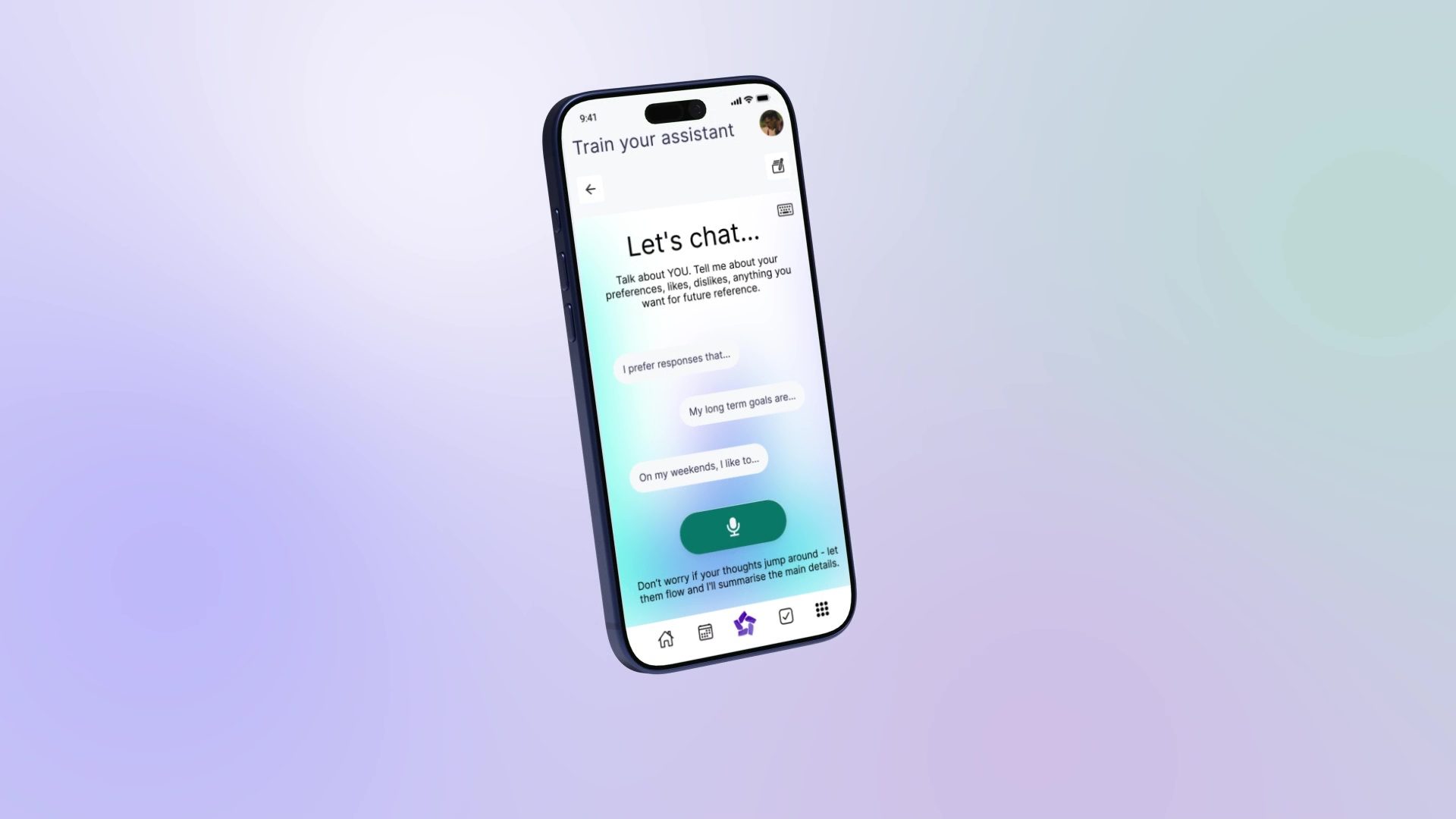
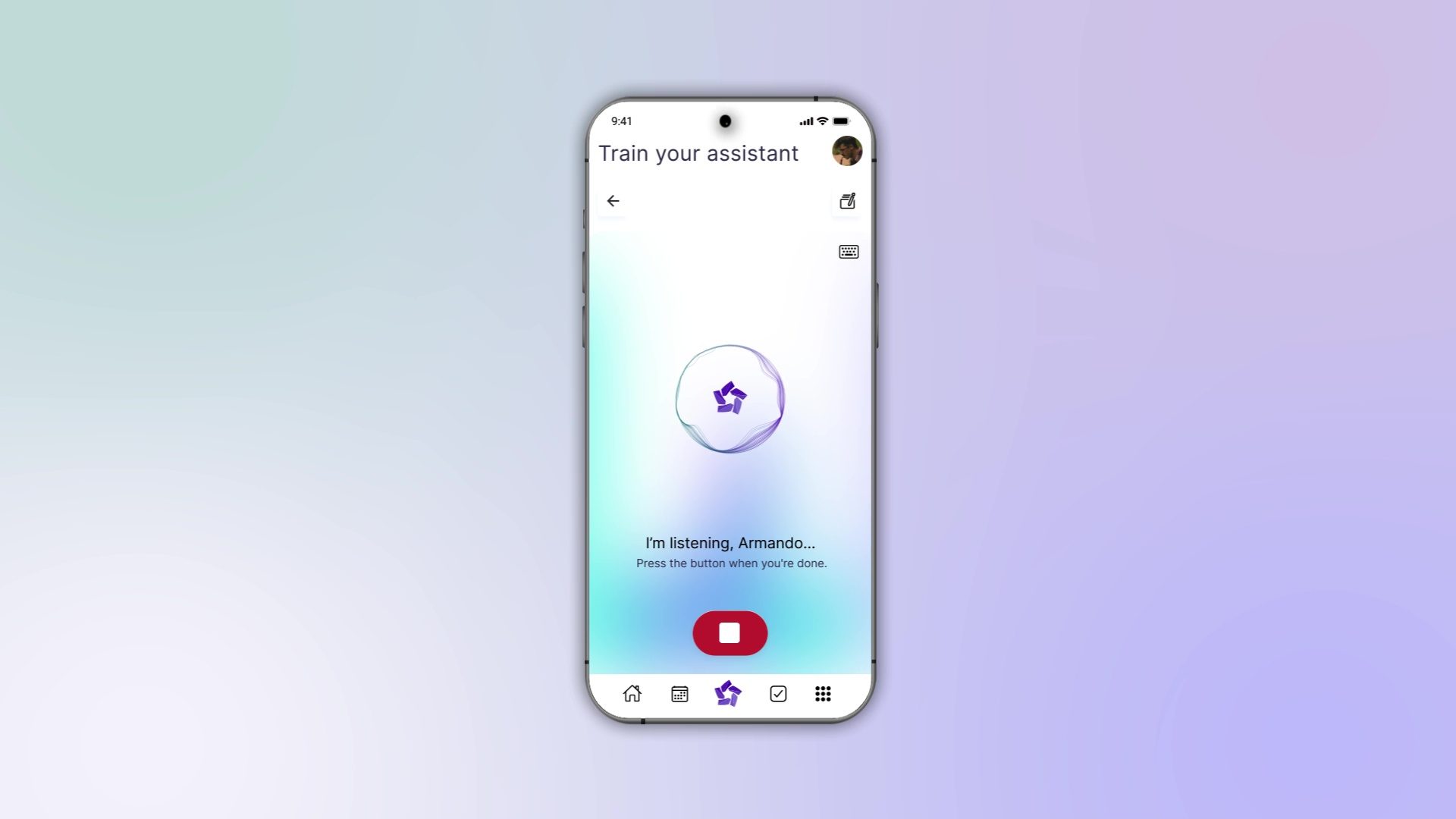
The goal is not to make email prettier. The goal is to make email shorter. One feature that especially caught my attention was “Train Your Assistant.” This is where WarpSpeed starts to separate itself from a standard AI chatbot. You can talk to Warp and tell it about your preferences, habits, priorities, and constraints. Martin gave a personal example: he told his assistant that he is family first and work second, and that his wife should be factored into decisions where appropriate. It is a very different kind of instruction from “summarize this email.” It is closer to teaching the assistant how you think.
Martin talked about “micro-efficiencies,” which is exactly the right phrase. Most productivity gains do not arrive as one magical two-hour savings. They come in tiny increments: a drafted reply here, a summarized thread there, a calendar conflict avoided, a forgotten follow-up surfaced at the right time. Add enough of those together, and the day starts to feel different.
WarpSpeed also learns from use. If you interact with email, Messenger, tasks, and the assistant, the system builds more context. Martin described it as a continuous improvement cycle: personalize, use the tools, refine the personalization, and keep improving the assistant’s understanding. The promise is simple: The more you use it, the more useful it becomes.
Earning your trust
Of course, there are real challenges. Any app trying to become the hub of your digital life has to earn trust. It has to integrate reliably. It has to make onboarding easy. It has to persuade other people to join its communication tools. And it has to handle privacy and permissions in a way that feels responsible.
Martin does not dodge those issues. In fact, some of the best parts of the interview are about the practical friction of building this kind of product. Apple, Google, and Microsoft do not always make it easy for outsiders to access every layer of data. Email and calendars are relatively straightforward. Notes, reminders, and task history can be trickier. WarpSpeed is working through those problems, but they are real. Even with those challenges, the direction feels right.
Putting the pieces together
Productivity software has mostly given us more boxes to put things in. More folders. More task lists. More dashboards. More notifications. WarpSpeed is aiming for something more ambitious: a personal AI that understands the relationship between those boxes.
I came away from the conversation optimistic. Not because WarpSpeed has already solved every problem. No early platform has. But because it is attacking the right problem.
The next great productivity tool will not be another isolated app. It will be an intelligent layer that helps email, calendar, tasks, chat, and personal preferences work together. WarpSpeed is one of the more interesting attempts I have seen to build that layer.
The full conversation with Martin Warner is well worth watching on YouTube. We cover his unusual entrepreneurial background, the thinking behind WarpSpeed, how the assistant learns, why Messenger matters, what agents may become, and how AI might finally move from clever demo to practical daily utility.
If WarpSpeed gets this right, the payoff is simple: fewer dropped balls, fewer open loops, less time lost to digital housekeeping, and more time for the things that actually matter. It’s the kind of future AI should be helping create.


