
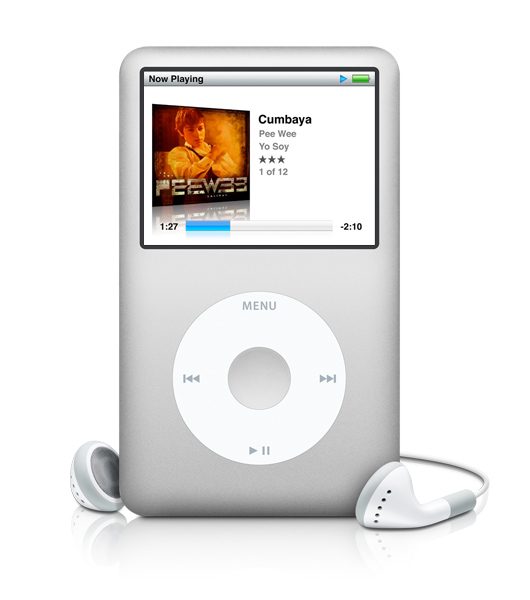
 How many of you are constantly messing around with MP3 player headphones? If you are like me, you spend a good minute or two working the maze of cords free and watching your blood pressure rise. And if you are also like me (and not very smart, I might add), you might be trying to do this on a moving elliptical at the gym – trust me, don’t do this unless you are very coordinated.
There are some very good tricks out there to help you keep your cords untangled; short of using butter of course. Here are some of our favorites:
Butterflying/Devils Horn technique: Lifehacker has a great article showing how you can adopt a technique from the knitting word to wrap your headphones for storage. Use your index and pinky and make a “hang loose” or “shaka” sign (if you are a surfer, or from Hawaii, or your name is Dena and you are an intern at Digital Trends – kidding) and wrap the cable around those fingers criss-crossing each time – kind of like what you would do with an extension cord. When you have 6-8 inches of cable left, wrap it around the center a few times and tuck the remaining cable through the center. LifeHacker calls this technique the Devils Horns. You can call it a pain in the butt.
Howcast Video: Howcast has a great video that shows a technique for wrapping and storing your headphones, it will take some practice to get it down, but it looks pretty solid, and makes you look like a pro.
Wireless headphones: An easy solution is to simply get rid of the cables. There are numerous wireless Bluetooth headphones that you can use. Problem is that most of them are bulky and would be a hassel to carry around in some situations, like the gym for example. But hey, beggers can’t be choosers right?
Various Contraptions: There are all sorts of contraptions out there like old pill dispensers, special toys just for storing your headphones, to using an old credit card and cutting a slit in it, then wrapping the cord round the card. Personally I hate things like this. I hate carrying them around and I think it’s a waste of money.
My personal favorite solution: Just wrap the cables around the darn player. It works for me 90% of the time and it’s easy to fix. Plus, you don’t have to remember any stupid knitting or sailor knots.
Editor’s note: In the picture above, Apple tied the headphone cables into a butterfly knot – just kidding.


