1. Home
  2. Computing
  3. Legacy Archives

Is it a router? Nope! It’s Asus’ new mini-PC

Add as a preferred source on Google

It looks like a basic wireless router, it even has an antenna for some reason, but it’s actually a full-fledged PC in disguise. Still a pretty basic contraption, as the restricted footprint limits certain functions and system capabilities, yet a lot more productive and versatile than a router.

Meet the Asus E210, which the Taiwan-based manufacturer advertises as a “fan-less mini PC for thin client and industrial applications.” It’s very similar to the EB1037, a previous pint-sized computer that ultimately had to accommodate a fan for efficient cooling.

Recommended Videos

Asus can’t possibly make the same mistake twice, though, so there’s no reason to believe the E210 doesn’t keep nice and cool without a pesky, noisy fan. Virtually identical to the OG EB1037, the newly revealed machine is said to measure 8.6 x 6.8 x 1.1 inches.

The extremely popular Asus RT-AC66U gigabit router, for comparison, sizes up at 8.1 x 5.9 x 1.4 inches. That’s very, very similar, and the height and width are also fairly close to the third-generation iPad mini’s measurements – 7.87 x 5.30 inches. Of course, Apple’s tablet is much thinner, at 0.3 inches.

But you get the idea. The E210, while no PC on a stick, is compact and easy to carry around. It packs a power-efficient and decently snappy dual-core Intel Celeron N2807 Bay Trail processor, and can take up to 4GB memory, as well as 128GB of solid state storage. Clearly not meant for hardcore gaming, the mini PC settles for an integrated Intel HD Graphics solution, focusing on reliability and productivity instead.

The Asus E210 shines in connectivity, too, plastering both the front and rear with card readers, headphone and microphone jacks, USB ports (four in total), HDMI, VGA, LAN, Kensington Lock, and DC-in slots.

Guaranteed to work at least three years, Asus’ mini PC is VESA mountable, and can be hooked up to two monitors simultaneously. Alas, there’s no word on pricing yet, but leads shouldn’t be too hard to find. The actively cooled, previously released EB1037 goes for $179 on Amazon, and all in all, the E210 looks suited to pull off a sub-$200 tag as well.


Adrian Diaconescu
Former Digital Trends Contributor
Adrian is a mobile aficionado since the days of the Nokia 3310, and a PC enthusiast since Windows 98. Later, he discovered…
Topics
Study says relying on AI can turn doubt into false confidence
AI is making it harder for people to say "I don't know."
AI Chatbot

You'd think getting wrong advice would make you more cautious. New research says the opposite happens when that advice comes from AI. A study led by Valerio Capraro, a psychology professor at the University of Milan-Bicocca, found that incorrect AI advice made people less accurate, yet noticeably more confident in their answers (via IBM Think).

The study also found that people who received incorrect AI advice became far less willing to admit they didn't know an answer, even when staying silent was an option, and they were rewarded for accuracy.

Read more
Back-to-school desk upgrade? Start with one of these monitor arms
Whether you're studying, coding, or gaming after class, these are the monitor arms I'd happily recommend.
The Best Monitor Arms for Back-to-School That I'd Actually Recommend - HUANUO FlowLift Dual Monitor Stand

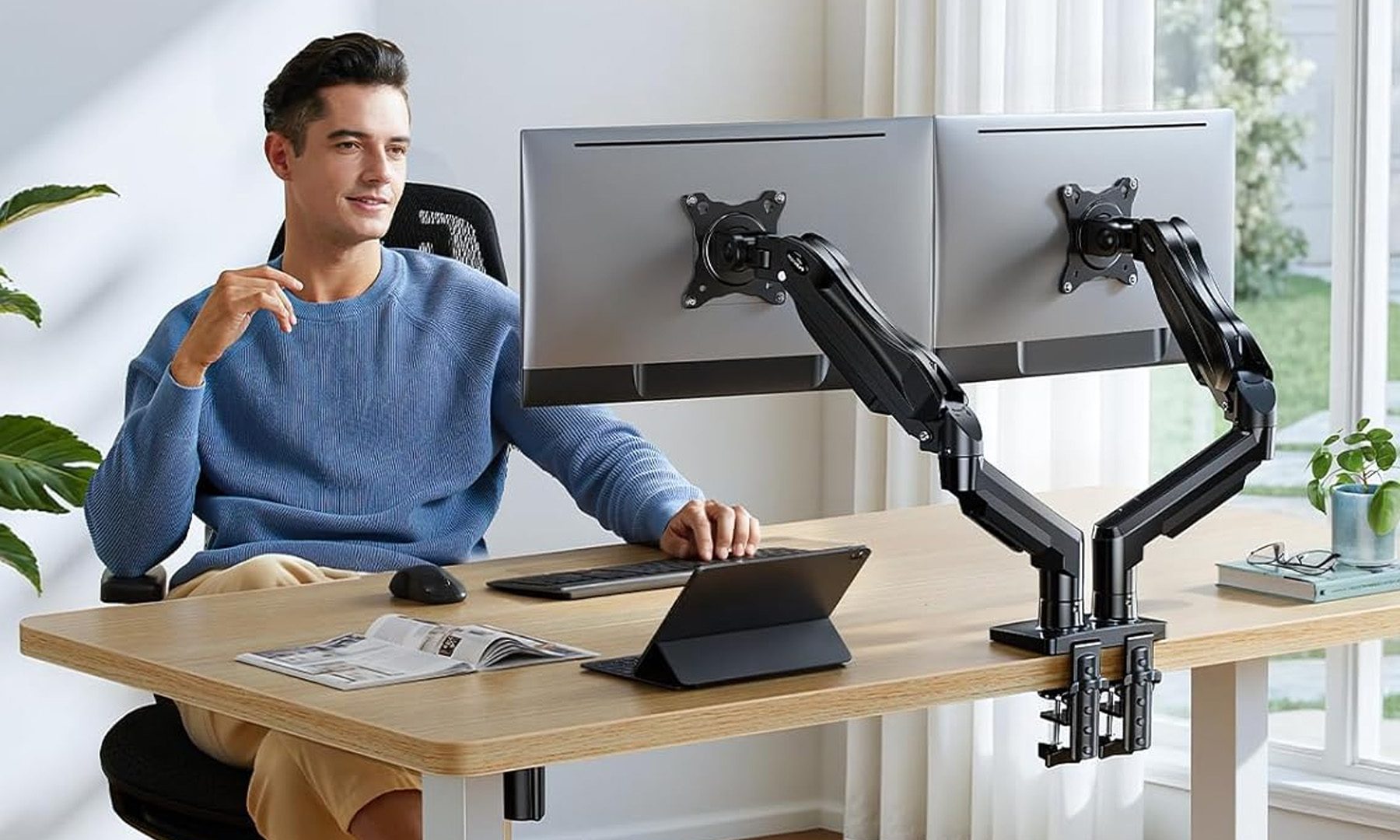
Dorm rooms and study desks have one thing in common: they run out of space fast. Between textbooks, notebooks, keyboards, coffee mugs, and laptop chargers, a monitor's stock stand often ends up taking more room than it should. A good monitor arm instantly frees up valuable desk space while also putting the screen at a much more comfortable height, making long study sessions easier on the neck and shoulders. Whether it's a simple single-monitor setup or a dual-screen workstation, these are the monitor arms I'd actually recommend for Back-to-School.

Amazon Basics Single Computer Monitor Stand

Read more
WhatsApp Web finally lets your laptop handle calls instead of forcing you back to your phone
Other new features include Waiting Room, QuickHD, and background Noise Suppression.
Adult, Female, Person

I've lost count of how many times I've had to awkwardly grab my phone mid-task just to take a WhatsApp call my laptop couldn't handle on the web version. Today’s update changes that for good.

So what's actually rolling out today?

Read more