1. Home
  2. Computing
  3. Legacy Archives

HP’s new Chromebook 14 offers 1080p on a budget

Add as a preferred source on Google

Before Acer can diversify the high-end features offered by Chromebooks as alternatives to the popular low-cost, “bare bones” configurations, HP has pulled off a similar, never-before-seen feat. Their newest Chromebook 14, model number x050nr, is Full HD, touch-enabled and available for a fraction of Google Chromebook Pixel’s price.

While still not what we’d call luxurious, the 14-inch WLED 1080p touchscreen does make the latest HP Chromebook 14 feel more premium than virtually all its Chrome OS relatives. Various Acer and Toshiba Chromebooks sport FHD panels, but they aren’t built for touch interaction, while the Lenovo IdeaPad N20P has touch but is restricted to 1366 x 768 resolution.

Recommended Videos

Aside from the unusually gifted screen, the HP 14-x050nr doesn’t quite stand out from the crowd, with a class-mediocre 8-hour battery life and ARM-based Nvidia Tegra K1 processor. The K1, accompanied by a 192-core Kepler GPU, may thrill in the tablet landscape, but as far as serious computing goes, it’s no Intel Haswell match.

On the bright side, the Full HD HP Chromebook 14 with Touch should be a multitasking champ. It has four gigabytes of RAM and a 32 GB internal hard drive. Fairly light, at 3.77 pounds, and thin (0.7 inches), the 14 incher also wins a few bonus points with its swanky “snow white” cover and stylish smoke silver keyboard accents.

HP has your back in the ports and connectivity department too, with everything from USB 3.0 and 2.0 to HDMI, 802.11ac Wi-Fi , Bluetooth 4.0, and a microSD media card reader. Overall, it sounds like a pretty smart buy at $440, since the only Full HD, touch-enabled Chromebook alternative, the Pixel, costs $1,500 or so.

Meanwhile, a larger than 13-inch 1080p Windows laptop with touch is at least $600. Well played, HP. And kudos on launching the “premium” Chromebook in time for Christmas, although you sure cut it close.

Adrian Diaconescu
Former Digital Trends Contributor
Adrian is a mobile aficionado since the days of the Nokia 3310, and a PC enthusiast since Windows 98. Later, he discovered…
Microsoft wants Windows 11 and your phone to become best friends
Microsoft's latest plans reportedly focus on making the PC and smartphone experience feel seamless.
Windows 11 PC with Android Phone

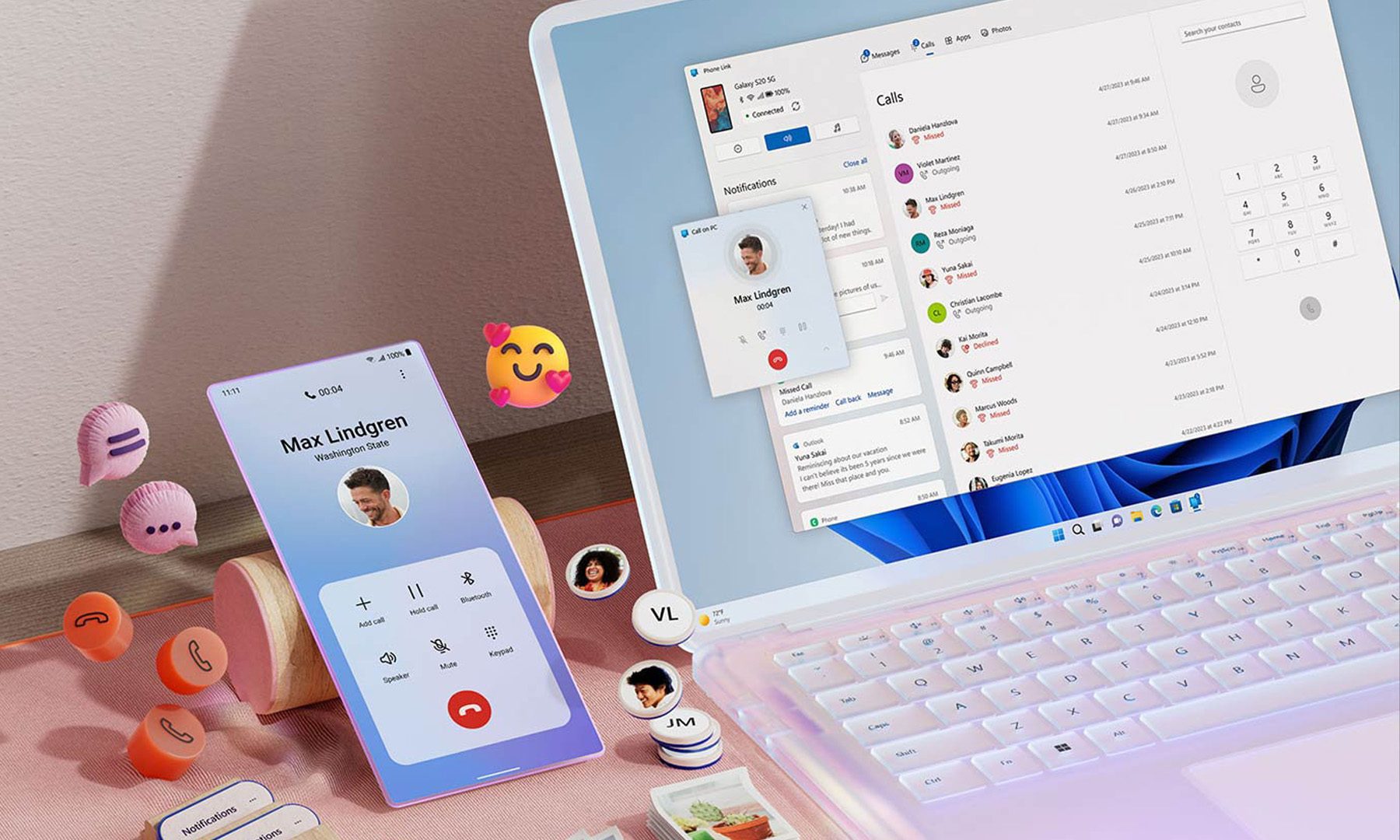
For years, Phone Link has felt like that one app everyone knows exists but rarely remembers to open. Microsoft apparently wants to change that. According to a report from Windows Central, the company is working on a major overhaul of how smartphones integrate with Windows 11, making phones feel like a native part of the operating system instead of something users access through a separate app.

Phone Link is coming out of hiding

Read more
What are Copilot+ PCs? Everything you need to know
Copilot

Walk through a laptop aisle in 2026 and the Copilot+ PC branding is highlight for most Windows laptops. From Microsoft's own surface to other PC makers like Samsung, HP, and Dell, you can find notebooks that carry this badge to convey that they are AI-ready. At a glance, the name sounds like it refers to a computer with a better version of the Copilot chatbot, which only explains a small part of it.

A Copilot+ PC is a Windows 11 computer that meets Microsoft’s hardware standard for advanced on-device AI features like a compatible processor with a dedicated NPU. You also need a certain amount of RAM and storage, all of which brings access to Windows features such as Recall, Click to Do, and much more. Many of these experiences use the NPU to process information locally, reducing their reliance on cloud servers and helping them run more efficiently in the background.

Read more
ASUS expands its ProArt lineup with a compact keyboard and a smart creator mouse
The new ProArt KD300 and MD301 are designed to make life easier for designers, editors, and creators.
ASUS ProArt Keyboard KD300 and ProArt Mouse MD301

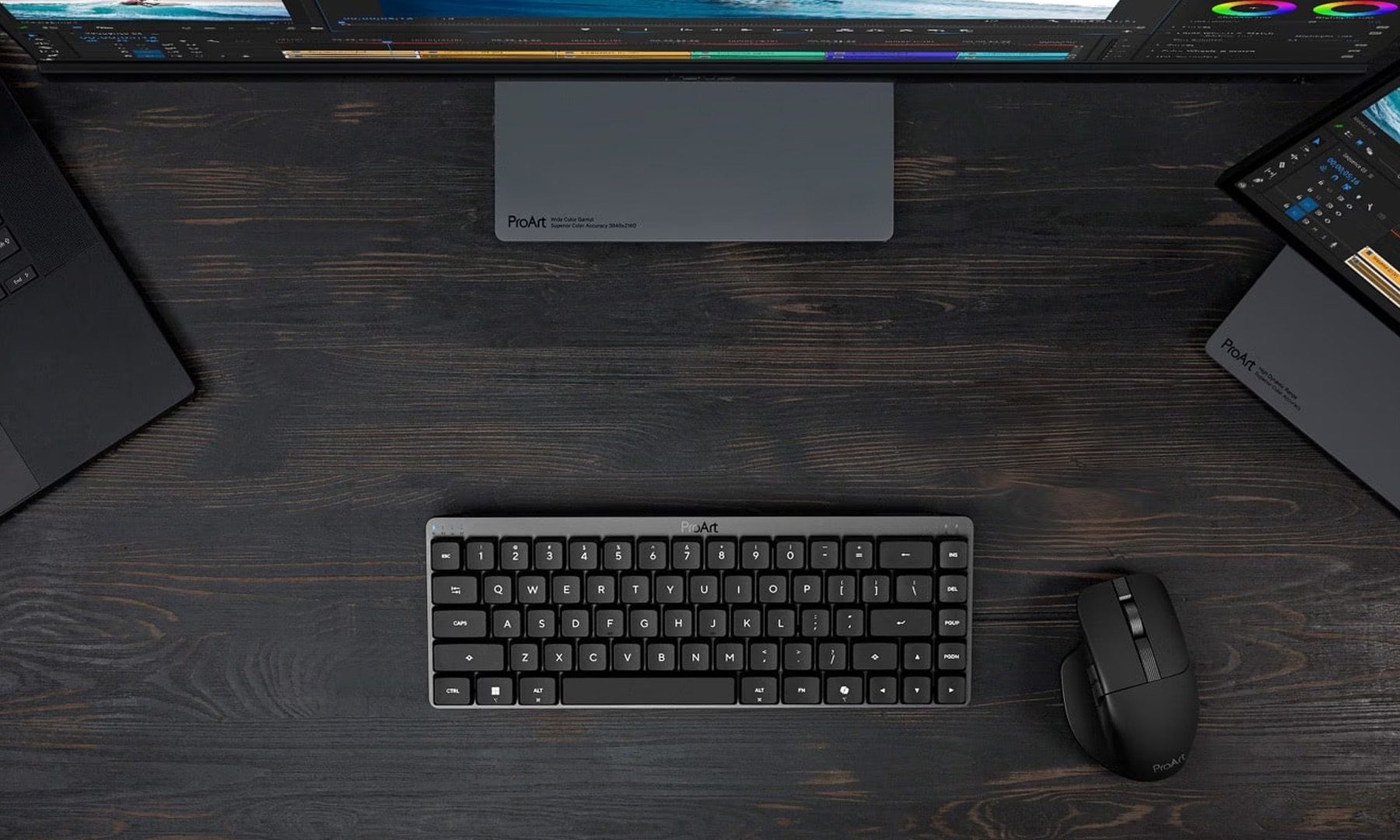
Creators have long had plenty of powerful laptops and monitors to choose from. Keyboards and mice? Not so much. ASUS is looking to change that with the expansion of its ProArt accessory lineup. Leading the announcement is the new ProArt Keyboard KD300, a compact low-profile keyboard that's designed to work alongside the ProArt Mouse MD301, giving creators a matching desktop setup built specifically for productivity instead of gaming.

A compact keyboard that doesn't sacrifice functionality

Read more