1. Home
  2. Computing
  3. News

Shaky internet? Have someone else upload your files to Google’s Cloud Storage platform

Add as a preferred source on Google

Google is rolling out a solution that will allow users to send their physical media to a third party where it can be uploaded to the cloud, as announced on its Cloud Storage Platform page. Essentially, users could have used Google Cloud Storage to do this on their own all along, but the third party solution allows users with unreliable, slow, or expensive Internet connections to make use of the cloud.

Physical media like hard disk drives (HDDs), tapes, and USB flash drives can be uploaded by third party companies. Presumably, other types of physical storage would also be supported, as there could be people out there with tons of floppy disks or Zip disks as well, but Google doesn’t officially list those.

Recommended Videos

Users can choose any third party that is able to get the data from their physical media and upload it, though Google does officially list one services on its page; a company called Iron Mountain for those in the USA. For those outside the US, Google simply lists that companies are “Coming Soon.” This means that users in those parts of the world will need to find their own service that can extract and upload the data.

While this feature is fully supported by Google, it also points out that arrangements need to be made between the user and the company doing it. Google is not involved in the process outside of being the company actually hosting the files. It also points out that it “does not provide, support or endorse Offline Media Import / Export services, and does not receive a fee or commission from Offline Media Import / Export services.”

Google charges separately for its Cloud Storage platform based on data stored and bandwidth. Prices vary based on where in the world the bandwidth is from, and the type of storage the users need.

Dave LeClair
Former Digital Trends Contributor
Dave LeClair has been writing about tech and gaming since 2007. He's covered events, hosted podcasts, created videos, and…
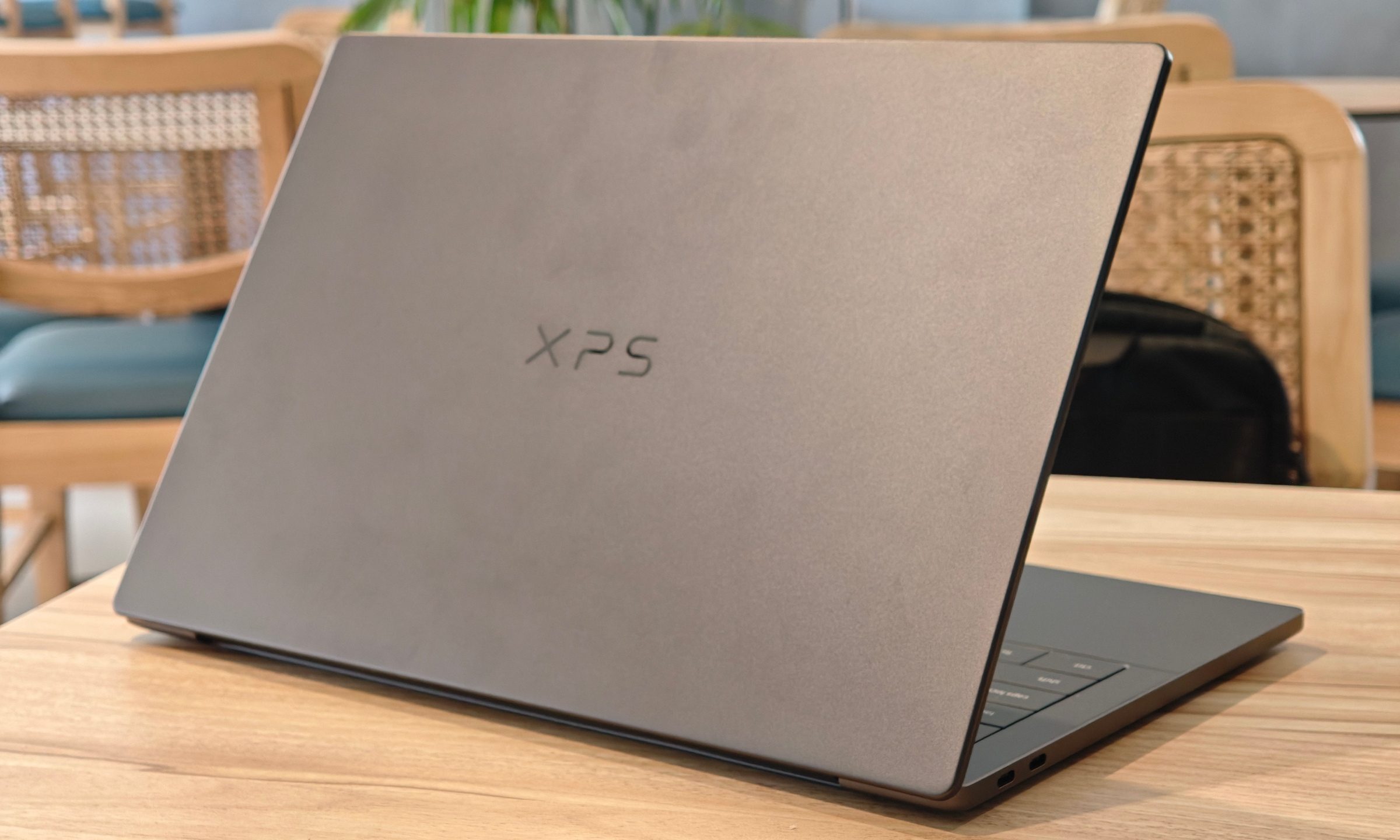
Dell XPS 14 (DA14260) Review: Dell’s classic Windows laptop returns, and it’s hard to put down
The icon returns, and shows why it's still relevant
Dell XPS 14 Review: Featured

Quick take

Dell’s XPS line has always carried a certain weight. It is one of those Windows laptop families that people recognize even if they don’t follow laptops too closely. Clean design built with premium materials, sharp displays, and high-end hardware. The Dell XPS 14 DA14260 continues that legacy. 

Read more
Samsung’s secret AI chip could finally cool down Exynos phones
Samsung's GAIA AI chip is landing in laptops first, but its shared DNA with Exynos hints at a real fix for phones down the line.
Samsung Exynos chip illustration.

If you've ever owned an Exynos-powered Galaxy phone, you already know the drill: heavy tasks like capturing back-to-back pictures or photos for a while, heavy gaming, or rendering videos turn your device into a hand warmer. 

In such a situation, the battery bar drops faster than usual as well. Turns out, Samsung might be working on the fix, and it's coming in a way nobody expected.

Read more
Buying a monitor? This Mac app can expose problems before the return window closes
Your new monitor may look perfect, but it doesn't hurt to double check.
Screen Test v1.1

Making a brand-new tech purchase doesn't always carry the guarantee of a perfectly functioning unit. But a tiny Mac app called Screen Test can help you find a defect before it gets too late. Screen Test (version 1.1) is a native macOS utility containing more than 25 patterns and diagnostic tools for evaluating built-in and external displays. It can help reveal dead or stuck pixels, backlight bleeding, and other issues. The app works completely offline, so you don't have to rely on browser tabs or an internet connection.

Every pixel gets scrutinized

Read more