1. Home
  2. Computing
  3. News

Microsoft Office 2013, 2016, and Edge now support Bing Image Search

Add as a preferred source on Google

Last April, Bing finally put out its own Image Search engine, once again entering a space long dominated by Google. Like Google Images before it, it allows its users to configure settings in order to make searches more specific, and offers an attractive interface.

With the app having gained enough traction, Bing Image Search is now being integrated into both the 2013 and 2016 versions of Microsoft Office as well as the Edge Web browser via “Ask Cortana.”

Recommended Videos

When using Office, Image Search is accessible from “Insert>Online Pictures” from the ribbon at the top of the screen. In addition, you’ll be faced with a grid consisting of thumbnails and filters, as well as the option to get more information about an image by hovering over it with your cursor.

After filtering the images, whether by size, type, color, license restriction, or something else altogether, you can select your image and insert it into the document simply by clicking on it.

With Edge, on the other hand, Bing Image Search is a little different. You can get to it either by right-clicking the “Ask Cortana” feature or by using Bing Lookup. While browsing the Web, you easily can find out more about an image by right-clicking and asking Cortana. Bing will, as a result, provide you with more details on the image such as its dimensions, the different sizes it’s available in, related images/searches, and more.

The process of enabling Bing Image Search is easy, because it is in fact not a process at all. Just open a compatible version of Office or Edge for Windows 10, and you’ll quickly and conveniently gain access to the aforementioned slew of image-perusing features.

While it’s by no means revolutionary, the addition of conducive features is certainly welcome. Nonetheless, I’m sure most of us would prefer to see the option to change search engines, as is typically the case with Bing.


Gabe Carey
A freelancer for Digital Trends, Gabe Carey has been covering the intersection of video games and technology since he was 16…
WhatsApp’s Liquid Glass redesign is finally coming to Mac after months of waiting
WhatsApp's Mac app is getting Apple's Liquid Glass-inspired makeover
WhatsApp

WhatsApp has been steadily adopting Apple's new design language across its apps, but Mac users have largely been left watching from the sidelines. That is finally beginning to change.

The messaging platform has started rolling out its Liquid Glass redesign for the WhatsApp Mac app, bringing the desktop experience much closer to what iPhone and iPad users have been seeing over the past few months. The update introduces a refreshed interface with redesigned navigation elements, updated menus, and a cleaner layout that aligns with Apple's latest software aesthetic. According to WABetaInfo, the rollout has begun through the latest Mac App Store update and is currently reaching a limited number of users.

Read more
NVIDIA’s new AI can detect deepfake videos in just 22 milliseconds
NVIDIA has a new AI tool that can tell fake videos from real ones in milliseconds
Nvidia logo

As generative AI becomes increasingly capable of producing videos that are nearly indistinguishable from real footage, the race is no longer just about creating synthetic media. It's about detecting it before it spreads.

At SIGGRAPH 2026, NVIDIA unveiled Synthetic Video Detector, a new AI-powered verification tool designed to identify AI-generated videos with remarkable speed and accuracy. Rather than replacing traditional fact-checking or forensic analysis, the company says the technology is intended to give newsrooms, broadcasters and enterprises another layer of confidence before synthetic videos enter the public domain.

Read more
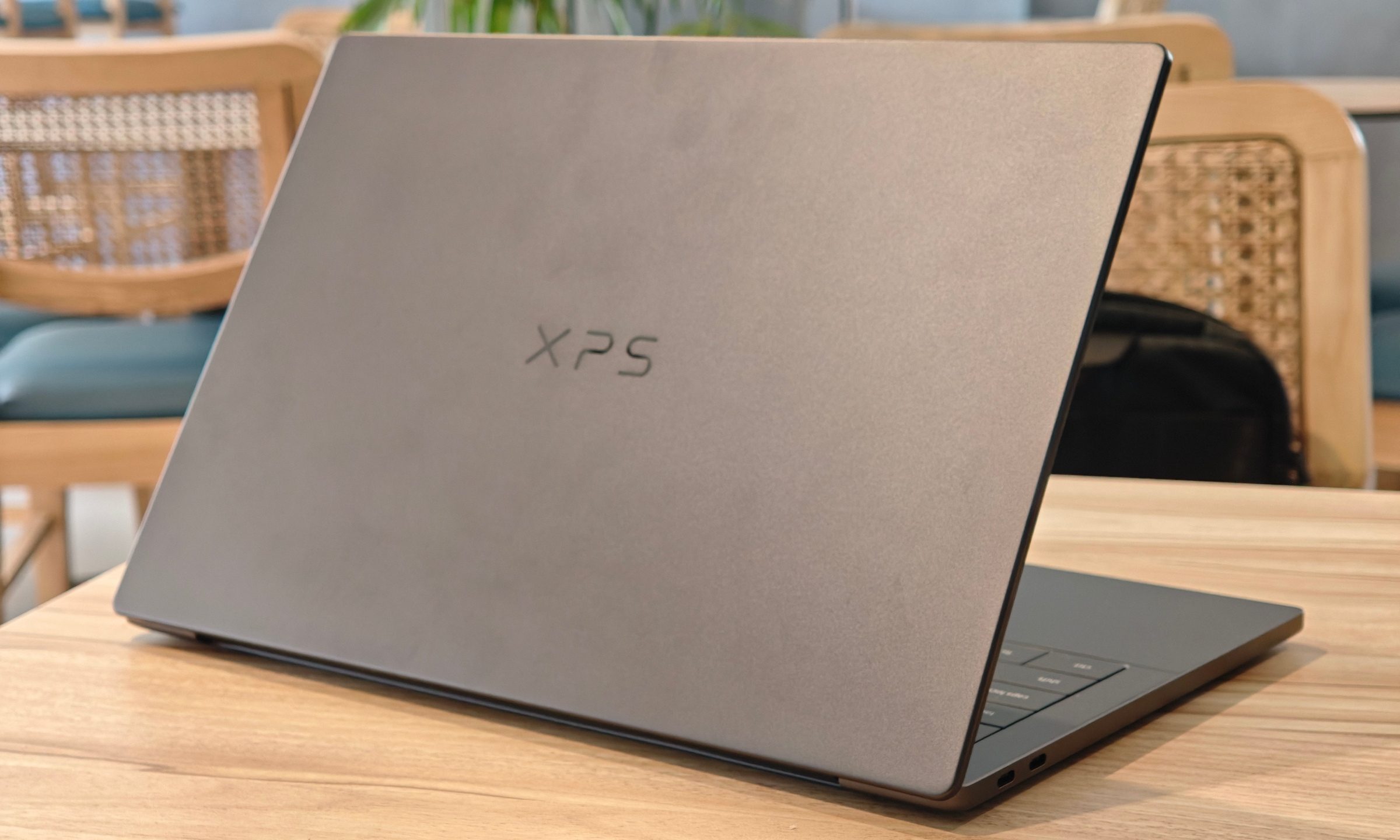
Dell XPS 14 (2026) Review: Dell’s classic Windows laptop returns, and it’s hard to put down
The icon returns, and shows why it's still relevant
Dell XPS 14 Review: Featured

Quick take

Dell’s XPS line has always carried a certain weight. It is one of those Windows laptop families that people recognize even if they don’t follow laptops too closely. Clean design built with premium materials, sharp displays, and high-end hardware. The Dell XPS 14 DA14260 continues that legacy. 

Read more