1. Home
  2. Phones
  3. Cars
  4. Mobile
  5. News

Google Maps’ Waze-like speed-camera feature rolls into 40 more countries

Add as a preferred source on Google
Uwe Anspach/picture alliance via Getty Images

At the start of the year, Google added the ability to see speed cameras and speed limits in Maps for select markets, and now it’s bringing the feature to more than 40 additional countries.

Likely loathed by traffic cops but loved by drivers, the feature is finally getting a proper rollout — a full three years after it first appeared on Google-owned navigation app Waze.

Recommended Videos

Google is yet to officially announce the expansion of the feature but confirmed the news to TechCrunch on Thursday, May 30.

It means that with Google Maps, motorists in the newly added countries can now see the speed limit displayed in the bottom corner of the screen for any road they’re driving along.

The speeds cameras, on the other hand, will appear at their precise location on the road, with a single audio alert prompting approaching drivers to adjust their speed should they be a little over the limit.

If you’re not seeing any information about the presence of speed cameras but you’ve seen a few of them when you’re out and about, it’s likely because such a feature is illegal in your country. It could also be that a driver hasn’t reported it, which has to happen for it to appear on the map.

At the current time, only Android users are able to report the location of fixed or temporary speed cameras, though iOS users of Maps will be able to see the data, so long as local laws allow it. It’s not yet clear if iOS users will have the chance to report the location of speed cameras at some point in the future.

To report a speed a camera, crash, or congestion, tap on the “+” sign in the speech bubble that appears when Maps is in navigation mode, and then tap again on the appropriate button.

Here’s the full list of countries where drivers can use Google Maps’ speed-related features: U.S., Canada, U.K., Andorra, Bosnia and Herzegovina, Bulgaria, Croatia, Czech Republic, Estonia, Finland, Greece, Hungary, Iceland, Italy, Latvia, Lithuania, Malta, Netherlands, Norway, Poland, Portugal, Romania, Russia, Serbia, Slovakia, Spain, Sweden, Australia, Brazil, India, Israel, Japan, Jordan, Kuwait, Mexico, Morocco, Namibia, Oman, Qatar, Saudi Arabia, South Africa, Tunisia, and Zimbabwe.

If you’re not a big fan of Google Maps and are looking for an alternative, check out Digital Trends’ short and sweet comparison piece that puts Maps alongside Waze.

Trevor Mogg
Contributing Editor
Not so many moons ago, Trevor moved from one tea-loving island nation that drives on the left (Britain) to another (Japan)…
Samsung finally switched to silicon-carbon battery on Galaxy Z Fold 8. What’s so special about it?
One of Galaxy Z Fold 8’s biggest upgrade is hiding inside
Galaxy Z Fold 8 Ultra with Fold 8

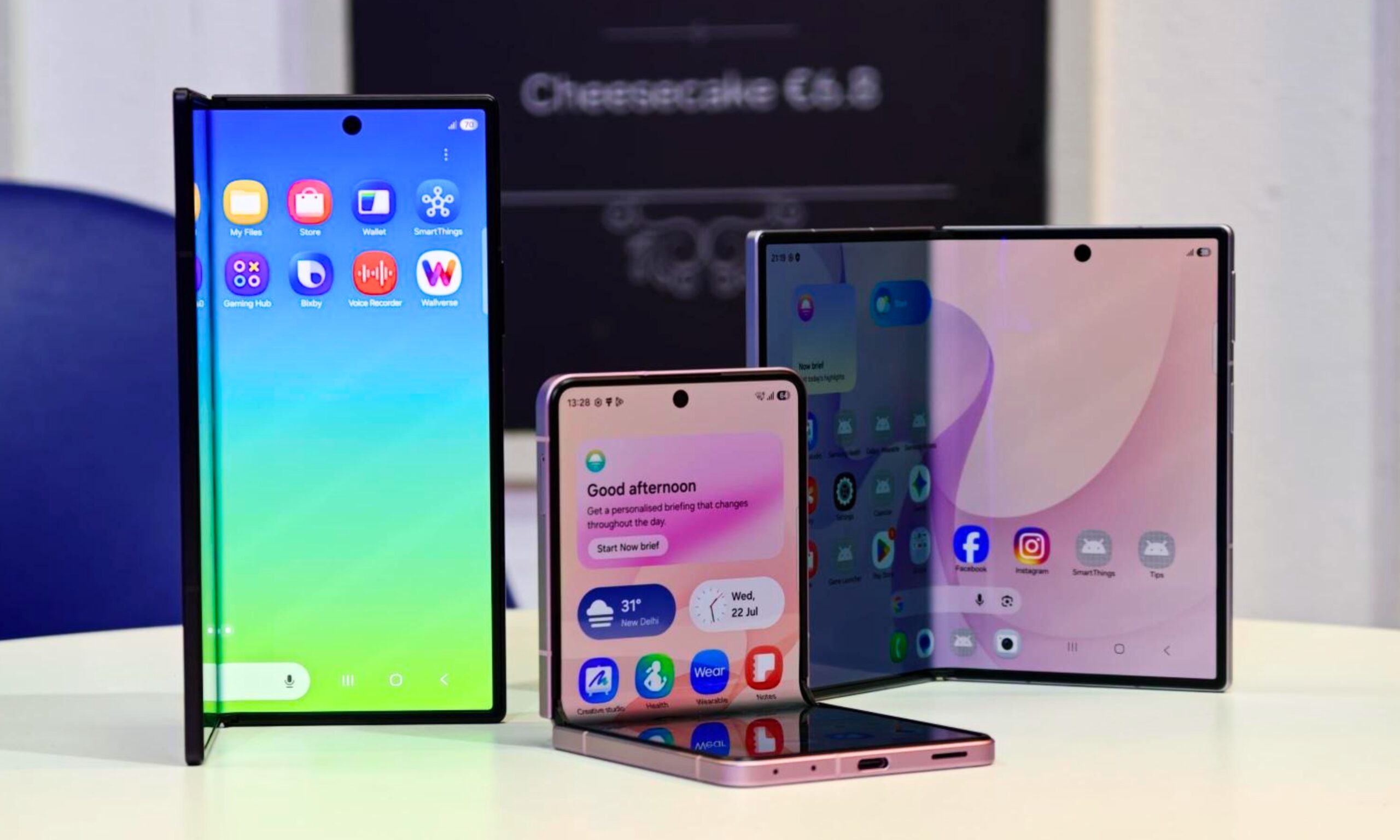
Samsung has finally joined the silicon-carbon battery race with its latest batch of premium foldables packing the new battery tech. But details for this change were rather hard to spot on the spec sheets. The company has confirmed during media briefings that the Galaxy Z Fold 8 Ultra, Galaxy Z Fold 8, and Galaxy Z Flip 8 all use silicon-carbon batteries.

Even then, the resulting capacities are hardly record-breaking. The Fold 8 Ultra carries a 5,000mAh battery, the regular Fold 8 gets 4,800mAh, and the Flip 8 has 4,300mAh. Rivals from Honor and Motorola have already crossed the 6,000mAh mark. But the figures only tell part of the story.

Read more
I’ve used foldable phones for years. Here’s how to pick the right one between the Galaxy Z Fold 8 and Flip 8
Samsung’s three new foldables solve very different problems
Galaxy foldables with its screen visible

After years of reviewing foldable smartphones, I have learned that choosing one involves much more than what looks pretty or how large you want. Book-style foldables are usually sold as productivity machines, while flip phones cater to people who value portability. Samsung’s latest lineup complicates that choice by introducing two very different book-style models alongside its familiar clamshell.

Most of their shared specifications fade into the background once you start using them. Their shapes and screens have a much greater impact on daily life. So here's how I'd make a decision when choosing between the new Galaxy Z Fold 8 Ultra, Galaxy Z Fold 8, and Galaxy Z Flip 8.

Read more
How to set up selfie video sign-in for your Google account
Your face can now serve as a way to get back into your Google account. Here's how to set it up.
Google account selfie sign in tutorial featured

Losing access to a Google account is rarely a quick fix, but Google has been actively working to make things easier. Last year, the company introduced a feature called Recovery Contacts that lets you designate a trusted friend or family member to verify your identity if you ever get locked out. Now, Google has introduced a new option, one that uses your face to get you back in instead of a phone call to a friend.

Like Recovery Contacts, the new selfie video authentication feature requires some setup before you can use your face to sign into your Google account. This involves recording the reference video that Google will use to verify your identity whenever you attempt to log in this way. Here's how to set up selfie video sign-in for your Google account.

Read more