In 2011, when Chrome OS first found itself in the tech spotlight, it was more akin to an ugly duckling than a fully grown swan. Though it attracted some curiosity, few thought it was worth a second glance, and many were put off immediately by the fact that a poor Wi-Fi connection could turn a Chromebook into an expensive paper-weight. After all, Jeffrey Van Camp, our own mobile editor, called living with a Chromebook “hell.”
There have been supporters too, but their voices were backing a team that struggled to get on the field. Winning the game was another matter.
Then, something unexpected happened.
Market research firm NPD released a report in late December stating that Chromebooks made up 21 percent of the notebook market in 2013 (and 9.6 percent of the PC market overall). This caught everyone off-guard. Sure, there were a few new models were out on the market, but they received scant praise.
However, NPD’s report is no mistake. Chromebooks are here to stay, and they’re attracting consumer attention for good reason. Here’s why 2014 could be a huge year for Chrome OS.
From zero to 21 percent
 The NPD report was met with some skepticism. Arguments stating that the report is wrong, or inconsequential, are generally based on web browser usage data. This data shows that Chrome OS runs on only a tiny sliver of all computers globally.
But isn’t this what you’d expect? Hundreds of millions of computers have been sold over the years, so selling a few million is a tiny drop in the bucket. For some additional perspective, consider this; data from Net Marketshare gauges the market share of Windows 8 at just 3.95 percent as of this writing.
There’s really no reason to doubt the NPD data. Of course, if the numbers of true, a new question emerges; why do people buy Chromebooks to begin with?
The netbook’s promise realized
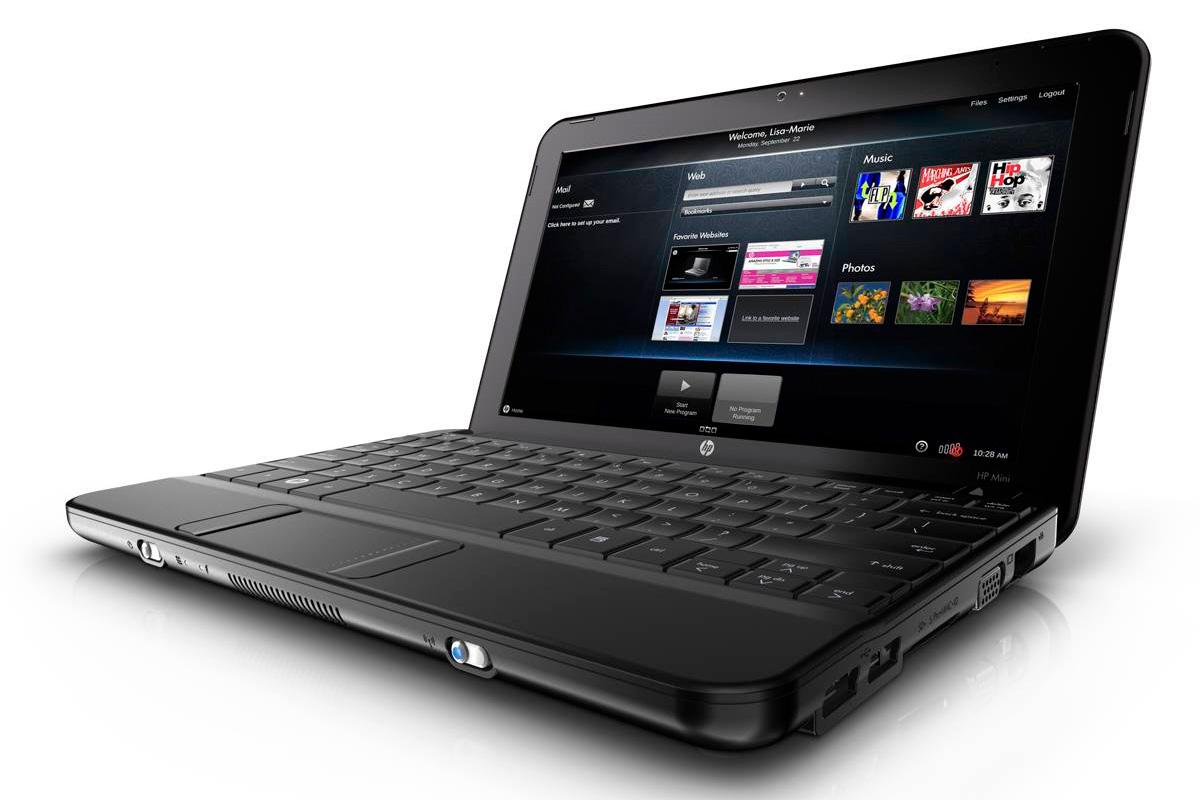 Remember netbooks? They were hailed as the new frontier in computing, a simple, inexpensive device that could be used anywhere to tackle simple, everyday tasks. Some even went so far as to call their arrival a “democracy of netbooks” which would free users from the overpriced, oversized, overly complex laptops of the past. There was just one small problem.
They sucked.
Aside from the common 10.1-inch form factor, which was too small for many to comfortably use, netbooks suffered because of the limited hardware that was available to them, and the demands of the software that was installed on them. Combine one under-powered processor (Intel’s Atom) with an OS designed primarily for desktops (Windows 7) and you have a recipe for frustration. Though billed as an easy way to access the Internet, netbooks were too slow to handle more than a few browser tabs at a time, and many were unable to play HD video without their netbooks slowing to a crawl. Users hated them.
Chromebooks, however, have delivered on the netbook’s promise. Though still not the quickest systems around, those running Intel processors can handle multi-tabbed browsing, HD video, and pull multi-touch gestures with ease. They also offer larger displays and touchpads. In short, they don’t suck, and they manage to not suck while offering great prices, which leads me to my next point.
It’s the price, stupid
 An average user can buy a Chromebook like the Acer C720, which has a Haswell-based dual-core processor and 2 GB of RAM, for just $199. Such a low price is possible only because Chrome OS is free for manufacturers to use.
Some might argue that this is a bastardization of the democracy netbooks made possible because you’re forced to buy into a restrictive ecosystem of apps and services.
But you know what? Most people don’t care.
Most people just want a computer that can perform simple computing tasks without crashing, and they want to pay as little for it as possible. Netbooks failed because they only met the latter goal, but Chromebooks achieve both.
Don’t just take my word for it though. Head over to Amazon’s best-seller list, where three or four Chromebooks can usually be found among the top 10 best-selling laptops. Look further and you’ll see that, excluding MacBooks, it’s rare for a notebook priced above $500 to crack the top 20. People want to pay as little for a PC as possible, and also want it to work well. Chromebooks meet both criteria.
Here come the Chromebooks
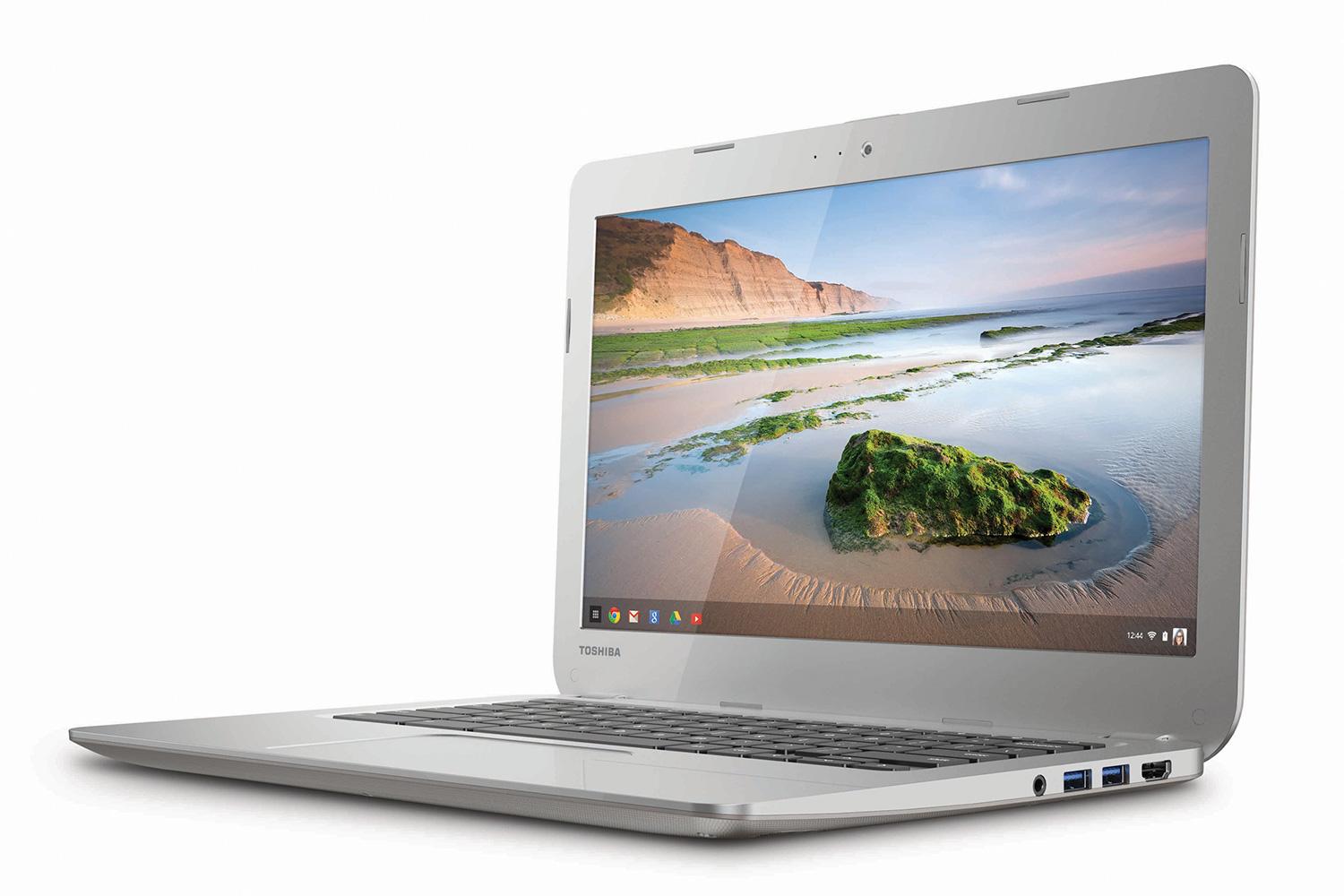 While the early Chromebooks were no better than netbooks, the hardware and software has improved, gaining the attention of both buyers and manufacturers. Toshiba showed off its first model at CES 2014, and Lenovo says that they plan on releasing a unit by mid-year (the company already sells a Chromebook, but only to schools).
Only two major manufacturers will be Chromebook-less by the end of this year, if nothing changes; Asus and Sony. In 2014, with a strong stable of options available sporting a variety of specifications and prices, it appears that the sky is the limit for systems running Chrome OS.
With consumer interest growing, and more PC makers jumping on board, 2014 could be the year that Google’s operating system evolves from an interesting experiment into a serious contender.