Unless you work in a government agency or deal with extremely sensitive corporate stuff, chances are high that your company allows you to use a personal phone for handling professional stuff. Some companies require an internal VPN or a separate work profile to access internet-based material.
For desktop, it’s easier to switch between different users in Chrome. On Android devices, users can create a work profile that keeps their work data discrete and secure. No such convenience has existed for iPhone so far. That is finally changing in 2025, as after a long wait, Google is finally turning its attention to iPhone users.
What’s changing?
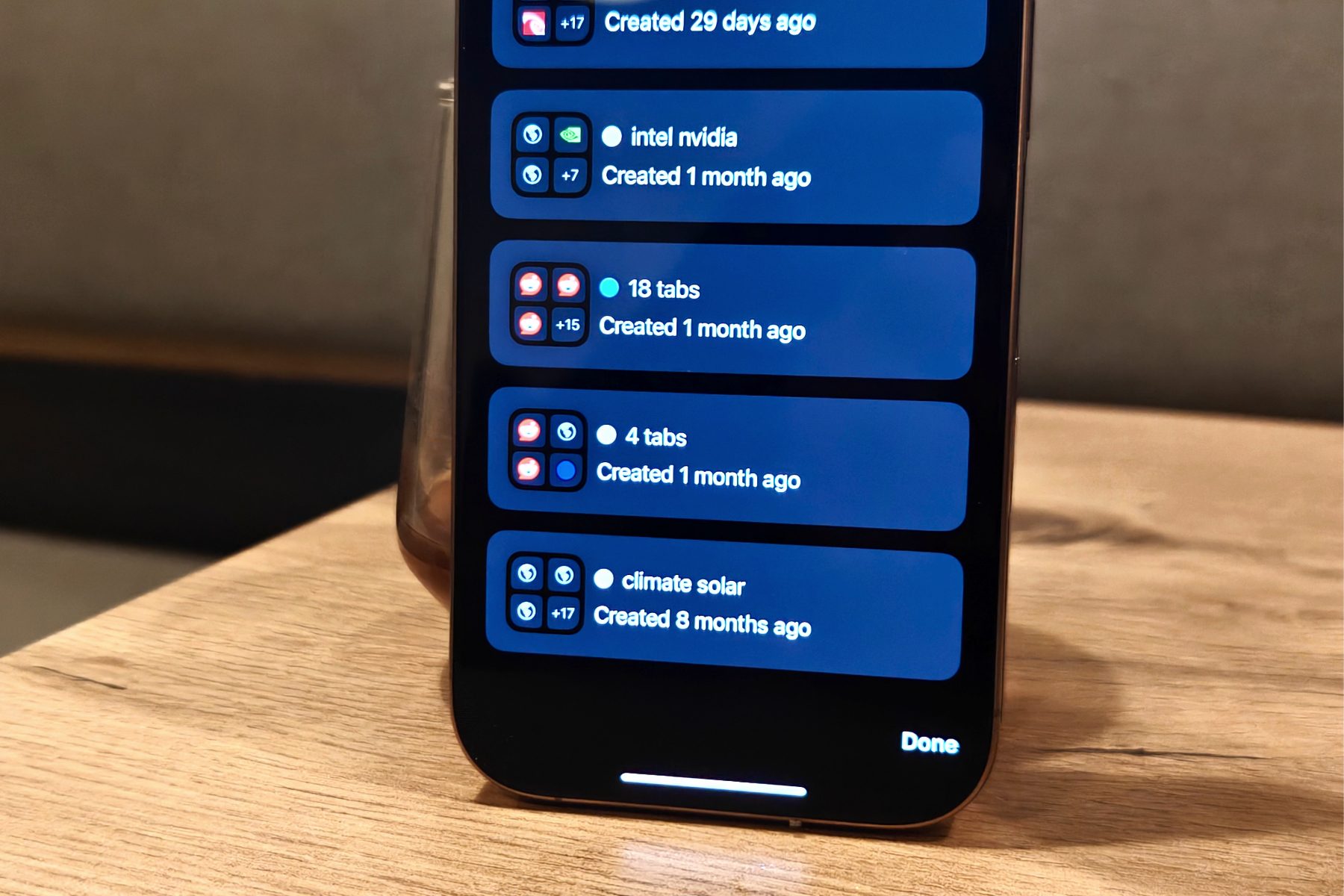
Moving ahead, Chrome on iOS will allow users to switch between personal and work profiles with ease. The profile switching process will be seamless, but all browsing activity and saved data will be neatly separated across each profile.
That includes login credentials, tabs, groups, and browsing history. “When users sign in or switch to their managed account in Chrome, browsing related to their organization will be kept separate from their other browsing on the device,” says the company.
When users enable the profile switching system for the first time in Chrome, they will be informed about the standard data retention policies that are put in place by organizations for employee accounts. Moving ahead, every time users switch to their work environment in Chrome, they will be informed about it via an on-screen notice.
Enhanced guardrails for mobile users
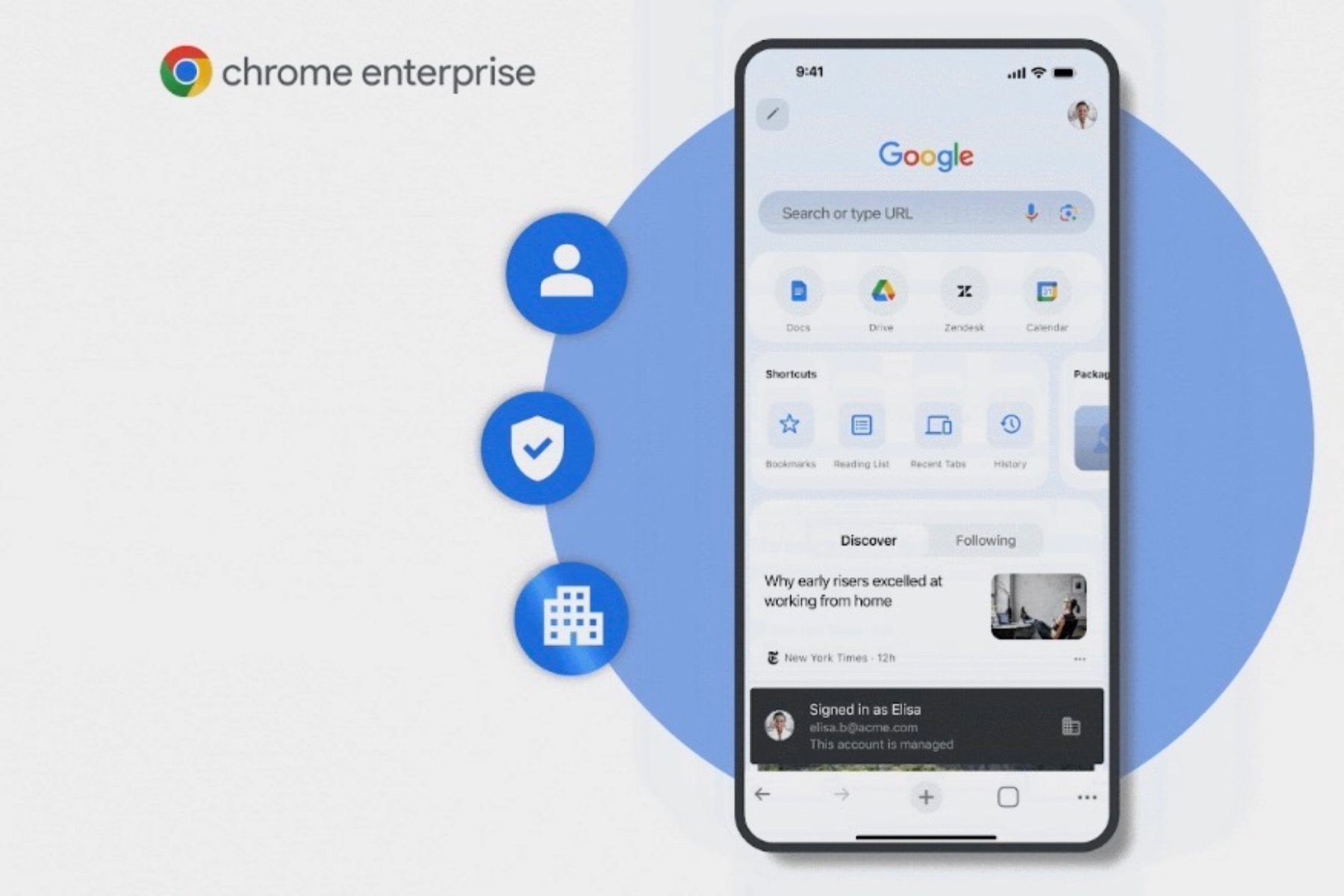
Additionally, the URL filtering service, which prevents employees (signed in to a work profile) from accessing risky websites, is being rolled out for iOS devices. Google is also expanding the reporting features offered with Chrome Enterprise across Android and iOS. The move allows IT admins to get a deeper look at security risks and threat incidents.
The aforementioned perks will be available for Chrome Enterprise bundles, which include Premium and Core tiers. For the unaware, Chrome Enterprise Core allows companies to manage extensions, apps, and settings from a unified dashboard. The Premium package throws in additional security guardrails, such as malware deep scan, data loss protection, website filtering, evidence locker, and more.
With the advent of AI, Google is also strengthening the browser safety protocols for enterprise customers. “Organizations can block employees from visiting unallowed GenAI sites at a category level and redirect them to the approved corporate services to prevent ShadowAI risks,” the company said in a press release.