Friends, we are well into the best time of the year: football season. The Lions are off to an incredible start, the Vikings look dangerously good, and I’m continually amazed by how bad the Browns are.
The 2024 season has been a lot of fun. Not only have the games been entertaining, but I’ve also had a much better time following the latest plays and scores on my phone. After begrudgingly using the ESPN app last year and the year before, I decided to go all-in on Apple Sports this year — and I couldn’t be happier. If you have an iPhone and aren’t already using Apple Sports, this is your reminder that you absolutely need to.
A clean, simple, and ad-free interface
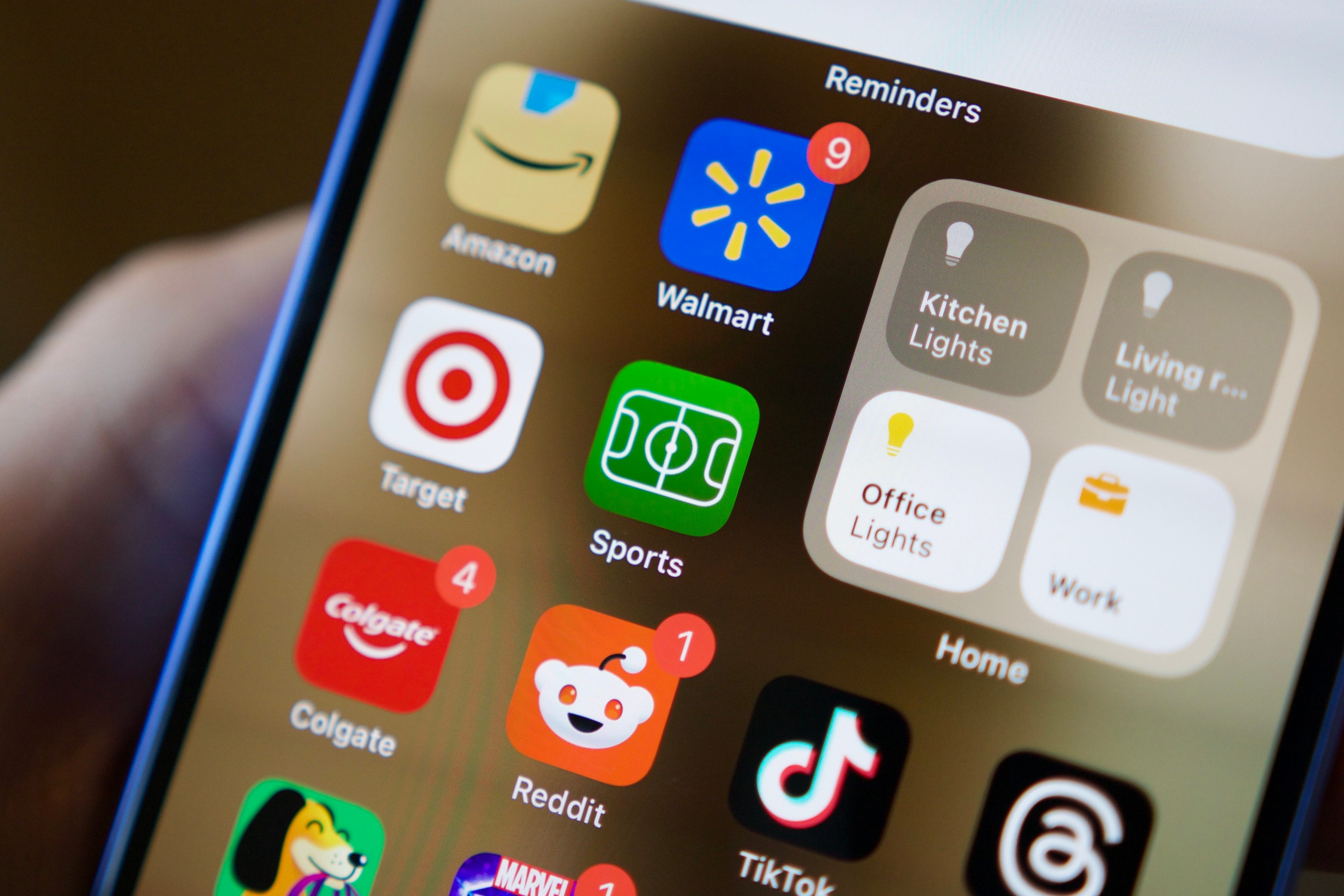
If you haven’t tried Apple Sports before, I don’t blame you. The app launched in February with very little fanfare, and Apple only issued one significant update this August. That’s been the app’s entire story so far.
Compared to other sports apps, Apple Sports is objectively much more limited. There aren’t sports-related news articles or videos, team rosters, replays, etc. It looks pretty bare-bones at first glance, and for some people, that may be off-putting. But for me, it’s precisely why I love using it.
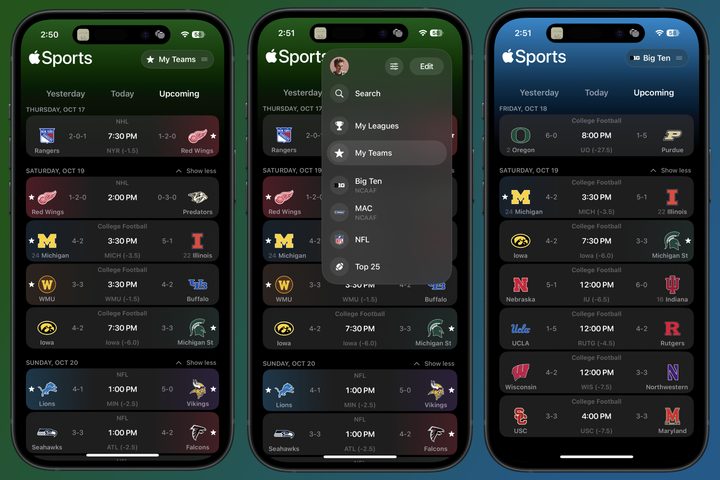
The app’s only “home page” shows upcoming games. You can change the types of games displayed here by tapping the menu bar at the top allowing you to switch between your favorite teams and leagues (such as the NFL or college football’s Big Ten). You can also use the search function to browse specific teams/leagues and add them to your favorites. It’s a funky user interface compared to Apple’s other mobile apps, but once you get the hang of it, it works well.
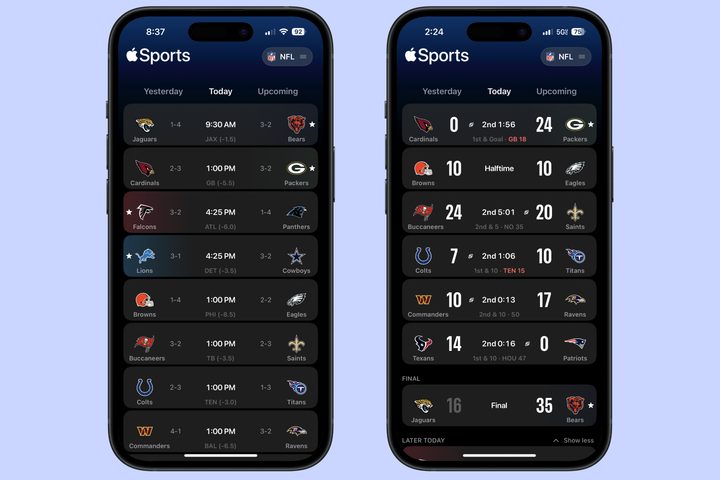
Open Apple Sports during game day, and the Today page provides a fantastic bird’s-eye view of the action. The scores are presented clearly. You see which team has possession and where the ball is. The current quarter and time remaining are visible. You see everything you need to see at a glance.
Tap on a specific game, and Apple Sports does a great job of showing you more granular details. For football games, there’s a virtual football field below the score showing the current ball placement — and it moves to a smaller version at the top of the screen as you scroll.
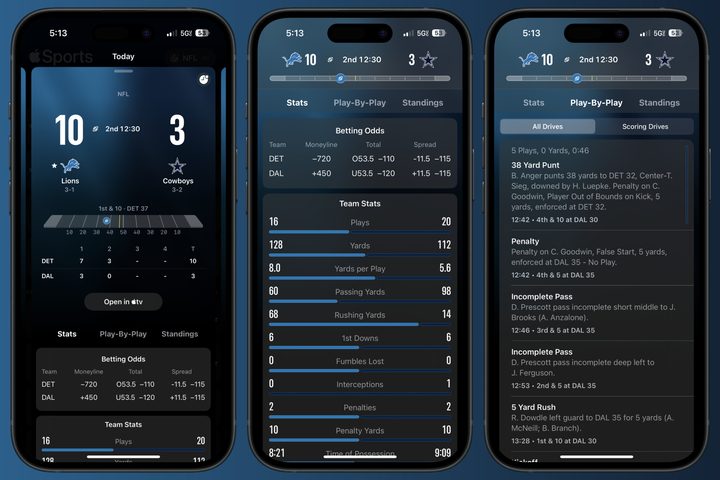
The Stats page showcases a clean breakdown of team stats for the current game, Play-By-Play offers a more precise breakdown of each play, and the Standings page is an excellent reference to see where the teams stand in their current divisions. It’s everything I want from a sports app without any unnecessary cruft.
The best part? You get all of this with zero advertisements. None. Zilch. Nada. It’s beautiful.
Live Activities make it even better
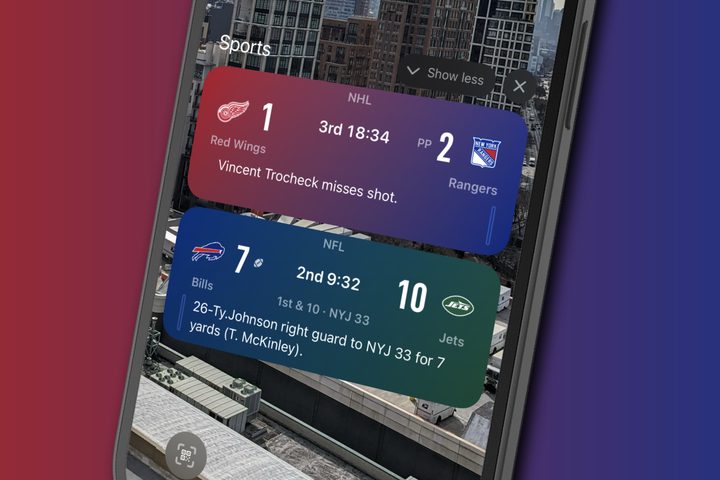
While I love the in-app experience of Apple Sports, it’s even better because of how well it works when you’re not using it. When a game for one of your favorite teams is happening, you automatically get a Live Activity on your lock screen so you can keep up with the game without having to open the app.
The Live Activities look great, showing the score, time remaining, and the latest play-by-play. You can also have multiple games on your lock screen if two or three of your favorite teams are playing.
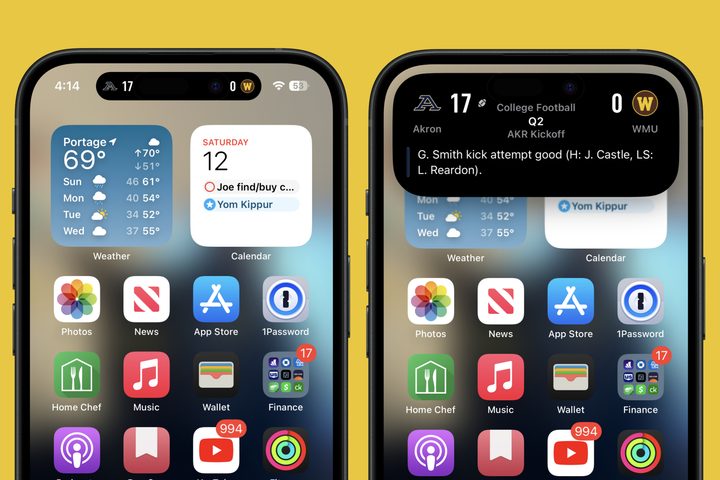
If you have an iPhone with the Dynamic Island (such as the iPhone 16), your sports scores can live here, too. You simply see each team’s score by default, but if you long-press on it, it expands to show the full Live Activities card. It’s a really slick setup.
My new favorite sports app
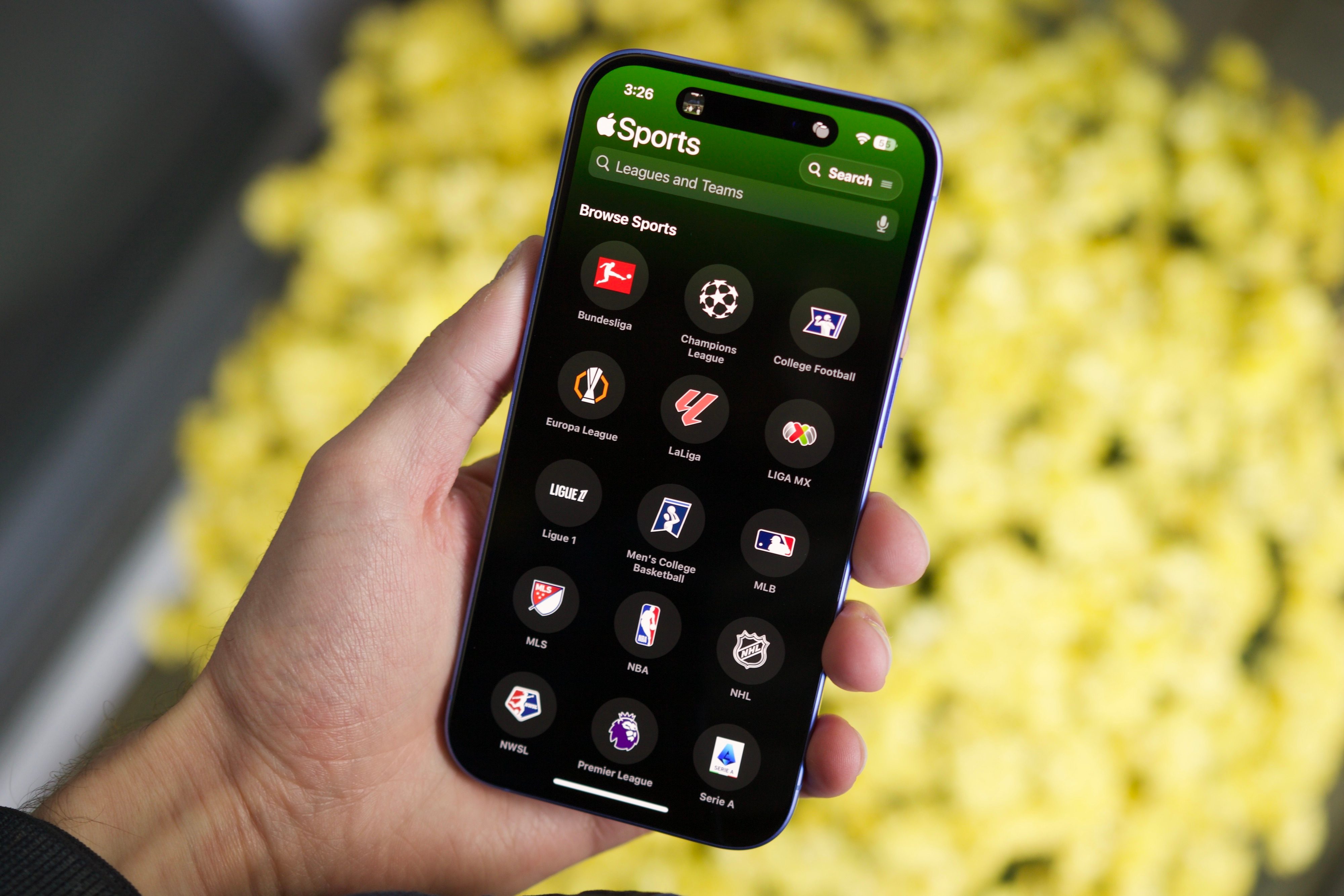
I’ve been exclusively using Apple Sports to track scores for the last several weeks, and I don’t intend on going back to ESPN or any other app.
Do I wish there were more in-depth team/player stats? Sure. Would it be nice if the app navigation was more in line with other Apple apps? Yep. Is it annoying that I can’t download Apple Sports on my Android phone? Certainly.
Apple Sports isn’t a perfect app, but for one that’s less than a year old, it’s impressive how good it already is. It nails the basics of a good sports app without annoying bloat or ads. It’s well worth using in its current state, and with a few more updates down the road, it could very well be the best sports app out there.