

HD Voice has been slipping into more headlines than usual recently. All of the major U.S. wireless carriers have discussed it in some capacity this year, and several have confirmed it will soon be added to their list of network features. The thing is, HD Voice may not be the quick cure-all answer to those fuzzy, crackly, muffled calls we make every day. Well, to clarify; it is the answer to rubbish quality calls, it’s just it’s going to be a while before we’re using it on a regular basis.
If you’ve not experienced an HD Voice call yet, the video below provides an accurate enough demonstration of what it’s like:
As you can tell, background noise is practically non-existent, hiss has been minimized, and voices are more natural. Calls sound more like a one-to-one conversation over a land line. This isn’t just some software trickery at work either. HD Voice needs to be supported all the way down the line, from the network and the operator to both phones involved in the call.
So what makes HD Voice tick? It works using a wideband audio codec, which operates at a far higher frequency than standard codecs, and is capable of taking in twice the amount of audio samples per second during a call. This is what helps your voice sound more like it would in normal conversation; HD Voice brings out the unique tones, details and nuances lost on a regular call.
To get a little geeky, the codec predominantly used by networks currently offering HD Voice is the G.722.2 Adaptive Rate Wideband, or AMR-WB for short. This is cool because it’s an established system, and makes efficient use of bandwidth by intelligently compressing call data, allowing carriers to stream higher quality calls without straining their networks.
HD Voice is already here, but it’s complicated
Having watched the video above, you may notice it’s dated June 2010. Orange UK became the first network in the world to introduce HD Voice then, following a successful trial in Moldova the year before. By late 2012, 60 percent of European countries had networks offering HD Voice, meaning the technology is relatively easy to implement (it doesn’t require any new hardware on a GSM network) and is already working well around the world.
It has taken its time to come to the U.S., but this is about to change. Unfortunately, things aren’t quite as simple as switching it on, and it’s going to be a while before every call you make will be an HD one.
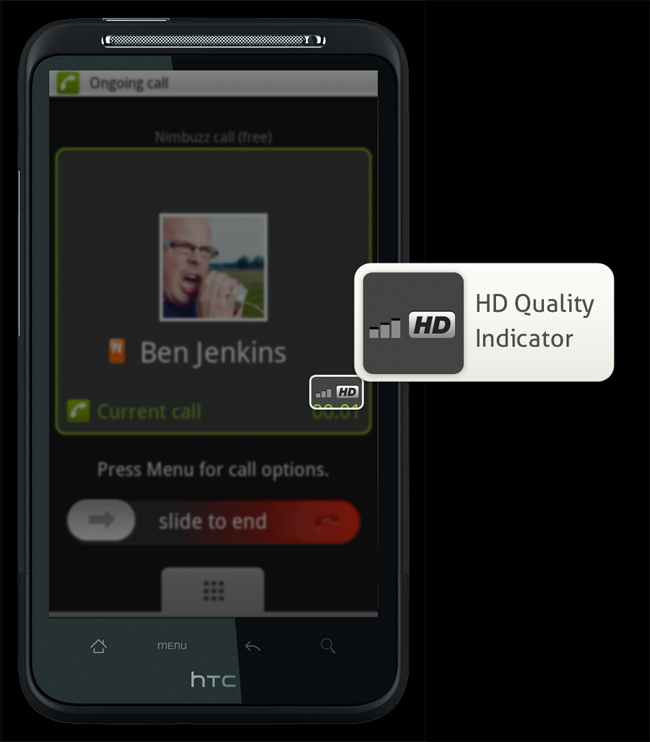 Why? There are several reasons, but it’s mainly because at the moment, the odds are simply stacked against HD Voice. First, your phone and the phone of the person you’re calling both need to be HD Voice compliant. This is the least of your problems, as according to the Global mobile Suppliers Association, as of late 2012 there were 127 phones available with HD Voice already onboard. The list includes the Apple iPhone 5, almost all recent Sony Xperia phones including the Xperia T, the Samsung Galaxy S2, S3, Nexus and Note, plus the HTC One X, S, and V. Add most Nokia phones including the Lumia 820 and Lumia 920, plus the recently released Sony Xperia Z, and there’s a good chance you already own an HD Voice-ready phone.
Here’s where the percentage chance of completing an HD call starts to decrease. Both phones must be connected to cells which not only have HD Voice activated, but be on compatible networks, too. This is a particular problem in the U.S., as CDMA-using Sprint uses a different HD Voice codec to the GSM-using T-Mobile. Plus, Apple hasn’t equipped the iPhone 5 with CDMA HD Voice compatibility, only GSM. To be almost certain of making an HD Voice call right now, both parties must use, say, an iPhone 5, then be connected to a cell with HD Voice, and preferably on the T-Mobile network. It happens, but not all the time.
Is it worth the effort?
When you make or receive an HD Voice call, there is a genuine improvement in quality over a non-HD call. The HD tag is well deserved, and it provides us with a handy analogy, as the difference between an HD and a non-HD call is similar to the jump from a VHS video to a DVD. It’s not quite up to being compared to a Blu-ray, but it’s considerably better than what we’re used to.
It’s surprising such a noticeable bump in call quality has taken so long to arrive, considering the effort networks are putting into increasing data speeds, when ultimately, making phone calls is a mobile phone’s primary function. We could be cynical and say it’s because networks can’t find a way to charge more for better sounding calls, but it’s mainly to do with the industry taking its time agreeing to a standard codec.
Still, it’s (more or less) here now, at least it is if you’re with T-Mobile, as HD Voice was launched across its HSPA network at the beginning of the year. Sprint has apparently delayed its HD Voice plans, and even when it does start switching it on over the next months, it’ll be a staggered roll out. AT&T has pledged to bring HD Voice to the network later this year, saying it’s, “Part of our voice over LTE strategy,” while Verizon will sort out VoLTE first, then HD Voice in late 2013 or 2014.
The cure for our call quality woes is coming soon, but we’re just going to be patient.


