1. Home
  2. Phones
  3. Mobile
  4. Evergreens

How to take a screenshot with a Moto X and Moto G

Add as a preferred source on Google

Having the ability to take a screenshot on a smartphone is one of the most important and crucial features on today’s devices. No matter if you receive an unintended — though hilarious — autocorrected text message, or simply need to record important information or data, it’s crucial your phone possesses this important feature. Because of this, most (if not all) phones now allow for some method of capturing its screen via a sequence of button pushes or individual apps and widgets.

When it comes to the Android-based Moto X and Moto G smartphone, the process for snapping a still of the screen proves to be a straightforward and easy process–not to mention each phone features identical techniques for execution. To help fans of either model master the art of taking the perfect screenshot, we’ve put together this comprehensive, step-by-step walkthrough.

Step 1. Locate the Power and Volume buttons

Recommended Videos

Like older Moto G and Moto X models, taking a screenshot requires the use of the phone’s Power and Volume down buttons. When looking at the screen of the phone, locate both the Power and Volume down buttons on the right side of the device.

motorola-moto-x-front-macro-970x0
Simon Hill/Digital Trends

Step 2. Taking the screenshot

With the required buttons located on the device, you’re now ready to snap a picture of your phone’s screen. Simply hold down the Moto G or Moto X’s Power and Volume down buttons simultaneously for roughly three seconds. If done correctly, you should hear a camera shutter sound and a quick notification signifying the screenshot’s success.

Captured screenshots then save to the Moto G or Moto X’s Screenshots folder withing the device’s Gallery. To access the Screenshots folder, simply click on the device’s Applications button on the home screen, select Gallery, and click Screenshot.

Moto G
Digital Trends

Step 3. Edit and share your photos (Optional)

Similar to other photos within the Moto G or Moto X’s gallery, users have the ability to edit any screenshot taken. Users also have the option to send screenshots via email or picture message, as well as the ability to share them across a host of social media websites like Facebook or Twitter.

Rick Stella
Former Associate Editor, Outdoor
Rick became enamored with technology the moment his parents got him an original NES for Christmas in 1991. And as they say…
iPhone 18 could get a RAM boost, but only a tiny sliver to run AI chores in iOS 27
A new report suggests the extra memory is aimed at keeping Apple Intelligence running smoothly.
Apple iPhone 17 back

Apple's next iPhone may not get a dramatic RAM upgrade, but it could receive just enough extra memory to keep its growing AI ambitions running smoothly. According to TF International Securities analyst Ming-Chi Kuo, the standard iPhone 18 and iPhone 18e are expected to move from 8GB to 9GB of RAM, primarily to support deeper Apple Intelligence integration in iOS 27.

Just enough RAM to keep Apple Intelligence happy

Read more
This free iPhone app uses soothing haptics to help you calm down
This iOS app skips accounts and subscriptions, relying on touch alone to help you relax.
Electronics, Mobile Phone, Phone

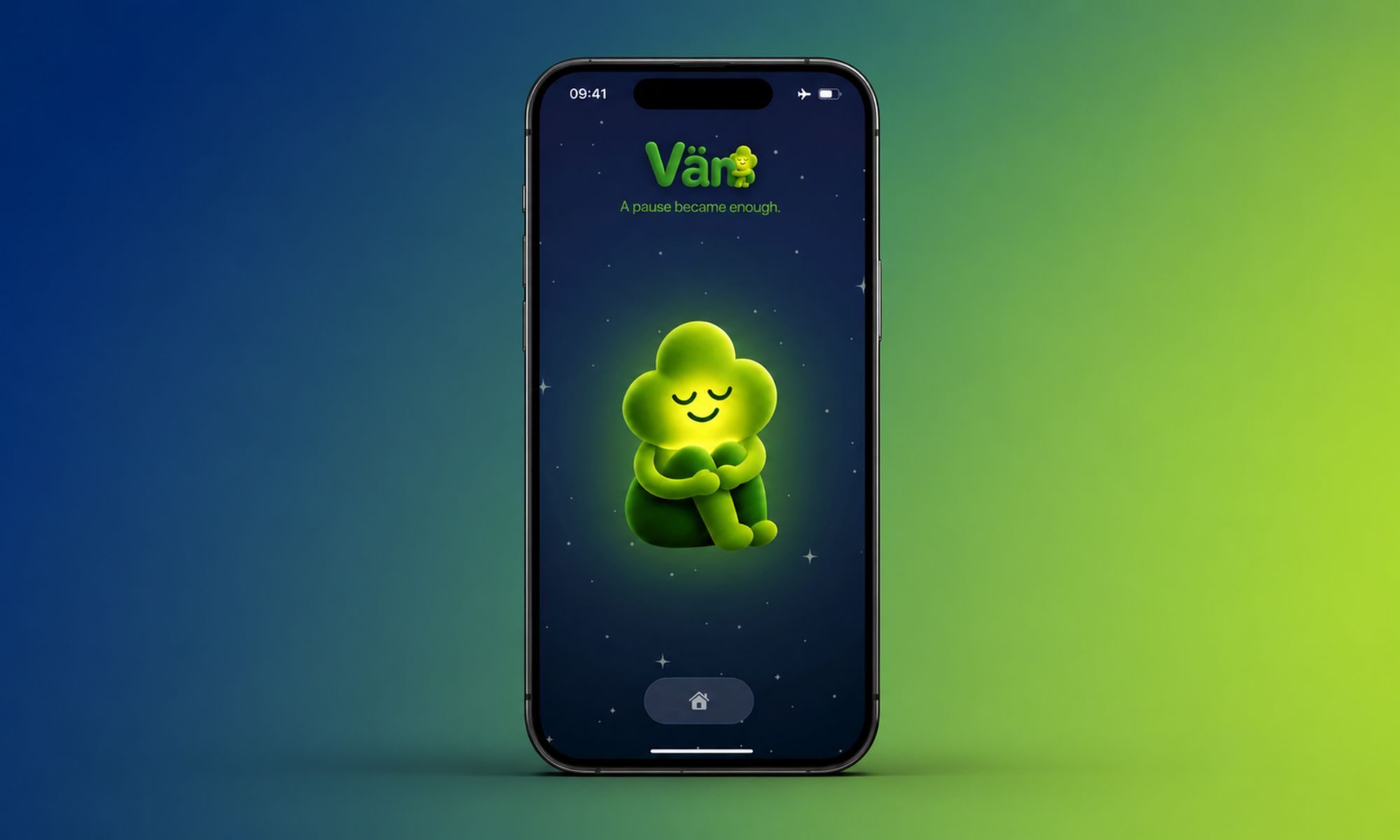
Most mindfulness apps want you to create an account, buy subscription, and give a chunk of your attention before they help you unwind. Vän, a new iPhone app from Swiss indie developer Adrian Stanco, is built to be the opposite.

I found the app on Reddit, and the pitch alone made me curious enough to try it. Instead of sounds or endless scrolling, it leans entirely on haptics, the tiny vibrations your phone is already capable of producing. The result is a feeling of calm you get by simply holding your smartphone rather than watching the screen.

Read more
In the last hours of Prime Day, I found the best deals to save you the regret of missing out
A few more hours, a lot of good deals, and no time left to overthink it.
Electronics, Mobile Phone, Phone

Prime Day 2026 officially ends today, and while some deals are already sold out, I've sifted through the entire website to find the best ones that are still live. Below are the picks I'd confidently put my own money on. They include everything from mid-range Android smartphones to flagship foldables, bone-conduction earbuds to Bose, and smartwatches across every price bracket. Act fast, before the clock runs out.

Best Amazon Prime Day deals on smartphones

Read more