With the iPhone 12, Apple brought back one of its icons: MagSafe. But while the tech is different than it was on the Mac, and it’s nominally there for charging, the addition of magnets to the iPhone has also spawned a new generation of iPhone accessories. Perhaps the most famous (or is it infamous?) of the first wave of accessories is the Apple-branded MagSafe wallet accessory, which holds up to three cards, and easily attaches and detaches from the back of the iPhone with nothing more than the MagSafe ring.
Some of us tech press have been quick to dismiss the accessory — and it makes sense. It’s ultra-expensive, screams elitism with its so-called French leather build, and some have complained that there’s no way it could actually be secure. But we’ve been wrong. I’ve been using the MagSafe wallet for a few weeks now, and I actually like it!
The best of both worlds
I’m firmly in the camp of “less is more.” It bothers me to have to carry around a phone, wallet, and keys everywhere I go. I replaced my deadbolt with a Level Lock so I could take that one extra key off my key ring, and leave my keys at home when I’m not driving. I’d retro-fit CarKey compatibility into my car if I could, even if it was a little pricey. And when digital IDs roll out, I’ll be at the front of the line to get one.
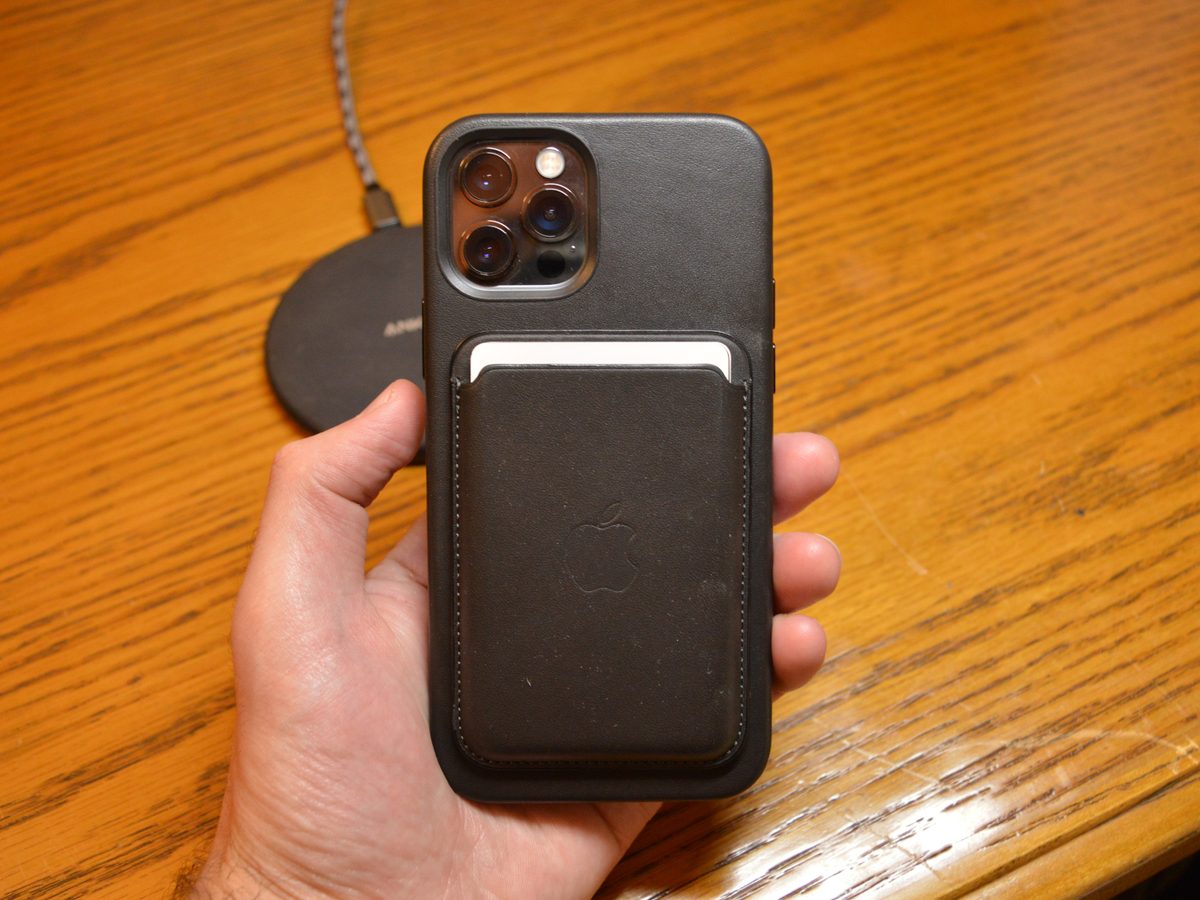
But even though I use Apple Pay whenever I can, contactless payment adoption isn’t at 100% just yet. Some gas stations accept it, but many don’t have it properly set up. And, that’s not to mention the fact that I still need to have an ID if I want to drive, buy alcohol, or fly. I’ve long wanted a wallet case to take those few safety-net cards with me without having to carry around a wallet.
But there are two problems with that: Wallet cases are clunky, and often block wireless charging. And that’s exactly where the MagSafe wallet comes in.
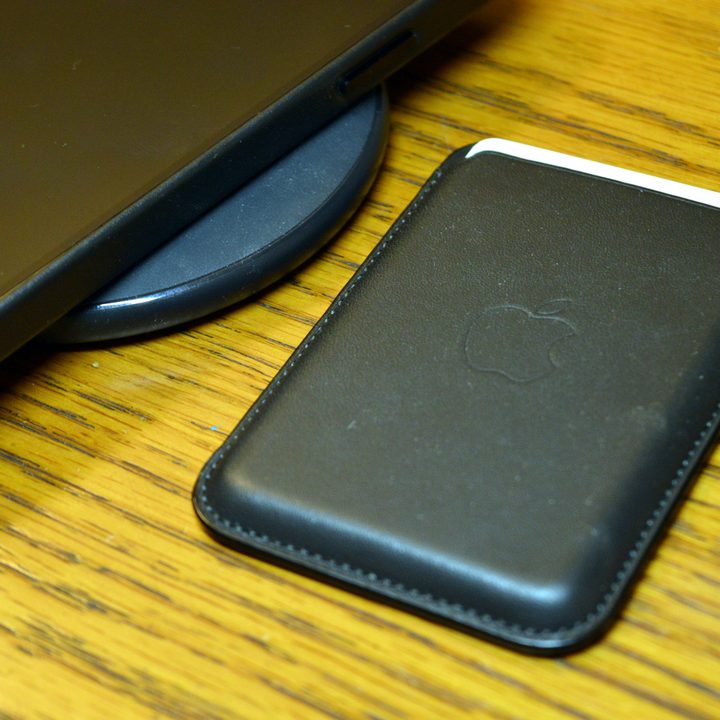
Sure, it’s not a perfect solution. You still have to physically take the wallet case off any time you want to use wireless charging. And, I concede — at that point, it’s probably quicker to just plug a Lightning cable into my iPhone to charge. But it still feels more convenient (or at least more futuristic) to use wireless chargers, and I’ll happily continue to take the wallet case off and slap it back on after charging.
And more to the point, the case comes off when you just want a slim phone, while charging or for any other reason. And it’s right there to click back on in an instant when you need the cards again.
It’s (relatively) secure
You’ve probably seen videos of the MagSafe wallet falling off when it’s slotted into the pocket or pushed in the wrong way, but I haven’t run into that issue even once.
Sure, it’s relatively easy to take off the back of your phone, but seemingly only when you want it to be. Maybe it’s because I put my phone in my pocket by holding it from the back, but not once has the MagSafe wallet fallen off as I put my phone away, or in my pocket.
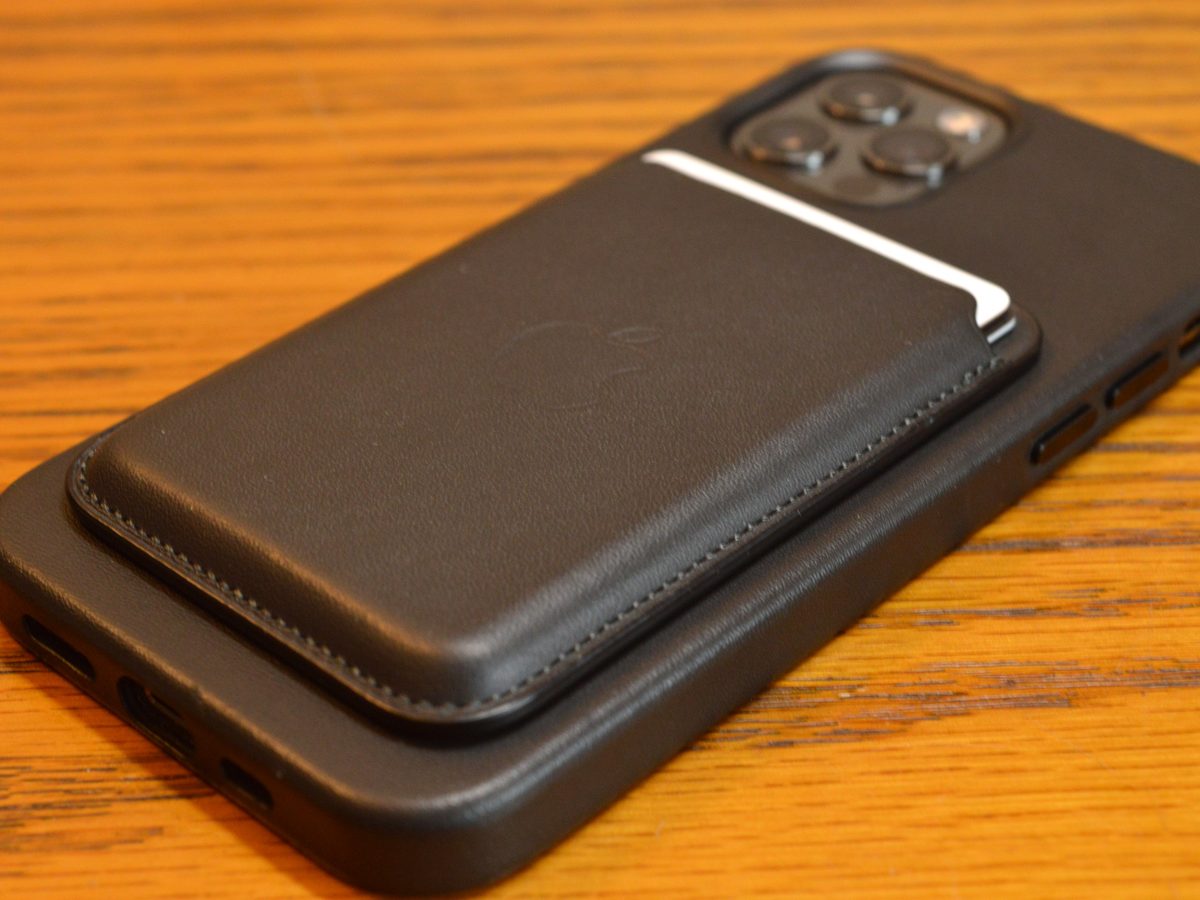
That’s not to say it never happens, or that it won’t happen. It’s just that I use the wallet constantly and don’t give its security a second thought, so it likely won’t be an issue for you either. And if you do, you could potentially change the way you hold your phone ever-so-slightly to slide it in your pocket.
Yes, there are downsides
I get it. It’s expensive. It’s really expensive. At $69, the MagSafe wallet accessory is the same price as the already-expensive leather iPhone case (which is quite nice, mind you), and it’s a lot smaller. It’s a luxury accessory.
That said, there are already dozens of third-party options on Amazon, for a whole lot less. While I can’t vouch for those accessories, specifically how strong the magnets are or how supple the leather is, they may be worth considering for the average buyer.
But if you want the safe choice, and don’t mind spending a bit of money, the Apple MagSafe Wallet is a great accessory for a specific niche of people: Those who want to ditch their wallet, without having the trade-off of a bulky case that blocks wireless charging.