Samsung users are set to finally get Android 11. Samsung has finally offered some information about its update rollout — and as long as you have a recent Galaxy device, you may be able to get it relatively soon.
The first phones to get Android 11, which includes One UI 3.0, will be the Samsung Galaxy S20 series, minus the Galaxy S20 FE. In the U.S., South Korea, and most of Europe, Galaxy S20, S20+, and S20 Ultra users should expect to get the update over the next few weeks, with some users set to get it right away. According to reports, however, it seems as though some UK Note 20 users have already gotten the update.
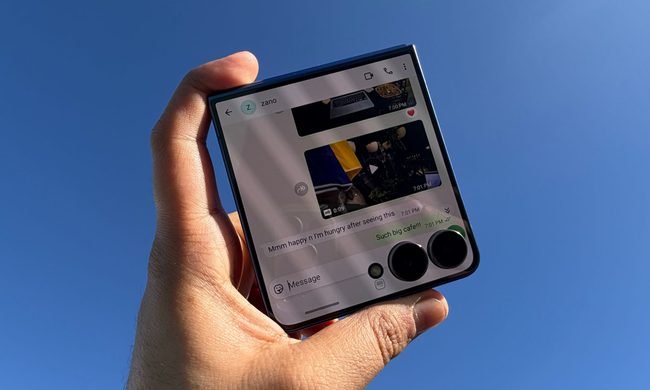
Samsung is somewhat contradicting itself when it comes to the update schedule for other phones. In a press release, the company says that “the upgrade will gradually become available in more regions and on more devices, including the Galaxy Note 20, Z Fold 2, Z Flip, Note 10, Fold and S10 series, in the coming weeks.” But, in the Samsung Members app, it claims updates may be dragged out until February depending on the model. In that app, the company lists the Note 20 series and Galaxy S20 FE as getting the update in January, and the Galaxy Fold, S10 series, Note 10 series, Z Flip, Fold, and Z Fold 2, as getting the update in February. So users with those phones will likely have to wait a couple of months before they get the update for themselves.
Unfortunately, you can’t do much to get the update sooner, except to make sure that you have the latest apps and software, and that you’re signed into the Galaxy Apps store and Samsung Members app (which you may have disabled — be sure to re-enable it). You could obsessively refresh the software updates section in the Settings app, however that likely won’t help you actually get the update any faster.
Android 11 in general brings a few new features to your phone, but in the case of One UI 3.0, it mostly brings visual refinements. Menus have a new translucent look, while lock screen widgets are a bit more functional. Other features are present too — like the ability to turn the screen off by double-tapping an empty area on the home screen.