Samsung is introducing a new feature for its phones that acts as a security valet when it is handed over to a repair outlet, ensuring that no personal data can be accessed by any unauthorized person. Dubbed Repair Mode, it can be enabled from the Battery and Device Care section in the Settings menu.
Once Repair Mode is enabled, the phone reboots and presents a UI that only allows the default apps to stay functional. All the apps you’ve installed on your phone, which contain valuable information, are locked. In repair mode, the phone also blocks access to photos, messages, and accounts signed up for different services.
As an added measure of security, Repair Mode can only be disabled after entering the phone password set by the owner. And in case you’re wondering, yes, you can choose to disable the security feature with a scan of your fingerprint — which is a more secure alternative to an alphanumeric password or PIN.
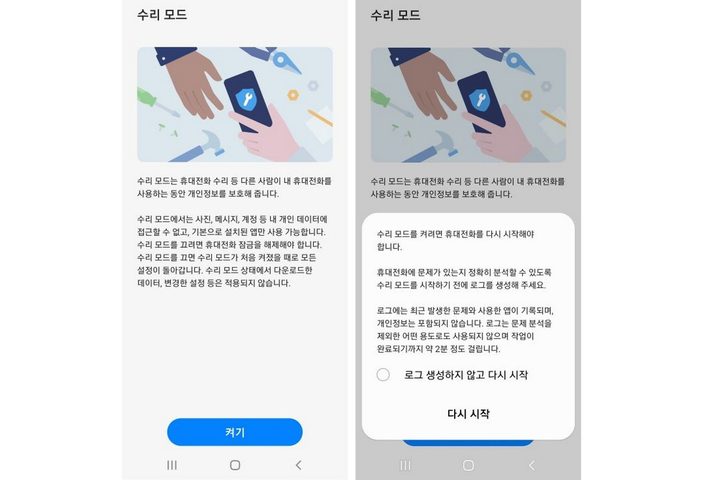
Repair Mode will first make its way to Samsung Galaxy S21 series phones via a software update and will subsequently arrive on other Samsung smartphones. However, the company is yet to share an official list of devices that are compatible with Repair Mode.
A step in the right direction
Samsung’s Repair Mode offers some much-needed relief to people worried about the safety of their personal information when their phone is lying at a repair outlet. The concerns are legitimate, and there is no dearth of incidents where private data stolen from a phone was leaked from such repair shops.
In June last year, Apple agreed to pay millions of dollars to a 21-year-old student whose private images and videos were leaked after she sent her iPhone to an Apple repair store. According to a report from The Telegraph, the incident happened in 2016 at a repair facility in California.
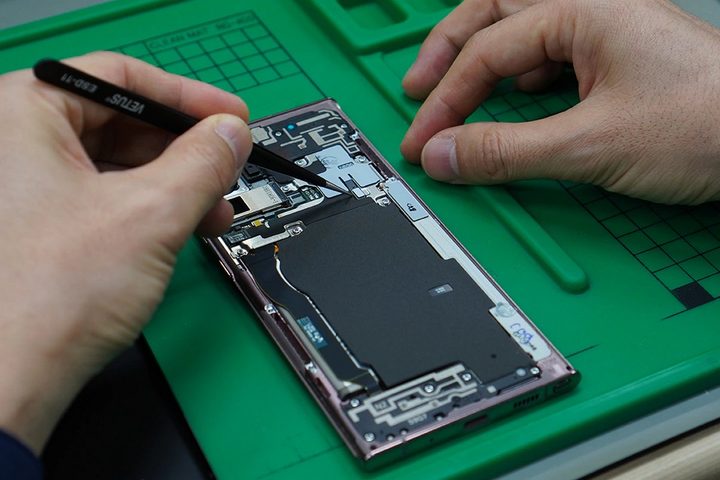
IndiaToday also reported on a similar case of a woman living in India’s national capital, who handed her phone over for fixing a broken screen. Soon, she started receiving calls from bad actors trying to extort her by threatening to leak personal media. In a span of just six months, the city’s police received over 300 reports of private data being stolen from women’s phones.
In another case, a woman started getting calls for ransom after she submitted her phone to a repair shop for a software update. Cybercrime investigators told the media that there is a nexus involving people working at shady repair outlets and bad actors trying to make easy money by blackmailing smartphone users.
Some safety steps you need to follow
Before sending your phone to a repair outlet, the best way to avoid data theft is to wipe it clean. But before that, make sure you have created a backup of all the data stored on your phone. You can either create a local backup on your PC or storage device, or save all the information on the cloud using services like iCloud or Google Drive.
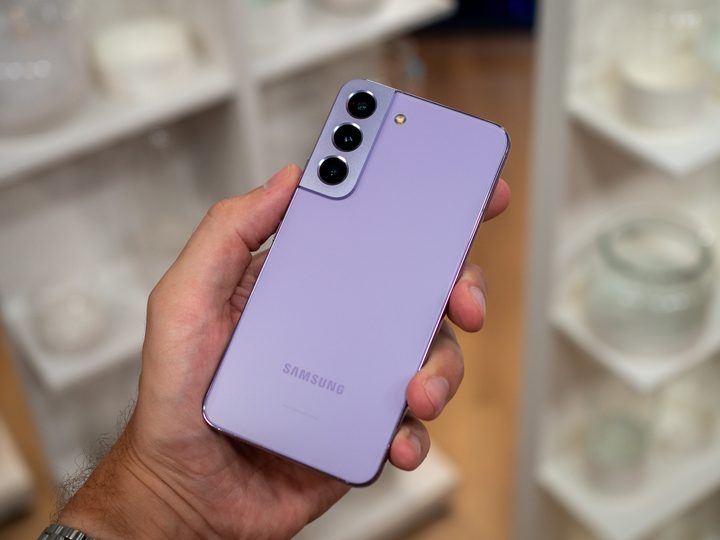
Once your phone returns from the repair, you can restore all that data with ease. If your phone has a microSD card in the slot, make sure to take it out. For eSIM devices, ensure that all cellular connectivity features are disabled, or you temporarily move that line to another phone before handing over your broken phone.
While your phone is in repair and you get a call asking for sensitive information like Apple ID, Google account credentials, or any OTP sent to your number with even a whiff of banking-related data, reach out to your device support channel. And, if needed, law enforcement authorities as well. Samsung’s Repair Mode doesn’t remove the need for these precautions, but it’s a great extra layer to ensure the repair process goes as smoothly as possible.