

“It's entirely usable and functional, but for $300 to $400, you can do better.”
- Decent battery life
- Runs Android 4.0
- iPad-sized screen is nice
- Fingerprinting
- Screen quality issues
- Cheap build materials
- Annoying onscreen keyboard
- Weak specs
- Lenovo App Shop disappoints
“Why you can trust Digital Trends – We have a 20-year history of testing, reviewing, and rating products, services and apps to help you make a sound buying decision. Find out more about how we test and score products.“
The IdeaTab S2109 is another attempt by Lenovo to make a dent in the personal tablet market, which has thus far left it, and almost every manufacturer besides Apple, out in the cold. Rather than beat around the bush like other Android tablet makers, Lenovo has directly attacked the iPad — but not the new one. Instead, it feels more like Lenovo is trying to compete against the iPad 2 (currently $400) and used editions of the first iPad. Sadly, it has a tough fight ahead of it. See how it stacks up below.
How it looks and feels
The first thing you’ll notice about the IdeaTab S2109 is how much it looks like an iPad. Lenovo has made the rare decision to use a screen that is the exact same size, dimensions, and resolution (1024 x 768) as Apple’s older iPads. Unlike its Android competition, the IdeaTab is a 4:3 tablet; it does not have a widescreen. The difference is much like the difference between an old TV and an HDTV: your HDTV is a lot wider. Of course, we tend to think Apple’s decision to go with a 4:3 aspect ratio was a smart one. Kudos to Lenovo.
Sadly, Lenovo’s smart design decisions seem to end with the screen. Nothing else about the IdeaTab’s outward appearance and feel can compete with any generation of iPad except its overall size and thickness, which are about even with the second and third iPad.

It’s encased in what feels like cheap plastic, and the screen itself is rather soft and not well attached. Pressing on it even a little will leave pressure marks on the screen (though they disappear quickly). The screen also has some gluing issues. One side of our screen tended to bend upward a bit, like a bubble. It could be pressed back down, but would slowly float back apart from its casing. The screen was definitely attached to the plastic casing, but it didn’t feel particularly hardy. That’s likely because it wasn’t. This tablet doesn’t use Gorilla Glass, nor does it have an adequate fingerprint coating. So you’re going to have to wipe it down frequently to clear off smudges, and if you drop it, it could shatter. Cheap devices like the $200 Nexus 7 give the S2109 a run for its money.
Lenovo has included four speakers in the back — the most we’ve seen on a tablet — and packaged SRS audio enhancement into the operating system. But we were left underwhelmed. The iPads and their single speakers handily outperform the IdeaTab, as does the Nexus 7.
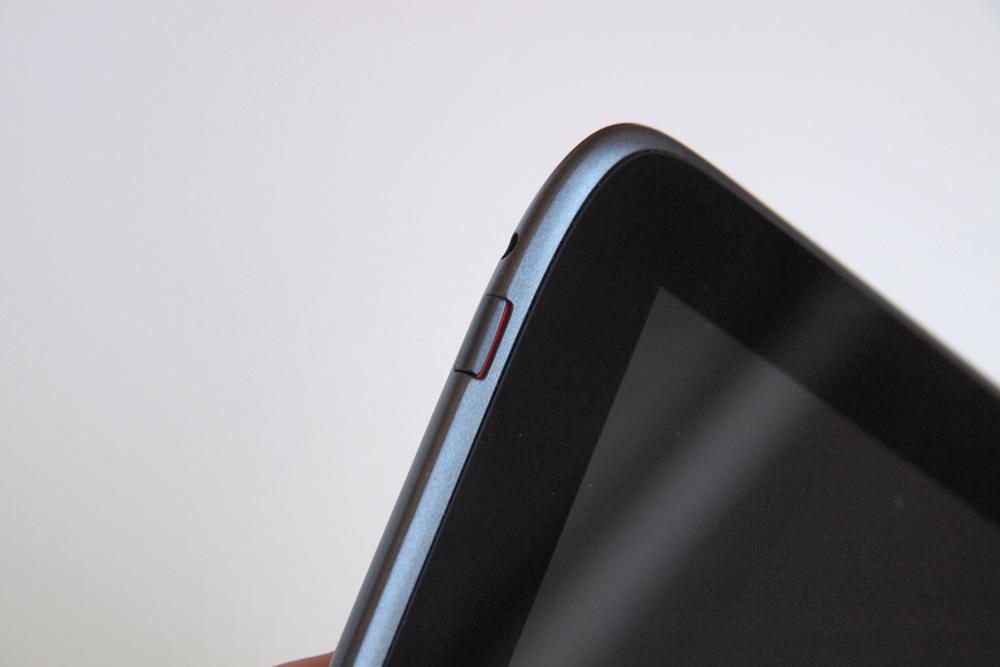
The position of the power button indicates that you’d want to hold it in a landscape orientation, as do the horizontal Lenovo logo and the placement of the four rear speakers. But the webcam and ports indicate a tablet begging to be held in a portrait orientation. Yet the camera software is designed for landscape orientation. Are you seeing the problem here? These are minor issues, but they speak to a larger pattern. This tablet doesn’t quite know how it wants to be used, and we don’t either.
Overall, the IdeaTab is a mess of poor and cheap design choices. We love the screen size and aspect ratio, but the plastic casing, inadequate fingerprint coating, and other design problems give the S2109 a cheap look and feel.
Using the IdeaTab
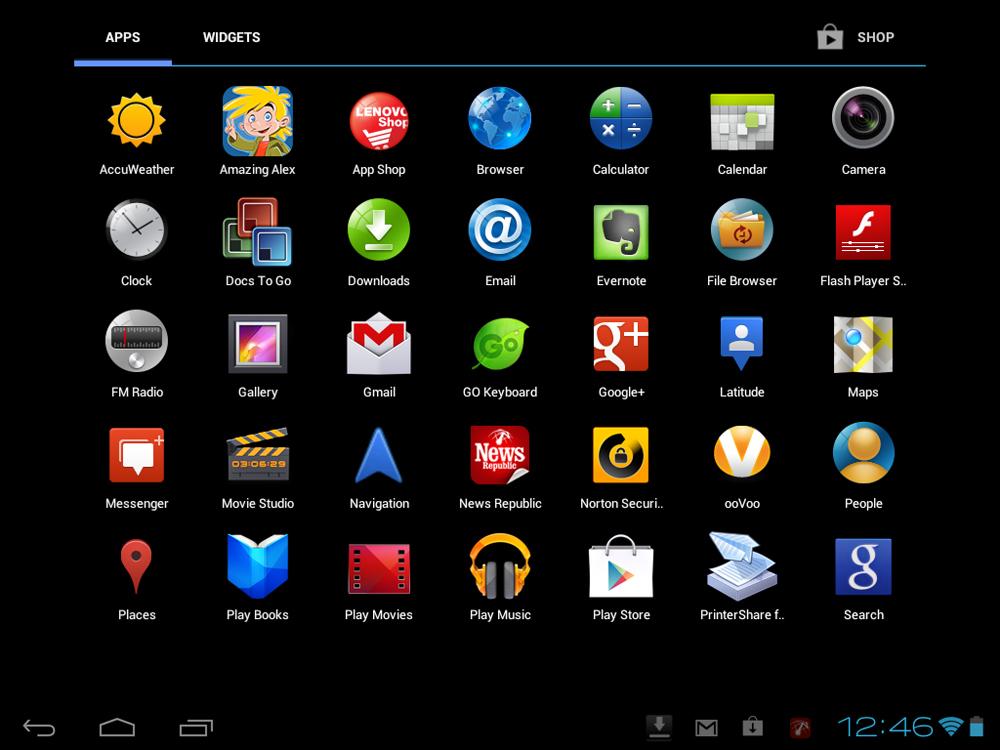
Lenovo is keeping up. The IdeaTab S2109 runs on a newer version of Android (4.0). The interface has been left mostly alone, which means Google is responsible for the strengths and weaknesses of much of the IdeaTab. For the most part, Android works just fine, though it’s still nowhere near as elegant on a larger 10-inch tablet as iOS on the iPad or even BlackBerry’s Tablet OS. We like what Google has done with Android 4.1 on its Nexus 7 tablet, but we don’t know when the IdeaTab will get that upgrade — if it ever does.
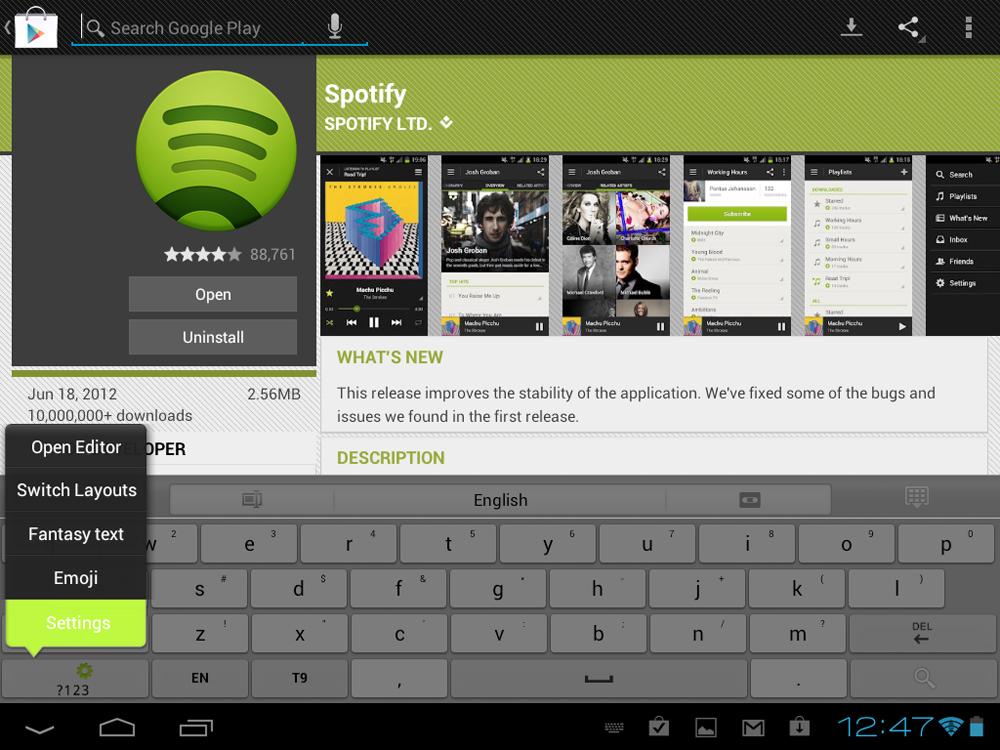
Though the IdeaTab is mostly a stock Android experience, its onscreen keyboard is a puzzling exception. Though we can understand when manufacturers try to fix up Android’s expandable System Bar (since it clearly needs some work), Lenovo has decided to swap the OS’s keyboard instead. Replacing it is the “Go Keyboard,” an ugly, stretched, cramped, unresponsive mess of a keyboard. The cramped design of the Go Keyboard also makes no sense, as the IdeaTab actually has more vertical screen space than other Android tablets. Why didn’t Lenovo add a keyboard with a number row? At least then we could understand the change. Luckily, the keyboard can be switched back to the default, assuming you know how (Settings > Language & Input).

 |
 |
 |
 |
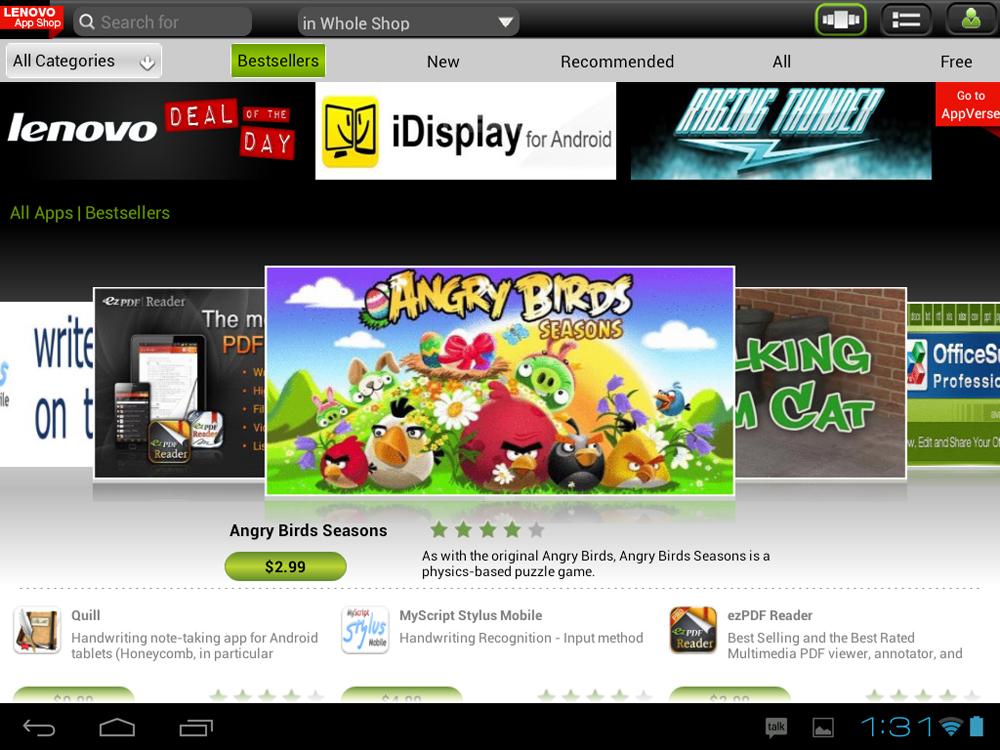 |
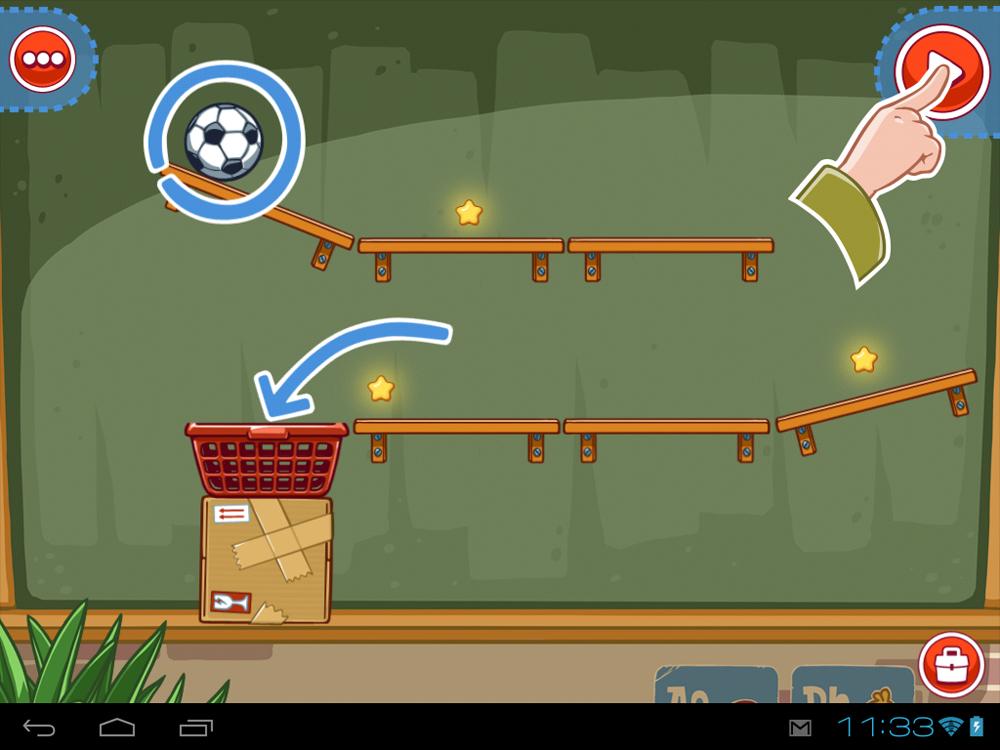
Android’s chief weakness in tablets is its near complete lack of apps built with larger screens in mind. Like all larger Android devices, the IdeaTab suffers from the inadequacy of apps inside the Google Play store. Lenovo tries to fix this by adding the “Lenovo App Shop,” which it promises is full of apps hand-tailored for the S2109. Most everything in the store appears to be also available on Google Play, though, so don’t waste your time. The problem with small stores like this is that app developers often forget to submit updates, meaning you might end up running out-of-date applications on your tablet.
Overall, our experience using the IdeaTab hasn’t been great. Lenovo hasn’t created any compelling content to take advantage of the new screen ratio, nor is there a lot of great software available. The Android user experience is okay, but we’re puzzled by Lenovo’s ugly, ineffective new keyboard.
The specs
The IdeaTab has some compelling specs, but its processing power is on par with tablets that came out last year. It runs on a 1.0GHz dual-core Cortex A9 MPCore processor, has 1GB of RAM at 400MHz, 8GB of internal flash storage (16, 32GB also available), a 9.7-inch 1024 x 768 pixel TFT LCD screen, and a 1.3-megapixel front-facing camera. There is also a microSD slot, Micro USB, Micro HDMI. And it has Bluetooth, FM radio, and connects to the Internet via Wi-Fi. A microphone, quad rear speakers, accelerometer, GPS, digital compass, and gyroscope are also present. It does not have NFC compatibility.
In our standard Quadrant benchmarking test, the IdeaTab S2109 performed rather poorly, clocking in around 2,000, which is on par with year-old tablets, but less than half of what newer tablets are scoring. Even the Nexus 7, a $200 tablet, achieved a score of 3,500. Newer devices like the Galaxy S3 score around 5,000.
Overall, it is a functional, usable tablet from a hardware perspective, but it misses the mark in relation to the competition. You can find more specs here.
The camera
The Nexus 7 does not have a rear camera, not that tablets truly need one. The front-facing camera is 1.3 megapixels and performs well enough in video chats over Skype or other services.

Pictures come out fuzzy and look bad. It’s not for photography.
Battery performance
Lenovo claims that the IdeaTab gets around 10 hours of battery life if you’re playing videos or browsing the Web. We estimate that it achieves about the standard eight to nine hours of life we see on most tablets. No bad news to report here.
Overall
The Lenovo IdeaTab S2109 seems like a good tablet when you first open the box, but the moment you begin to hold and use it, the problems start stacking up. It’s entirely usable and functional, but for $300 to $400, you can do better. It’s current price is $311.20 on Lenovo.com, but standard is $400. Meanwhile, the Apple iPad 2 costs $400 now and beats the IdeaTab in every meaningful way, as do a lot of other Android tablets, if you want to get down to it. It’s sad, but this isn’t Lenovo’s best effort.
Highs
- Decent battery life
- Runs Android 4.0
- iPad-sized screen is nice
Lows
- Fingerprinting
- Screen quality issues
- Cheap build materials
- Annoying onscreen keyboard
- Weak specs
- Lenovo App Shop disappoints


