

“Lenovo’s ThinkPad Tablet 2 is a huge step up from its Android-based predecessor, and the stylus works great, but its use is hampered by a weak processor and Windows 8’s inability to scale to a tablet-sized screen.”
- Stylus included
- Runs Windows 7 and Vista applications
- Full USB port
- Good 8.5-hour battery life
- Tiny Windows 8 menus
- Underpowered Atom processor
- Cameras unimpressive
- No decent keyboard attachment
- Microsoft Office not included
“Why you can trust Digital Trends – We have a 20-year history of testing, reviewing, and rating products, services and apps to help you make a sound buying decision. Find out more about how we test and score products.“
Few companies have experienced much success trying to directly compete with the iPad. Lenovo’s first ThinkPad tablet introduced a stylus to the mix, but because it ran a buggy, early version of Google’s Android operating system, it got lost in a sea of has-beens and tried-hards.
But Lenovo isn’t a company that gives up; and with the launch of Windows 8, it’s seizing its opportunity to try, try again. The ThinkPad Tablet 2 is almost nothing like its predecessor in shape or function. And to us, that’s a very good thing.
Return of the black rectangle
But did it ever really leave? It seems like all tablets look pretty much the same these days, and Lenovo isn’t re-inventing the wheel with the ThinkPad Tablet 2. With a more rigid, cut profile than the iPad or Nexus 10, it looks a lot like a slimmed down Microsoft Surface. Sadly, Lenovo’s tablet doesn’t hide a kickstand, and you can’t buy magnetic keyboards for it. However, it does have a secret of its own: a capacitive stylus.
In the upper left corner of the tablet is a little red circle. Pull it out and you’ve got yourself a nice little stylus (no batteries required). The stylus isn’t necessary in the Start Screen environment of Windows 8, but try to go back to the classic desktop and you’ll be in a world of hurt without it. It lets you select, hover, and do things a mouse cursor would be able to do. Because the classic Windows desktop icons and buttons are so small, it’s more of a vital accessory than a bonus.
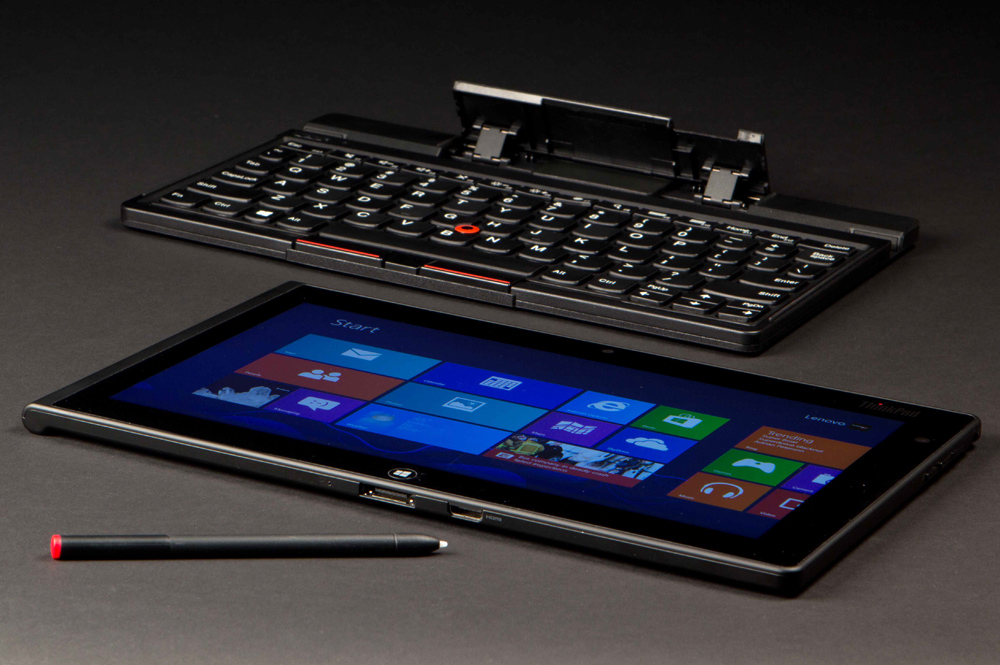
The stylus fits nicely into the design of the tablet, adding little if any bulk to the design, which is a little lighter (1.3lbs) and roughly the same thickness as the Surface tablet and iPad. Lenovo has given its tablet a slightly more unique shape than the boxy Surface, but not much. This is still a straight up rectangle, though, thanks to a tapered back, it’s more comfortable to hold than some designs.
The ThinkPad Tablet 2 isn’t without some design flaws. The shell seems to be made of plastic, which has a nice rubberized coating on it, but feels flimsy. Our review unit can be bent a little too much for comfort, and the back panel has an air bubble in it – not noticeable to the eye, but you can press in the plastic. In addition, our screen had some slight creaking due to a section of the screen that wasn’t bonded properly. None of these issues are major and could be limited to our unit.
When it comes to slots and ports, the ThinkPad Tablet 2 is pretty well stocked. It has a full-size USB 2.0 port (rare on tablets), a mini HDMI port, a microSD slot, a proprietary docking connector, a micro USB charging port, and your standard headphone jack. Finally, your standard Power button, Volume Up/Down keys, and an Auto-rotate toggle are located in the upper right. We found it a bit difficult to find the Power button without looking sometimes because it doesn’t stick out much, but we quickly got used to it.
Windows 8: The full experience, sort of
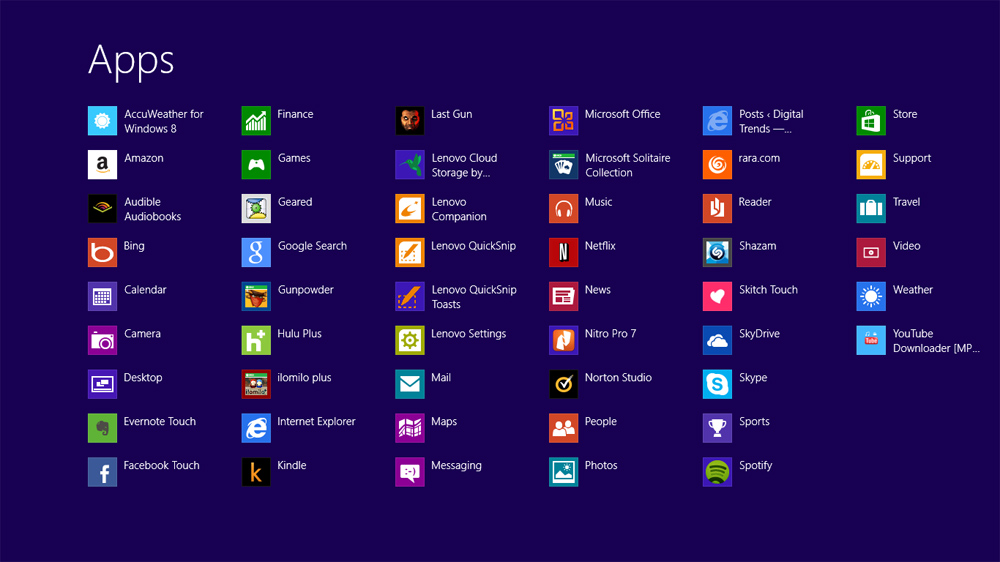
The major difference between Lenovo’s ThinkPad Tablet 2 and the Microsoft Surface RT is that because this tablet runs on an Intel processor, it’s able to run a full version of Windows 8. The experience is mixed. While it’s nice to be able to install any of the thousands of applications built for Windows 7 and Windows Vista – like Spotify, iTunes, Skype, Chrome, Firefox, and a myriad of games – it’s a mixed blessing.
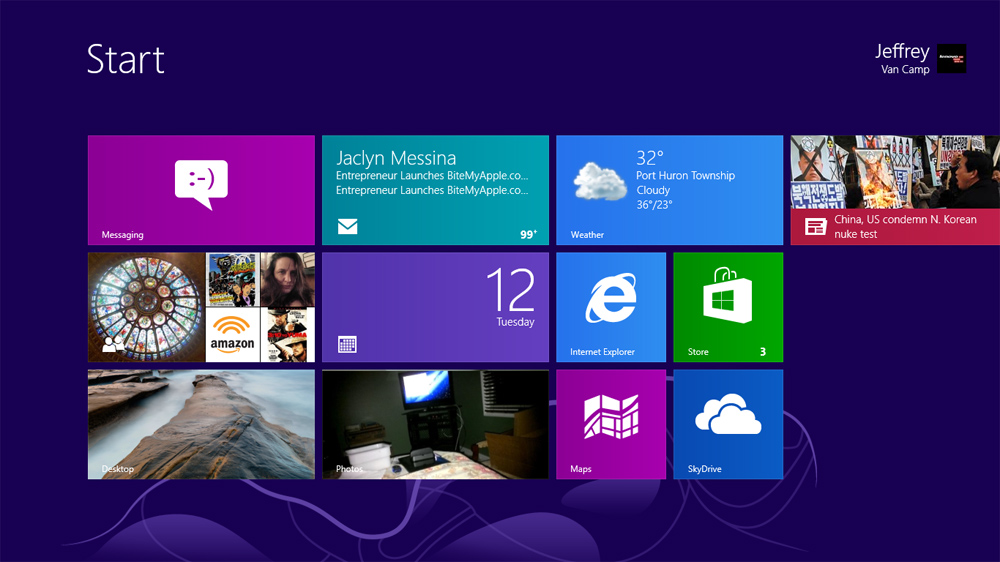
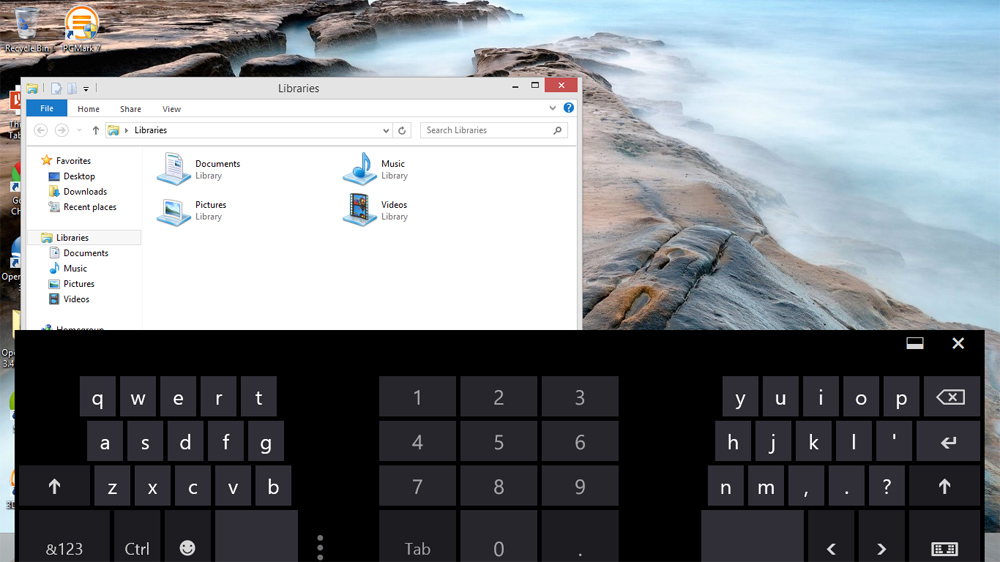
Lenovo’s ThinkPad Tablet 2 screen is only 10.1 inches, smaller than Microsoft’s 10.6-inch Surface tablet. A half an inch makes a difference. Because Microsoft decided that it wouldn’t upscale the size of menus in Windows 8, you’re stuck navigating impossibly small desktop menus on the 1366 x 768 pixel screen. The stylus helps a lot, but the menus are so small that, at times, even its slight inaccuracy can be confoundingly frustrating. We tried increasing the size of text and menus, but found that, while it helped, many apps don’t work with large text – it gets cut off and navigating becomes quite difficult.
 |
 |
 |
 |
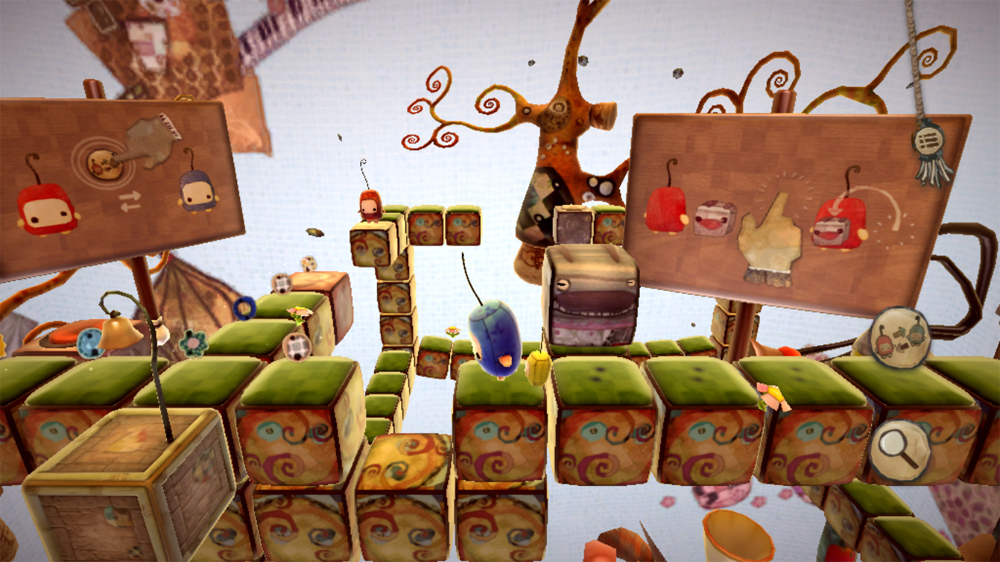 |
If you want to use Windows 8 on a tablet, keep in mind that it’s a disjointed experience that’s going to frustrate you more often than not. The Start screen and tablet apps of Windows 8, while sparse, do get the job done, but whenever you have to go into the desktop (often), things will get rough. Read our Windows 8 review to learn more.
A few custom apps
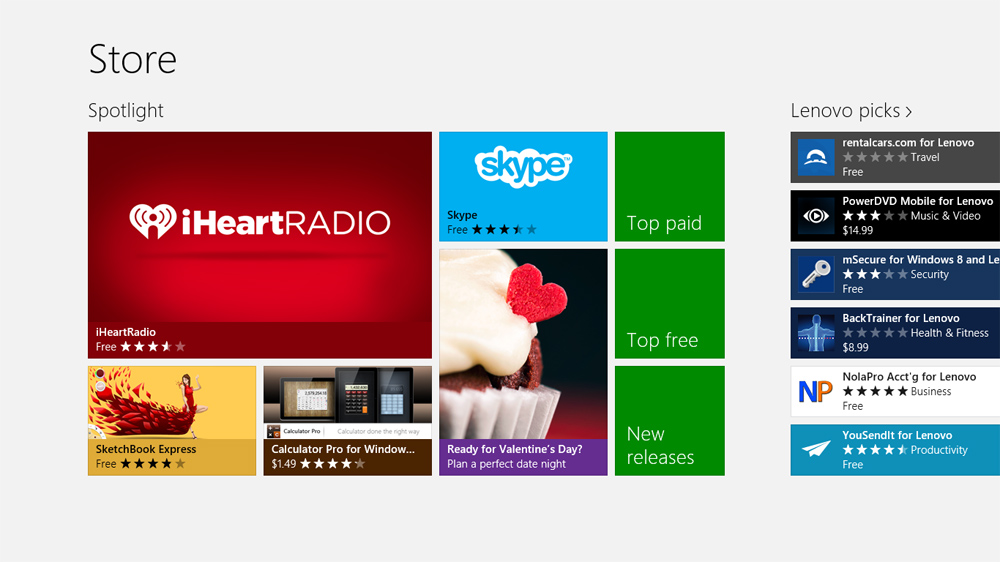
We don’t suspect you’ll use them, but Lenovo has bundled a few simple apps onto the ThinkPad Tablet 2. It has a Lenovo Settings app (the third Settings menu on the device), a “Companion” app that updates you on Lenovo news, and a few others. None of these are particularly impressive, but none hamper the Windows 8 experience either. The Windows 8 store, as our own Matt Smith put it, is kind of a mess. You can install old Windows 7 and Vista applications, but you’ll have mixed results on usability.
(Note: Though Microsoft generously included versions of its core Office apps – Word, Excel, PowerPoint, and OneNote – with Windows RT, no Windows 8 computer has them. So you’ll have to pay for them (on top of the hefty cost of the machine), or do what the rest of us do and download a free copy of OpenOffice, or another Office alternative.
It’s Intel, but what’s inside?
The ThinkPad Tablet 2 is one of a bunch of first-generation Windows 8 tablets/laptops that run on Intel’s Atom processor – in this case, a dual-core 1.8GHz Atom Z2760 processor, which is supported by 2GB of RAM and 64GB of internal memory (50GB usable). What does that mean? Well, it means that the tablet can get decent battery life (8.5 hours in our battery drain test) and doesn’t need an annoying fan to keep it cool, but there isn’t a lot of processing power here.
We found the ThinkPad Tablet 2 to be a step up from the Surface RT and not usually laggy, but if you try to run a game or a complex desktop app like iTunes, things are going to get slow. And though it has Adobe flash built in, trying to watch HBO Go or other Web content is difficult. We had a lot of browser crashes and freeze-ups when we tried to do anything more than some basic folder navigation, OpenOffice document creation, and browsing. We performed a PCMark 7 benchmark test and it got a 1427, which is quite low compared to some other Windows 8 machines.
Wi-Fi performance and connection has been strong and consistent. We’ve had no problems connecting to wireless networks.
Smile, and stay still…
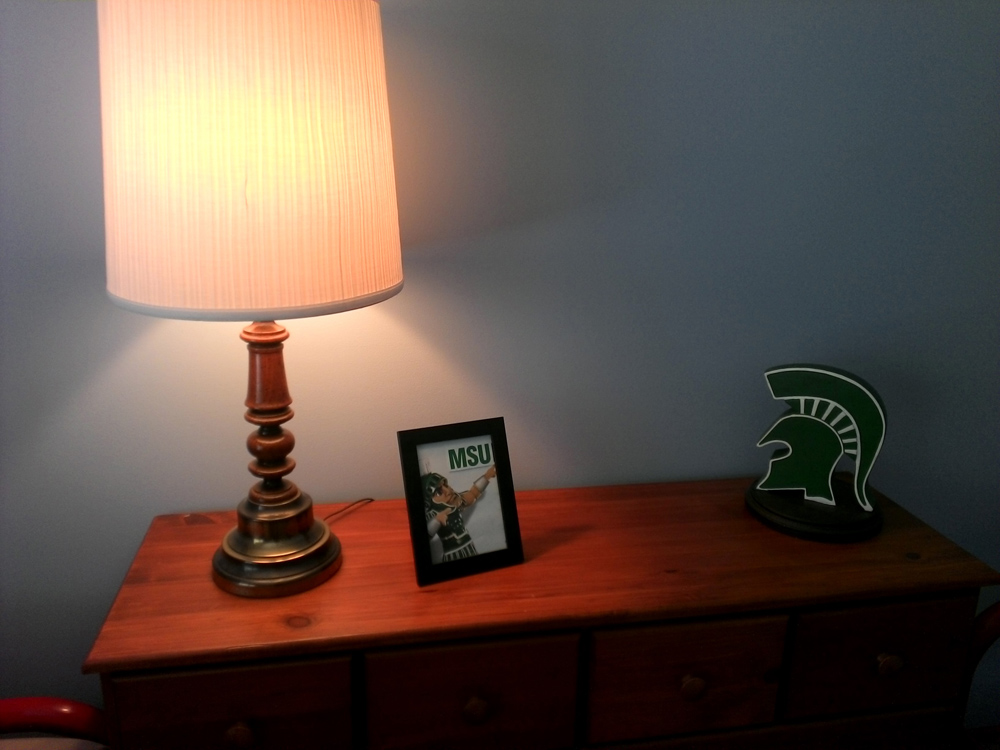
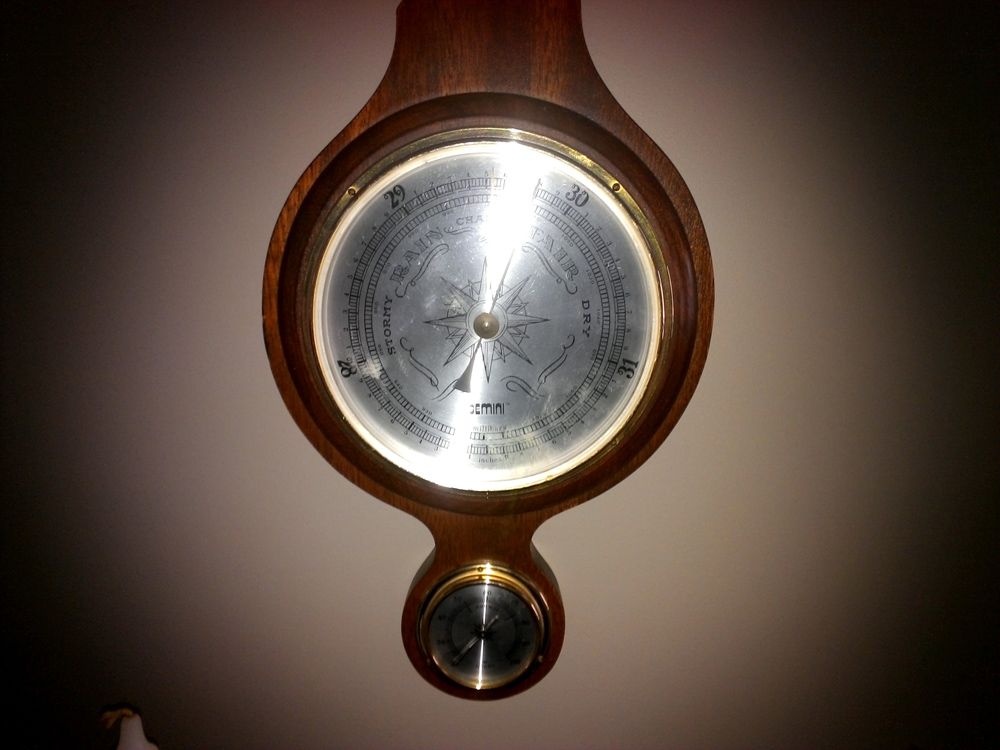
The ThinkPad Tablet 2 has a 2-megapixel front webcam and an 8-megapixel rear camera, but don’t expect your photos to win any awards. We found pictures to be washed out and rather lifeless, even in colorful conditions. In addition, if you want to shoot anything at a higher resolution than 2.1-megapixel, you’ll be stuck with a 4:3, boxy aspect ratio.

 |
 |
 |
 |
 |
Microsoft’s camera software makes it difficult to focus. You have to tap the screen to snap a picture (or turn video recording on or off), which can sometimes cause a jitter in your video and makes focusing photos difficult.
Finally, we’re not sure if it’s entirely Windows 8, or if Lenovo’s gyro’s and accelerometer are partially to blame, but when in the photo app, the ThinkPad Tablet 2 often jarringly switched from landscape to portrait orientation, even when barely tilted. It causes the camera app to look frozen for a second and wastes time – an annoying little bug.
So-so sound
The ThinkPad Tablet 2 has built-in Realtek stereo speakers located on the lower left and right sides (in differing locations). We found the speakers usable enough if you’re in a quiet environment, and audio was fairly clear. However, at top volume, audio begins to sound like you’re listening to it in a bathroom. It’s somewhat muffled and no longer crisp. Compare this to the single speaker on the iPad and there’s a stark difference. The iPad gets much louder and sounds much clearer at a higher volume. While we have yet to hear a truly impressive sound system on a tablet (Kindle Fire HD does have some nice Dolby tech in it), Lenovo’s tablet certainly doesn’t take the bull by the horns. For basic tasks though, you shouldn’t have much trouble with the sound.
Time is on its side
A 30Whr lithium-ion battery powers the ThinkPad Tablet 2. Lenovo didn’t give us an estimate on battery life, but in our Battery Eater benchmark test, it lasted 8 hours and 34 minutes. Usage will vary, but this is better than most Intel laptops and tablets we’ve tested by 1 to 3 hours. The Acer Iconia W7 and Dell XPS 13 come closest at a little over 8 hours. The ThinkPad won’t match the 10-hour battery life you get from some Android tablets, or the iPad, but it comes within an hour or so. Of course, if you just go nuts and tax the system to hell, your battery life will suffer.

Conclusion
Lenovo’s ThinkPad Tablet 2 is a huge step up from its Android-based predecessor, and the stylus works great, but its use is hampered by a weak processor and Windows 8’s inability to scale to a tablet-sized screen. Tiny menus, freezes, and slowdowns dim what should be a bright day for Lenovo.
Because of Microsoft and Intel’s prices, this tablet will run you $730, or $30 more than an equivalent 64GB iPad. If you absolutely must use old Microsoft Windows 7 and Vista applications on your tablet, or need to connect specific USB accessories, then be our guest; but for the price, we’d definitely opt for the iPad, which is faster, has hundreds of thousands more apps (custom-built for it, too), and is generally more pleasant to use. If you can scale back to 32GB of storage, the $500 Google Nexus 10 is also a good option. Lenovo has given it a good go, and if you need Windows 8 on a tablet, this is a good option, but we’ll be spending our money elsewhere.
Highs
- Stylus included
- Runs Windows 7 and Vista applications
- Full USB port
- Good 8.5-hour battery life
Lows
- Tiny Windows 8 menus
- Underpowered Atom processor
- Cameras unimpressive
- No decent keyboard attachment
- Microsoft Office not included


