1. Home
  2. Computing
  3. Legacy Archives

Yay freebies! MediaFire now has a desktop app

Add as a preferred source on Google

Cloud storage is all the rage these days. If you prefer to store your data in the (virtual) heavens and you’re a Windows Mac OS X user, you have a new option at your disposal.

MediaFire announced that it is releasing a beta version of a desktop client for both Windows and Mac OS X. With the free version, you get up to 50GB of storage, though if you want to throw around some green, paid plans start at $29.88 per year for 100GB, despite the fact that MediaFire’s site indicates a $25 annual charge for 100GB. Either way, that’s pretty cheap. By comparison, 100GB of Dropbox storage will run you $99 a year.

Recommended Videos

Using the MediaFire client, you can share your files from your desktop directly to Facebook, Gmail and Twitter. You can also set sharing permissions, allowing others to access your content, while setting boundaries on what they can or can’t touch. You can also stream audio and video clips from your account. MediaFire’s desktop app supports over 200 file formats, so you shouldn’t have any concerns with respect to compatibility.

Here’s what MediaFire had to say about the announcement on their official blog.

“MediaFire Desktop has been designed from the ground up to let you do more with your Media. From automatic web-based audio and video transcoding, to viewing your files on the go through your mobile device, MediaFire provides you with all of the online storage that you need for around half of the cost of other online storage services.”
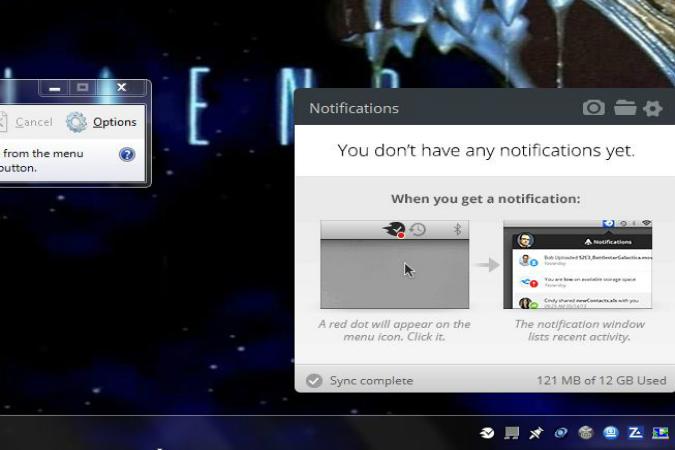
Mediafire 12GB
Image used with permission by copyright holder

Hands on: When we gave MediaFire a spin, we were a bit confused by the advertised storage space and the firm’s wording of “up to 50 GB.” Once we installed, we only had the option of selecting a free 10GB plan, though our desktop client indicated that we had a total of 12GB of space to use. Just keep this in mind.

Interested in giving MediaFire a whirl? You can download the MediaFire desktop client beta here.

Konrad Krawczyk
Former Computing Editor
Konrad covers desktops, laptops, tablets, sports tech and subjects in between for Digital Trends. Prior to joining DT, he…
AI browsers like Perplexity Comet can be tricked into spilling your password through BioShocking exploit
Six AI browsers were found leaking saved passwords and many of them haven't fixed it yet.
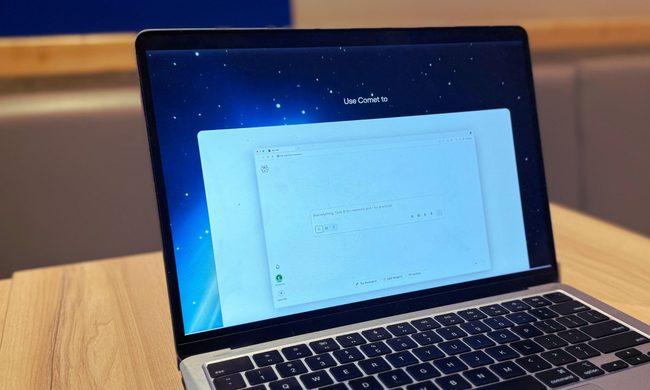
MacBook Air in hand, Comet browser loaded—let’s see what Perplexity’s AI can really do

Security researchers just found a strange way to trick AI browsers into handing over your passwords. They managed to trick AI browser agents into exposing sensitive data like saved passwords, session cookies, and private tokens by disguising the theft as part of a harmless "game."

The technique is called BioShocking, named after the popular video game BioShock, where a brainwashed character is manipulated into believing a false reality. Once an AI browser falls for the same trick, it stops following its own safety rules entirely.

Read more
Google Play’s latest speed boost goes way beyond the phone
Play Store v52.1 targets app install performance across Android devices, including cars, TVs, watches, tablets, and phones.
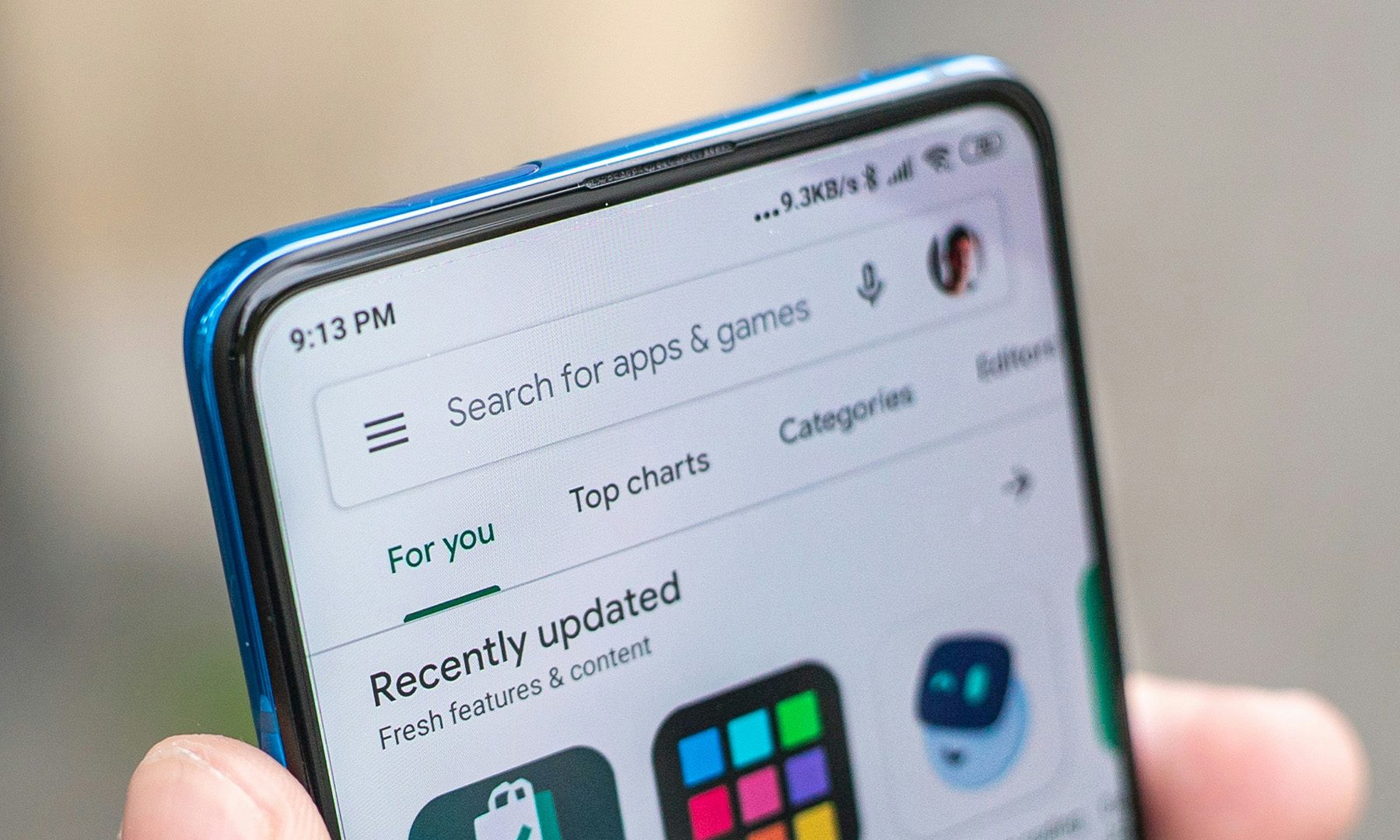
Google Play Store Photo

Google is rolling out Play Store v52.1 with changes built around a practical Android problem, getting apps installed more smoothly on very different kinds of hardware.

The update focuses on Play Store infrastructure, with Google pointing to stability, performance, and better memory use while a device adds an app. That install path now has to work on phones, tablets, Wear OS watches, Google TV, Android TV, Android Auto, and cars running Android Automotive.

Read more
Peacock Premium Plus joins YouTube as the streaming bundle battle gets messier
The $16.99 subscription brings Peacock’s sports-heavy catalog into YouTube, with account details still unclear.
Adult, Female, Person

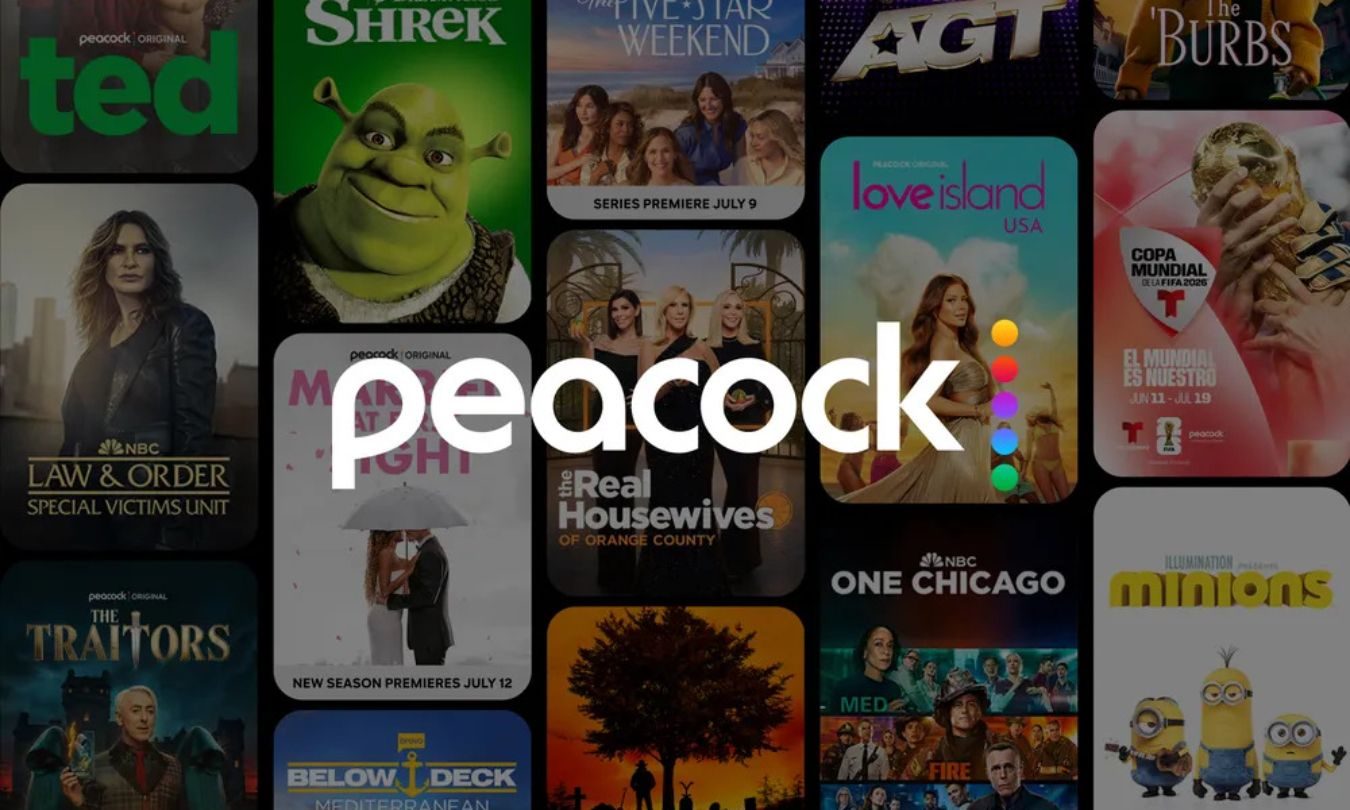
Peacock Premium Plus is now available through YouTube Primetime Channels, giving viewers a new way to add a major streaming service inside YouTube.

The $16.99-per-month subscription brings Peacock’s live sports, NBC and Bravo shows, originals, Universal movies, Telemundo programming, and Spanish-language FIFA World Cup 2026 coverage into YouTube’s channel marketplace.

Read more