

“Iogear delivers on the dream of console-based mouse/keyboard gaming with the new KeyMander, which supports consoles in the PlayStation and Xbox famiilies.”
- Not complicated to get working mouse/keyboard controls on a console
- Multiple control profiles makes it easy to switch between games
- Keyboard hotkeys allow for quick profile swapping
- No PS4 support at launch
- Only one console firmware can exist on the KeyMander at a time
- Mouse performance very slippery during our hands-on
“Why you can trust Digital Trends – We have a 20-year history of testing, reviewing, and rating products, services and apps to help you make a sound buying decision. Find out more about how we test and score products.“
Iogear delivers on the dream of console-based mouse/keyboard gaming with the new KeyMander, which supports consoles in the PlayStation and Xbox famiilies.
A new chapter is about to open in the long-standing war between enthusiasts of gamepads versus mouse/keyboards. Iogear’s KeyMander adds another chapter to that war by delivering on the long-hoped-for promise of a mouse/keyboard gaming on a console – or at least most of the consoles: PlayStation 3 out of the box, Xbox 360/Xbox One at launch (following a free firmware download), and PlayStation 4 to be added at a later date.
The KeyMander is a rectangular box, roughly the size of a cigarette pack. On one side, you’ve got three miniUSB inputs. One must be connected to your console of choice, one links up with your PC (more on that in a moment), and one is used to provide power to connected peripherals, should it be needed. The other side of the device has three USB slots for connecting a keyboard, a mouse, or a gamepad.
The PC and gamepad connections are there to help out players that want to build game-specific profiles (much of which will be revealed later). The KeyMander should work out of the box for basic functions, but having the ability to build a profile allows you to tailor the keyboard commands for a given game’s particular setup. You do this using Iogear’s software on the PC side, though we didn’t get to see that in action on the crowded show floor at CES.

We did, however, get to sample the KeyMander in action, connected to a PS3 running Battlefield 4. In short: the tech works. Iogear had a wireless mouse and keyboard connected to the KeyMander via an RF receiver plugged into the device’s Keyboard port. Even in the busy wireless space that is the CES show floor, without a proper mousepad for the mouse to rest on, the results were impressive.
The WASD movement controls on the keyboard work as you’d expect they would, and the secondary commands – reload, sprint, crouch, and custom weapon options typically accessed from a controller’s D-pad – closely mirror the PC experience. The mouse also works as you’d expect it to, with the left and right buttons handling shooting and aiming down sights, respectively.
The only problem we encountered – and this seems to be a product of not being able to spend much time fiddling with settings on the show floor – is the mouse, which felt a little too sensitive. Some players might like that, and it’s easy enough to tweak sensitivity in-game, through the KeyMander’s app, or through your mouse’s DPI settings (when available) – but it was a bit slippery for lining up distant headshots.
The KeyMander automatically maps the F1-F8 keys to different profiles in a single group (up to 30 groups can be created and saved), to allow for easy switching. Attention has also been paid to increasingly media-driven consoles, with the F9 key allowing for easy switching back and forth between game profiles and standard keyboard controls (to type in a browser, for example). You can only have one console’s firmware installed on the KeyMander at a time, but all of your profiles are saved on the PC side.
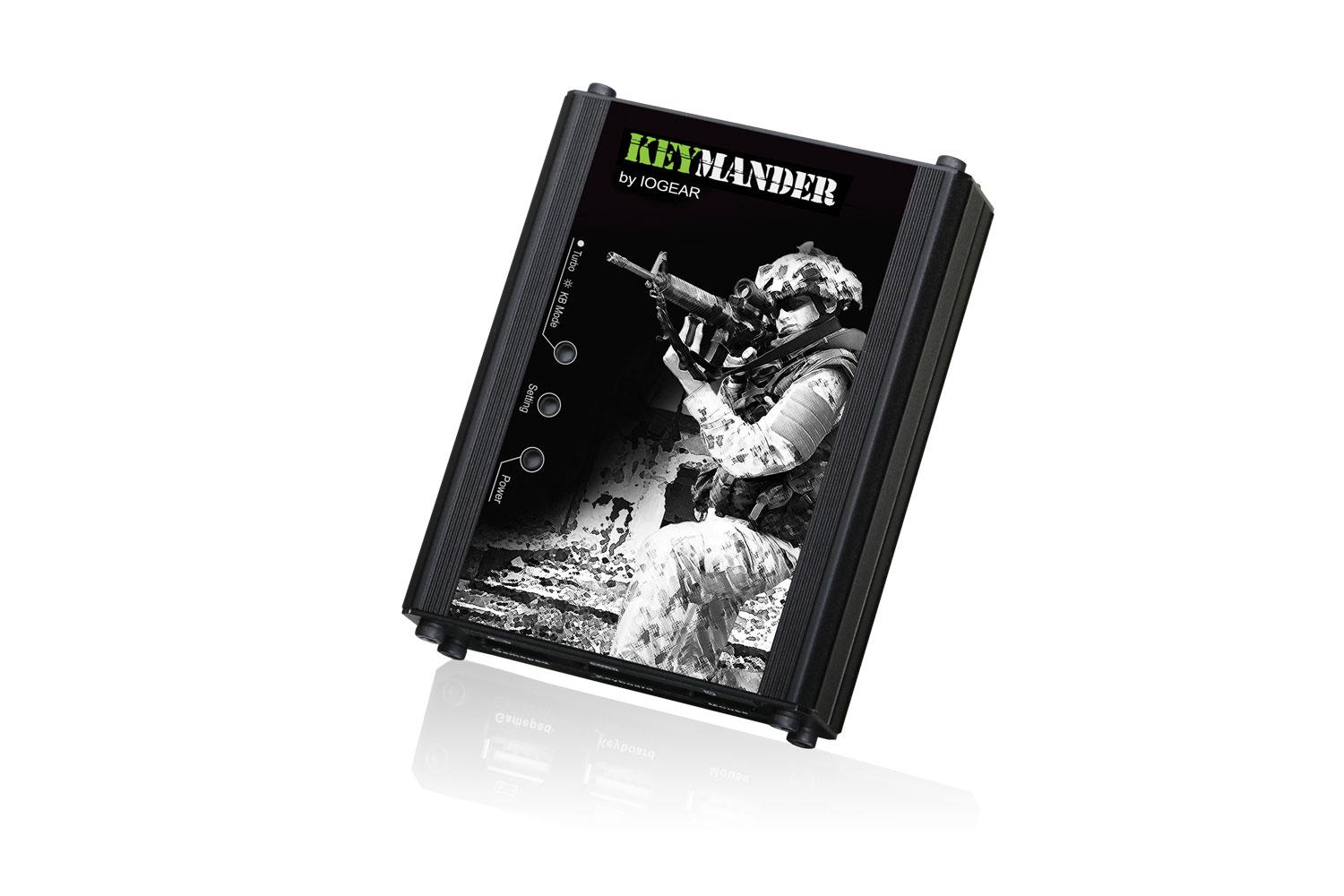
For $99, plus whatever you might spend on a mouse/keyboard, you can now add PC-style controls to your console gaming experience using Iogear’s KeyMander. The device is expected to hit shelves very soon, almost certainly before the end of the month. If more precision is something you’ve been craving in your console shooters – or whatever else – the KeyMander is definitely worth a look.
Highs
- Not complicated to get working mouse/keyboard controls on a console
- Multiple control profiles makes it easy to switch between games
- Keyboard hotkeys allow for quick profile swapping
Lows
- No PS4 support at launch
- Only one console firmware can exist on the KeyMander at a time
- Mouse performance very slippery during our hands-on


