
“Cameras are usually a big deal in the Nokia Lumia line but this budget model doesn't get to share in that love.”
- Comfortable, compact design
- Speedy performance
- Good call quality
- Narrow viewing angles on display
- Screen collects smudges and dirt easily
- Mediocre battery life
- Slower 4G speeds than most phones
“Why you can trust Digital Trends – We have a 20-year history of testing, reviewing, and rating products, services and apps to help you make a sound buying decision. Find out more about how we test and score products.“
One of the nice things about Nokia’s Lumia phones is that they’re often affordable – even the fancy flagship models. So when the company creates a budget phone it’s possible to get it for next to nothing. That’s the case with the Nokia Lumia 521 from T-Mobile. It costs just $30 down or $150 if you want to buy it outright. For this price you get a display on the smaller end and have to give up fancy camera specs (like a flash). For those who want a basic phone at a low price these tradeoffs might be worth it. Still, there comes a point where the price/value balance tips into the negative. Is the Lumia 521 even worth the small amount of money you’ll pay to own it?
Look and feel
The Lumia 521 is one of the more compact phones in the Lumia line with a screen measuring only 4 inches and an overall footprint of 4.4 x 2.5 inches. This is good news for people tired of the giant smartphones that dominate the market right now. The 521 is great for one-handed use. We didn’t have to stretch our thumb much to reach across or up to the top of the device. The way the edges curve up also makes the Lumia comfortable to hold. Even though the back is plastic, the overall feel is not cheap.



The back does pop off with effort, allowing access to the battery, SIM, and microSD card slots. Good thing, too, since the phone only comes with 8GB of internal storage. As with all other Lumias, the 521 features a hardware shutter button for the camera alongside power and the volume rocker. Other than the Micro USB on the bottom there are no other ports.
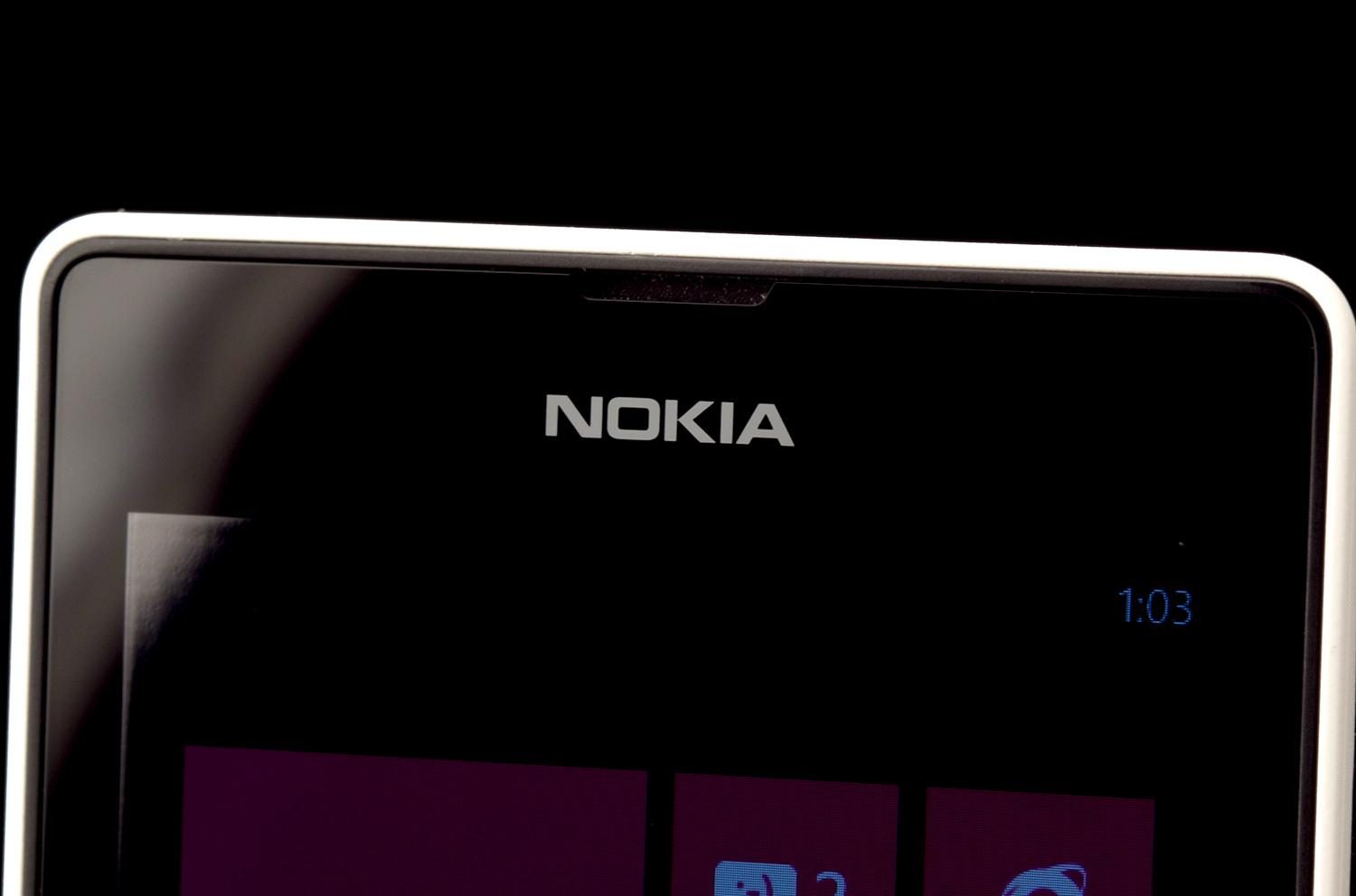
Edge-to-edge glass covers the 4-inch, 800 x 480 pixel display. This pane has no effective smudge/fingerprint resistance so the screen gets dirty quickly and touch sensitivity goes down sharply as a result. Keep a cleaning cloth handy at all times, you’ll need it. The display is bright and colorful enough when looking at it head on. Tip it just a few degrees and visibility goes down due to color and brightness distortion or, under bright overhead lights, glare.
Windows Phone, Nokia Services, and Apps
The “small” screen on the Lumia 521 doesn’t impact the operating system much. Tiny text is still reasonably crisp and Live Tiles still have plenty of space to deliver information. This Lumia is an okay introduction to Windows Phone 8, especially if this is to be your first smartphone. In general, we like that the Home screen features a grid of colorful, customizable tiles that offer a quick glance at pertinent information, and can be resized. It’s possible to build an information-rich screen with a little work. However, Windows Phone can be frustrating to use since the navigation doesn’t flow as easily as iOS and Android. People coming from one of those operating systems may find the transition hard.
We’ve put together a ton of WP8 tips and WP8 problems and bugs for those of you making the leap.


Nokia is deeply tied to Windows for mobile and it shows in the stable of apps available from the company for the Lumia line. The Nokia ‘Here’ location services offer maps, traffic, transit directions, and more. Nokia’s Music app is not only a store but also provides free streaming radio that can be cached for offline use. To support the camera, there are several “lenses” – apps that add functionality such as an animated GIF maker and a lens that picks the best shot of many.
T-Mobile’s included apps are less welcome. 411 & More, CallerTunes, and T-Mobile TV are superfluous and just clutter up the apps list.
Windows Phone still lags way behind Android and iOS in app selection. The growing store still lacks many popular apps and even with the Xbox branding on board the game selection is pretty weak.
Camera
Cameras are usually a big deal in the Nokia Lumia line but this budget model doesn’t get to share that love. The 5-megapixel shooter on the back takes average images for a smartphone but isn’t super quick to focus, even when using the two-step hardware shutter button. In good light pictures are decent, just don’t expect any fancy low-light performance especially since there’s no flash.


Lenses from Nokia and other app makers have the potential to improve resulting shots a little. Overall, don’t expect much from this camera.
Performance and Battery Life
Windows Phone 8 doesn’t require high-end specs to run well, so the 1-GHz dual-core Snapdragon processor and 512MB of RAM aren’t a drawback. We found the Lumia 521 quick and performance smooth when doing everything from playing games to reading the web.
Windows Phone 8 doesn’t require high-end specs to run well, so the 1-GHz dual-core Snapdragon processor and 512MB of RAM aren’t a drawback.
Call quality is solid. Whether talking to people on cell phones or land lines their voices came through clearly with little to no static. Volume was an issue when we moved into areas with medium to high background noise. On the other end callers reported that our voice was loud enough but sometimes sounded echo-y.
The 1430mAh battery barely lasted 10 hours with medium usage and needed to be topped off in the middle of the day with heavy use. Keeping screen brightness low to save battery increases some of the problems we experienced with viewing angles. Hopping on Wi-Fi when available helped stretch battery life a lot.
Conclusion
The Nokia Lumia 521 is the kind of budget phone that really feels like one. It has some nice aspects – speedy performance, decent design, good call quality – but they’re overshadowed by the mediocre display and slow mobile data speeds. Plus, Windows Phone has it’s own overall problems including too few really great apps. For those customers who really want to stick with T-Mobile, this is your only Windows Phone choice. And at $30 down it’s not a truly terrible one. Though if you want a better balance between value and price while still sticking to a budget, the Lumia and HTC Windows Phone choices on AT&T and Verizon Wireless are more appealing and cost less (as in free on contract) or not that much more at the outset.
Highs:
- Comfortable, compact design
- Speedy performance
- Good call quality
Lows:
- Narrow viewing angles
- Screen collects smudges and dirt easily
- Mediocre battery life
- Slower 4G speeds than most phones


