1. Home
  2. Computing
  3. Apple
  4. News

You can download OS X 10.11 El Capitan on your Mac right now

Add as a preferred source on Google

At long last, Apple has finally released the consumer version of its OS X 10.11 El Capitan update for Mac. Revealed back in June at Apple’s Worldwide Developers Conference, El Capitan brings a slew of new features, including full screen Split View and context-sensitive search in Spotlight.

As we detailed earlier this year, this edition of the Mac operating system emphasizes marginal performance refinements rather than introducing a wealth of new features. Most notably is Metal for Mac, a low-level graphics API which Apple brought to its mobile devices back in iOS 8. In theory, this feature allows developers to create GPU-intensive software without the need for high-end hardware specs.

Recommended Videos

Another essential addition to OS X is the integration of natural languages searching. For instance, in Spotlight, users can now search specifically for an “email from July,” with instantaneous results. While this isn’t exactly revolutionary, natural language searches like this could more easily translate to the incorporation of Siri for Mac at some point down the line.

Also new to El Capitan are Transit directions in Apple Maps, which were also brought to this year’s rendition of iOS. However, these directions are presently limited to a few select cities like San Francisco, Chicago, and New York. A few minor additions to the OS include the ability to add attachments in Notes and a quick way to mute audio in any given Safari tab.

OS X 10.11 El Capitan is now available on the following platforms:

  • iMac (Mid-2007 or later)
  • MacBook (13-inch aluminum or later)
  • MacBook Pro (12-inch mid-2009 or later, 15-inch mid-2007 or later, 17-inch late 2007 or later)
  • MacBook Air (Late 2008 or later)
  • Mac Mini (Early 2009 or later)
  • Mac Pro (Early 2008 or later)
  • Xserve (Early 2009)

As long as your Mac released more recently than 2007, there’s a good chance you’re safe to install the update. To do so, you can either open the App Store on your Mac and head to the “Updates” section, or click the Apple logo in the upper left-hand corner of your screen, select “About This Mac,” and click “Software Update.”

Gabe Carey
A freelancer for Digital Trends, Gabe Carey has been covering the intersection of video games and technology since he was 16…
NVIDIA’s new AI can detect deepfake videos in just 22 milliseconds
NVIDIA has a new AI tool that can tell fake videos from real ones in milliseconds
Nvidia logo

As generative AI becomes increasingly capable of producing videos that are nearly indistinguishable from real footage, the race is no longer just about creating synthetic media. It's about detecting it before it spreads.

At SIGGRAPH 2026, NVIDIA unveiled Synthetic Video Detector, a new AI-powered verification tool designed to identify AI-generated videos with remarkable speed and accuracy. Rather than replacing traditional fact-checking or forensic analysis, the company says the technology is intended to give newsrooms, broadcasters and enterprises another layer of confidence before synthetic videos enter the public domain.

Read more
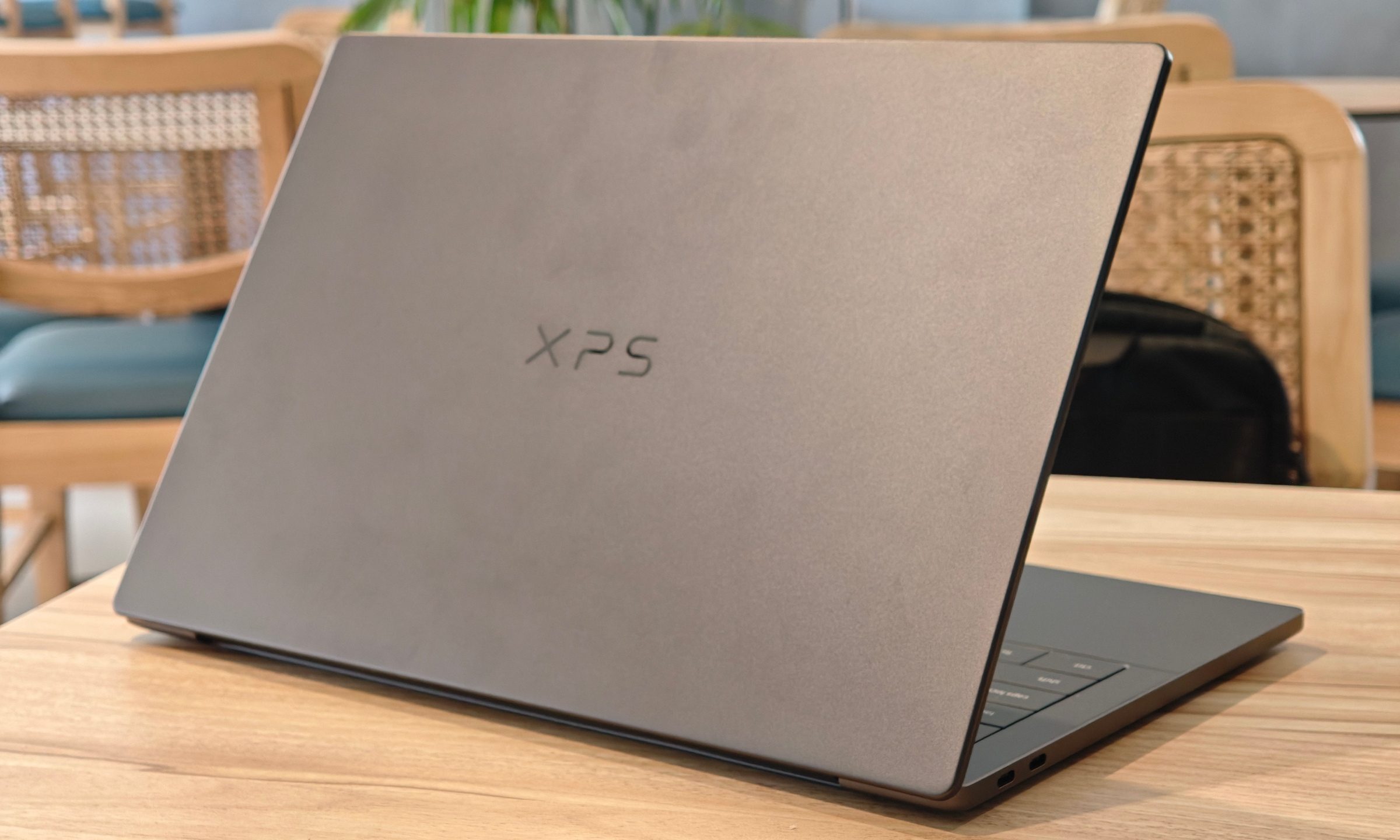
Dell XPS 14 (2026) Review: Dell’s classic Windows laptop returns, and it’s hard to put down
The icon returns, and shows why it's still relevant
Dell XPS 14 Review: Featured

Quick take

Dell’s XPS line has always carried a certain weight. It is one of those Windows laptop families that people recognize even if they don’t follow laptops too closely. Clean design built with premium materials, sharp displays, and high-end hardware. The Dell XPS 14 DA14260 continues that legacy. 

Read more
Samsung’s secret AI chip could finally cool down Exynos phones
Samsung's GAIA AI chip is landing in laptops first, but its shared DNA with Exynos hints at a real fix for phones down the line.
Samsung Exynos chip illustration.

If you've ever owned an Exynos-powered Galaxy phone, you already know the drill: heavy tasks like capturing back-to-back pictures or photos for a while, heavy gaming, or rendering videos turn your device into a hand warmer. 

In such a situation, the battery bar drops faster than usual as well. Turns out, Samsung might be working on the fix, and it's coming in a way nobody expected.

Read more