1. Home
  2. Phones
  3. Apple
  4. Mobile
  5. News

Incipio’s ClamCase keyboard cases transform your iPad into a MacBook

Add as a preferred source on Google

Following its acquisition of ClamCase last summer, Incipio has just unveiled a new range of keyboard cases designed especially for iPads at CES in Vegas. There are seven new ClamCase keyboard cases for the iPad Pro, iPad Air 2, and iPad Mini 4. Crafted from aluminum, with a polycarbonate shell, each one features the patented 360-degree smart hinge with soft-touch finish, which allows users to transform their iPads into mini laptops or fold the keyboard back to find the perfect angle for viewing.

First up is the ClamCase Pro for the iPad Mini 4, which includes a full QWERTY keyboard, a rechargeable battery that lasts for months between charges, and real protection from dings and drops. It will be available in the next couple of months and will cost $130.

Recommended Videos

Coming in the summer, we have the ClamCase + for the iPad Pro ($170) and iPad Air 2 ($150) which offers a full QWERTY backlit keyboard with adjustable brightness. It supports the sleep/wake function, automatically turning on when you open the case and turning off when you close it. There’s a handy integrated slot for storing the Apple Pencil, and the case comes in gray, gold or silver.

Incipio also announced the ClamCase + Power for the iPad Air 2. It has the same 360-degree hinge and adjustable backlit QWERTY keyboard, but it also packs an extra 6,000mAh backup battery and a 2.1A USB port, so that you can use it to charge your iPhone, or another smartphone or tablet, while you’re on the go. It will cost $200 when it goes on sale this summer.

Finally, there’s the ClamCase Prompt for the iPad Air 2. It sports a small OLED display on the top of the case which pairs wirelessly with your smartphone. The idea is that notifications will come in and be silently displayed on the case, so you won’t have to check your phone during meetings. It also has the full QWERTY backlit keyboard with adjustable brightness, supports the automatic sleep/wake function, and sports that handy 360 degree hinge. It will be available for $200 this summer and comes in silver or white.

Simon Hill
Former Associate Mobile Editor
Simon Hill is an experienced technology journalist and editor who loves all things tech. He is currently the Associate Mobile…
Camera anxiety is changing how young adults party
A BBC report finds Gen Z clubgoers increasingly on edge about being filmed, with the rise of Meta's smart glasses only adding to the unease.
People pointing cameras at a person in a club

Clubbing used to mean losing yourself on a dance floor without a second thought. Now, according to a BBC report, a growing number of young people say they can't fully relax on a night out because they're constantly scanning the room for cameras.

Smart glasses have made the problem harder to spot

Read more
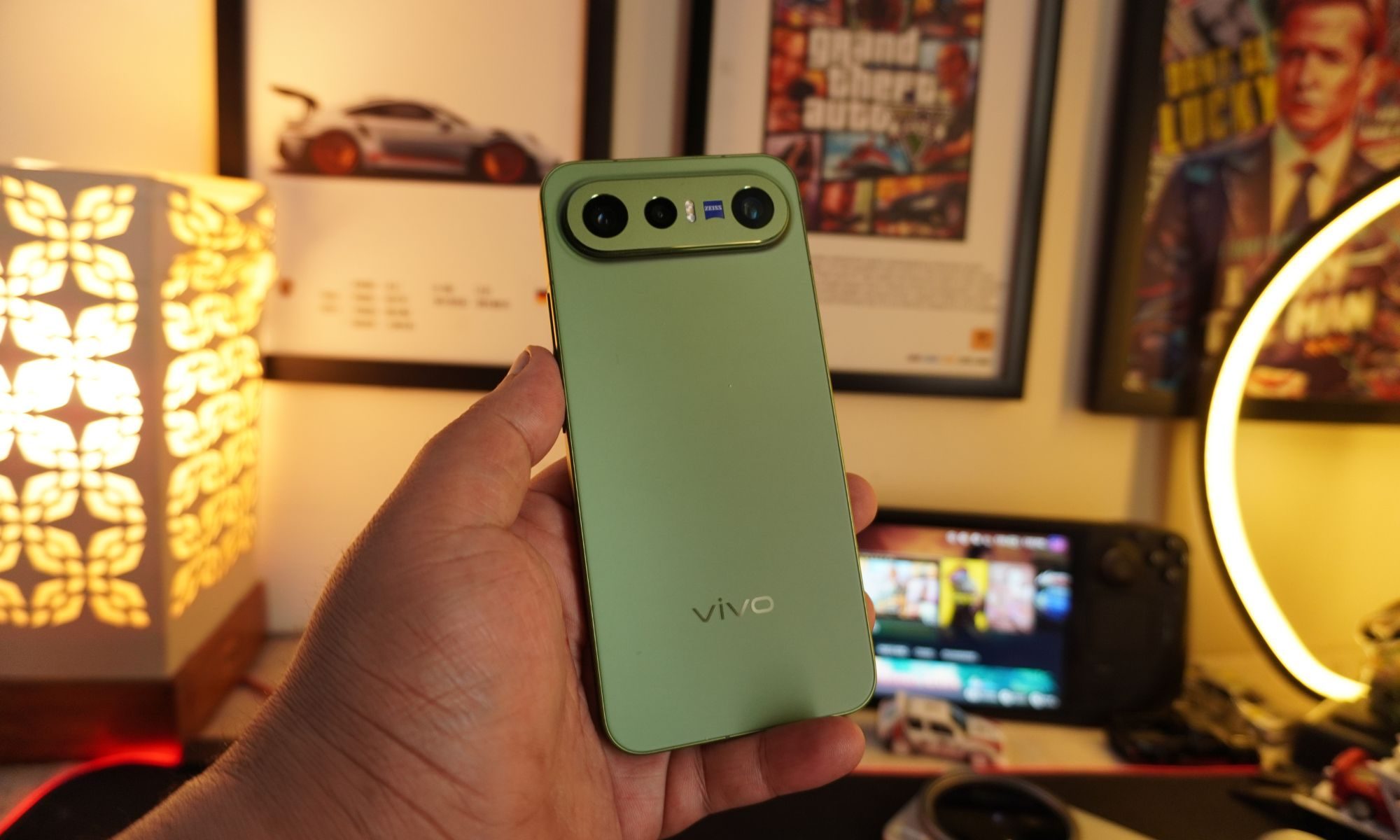
Vivo X300 FE review: The compact flagship I didn’t expect to like this much
The Vivo X300 FE is the Hawkeye of flagships. It doesn't have superpowers, but somehow gets the job done better than everyone else.
Vivo X300 FE

Why Hawkeye?

Hawkeye was never the strongest Avenger, nor did he have the flashiest suit or superpowers. Yet he consistently proved his worth through precision, reliability, and doing the fundamentals exceptionally well. The Vivo X300 FE follows the same philosophy. It doesn't chase outrageous specifications or marketing gimmicks. Instead, it quietly nails the essentials with a superb display, dependable performance, excellent cameras, and outstanding battery life. It may not grab all the headlines, but when it matters, it's the flagship that gets the job done.

Read more
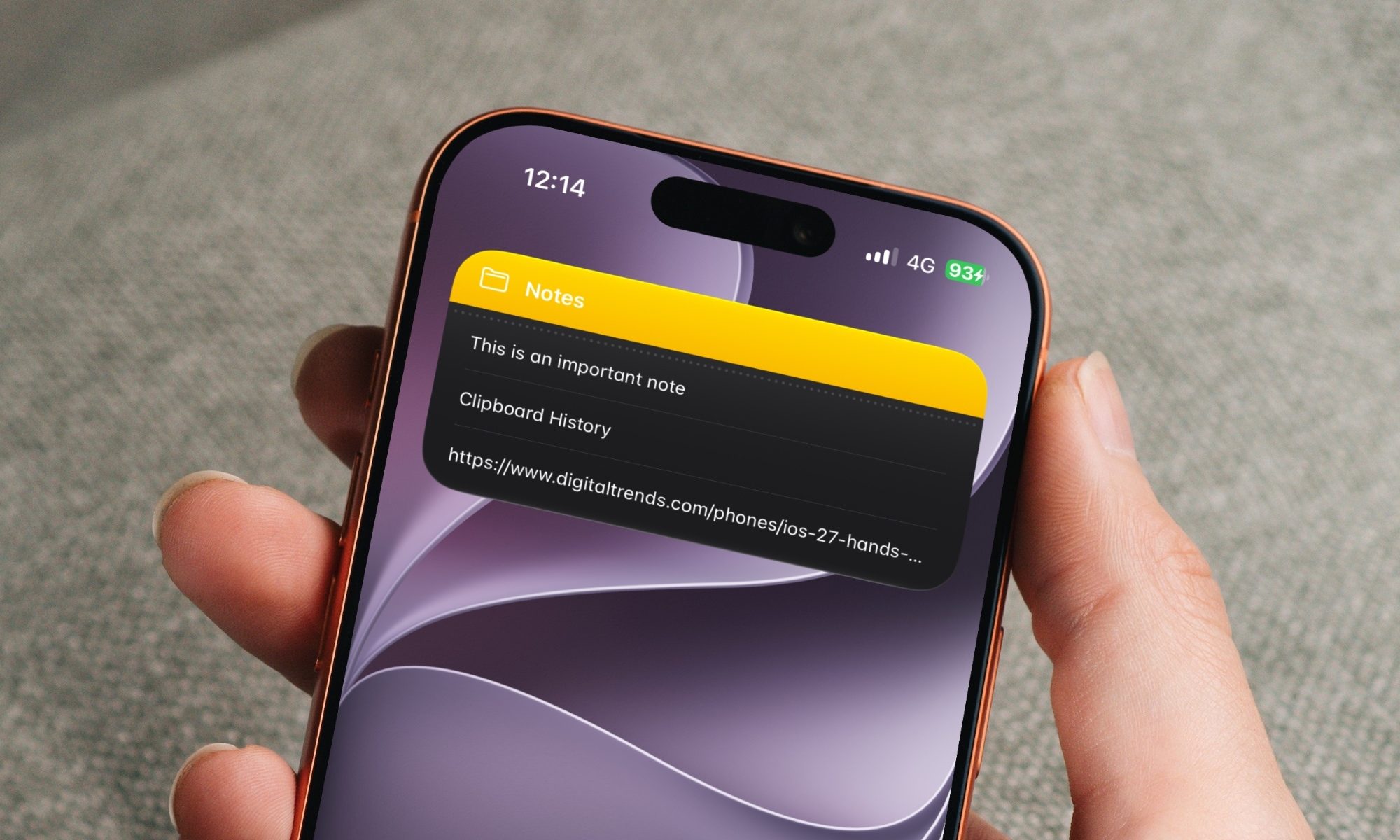
7 Apple Notes tips to elevate your note-taking experience
A few small tweaks buried in the menus that make Apple Notes feel like a completely different app.
Apple notes on iPhone

Over the years, Apple has turned Apple Notes into one of the best note-taking apps for the iPhone. The problem is that most people use the app just as a place to dump info and do not use it to its full potential. Today, I will share seven of my favorite Apple Notes tips that will elevate your note-taking experience. 

Switch between recently opened notes

Read more