A forgotten file somewhere on a computer isn’t a photograph. Photographs deserve to exist as more than just digital pixels, but despite how easy it is to order a print online or in-store, getting a good result isn’t always guaranteed. When moving from digital to print, a photo can take on weird colors, lose detail, gain unexpected borders, and more. So what’s the best place to print photos online? We’ve rounded up the options from personal experience, pro photographer recommendations, and web reviews to put together the seven best photo printing services, from online to brick-and-mortar.
Snapfish
The best online photo printer
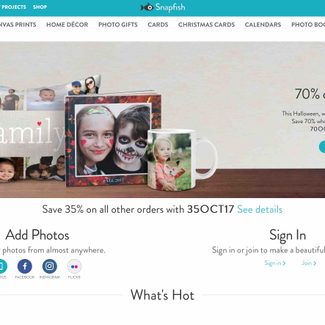
If you’re looking for a photo product from calendars to pillow cases, chances are, Snapfish has it. Snapfish is a quick, simple consumer option for printing out snapshots at affordable prices. In many categories, Snapfish is more affordable than its main competition, Shutterfly. For example, a 4 x 6 print starts at 9 cents instead of 15 cents. While Snapfish won’t get you the same quality as the pricier professional printing options, its prints are solid compared to other similarly priced competitors. Plus, partnerships with Walmart, CVS, and Walgreens lets you pick up your orders from those retailers.
Along with its web platform, the Snapfish app makes it easy to order from a smartphone — and offers 100 free prints for a month per year. It’s only open to U.S. residents and you still have to pay shipping and taxes, but the ease of using the app and the price are tough to beat.
Runner-up: Shutterfly

Shutterfly may be a bit pricier than Snapfish online, but the app offers even more free perks. (And chances are, you can probably find a coupon for Shutterfly.) The Shutterfly app offers free unlimited 4 x 6 prints, a free 4 x 6 photo book every month, and free, unlimited cloud storage for your photos. That’s a big plus for casual photographers who need to back up their files, since paid cloud storage options get pretty pricey. If you’re looking for the most freebies, the Shutterfly app could be the one to download.
CVS
The best place to pick up your prints in-person
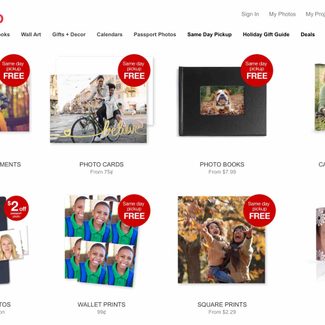 In-person photo kiosks are quick and convenient, but they are often inconsistent since there are a number of different factors that affect print quality. One drugstore or superstore may have solid print quality, while the same store by the same name in the next town over may not. We have had some success at one drugstore, only to get 5 x 7s printed on 8 x 10 sheets (and having to dig out the scissors to cut them out manually) at another.
While the quality can vary from location to location, CVS is perhaps the most consistent. Printing at the chain’s Kodak kiosks is quick for consumers who just can’t wait a few days for an online order. Ordering is also fairly simple, though photo printing kiosks aren’t without glitches. Photo quality won’t match up to professional printers, but CVS appears to have the fewest complaints for inaccurate colors and fuzzy images. Expect to pay 33 cents for one print — you can get better results for a slightly lower price at our picks for the best professional photo labs, below, if you’re willing to wait (and pay to ship). Note: You can also send prints to CVS from your smartphone via the CVS or Snapfish apps.
Mpix
The best professional photo lab
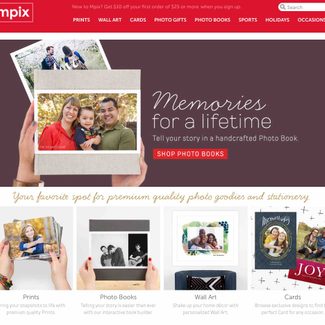 Mpix offers high-quality photos printed in the U.S. that are ready for delivery in 24 hours. The image quality from Mpix is much higher than what you’d get from a drugstore, superstore, or consumer online print shop, and its lab techs check every photo by hand. Mpix offers three different paper options and 4 x 6 prints start at 24 cents if you order more than 10.
Runner-up: Nations Photo Lab
Nations Photo Lab may have slightly longer processing times (up to two days for prints), but it has an excellent customer service team — in our experience, the company was quick to offer a reprint or refund when an order didn’t turn out as expected. Nations offers pro-level quality, even though you don’t have to be a professional shooter to place an order, and its online platform is easy to use. Compared to Mpix, its product range is a bit wider, including custom wood or metal USB drives for delivering digital files, but, again, its processing is a bit slower. A 4 x 6 print starts at 32 cents, though the company usually has frequent sales.
WhiteWall
The best fine art photo printer
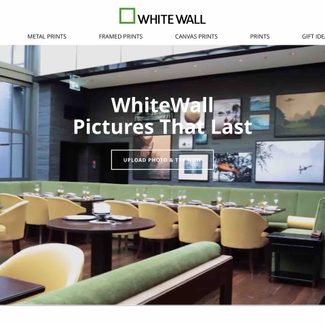 Pro-level prints not enough? Germany’s WhiteWall is a photo lab that only produces gallery-quality products, and it has launched a U.S.-based facility for even more efficient service. While it is more expensive than other options, WhiteWall offers a higher level of quality. The company offers a full range of products, from standard photo paper, to canvas, acrylic and metal prints. Because of the high quality, print costs start in the several dollar range, not cents.
Runner-up: Pro DPI
Pro DPI is known for its high-end prints and is often commended for the image sharpness as well as color accuracy. Pro DPI gives photographers a choice in photo paper, including both Fuji and Kodak options. Prices for a simple 4 x 6 start at 83 cents.
From quick snapshots to gallery quality wall art, there’s a print lab that can meet your needs. However, if you want even more control, you might want to try printing your photos at home.
White House Custom Color (WHCC)
The best photo printer for Lightroom CC users
 Uploading photos to a web printer is often the most time-consuming part of actually ordering prints — but thanks to a partnership, White House Custom Color can communicate with Adobe Creative Cloud servers. In Lightroom CC (desktop only), photographers can now order prints right inside the app, without leaving the photo editor. The new feature makes ordering prints simpler, without the hassle of uploading the photos to WHCC directly.
Along with the simplicity of ordering through Lightroom, WHCC delivers excellent color and quality suitable for professional photographers. Along with prints, it also offers albums, canvas wraps, custom photo boxes, and more. Orders also arrive quickly, with free two-day shipping.