  1. Home
  2. Web
  3. Legacy Archives

Google dips into vendor financing with new AdWords MasterCard Credit Card

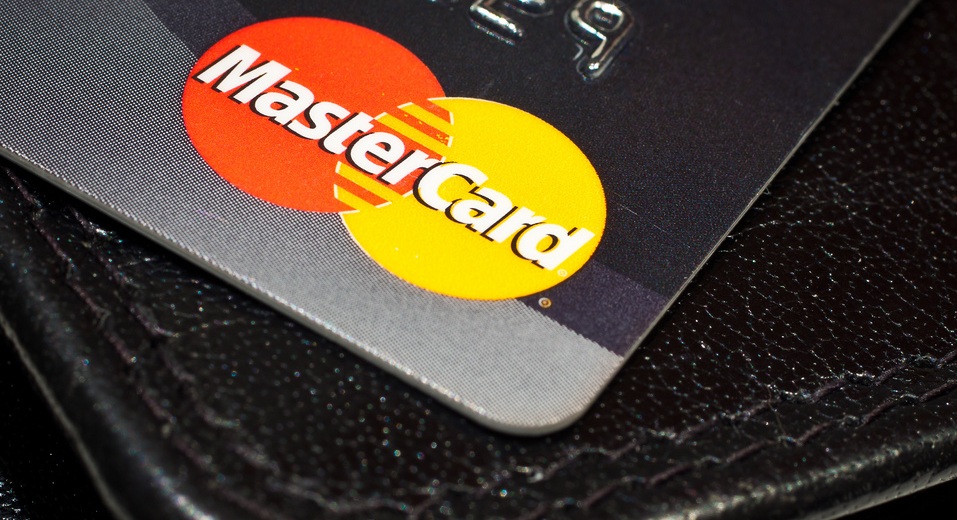
mastercard by Håkan Dahlström via FlickrGoogle is introducing a new AdWords business credit card to some of the search engine’s U.S. clients. The card will have an ongoing rate of 8.99% and no annual fee, but customers will only be able to use their credit line to buy search advertising from Google.

An exclusive Reuters report points out that the new AdWords credit card “marks Google’s first foray into the world of vendor financing.” This is a move that adds the search giant in the ranks of companies such as IBM corp. as well as consumer-oriented companies such as Amazon and Macy’s who offer cards to track spending habits and build loyalty.

Recommended Videos

The AdWords credit cards are MasterCards being issued by the World Financial Capital Bank, with a 8.99 ongoing annual percentage rate (not introductory). It’s rumored that credit line will be attractive with no annual fee, but details are being kept quiet about the specifics of available credit lines or how many cards will be offered in total. Credit cards will initially be available as a “beta test” and will be sent out Wednesday to select customers.

The card is designed to help out the ad budgets for small and medium-sized business during expansion or certain sales pushes such as holidays. Availability of the card will favor companies with these sizes, though Google representatives say that the company will cast a wide net in order to examine how availability of the card affects spending.

Google treasurer Brent Callinicos said, “Google will evaluate customers’ creditworthiness through a combination of internal efforts and with the help of a financial partner.”

Reuters also points out that the introduction of the new credit card is an effort to drum up more business as the Mountain View search giant sees pressing competition from companies like Facebook as well as the Microsoft and Yahoo alliance.

Jeff Hughes
Former Digital Trends Contributor
I'm a SF Bay Area-based writer/ninja that loves anything geek, tech, comic, social media or gaming-related.
Topics
How to change margins in Google Docs
Laptop Working from Home

When you create a document in Google Docs, you may need to adjust the space between the edge of the page and the content -- the margins. For instance, many professors have requirements for the margin sizes you must use for college papers.

You can easily change the left, right, top, and bottom margins in Google Docs and have a few different ways to do it.

Read more
What is Microsoft Teams? The Slack rival does things other collaborative tools can’t
Tired of Slack? Try this
A man standing in a warehouse using a Surface Tablet to make a Teams video call

Looking for a place to conveniently collaborate with your team across the world? Microsoft Teams might be what you're looking for, at least if you want to avoid the cluster of group emails and chaotically coordinated phone calls beyond your working hours. Teams will allow you to work together in real time and establish clear communication across your workforce.

With Microsoft Teams, you're able to chat, video conference, share documents and edit them together, and easily coordinate schedules and workflows. Recently, Microsoft Teams did get a price bump for Microsoft Personal users (from $7 to $10), and the company also added a wave of AI agents into the mix.

Read more
Microsoft Word vs. Google Docs
A person using a laptop that displays various Microsoft Office apps.

For the last few decades, Microsoft Word has been the de facto standard for word processors across the working world. That's finally starting to shift, and it looks like one of Google's productivity apps is the heir apparent. The company's Google Docs solution (or to be specific, the integrated word processor) is cross-platform and interoperable, automatically syncs, is easily shareable, and perhaps best of all, is free.

However, using Google Docs proves it still has a long way to go before it can match all of Word's features -- Microsoft has been developing its word processor for over 30 years, after all, and millions still use Microsoft Word. Will Google Docs' low barrier to entry and cross-platform functionality win out? Let's break down each word processor in terms of features and capabilities to help you determine which is best for your needs.
How does each word processing program compare?
To put it lightly, Microsoft Word has an incredible advantage over Google Docs in terms of raw technical capability. From relatively humble beginnings in the 1980s, Microsoft has added new tools and options in each successive version. Most of the essential editing tools are available in Google Docs, but users who are used to Word will find it limited.

Read more