1. Home
  2. Computing
  3. Apple
  4. News

Microsoft explains how its Office suite will use the MacBook Pro Touch Bar

Add as a preferred source on Google

During Apple’s special event yesterday, it was briefly mentioned that the Microsoft Office suite would support the new MacBook Pro’s Touch Bar. Now, Microsoft has stepped in to explain exactly what this functionality will entail.

In a blog post published shortly after the event, Kirk Koenigsbauer — Microsoft’s vice president of the Office team — shared some details of what users can expect to accomplish using the Touch Bar.

Recommended Videos

Word is getting a new mode to aid concentration, which can be accessed by a simple touch of the OLED strip. Word Focus Mode hides most of the on-screen user interface, placing crucial commands on the Touch Bar so that users can focus solely on their work.

In PowerPoint, the Touch Bar will help users arrange and manipulate the visuals used in their presentation. The Reorder Objects button makes it easy to find the right layer and edit it as needed, and touch-based rotation controls make it much easier to fine-tune the orientation of a particular element.

Excel users will be pleased to hear that the Touch Bar will be populated with recently used functions whenever an equals sign is placed into a cell. It also provides quick access to formatting tools and recommended charts.

Finally, in Outlook the Touch Bar offers up commonly used commands while you’re sifting through emails or consulting your calendar. If you’re composing an email, it will even suggest recent documents that you can add as an attachment.

These new features all sound like the right way to implement the Touch Bar — rather than simply using the new keyboard component for the sake of it, it’s easy to see how Office users will benefit from the new functionality that’s being introduced.

As of the time of writing, Microsoft hasn’t yet announced when MacBook Pro users can expect to see Touch Bar support added to the Office suite.

Brad Jones
Brad is an English-born writer currently splitting his time between Edinburgh and Pennsylvania. You can find him on Twitter…
You can now buy a computer mouse controlled entirely by your tongue
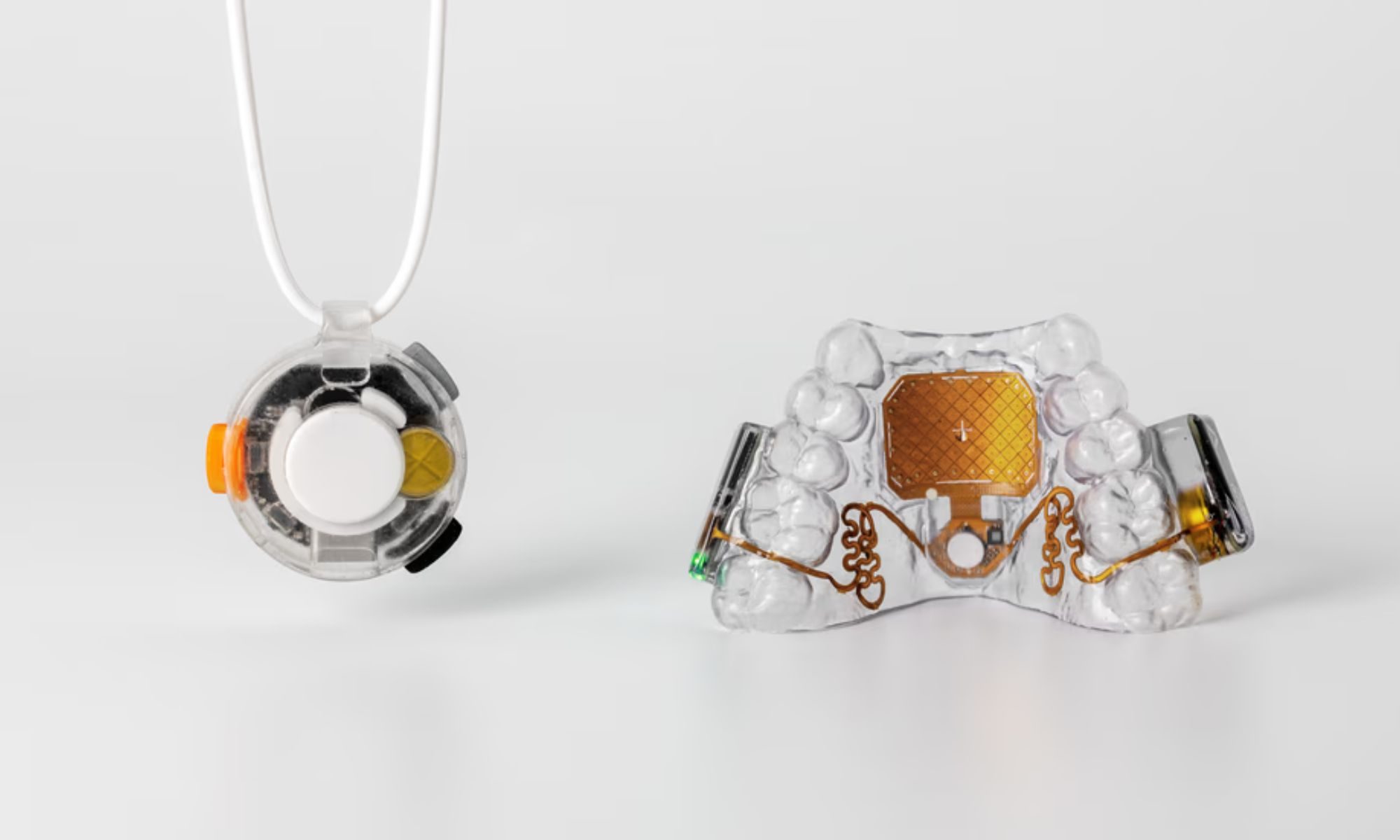
Augmental has opened public sales of the MouthPad, and introduced a new wearable that lets you type hands-free.
Augmental MouthPad and Vox featured

Augmental first showed off its tongue-controlled MouthPad as a CES curiosity in 2024. Today, the device is a real product you can buy, with the company opening public US sales alongside a beta release of Vox, a companion wearable built to handle the typing half of Augmental's hands-free computing promise.

A retainer that doubles as a mouse

Read more
A MacBook Neo refresh may already be in testing and could address its biggest performance bottlenecks
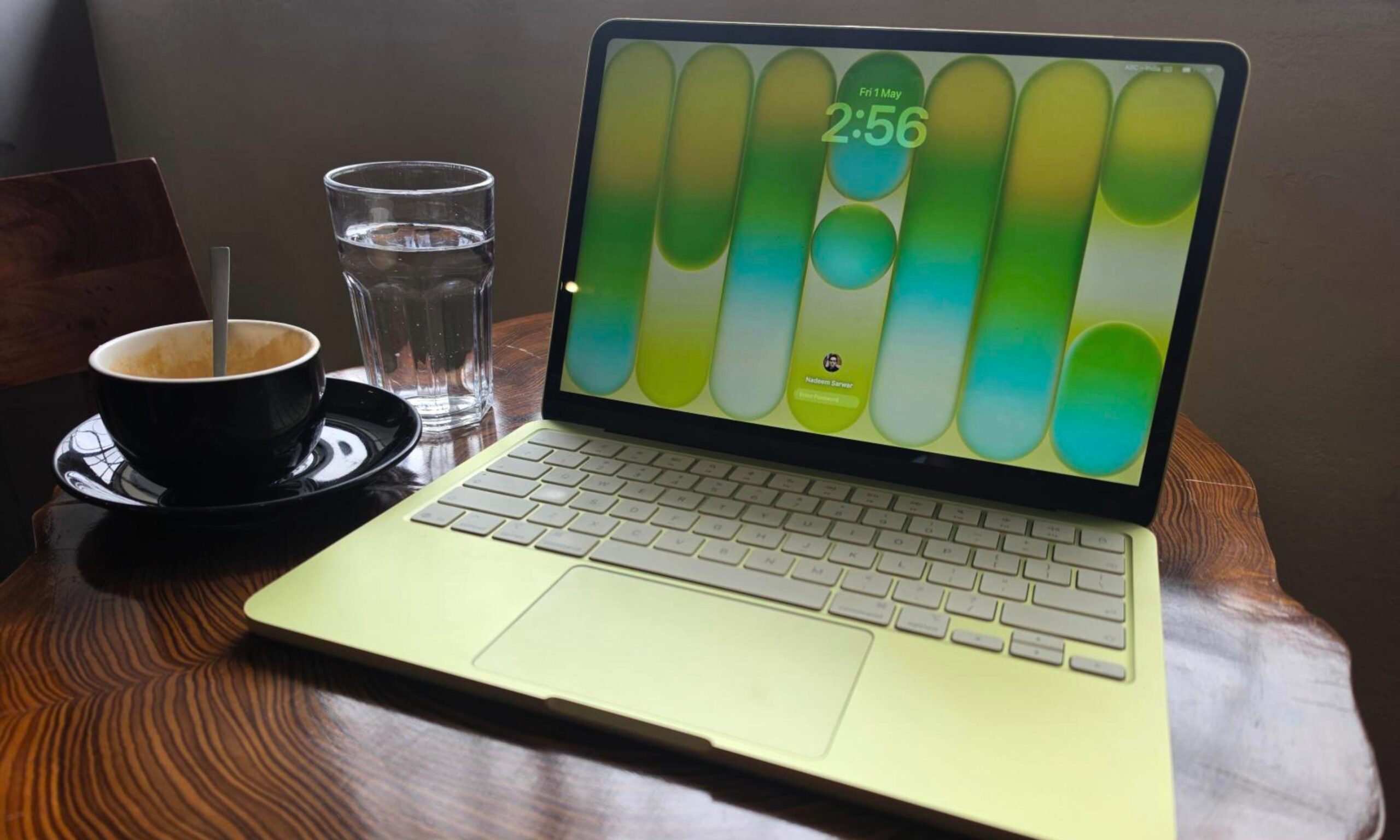
The next MacBook Neo could arrive with an A19 Pro chip, more memory, and fresh new colors
Computer, Electronics, Laptop

Apple is already working on a refreshed version of the MacBook Neo, only a few months after launching its cheapest laptop.

According to Bloomberg’s Mark Gurman, Apple has been testing an updated MacBook Neo with an A19 Pro chip and more memory. The report backs earlier claims that a second-generation model could arrive in 2027, bringing better multitasking performance and improved long-term usability.

Read more
The MacBook Air and iMac are next in line for Apple’s OLED push
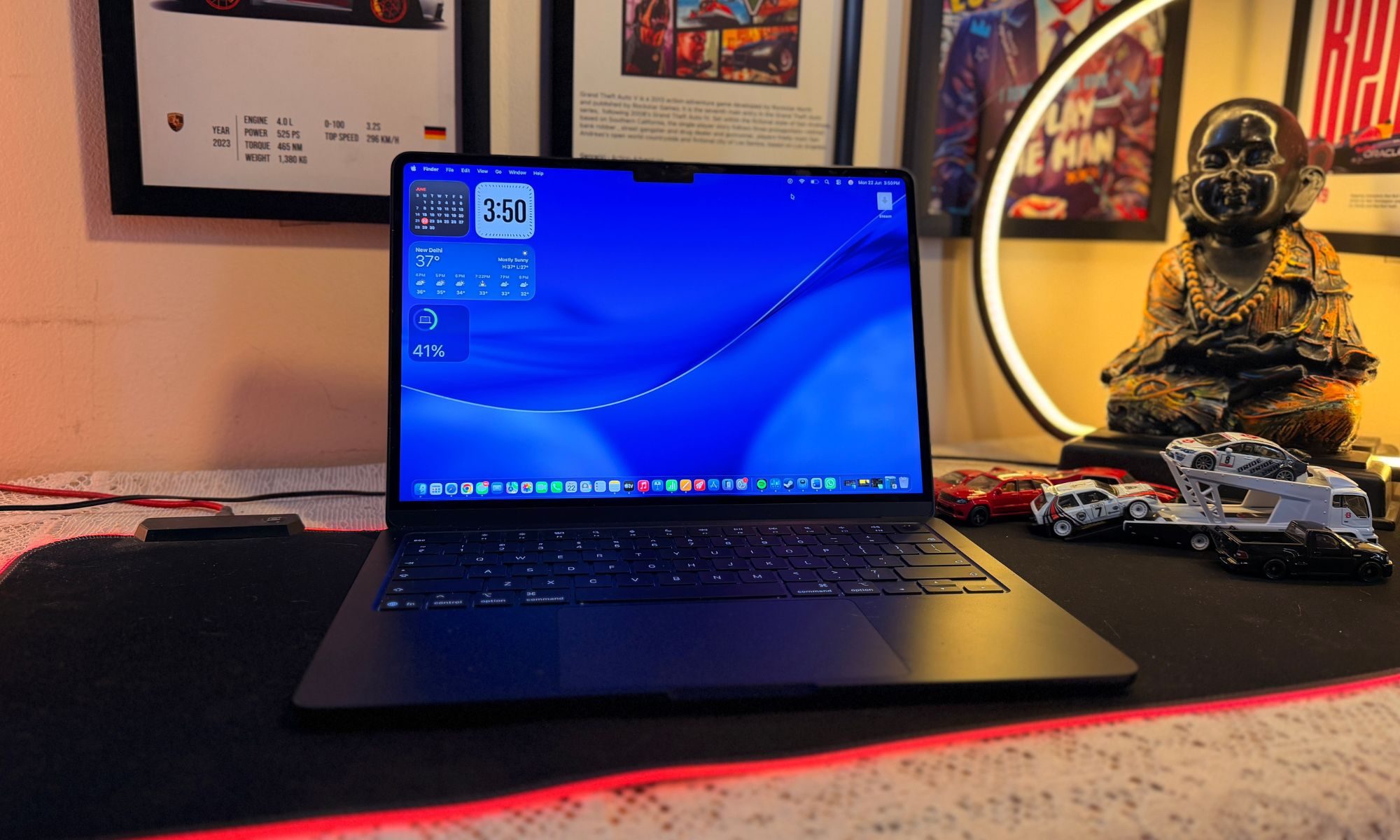
OLED MacBook Air could arrive in 2028, while the iMac remains further out
MacBook Air M5

Previous reports have indicated that Apple plans to launch redesigned MacBook Pros between the end of this year and early next year featuring touchscreen OLED displays, but the brand’s OLED ambitions for its Macs won’t end there.

Bloomberg’s Mark Gurman now reports that Apple is also working on OLED versions of the MacBook Air and iMac, corroborating earlier supply-chain reports about both devices. The information comes from people familiar with Apple’s plans, although neither product appears close to release.

Read more