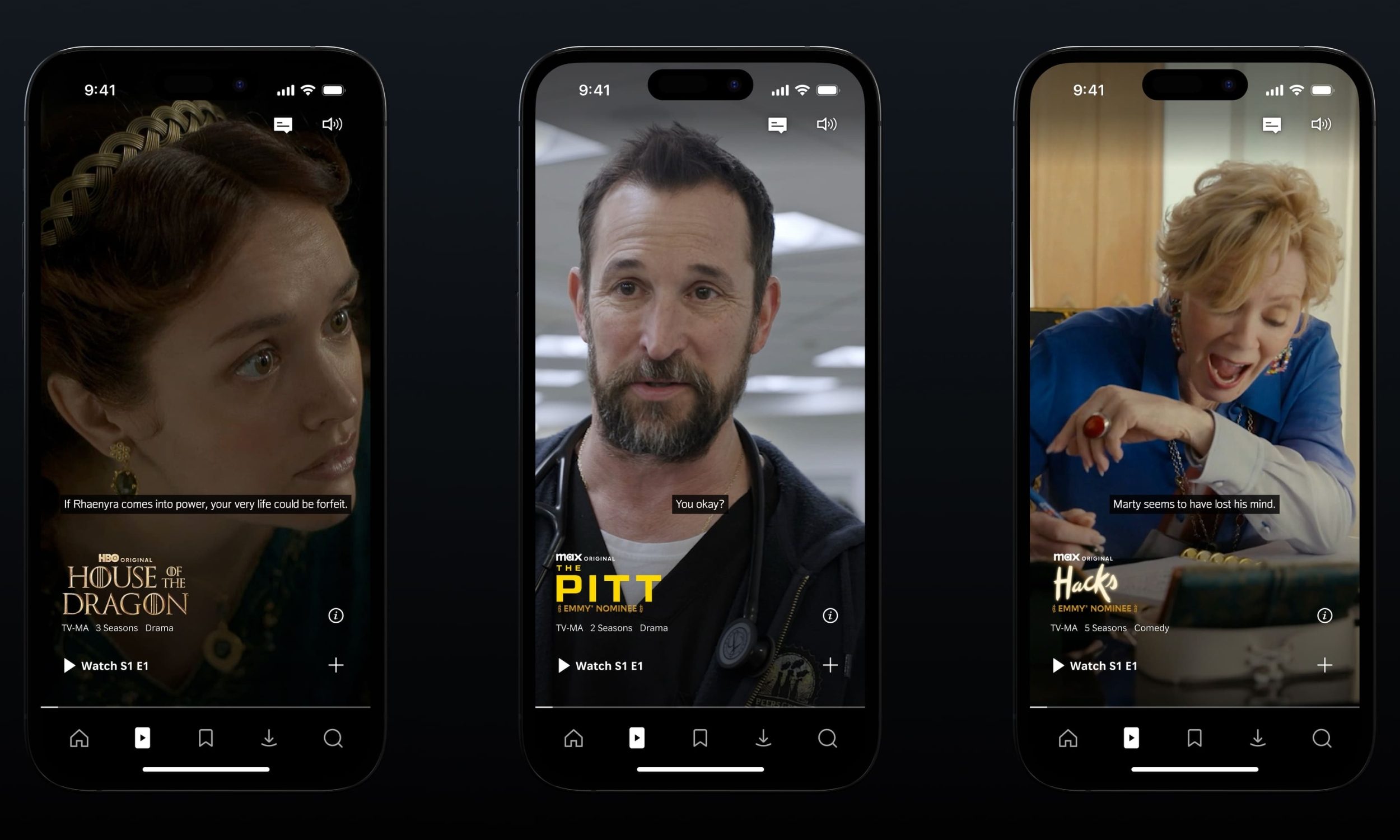
There are several reasons why you may want to disable autoplay videos in your social media feeds. If you’re constantly using up your mobile data, and you can’t figure out why, turning off autoplay videos will greatly reduce the amount of data that your social media apps are consuming.
Another reason why you may want to disable autoplay videos is if you suffer from photosensitive epilepsy, or if you are affected in some way by flashing images. Visual stimuli, such as flashing patterns or lights, can trigger seizures in some people. As we’ve recently seen, sending an animated GIF or video can cause someone harm if they’re sensitive to these types of images. Luckily, the steps below will allow you to turn off autoplay videos on Twitter, Facebook, and Instagram.
How to turn off autoplay videos on Twitter
It’s easy to stop videos from automatically playing on Twitter. Here’s how to do it using both the iOS and Android app.
How to turn off video autoplay videos on Twitter in iOS


Step 1: Tap the cog icon ( ), then Settings.
Step 2: Select Data.
Step 3: Go to Video Autoplay, and select Never play videos automatically.
How to turn off autoplay vidoes on Twitter in Android


Step 1: Launch Twitter, then tap on your picture.
Step 2: Navigate to Settings.
Step 3: Select Data, and tap on Video autoplay.
Step 4: Choose Never play videos automatically.
How to turn off autoplay videos on Facebook
It’s really easy to stop videos from automatically playing on Facebook, too. Here’s how to do it in the iOS and Android app.
How to turn off video autoplay on Facebook in iOS


Step 1: Tap the three horizontal lines ( ) in the lower-right corner of the app.
Step 2: Select Settings, followed by Account Settings.
Step 3: Scroll down to Videos and Photos, and select it.
Step 4: Go to Autoplay, and choose Never Autoplay Videos.
How to turn off video autoplay on Facebook in Android


Step 1: Tap the three horizontal lines () in the top-right corner of the app.
Step 2: Select Autoplay.
Step 3: Choose Never Autoplay Videos.
How to prevent pre-loading on Instagram
Instagram works a bit differently. As you probably already know, videos will play automatically as you scroll through your feed. The platform currently doesn’t give you the option to stop playing videos automatically, though we hope Instagram will give us the option to do so in the future. Instead, you’ll find an option to Use less data. This option doesn’t stop videos from playing, per se, but it will stop them from pre-loading. This will at least save you some data and prevent the app from pre-loading the videos as soon as you launch Instagram. Videos will not start playing until you scroll down and look at them.
How to use less data on Instagram in iOS


Step 1: Tap the cog () in the upper-right corner of Instagram.
Step 2: Go to Cellular Data Use.
Step 3: Turn on Use Less Data.
How to use less data on Instagram in Android


Step 1: Tap the more options icon ( ) in the upper-right corner of Instagram.
Step 2: Select Cellular Data Use.
Step 3: Turn on Use Less Data.