1. Home
  2. Computing
  3. News

Windows 10 Fall Creators Update adds a handy password reset feature

Add as a preferred source on Google

Few things in computing are more frustrating than forgetting a password. Usually, your mind blanks out right when you need to log into a system the most, causing some serious consternation and requiring you to jump through some inconvenient and time-consuming hoops — and nowhere is that truer than in Windows 10.

So far, if you’ve forgotten your Microsoft Account password and don’t have the luxury of using Windows Hello password-less login, then you’ve been stuck with running through the entire recovery process on another device and retrieving or changing your credentials. That’s a real pain, and Microsoft is finally doing something about it in the upcoming Windows 10 Fall Creators Update.

Recommended Videos

As MSPU has discovered, the next major update will now allow users to recover the Microsoft Account used to log into Windows 10 right from the login screen. The new functionality shows up in the latest Windows Insider preview build, 16237, and it looks like it’s easy enough to leverage whether you’re using just a password or also via Windows Hello.

Mehedi Hassan/MSPU
Mehedi Hassan/MSPU

The process is simple enough. You just select the “I forgot my password” option below the login prompt. You’ll need to first identify the relevant Microsoft account, and then choose one of the options for verifying your identity. Yes, this does require a smartphone or other device to verify via email, text, or an app, but the process remains more straightforward than the current system.

Mehedi Hassan/MSPU
Mehedi Hassan/MSPU

If you’re using Windows Hello, then you need to choose “other options” in order to access the new password reset procedure. That’s a bit less helpful given that Windows 10 already lets you log into your system where you can reset your password via the web, but it still saves a step or two.

Once you have verified that you are who you say you are, then you’re able to reset your password. Obviously, you’ll want to record this one in a safe place — meaning some kind of encrypted solution and not a piece of paper taped underneath your keyboard — so that you don’t have to go through this process all over again.

Overall, Windows 10 Fall Creators Update is looking like a small but still meaningful update, and this is just one of the new features that will make Windows 10 a little more pleasant to use.

Mark Coppock
Former Computing Writer
Mark Coppock is a Freelance Writer at Digital Trends covering primarily laptop and other computing technologies. He has…
Microsoft wants Windows 11 and your phone to become best friends
Microsoft's latest plans reportedly focus on making the PC and smartphone experience feel seamless.
Windows 11 PC with Android Phone

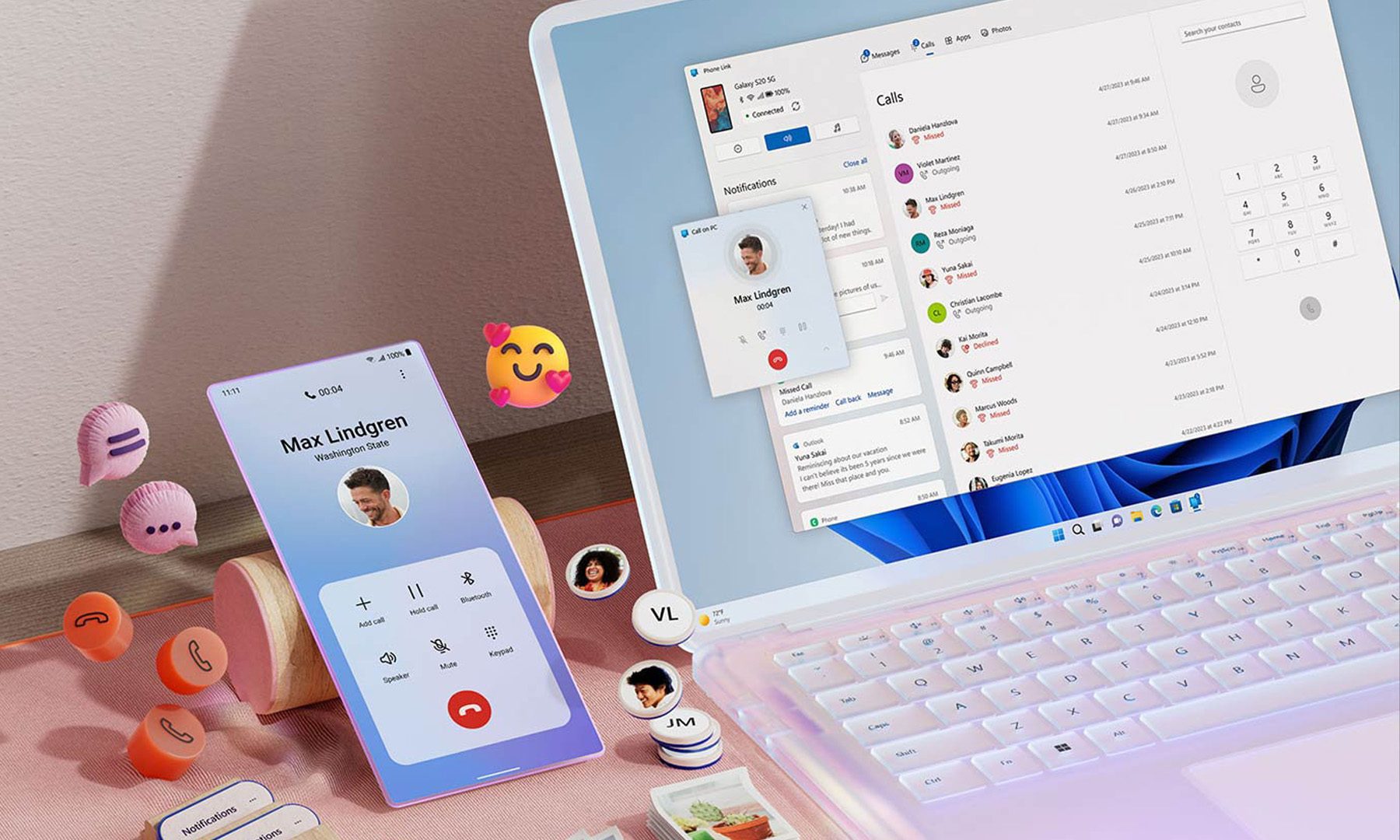
For years, Phone Link has felt like that one app everyone knows exists but rarely remembers to open. Microsoft apparently wants to change that. According to a report from Windows Central, the company is working on a major overhaul of how smartphones integrate with Windows 11, making phones feel like a native part of the operating system instead of something users access through a separate app.

Phone Link is coming out of hiding

Read more
What are Copilot+ PCs? Everything you need to know
Copilot

Walk through a laptop aisle in 2026 and the Copilot+ PC branding is highlight for most Windows laptops. From Microsoft's own surface to other PC makers like Samsung, HP, and Dell, you can find notebooks that carry this badge to convey that they are AI-ready. At a glance, the name sounds like it refers to a computer with a better version of the Copilot chatbot, which only explains a small part of it.

A Copilot+ PC is a Windows 11 computer that meets Microsoft’s hardware standard for advanced on-device AI features like a compatible processor with a dedicated NPU. You also need a certain amount of RAM and storage, all of which brings access to Windows features such as Recall, Click to Do, and much more. Many of these experiences use the NPU to process information locally, reducing their reliance on cloud servers and helping them run more efficiently in the background.

Read more
ASUS expands its ProArt lineup with a compact keyboard and a smart creator mouse
The new ProArt KD300 and MD301 are designed to make life easier for designers, editors, and creators.
ASUS ProArt Keyboard KD300 and ProArt Mouse MD301

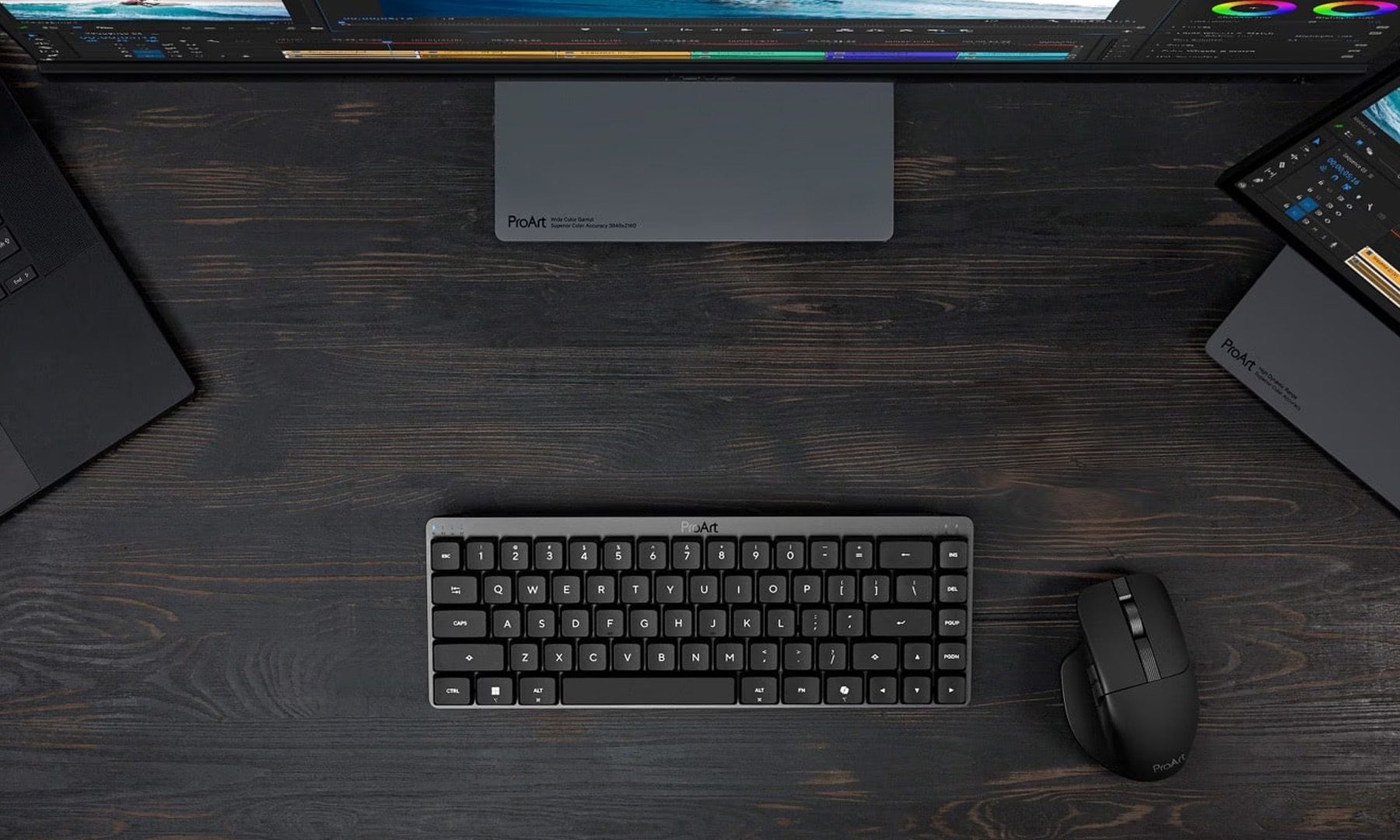
Creators have long had plenty of powerful laptops and monitors to choose from. Keyboards and mice? Not so much. ASUS is looking to change that with the expansion of its ProArt accessory lineup. Leading the announcement is the new ProArt Keyboard KD300, a compact low-profile keyboard that's designed to work alongside the ProArt Mouse MD301, giving creators a matching desktop setup built specifically for productivity instead of gaming.

A compact keyboard that doesn't sacrifice functionality

Read more