1. Home
  2. Computing
  3. News

A new Chrome feature lets you permanently mute websites

Chrome now lets users permanently mute websites by domain

Add as a preferred source on Google

There are few things worse than being accosted by a website that automatically plays videos with sound, disrupting your otherwise quiet web-surfing (or your quiet workplace). Luckily, Google Chrome appears to agree, and is now giving users the option to permanently mute sites by domain using the page info bubble.

As originally announced by Google’s Francois Beaufort, “The Chrome team is currently experimenting with a setting to mute/unmute a website directly from the Page Info bubble. This will give you more control about which website is allowed to throw sound at you automatically.”

Recommended Videos

And now, that experiment has turned into a real update. The Chromium blog has been updated to reflect this new feature, and software engineer Mounir Lamouri wrote, “Starting in Chrome 64, autoplay will be allowed when either the media won’t play sound, or the user has indicated an interest in the media.”

Not only will this update give Chrome users more control over their browsing experience, but it will “also unify desktop and mobile web behavior, making web media development more predictable across platforms and browsers,” Lamouri noted.

The sound toggle option can be found in the page info popup, which can be accessed by clicking into the far left corner of the address bar. You’ll either be clicking on an info icon or a “Secure” label for HTTPS-enabled sites. As it stands, if you click on that corner, you’ll see various other settings like Flash, JavaScript, notifications, and more — and soon, you’ll also see a setting for sound.

If you decide you never want a certain site to play sound, you can disable sound permanently, and that particular domain will stay silent until you change your mind and reset the toggle button. If you’re curious to see how this would work, you can go ahead and check it out in the latest Canary build of Chrome on desktop. While the feature is off by default, you can turn it on with the –enable-features=SoundContentSetting switch, as Android Police reports.

But wait, you say — doesn’t a similar feature already exist in Chrome? While it’s true that you can mute tabs in the browser by right clicking on them, this isn’t a permanent fix. That is to say, if you close out of the tab or Chrome, the browser won’t remember your preferences (so really, what’s the point?). But with this new mute option, you can tell certain sites to shut up for good.

Update: Chrome makes its mute feature official on desktop. 

Lulu Chang
Fascinated by the effects of technology on human interaction, Lulu believes that if her parents can use your new app…
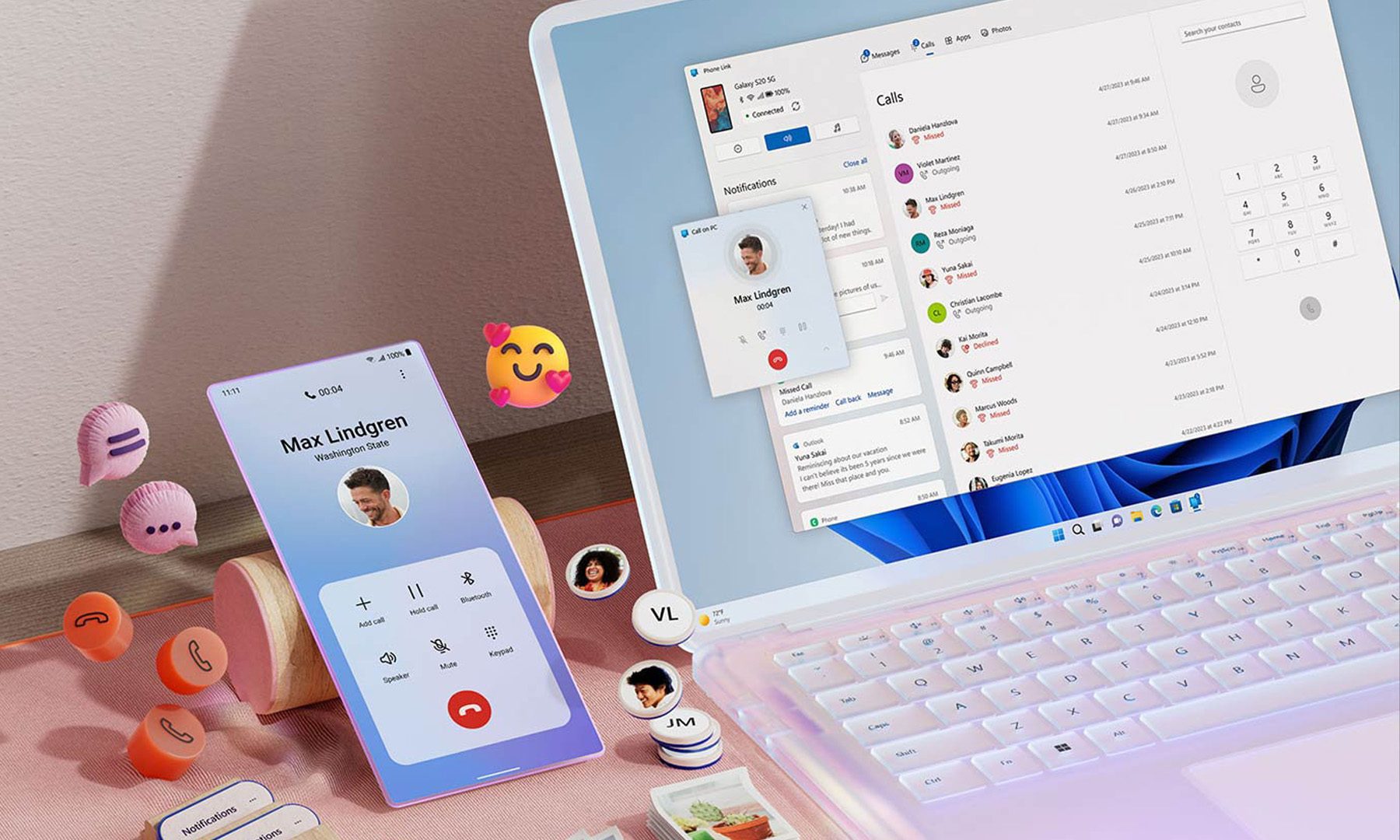
Microsoft wants Windows 11 and your phone to become best friends
Microsoft's latest plans reportedly focus on making the PC and smartphone experience feel seamless.
Windows 11 PC with Android Phone

For years, Phone Link has felt like that one app everyone knows exists but rarely remembers to open. Microsoft apparently wants to change that. According to a report from Windows Central, the company is working on a major overhaul of how smartphones integrate with Windows 11, making phones feel like a native part of the operating system instead of something users access through a separate app.

Phone Link is coming out of hiding

Read more
What are Copilot+ PCs? Everything you need to know
Copilot

Walk through a laptop aisle in 2026 and the Copilot+ PC branding is highlight for most Windows laptops. From Microsoft's own surface to other PC makers like Samsung, HP, and Dell, you can find notebooks that carry this badge to convey that they are AI-ready. At a glance, the name sounds like it refers to a computer with a better version of the Copilot chatbot, which only explains a small part of it.

A Copilot+ PC is a Windows 11 computer that meets Microsoft’s hardware standard for advanced on-device AI features like a compatible processor with a dedicated NPU. You also need a certain amount of RAM and storage, all of which brings access to Windows features such as Recall, Click to Do, and much more. Many of these experiences use the NPU to process information locally, reducing their reliance on cloud servers and helping them run more efficiently in the background.

Read more
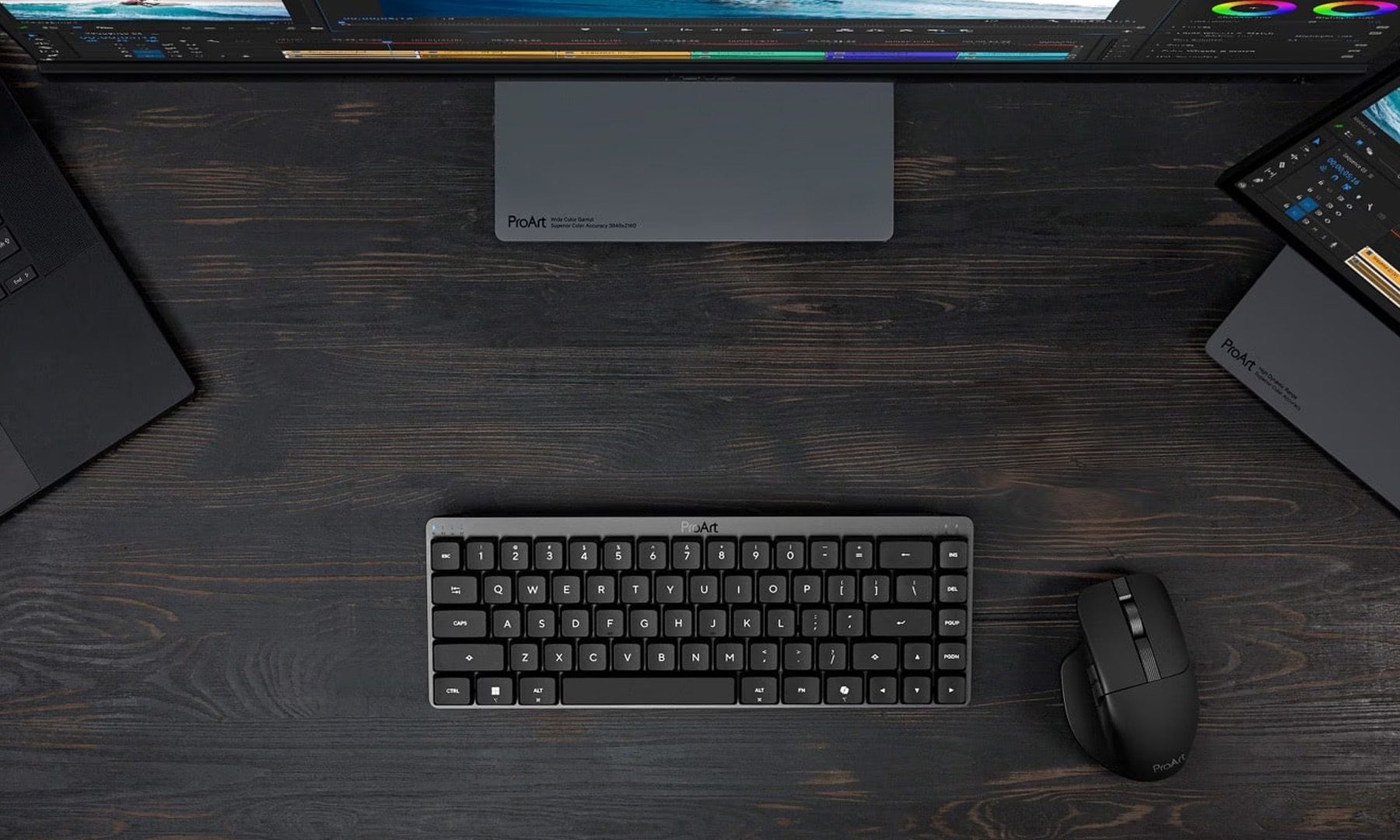
ASUS expands its ProArt lineup with a compact keyboard and a smart creator mouse
The new ProArt KD300 and MD301 are designed to make life easier for designers, editors, and creators.
ASUS ProArt Keyboard KD300 and ProArt Mouse MD301

Creators have long had plenty of powerful laptops and monitors to choose from. Keyboards and mice? Not so much. ASUS is looking to change that with the expansion of its ProArt accessory lineup. Leading the announcement is the new ProArt Keyboard KD300, a compact low-profile keyboard that's designed to work alongside the ProArt Mouse MD301, giving creators a matching desktop setup built specifically for productivity instead of gaming.

A compact keyboard that doesn't sacrifice functionality

Read more