
Apple’s 15-inch MacBook Pro sits at the very top of that company’s very premium line of notebooks. It’s the machine you want if you’re a MacOS user looking for the most performance.
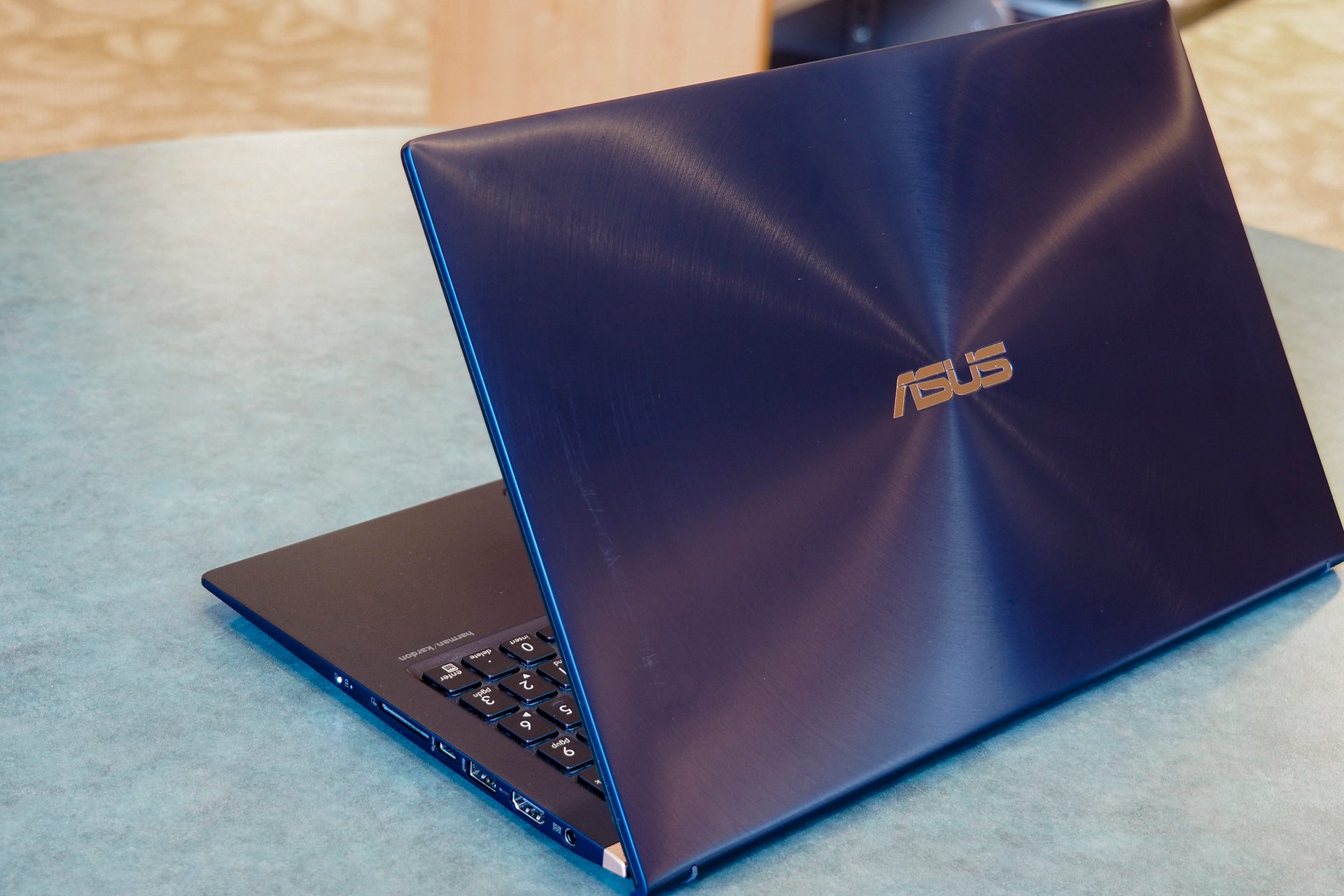
But the Windows notebook ecosystem has made some serious strides, and there are all kinds of options for someone who’s straddling the platform fence. Can Asus’s ZenBook 15 leverage its relatively small chassis to compete with Apple’s flagship?
Design
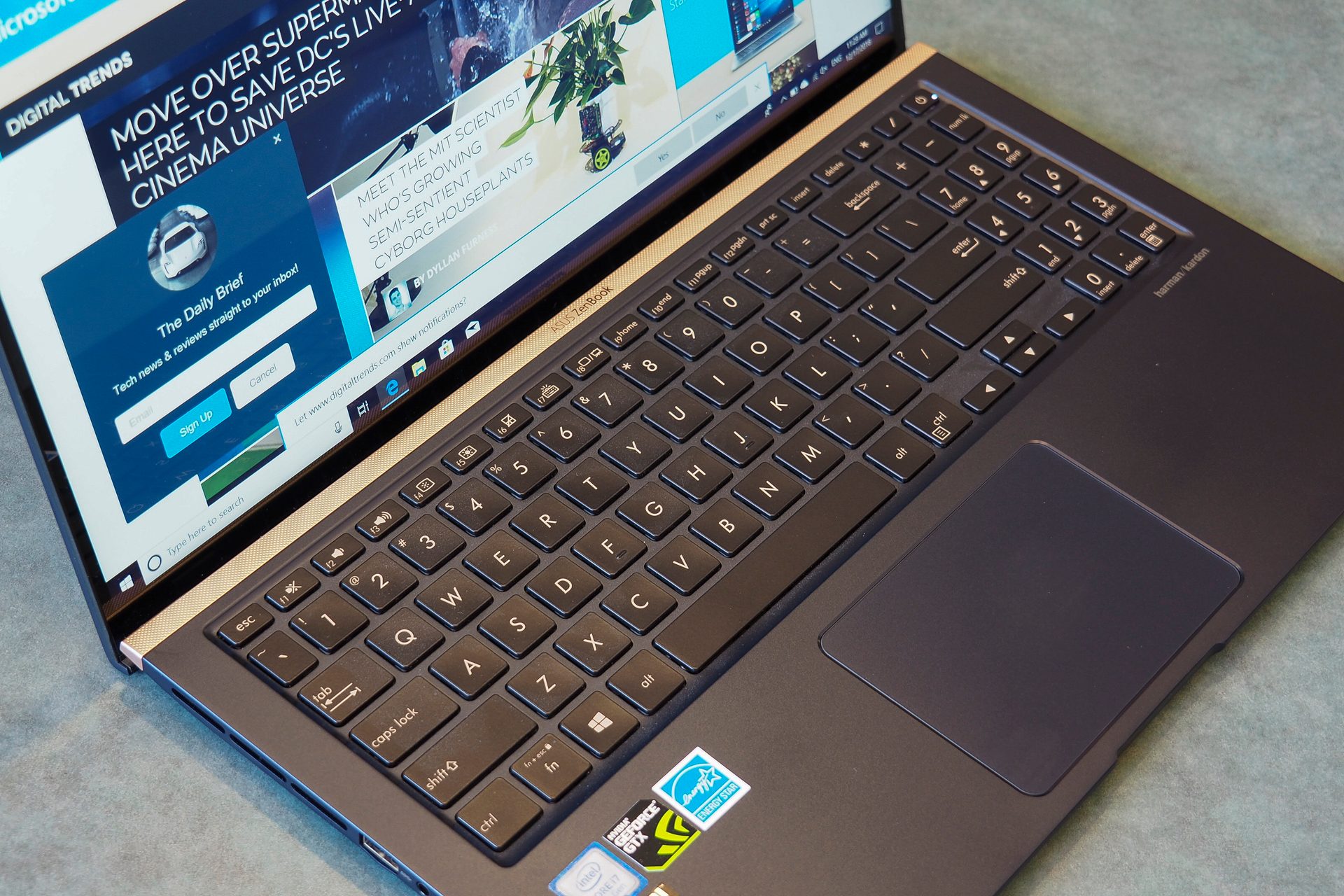
The ZenBook 15’s main claim to fame is small bezels — just 3.0mm along each side and 4.5mm up top — that result in a high 92 percent screen-to-body ratio and a tiny chassis given the 15.6-inch display. The MacBook Pro 15 has a slightly smaller 15.4-inch panel, and so it comes in a bit narrower but still deeper than the Asus. The ZenBook 15 achieves its objective, but only narrowly.
When it comes to build quality, though, the ZenBook 15 puts up a fight and comes up a bit short. Yes, it benefits from being subjected to the full range of MIL-STD-810G military standard testing, resulting in a lid and chassis that are just as robust as the excellent MacBook Pro’s. But the ZenBook’s keyboard deck has some flex to it that Apple avoids.
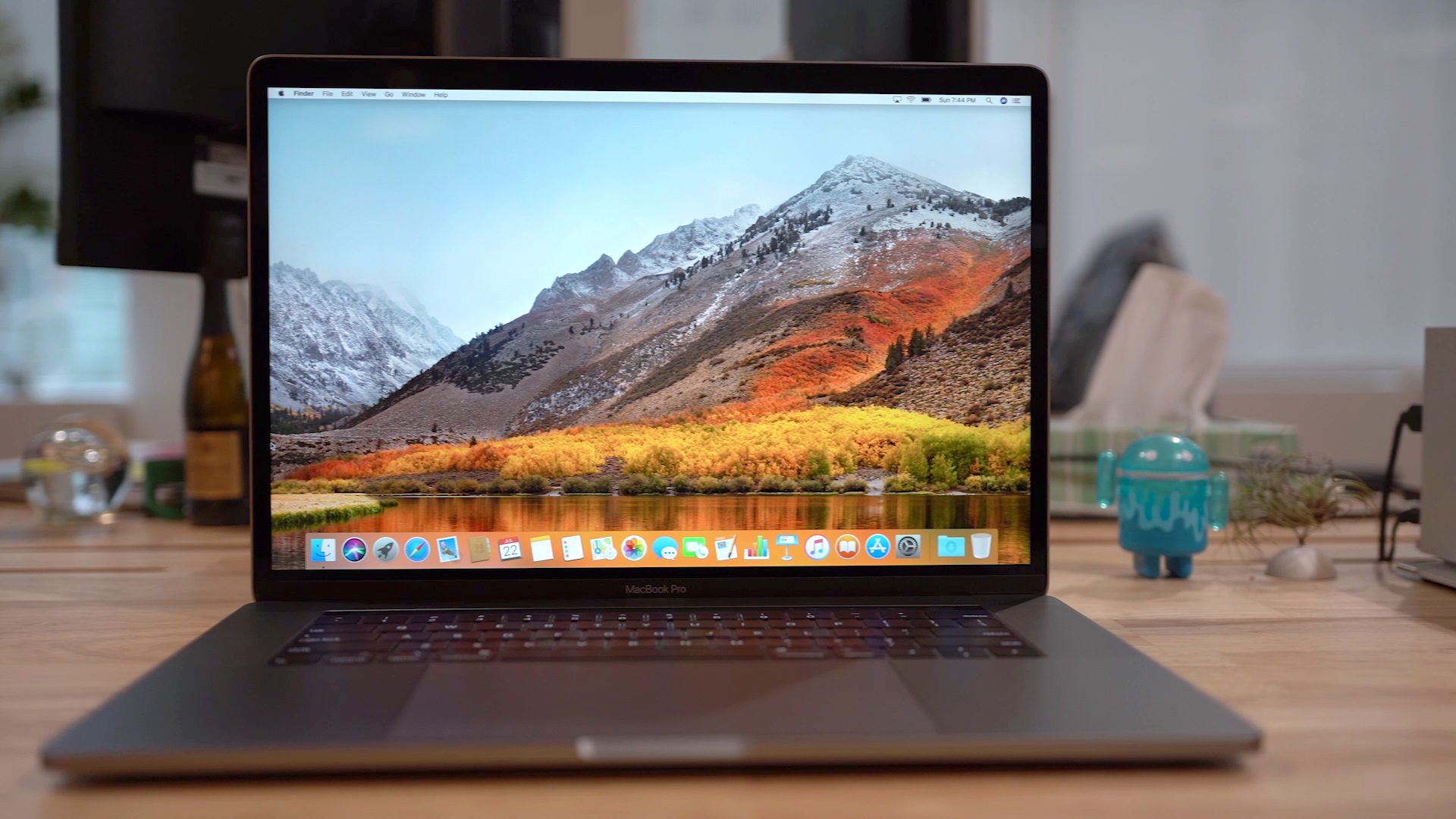
The ZenBook 15 fits the usual Asus aesthetic, with a Royal Blue and gold trim color scheme including a gold bar above the keyboard that’s ornamental but looks like a soundbar. The MacBook Pro 15 hasn’t changed its look in years, and that’s just fine — it’s one of the most elegant notebook designs around. Which is preferable comes down to taste, and we think they’re both good-looking notebooks.
Regarding input, the ZenBook 15 has a standard keyboard with more typical travel compared to Apple’s 3rd-generation butterfly keyboard, and we prefer it. The MacBook Pro, on the other hand, has the most massive touchpad around and supports Apple’s Force Touch technology. The ZenBook 15 benefits from its Microsoft Precision touchpad support, but it can’t keep up with the MacBook Pro.
Finally, the ZenBook 15 offers strong legacy peripheral support by including USB-A 3.1, USB-A 2.0, and USB-C 3.1 ports without Thunderbolt 3 support, a full-size HDMI connection, and a microSD card reader. The MacBook Pro all about the future with four USB-C ports with 40Gb/s Thunderbolt 3 support.
Yes, the ZenBook 15 has a slightly smaller chassis and mostly solid build quality. But the MacBook Pro 15 stands out as being one of the most robust notebooks you can buy.
Performance
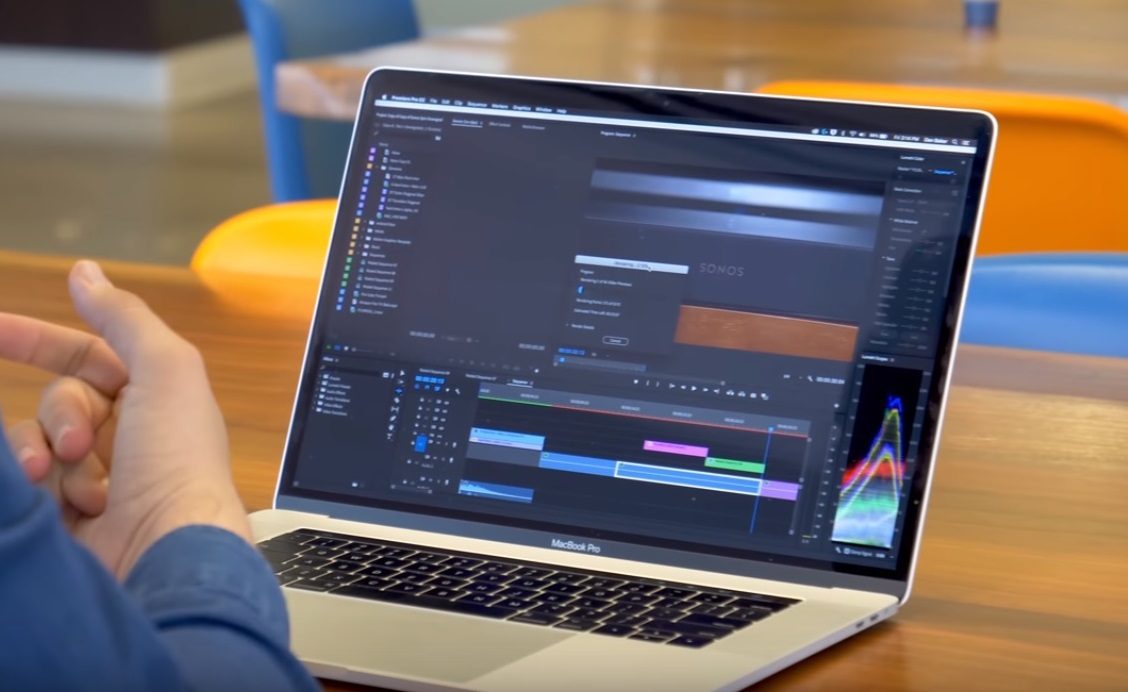
Asus focused the ZenBook 15 on productivity performance, equipping it with a Whiskey Lake 8th-generation quad-core Intel Core CPU, specifically the 15-watt Core i7-8565U that’s faster and more efficient than its predecessor. The MacBook Pro 15 comes with up to the much faster and more power-hungry 45-watt 8th-generation Intel Core i9-8950HK. GPU options include the Nvidia GeForce GTX 1050 Max-Q on the ZenBook 15 and up to the AMD Radeon Pro Vega 20 on the MacBook Pro.
Also, the MacBook Pro uses a significantly faster PCIe solid-state drive (SSD) than the ZenBook 14. In short, the MacBook Pro 15 has a top end that’s considerably faster than the Asus can muster.
MacBooks are also known for their excellent displays, and the MacBook Pro 15 is no different. Its 2,560 x 1,600 resolution is higher than the ZenBook 15’s Full HD (1,920 x 1,080) display, and the MacBook Pro also offers higher quality. Colors, brightness, and contrast are all much better than the decidedly average display on the ZenBook 15.
There’s no denying it — the MacBook Pro 15 is a much better performing notebook.
Portability

The ZenBook 15 comes in at 0.70 inches thick, and it weighs 3.73 pounds. The MacBook Pro 15 is a much thinner 0.61, but it’s heavier at 4.02 pounds. These are both relatively thin and light notebooks for the class and neither will be hard to carry around.
Battery life is also important to portability, and the ZenBook 15 offers 73 watt-hours of battery that provides for very good, all-day battery life. The MacBook Pro 15 packs in 84 watt-hours, but it also has to power much hungrier components. It’s likely that the Asus will last longer on a single charge.
The ZenBook 15 is likely to benefit from better battery life, but otherwise, these two notebooks are equally portable.
The MacBook Pro 15 is a more compelling portable powerhouse
The ZenBook 14 costs a reasonable $1,400 for a Core i7-8565U, 16GB of RAM, and a 512GB SSD. That’s the only configuration you can get.
The MacBook Pro 15 is a seriously expensive notebook, on the other hand. It starts at $2,400 for a six-core CPU, 16GB of RAM, a 256GB SSD, and a Radeon RX555X, and jumps up to well over $2,800.
The ZenBook 14 offers solid productivity performance in a relatively small package. But the MacBook Pro 15 is a portable powerhouse that runs rings around the Asus, although you pay for the privilege.



