1. Home
  2. Phones
  3. Mobile
  4. Outdoors
  5. Web
  6. News

Google’s new Street View backpack offers better imagery in a lighter package

Add as a preferred source on Google
Google

Google’s Street View got its name because in its early days all of the imagery was captured by cameras perched atop cars.

And while Google continues to photograph the view from the street, these days the company is also keen to gather 360-degree imagery of places where its cars can’t go. Think Grand Canyon, Machu Picchu, Westminster Abbey, or the inside of the world’s largest passenger plane.

Recommended Videos

For projects like these, Google uses the so-called “Trekker,” which is basically a camera rig that’s worn like a backpack.

Google lends the Trekker kit to various organizations around the world that are keen to get imagery of their own cultural gems onto Street View. This week, Google unveiled a brand-new design for the gear after listening to feedback from folks who’ve been using it out in the field.

The main issue with the original kit was its weight, hardly surprising considering it tipped the scales at a body-aching 44 pounds (20 kg). With that in mind, Google has come up with a sleeker, lighter (though it doesn’t say how light) design, making it more comfortable to wear for longer periods of time while out on a shoot. The image on the right shows the old Trekker alongside the new one, which we can see is shorter and includes a smaller camera housing. The base, however, appears to be a little bulkier than the original.

And if you’re a sofa loafer who likes to hit Street View for the occasional virtual vacation — whether it’s to explore the natural beauty of Greenland, climb Western Europe’s highest mountain, or visit Argentina’s stunning national parks — you’ll be pleased to learn that the all-important camera has been updated with improved sensors for even sharper imagery.

Like previous versions of the Trekker, the new design can also be fixed to trikes, trolleys, boats, snowmobiles, and even ziplines.

Street View launched in 2007 and features an enormous amount of content from around the world, some of it is admittedly a little bizarre.

Interested in contributing to the ongoing Street View project? Google welcomes applications from organizations to use the Trekker to capture imagery for the mapping tool.

Trevor Mogg
Contributing Editor
Not so many moons ago, Trevor moved from one tea-loving island nation that drives on the left (Britain) to another (Japan)…
Camera anxiety is changing how young adults party
A BBC report finds Gen Z clubgoers increasingly on edge about being filmed, with the rise of Meta's smart glasses only adding to the unease.
People pointing cameras at a person in a club

Clubbing used to mean losing yourself on a dance floor without a second thought. Now, according to a BBC report, a growing number of young people say they can't fully relax on a night out because they're constantly scanning the room for cameras.

Smart glasses have made the problem harder to spot

Read more
Vivo X300 FE review: The compact flagship I didn’t expect to like this much
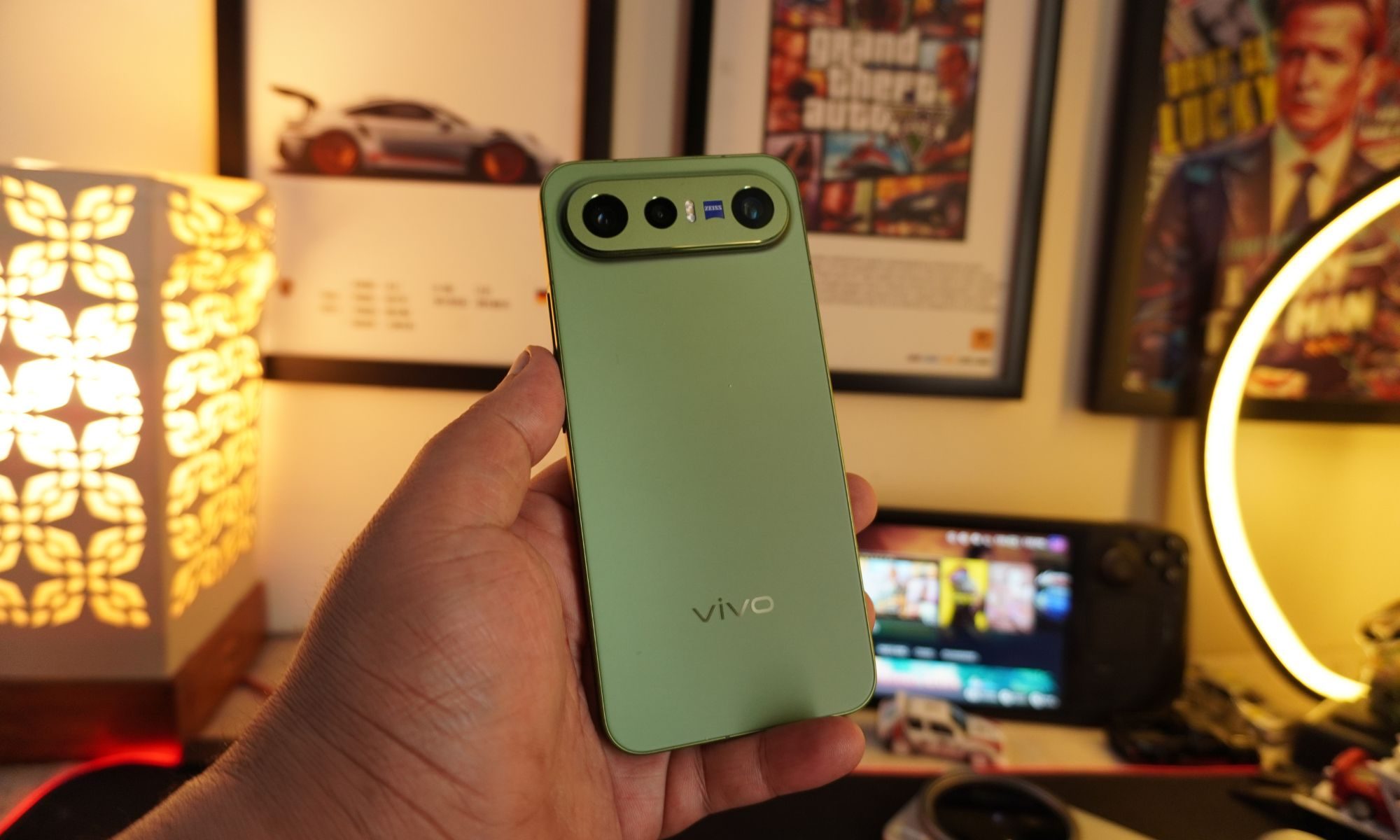
The Vivo X300 FE is the Hawkeye of flagships. It doesn't have superpowers, but somehow gets the job done better than everyone else.
Vivo X300 FE

Why Hawkeye?

Hawkeye was never the strongest Avenger, nor did he have the flashiest suit or superpowers. Yet he consistently proved his worth through precision, reliability, and doing the fundamentals exceptionally well. The Vivo X300 FE follows the same philosophy. It doesn't chase outrageous specifications or marketing gimmicks. Instead, it quietly nails the essentials with a superb display, dependable performance, excellent cameras, and outstanding battery life. It may not grab all the headlines, but when it matters, it's the flagship that gets the job done.

Read more
7 Apple Notes tips to elevate your note-taking experience
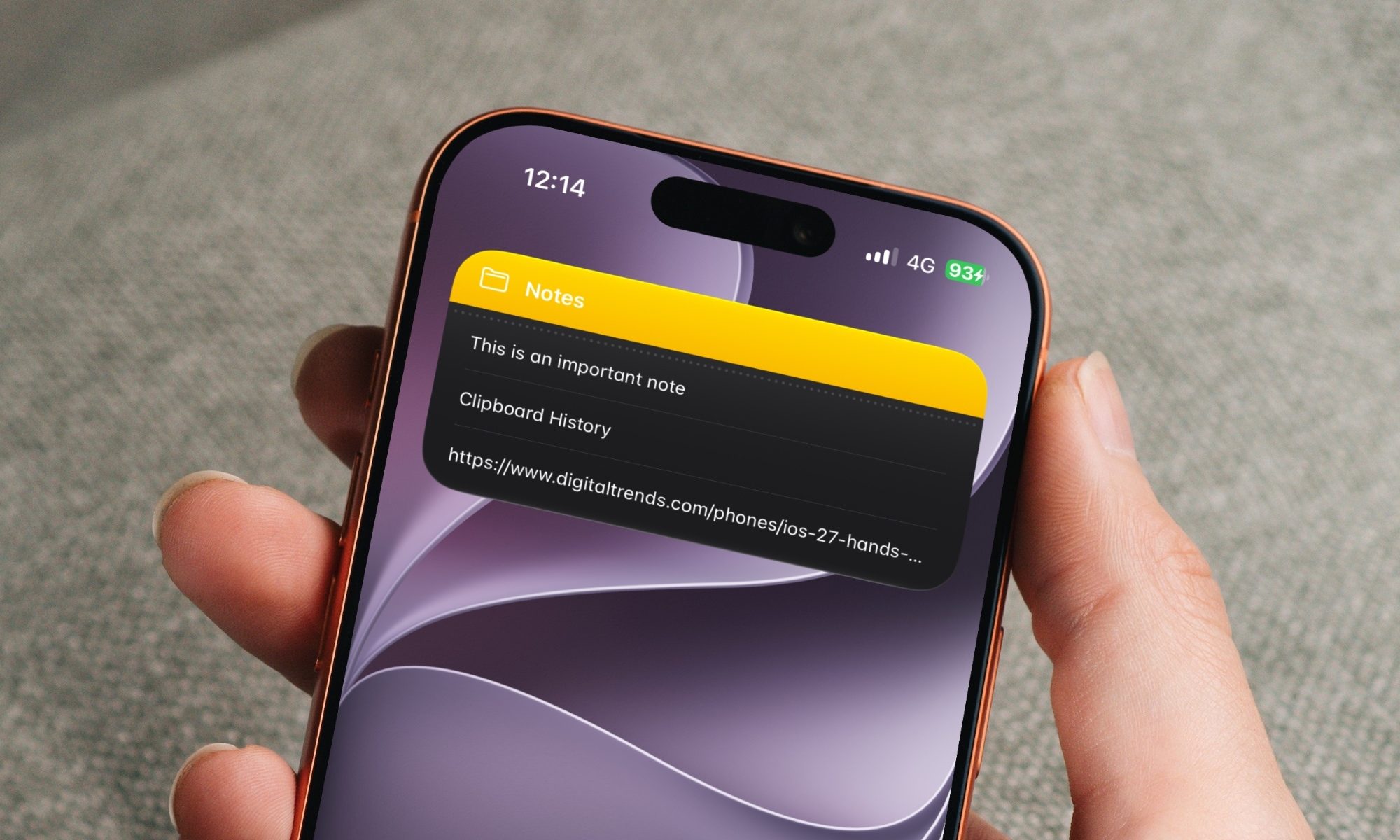
A few small tweaks buried in the menus that make Apple Notes feel like a completely different app.
Apple notes on iPhone

Over the years, Apple has turned Apple Notes into one of the best note-taking apps for the iPhone. The problem is that most people use the app just as a place to dump info and do not use it to its full potential. Today, I will share seven of my favorite Apple Notes tips that will elevate your note-taking experience. 

Switch between recently opened notes

Read more