1. Home
  2. Computing
  3. News

Digital Trends may earn a commission when you buy through links on our site. Why trust us?

This memory leak bug is killing performance in MacOS Monterey

Add as a preferred source on Google

Apple’s newest desktop operating system, MacOS Monterey, brings a handful of useful new features, but an assortment of issues as well. Some people are reporting memory leaks after upgrading to MacOS Monterey — some of which have even included warnings that the entire system has run out of memory.

While new operating system rollouts tend to have a few bugs, this one seems particularly bothersome. Memory leaks occur when an application uses more memory, or RAM, than is necessary. This happens because the process in question doesn’t release the memory that’s allocated to it after it’s closed and continues to use more memory, sometimes until there’s none left.
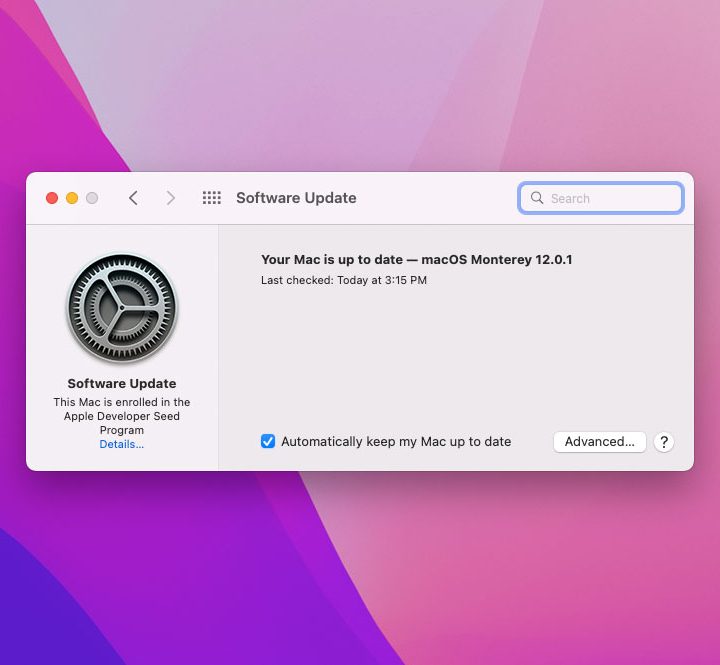
The Software Update screen in MacOS Monterey.
Image used with permission by copyright holder

There have been a number of complaints across multiple forums, including Apple’s own support forums, Reddit, and Twitter. YouTuber Gregory McFadden tweeted a picture in which Control Center was using a whopping 26GB of RAM. By comparison, Final Cut Pro was only using 6GB of RAM,  and that’s a full-fledged professional video editing program. Control Center normally only uses a couple of megabytes of RAM.

Recommended Videos

The issue doesn’t seem to be limited to a particular Mac model either. Users with M1, M1 Pro/Max, and Intel versions have all reported memory leaks. One Firefox user with an Intel Mac reported Firefox usage of almost 80GB of RAM. While some users like Gregory McFadden had upwards of 64GB of RAM installed, a lot of others will likely have much lower RAM and will feel the pinch of a memory leak more acutely.

So glad I got 64GB of memory on my new Mac so I can use 26GB of it for control center… Wait… what. pic.twitter.com/inCOPaii1o

— GregsGadgets (@GregoryMcFadden) October 28, 2021

This isn’t the only major issue with MacOS Monterey. Those with older Macs who install the new operating system are at risk of bricking their computer. Many of the users reported Macs that simply wouldn’t turn on at all after upgrading. While there does seem to be a temporary fix, that requires access to another Mac.

Lest the Windows faithful get cocky, Windows 11 users have also reported memory issues. Windows Insiders found that File Explorer consumes memory even after being closed. We were able to reproduce the leak on both Windows 11 and Windows 10. Fortunately, it seems this is limited to just the File Explorer and not random programs like MacOS’ issue.

Regardless, the memory leak on MacOS Monterey could just be the teething signs of a new operating system. Apple will hopefully issue a patch to fix the leak, although MacOS memory leaks seem to be a common occurrence. At any rate, it may be worth holding off upgrading your Mac for now.

David Matthews
David is a freelance journalist based just outside of Washington D.C. specializing in consumer technology and gaming. He has…
Think twice before downloading your next Windows 11 app from Google
Your Windows app search results have become a malware minefield
Windows 11 Laptop

Searching Google for a Windows utility and clicking the first convincing result has always carried some risk. A newly uncovered network of fake websites has made that familiar habit considerably more dangerous. More than 70 domains were found impersonating popular Windows apps. This includes Microsoft PowerToys, CrystalDiskMark, EasyBCD, Wintoys, Lively Wallpaper, and SignalRGB.

Windows Latest reports that many of the lookalike sites appear above the genuine project pages in Google results, despite having no connection to the developers behind the apps. Some currently redirect their download buttons to legitimate Microsoft Store pages, which may be part of the attack.

Read more
4 desk lamps I’d actually recommend for your back-to-school study setup
Good lighting won't do your homework, but it'll help you actually finish it.
desk lamp with white wall behind it

Back-to-school season means new notebooks, a planner you'll abandon by October, and way too many hours spent hunched over a desk lit by nothing but your laptop screen. If you've ever pulled an all-nighter or squinted through an assignment at 2 AM, you already know a good desk lamp isn't optional. It's survival gear.

I went through a bunch of options this year and picked four that actually earn a spot on your desk, whether you're working with a dorm-room budget or setting up a proper home office.

Read more
China’s Moonshot just handed developers a near-frontier AI model to download
Kimi K3 is now available to download, modify, and host independently
Art, Drawing, Plant

Moonshot AI has released the full weights for Kimi K3, giving developers the freedom to download, modify, fine-tune, and host the model themselves. The move comes shortly after K3’s debut, when Moonshot’s benchmarks placed it close to Claude Fable 5 and GPT-5.6 Sol, and even ahead in a handful of tests. K3 has 2.8 trillion parameters and a 1-million-token context window.

Downloading K3 is easy, but running it is not

Read more