  1. Home
  2. Computing
  3. How tos

How to do hanging indent on Google Docs

Add as a preferred source on Google
Google Docs in Firefox on a MacBook.
Google

The hanging indent is a classic staple of word processing software. One such platform is Google Docs, which is completely free to start using. Google Docs is packed with all kinds of features and settings, to the point where some of its more basic capabilities are overlooked.

Sure, there are plenty of interface elements you may never use, but something as useful as the hanging indent option should receive some kind of limelight.

Recommended Videos

Difficulty

Easy

Duration

5 minutes

What You Need

  • Access to Google Docs

And we’re just the publication to power on the neon bulbs of discovery! We’ve written up a guide to get you adding hanging indents in Google Docs in no time.

How to create a hanging indent in Google Docs

Step 1: Open Google Docs to start. Log in if necessary, and find the document in Google Drive that you want to apply hanging indents to.

Navigate to the left part of your document, and place the cursor at the beginning of the paragraph you want to indent.

A document in Google Docs with the Format menu circled in red.
screenshot / Digital Trends

Step 2: Navigate to the Google Docs menu at the top and click on the Format drop-down menu.

The Indentation Options are shown in Google Docs.
screenshot / Digital Trends

Step 3: In the Format menu, go to Align & Indent. When this menu pops open, choose Indentation Options.

The Special Indent drop-down menu is circled in Google Docs.
screenshot / Digital Trends

Step 4: Indentation Options will open a new window where you can customize an indentation. Go to the Special indent section, which should currently say None.

The Hanging option is selected in the Indentation Options menu in Google Docs.
screenshot / Digital Trends

Step 5: Select the menu and choose Hanging.

The Hanging Indent Length field is circled in Google Docs.
screenshot / Digital Trends

Step 6: Now you will see a number on the right, noting how long the hanging indent will be. It should be set to the traditional 0.5 inch, but you can adjust this if you want to.

Hanging Indent is applied to a paragraph of text in Google Docs.
screenshot / Digital Trends

Step 7: When finished, select Apply. The paragraph you were on should now have a hanging indent.

You can also change the margins of your Google Docs document.

Step 8: If you have multiple paragraphs or sections to indent all at once, it’s no problem. Just highlight them all before using the steps above. Then the hanging indent will automatically apply to the entire highlighted section.

Make sure you're making the most of this free software -- learn these Google Docs tricks.

Tyler Lacoma
If it can be streamed, voice-activated, made better with an app, or beaten by mashing buttons, Tyler's into it. When he's not…
Gemini Spark hits Mac, and it might just become your new favorite assistant
From messy downloads to date night reservations, Spark is here to lighten your load.
Gemini Spark mac app

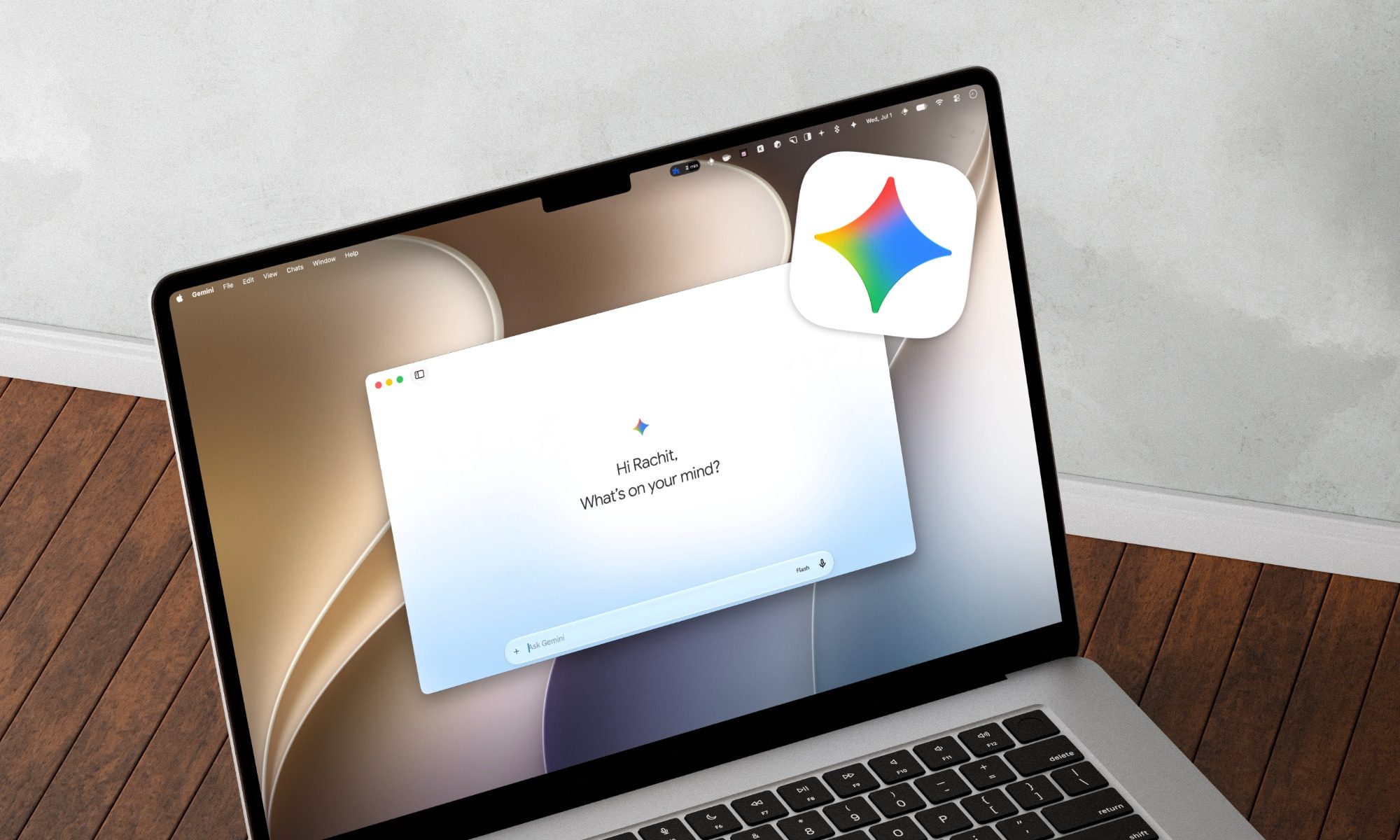
Google has just announced a big batch of updates for Gemini Spark, making the assistant far more useful than before. Gemini Spark is finally coming to the Mac desktop app, bringing deeper app connections and a new way to keep tabs on what you care about. Let us break it down.

What can Spark do on your Mac now?

Read more
You’ll be able to use Claude Fable 5 again starting July 1
Anthropic has received a green light from the US government to restore the AI Model, weeks after a security researcher found a way around its safeguards that triggered the shutdown.
Laptop running Claude Fable

Anthropic is restoring full access to Claude Fable 5 starting tomorrow, weeks after a US government directive forced the company to suspend the model for all users. The government order arrived on June 12 and required Anthropic to block foreign nationals from using Fable 5 and its more capable Mythos 5 model. Since the rule took effect immediately and Anthropic had no way to verify a user's nationality in real time, the company suspended both models entirely rather than risk a violation.

What triggered the shutdown

Read more
Claude’s Sonnet 5 is built to do more on its own and cost you less
Better than its predecessor, nearly as good as the flagship, and meaningfully cheaper than both.
Art, Floral Design, Graphics

Every major AI lab is racing to prove its models can work autonomously with minimal hand-holding; we’re now seeing pricing emerge as the next battleground. 

Anthropic just fired its latest shot, Claude Sonnet 5, a model the company says performs nearly as well as its flagship Opus 4.8 at a fraction of the cost.

Read more