Adobe has just announced that Premiere Pro users will now be able to export videos up to 10 times faster than previously once they update to Premiere Pro 22.4.0. While the improvements won’t benefit all users, they offer significant improvements if you’re using a supported system.
In a blog post detailing the updates coming to Premiere Pro in May, Adobe explained that the changes affect Apple users whose Macs are powered by the M1 Pro, M1 Max, and M1 Ultra chips, as well as Windows PCs equipped with AMD graphics cards. The changes specifically impact 10-bit 4:2:0 HEVC footage.

The massive decreases in render times are thanks to improved utilization of hardware encoding (as opposed to software encoding). That seems to be partly due to the “media engine” in Apple’s M1 Pro, M1 Max, and M1 Ultra chips, which is specifically designed to increase video processing performance. Adobe says the M1 chip will have to rely on software encoding, suggesting the more advanced Apple chips’ media engines could be the key to their greater performance.
The biggest benefits seem to be on MacOS, although Windows render times are still noticeably faster than before. Adobe gave a few examples that illustrate the phenomenal speed boost on MacOS. In the first, a complex UHD video that took six minutes and 43 seconds to export using the previous 22.3.0 version of Premiere Pro took just 55 seconds in the 22.4.0 update. In another, a complex HD video that was previously exported in three minutes and seven seconds took a mere 12 seconds to complete.
Improvements on Windows and MacOS
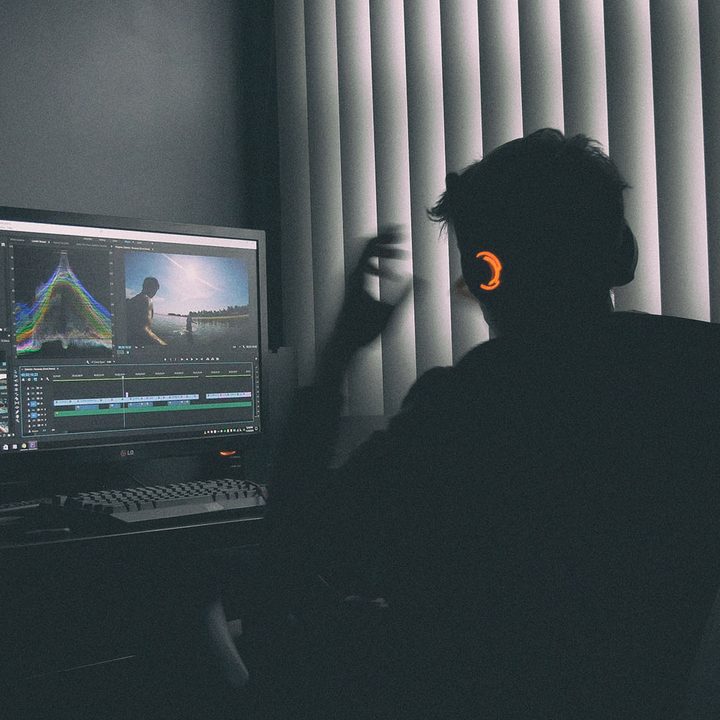
If you’re a Windows user, you don’t have to miss out — provided you have an AMD graphics card. Adobe gave an example of a PC kitted out with a Team Red GPU, where the export time for a complex UHD video dropped from two minutes and five seconds to just 33 seconds. A complex HD video similarly fell from one minute and four seconds to a miniscule nine seconds.
Note that you’ll need an AMD graphics card from the RX 5000, RX 6000, W5000, or W6000 ranges to see these improvements. You’ll also need to be using the 21.10.1 driver or later. You can see the full requirements in Adobe’s blog post.
Adobe’s numbers are impressive. While there is a fairly specific set of requirements to see the boost, any performance increase will be appreciated. It’s a welcome piece of news for you if you export a large number of videos and are tired of waiting around for the process to finish.
Whether you’re using MacOS or Windows, you can enable hardware encoding by opening Premiere Pro and clicking the Format drop-down under Export Settings. Next, click the Video tab and go to Encoding Settings. From here, ensure the Performance field is set to Hardware Encoding.
Aside from the cut in render times, the latest Premiere Pro update brings a raft of other changes. You can now export GIFs with transparency, distribute objects in titles and graphics in new ways, create proxies of HDR content, and more.