

There are a million ways to get information on the weather these days. Windows, for one. Computers for another. Random people on Instagram and TikTok who suddenly are experts in meteorology for a third. But for a lot of folks, it’s still all about The Weather Channel — the ubiquitous channel that, appropriately enough, is all about The Weather. On a Channel.
And, unfortunately, it’s time for many in Florida and the rest of the Southeast to keep their eyes glued on The Weather Channel as Hurricane Milton makes landfall this week in the Tampa Bay Area before cleaving its way through the center of the state. Miami looks like it should mostly be spared. Same goes for Northwest Florida, where I live. But models are also starting to show a possible follow-up storm later in the month.
Welcome to the new hurricane era.
If there’s any good news here, it’s that those who no longer have cable television can watch The Weather Channel in more ways than ever. We’ll take the work out of it, though, and show you how to stream The Weather Channel online. And as always, keep your other eye on the National Hurricane Center website.

How to stream The Weather Channel
If you’re no longer a cable subscriber and are looking to stream The Weather Channel through one of the traditional streaming services in the U.S. (these also are known as MVPDs, for multichannel video programming distributors), you’ll find you have surprisingly few options.

That’s the bad news. The good news is that The Weather Channel is available on the most popular streaming service, YouTube TV. That means more than 8 million accounts already can stream The Weather Channel as part of the single YouTube TV streaming plan (which as of this writing costs $73 a month).
The next biggest streaming service on which you’re also able to stream The Weather Channel is FuboTV, which sports just shy of 1.5 million subscribers at last count. The Weather Channel is included there on its base “Pro” plan, which runs $80 a month for 201 channels. Also available is The Weather Channel en Español.
Worth noting is that YouTube TV and Fubo TV also are the only streaming services that offer any sort of 4K option, though it’s mostly limited to live sports (or in the case of YouTube TV, also to a good bit of on-demand content).
The Weather Channel also is available on Hulu With Live TV. That’s notable because Hulu With Live TV, in addition to being the second-largest live streaming platform in the U.S., also includes subscriptions to the Hulu on-demand library, ESPN+, and Disney+. It’ll cost you $77 a month to get on board.
The least-expensive way to get The Weather Channel actually is from a streaming service called Buy at Frndly TV . (As in “friendly.”) Its basic plan costs $7 a month and gives you more than 40 channels at SD video quality, and the ability to watch on one device at a time. You get get more options and better quality for $2 more, and the full smash for $11 a month.
And finally, you can stream The Weather Channel on DirecTV Stream. But you won’t find it on the least expensive plan. Instead, you’ll have to start with at least the “Choice” plan, which gets you 125 channels for $95 a month.
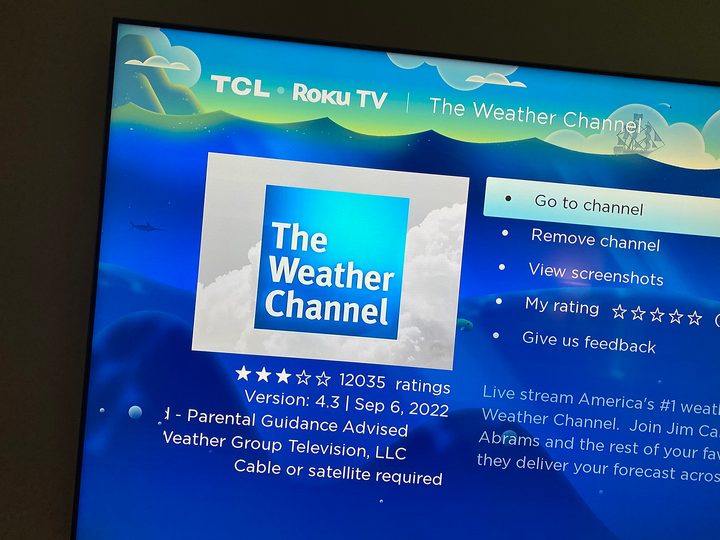
The Weather Channel TV app
If for whatever reason streaming The Weather Channel just isn’t your thing, there’s another option. “The Weather Channel TV App” is … a dedicated app to watch The Weather Channel on your TV. And what’s more is that you can get the full stream of it by logging in with another linear streaming or cable account. (Nudge nudge, wink wink.) I logged in with my YouTube TV account and found that its stream was about the same quality (or close enough, anyway), and actually was a a good 20 seconds or so ahead of the YouTube TV stream, for what that’s worth.
And it’s available most everywhere such apps are found, including Roku and Amazon Fire TV, which takes care of the two biggest streaming platforms. You also can find it on Android TV, on Samsung smart TVs, and on Xfinity Flex. There’s an Apple TV app, but it’s just clips and highlights — not the live stream.
The Weather Channel TV App costs $3 a month or $30 a year. And as an added bonus, if you already get The Weather Channel by some other means — be it cable TV or one of the streaming services we listed above — you can sign in to The Weather Channel TV App and get all of this, too.


