  1. Home
  2. Tablets
  3. Mobile
  4. Legacy Archives

How to turn on the secret auto-correct keyboard for iPhone, iPad

Add as a preferred source on Google
auto-correct-ios-crop
Image used with permission by copyright holder

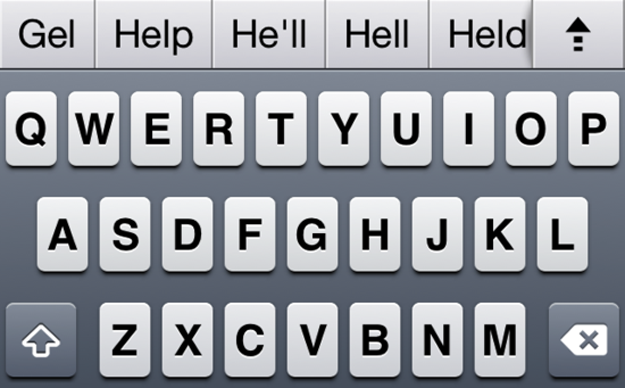
The secret features of iOS are popping up left and right this week. On Tuesday, we found out that iOS contains a hidden panorama shooting mode for iPhone and iPad cameras. And now, it turns out that iOS 5 also contains an auto-correct keyboard bar concealed within its bowels.

The closeted feature, first reported by Mark Gurman at 9to5Mac, was uncovered by Australian hacker (and 9to5Mac researcher) Sonny Dickson. Unlike the panorama camera mode, which requires jailbreaking your phone — a move that enables a slew of inaccessible features, like downloading unauthorized apps, but can void your Apple warranty — the auto-correct feature only requires some fairly simple finagling.

Here’s how to turn it on:

Recommended Videos

1. Dowload iBackupBot (a program that allows users to edit files backed up to iTunes)
2. Backup your iPhone/iPad to iTunes
3. Open iBackupBot, find your most recent backup and load it.
4. Go to: Library/Preferences/com.apple.keyboard.plist and open the file. (Hint: Sonny explains that “if your software isn’t registered you’ll have to press cancel and then it will open.”)
5. Here’s the important bit. Add this code to the file you just opened: <key>KeyboardAutocorrectionLists</key><string>YES</string>
6. Save the file, and restore your device from within iBackupBot.
7. Enjoy your auto-correct keyboard bar goodness!

As with the panorama camera mode, there’s likely a good reason this secret feature isn’t simply a feature, so don’t be surprised if this minor code tinkering has some unexpected consequences. (We haven’t yet heard of any issues resulting from performing this change, but that doesn’t mean they don’t exist.) In other words: Enable auto-correct at your own risk.

Andrew Couts
Features Editor for Digital Trends, Andrew Couts covers a wide swath of consumer technology topics, with particular focus on…
Samsung confirms Galaxy Tab S12 and S26 FE are coming, but warns prices could go up
Samsung has revealed two more Galaxy devices planned for later this year, but rising component costs could put pressure on their pricing.
Samsung Galaxy S25 FE in Blue

Although Samsung's latest foldables are yet to go on sale, the company has already confirmed two more Galaxy devices are on the way. During its Q2 2026 earnings call, Samsung revealed that the Galaxy Tab S12 and Galaxy S26 FE will launch later this year, but warned that rising component costs could put more pressure on pricing.

Samsung's upcoming product lineup is starting to take shape

Read more
Apple’s new Upgrade plan won’t punish missed payments with restrictions, but three strikes could end your lease
Restricted Mode remains in iOS 27 beta, but Apple says it won’t be used for Upgrade payment defaults
Computer, Electronics, Laptop

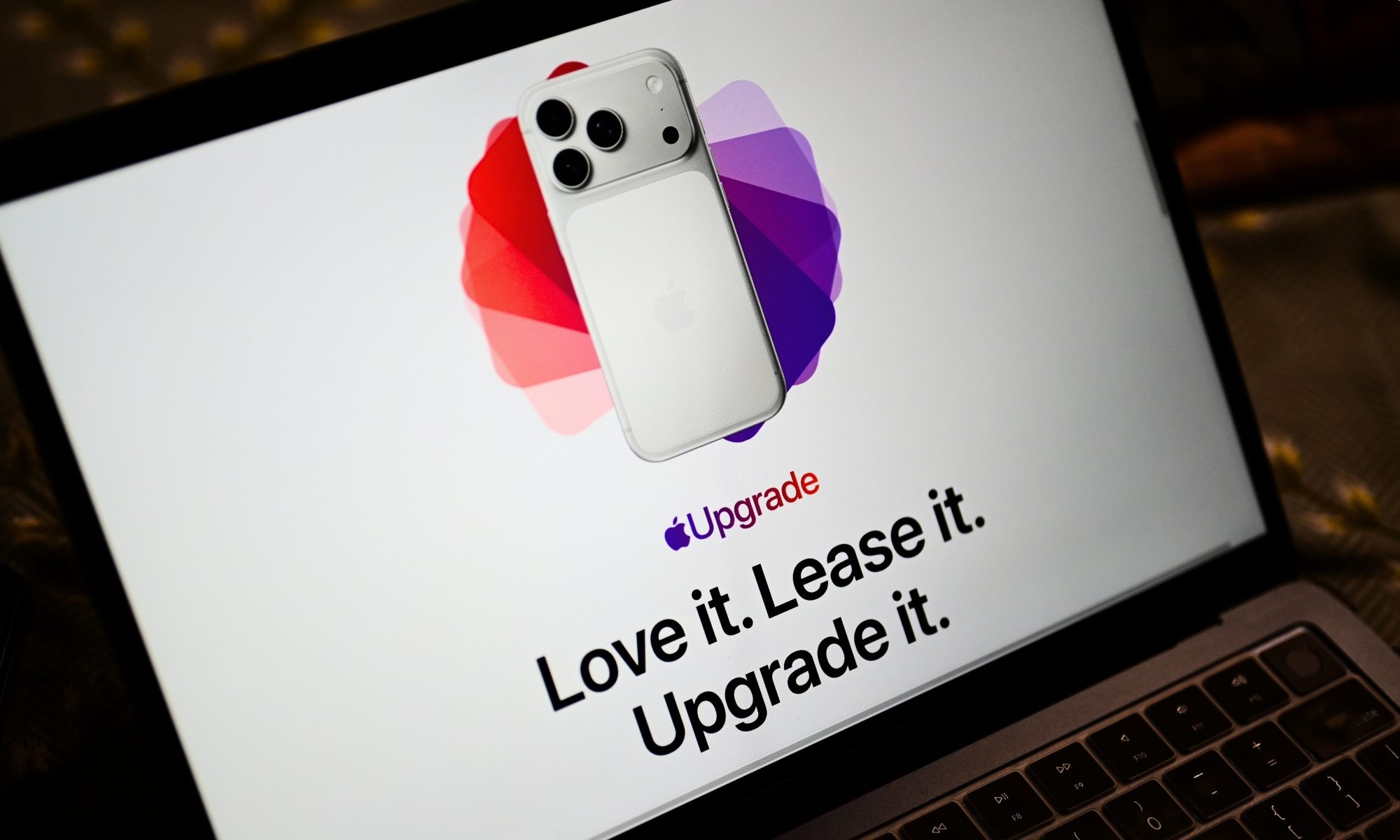
Apple recently announced its new Apple Upgrade leasing plan, which lets customers pay monthly for an iPhone, iPad, Mac, or Apple Watch through Klarna. The program replaces the long-running iPhone Upgrade Program and expands the option beyond phones for the first time.

However, code discovered by 9to5Mac in an iOS 27 beta raised concerns about what could happen if someone fell behind on payments. The new App Managed Features system appeared capable of checking a customer’s payment status and placing a financed device into Restricted Mode.

Read more
Apple’s new Upgrade program lets you lease an iPhone, Mac, Watch, and iPad
Launched in partnership with Klarna, the new program gets you an iPhone for as little as $17.99 a month.
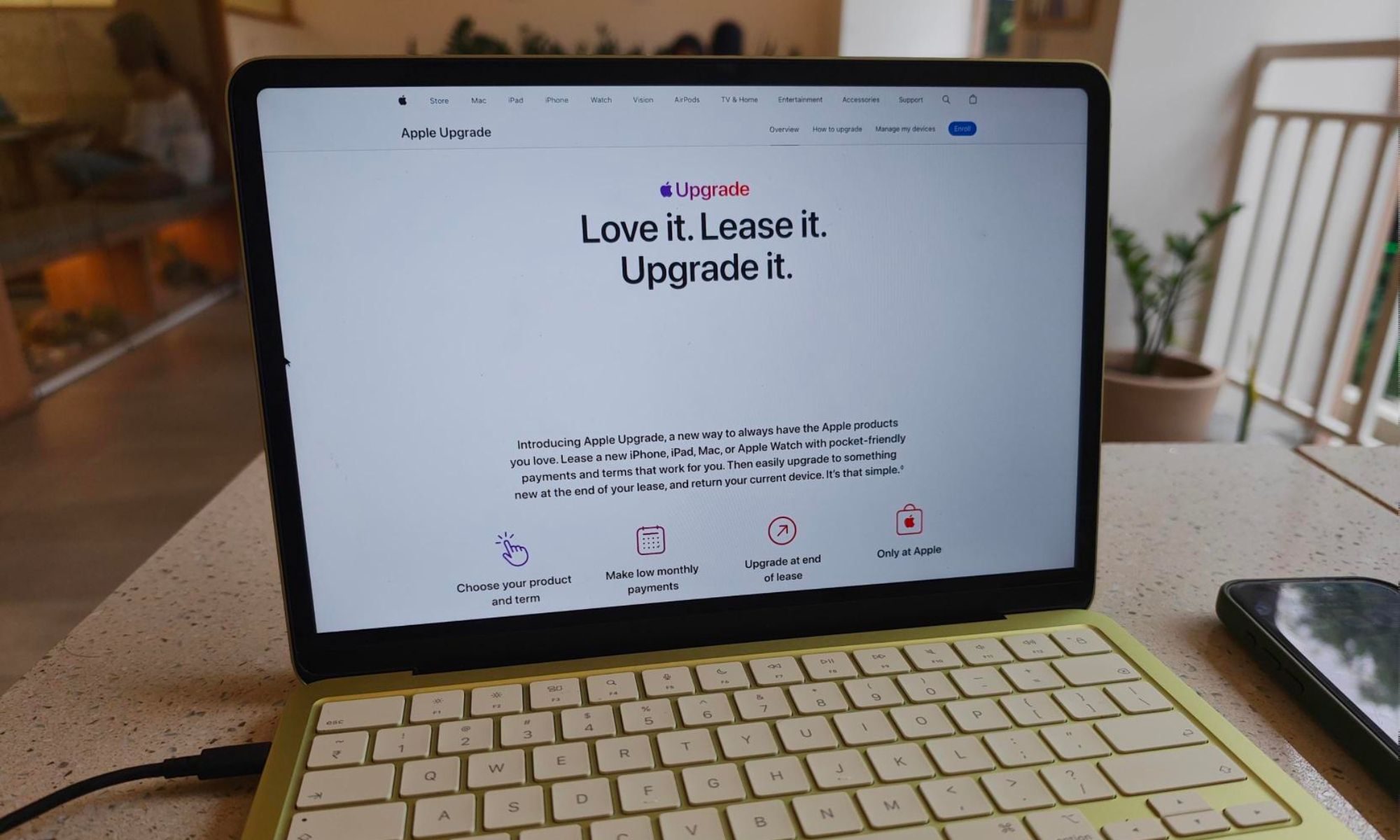
Apple Upgrade site on a MacBook Neo

Apple has officially launched Apple Upgrade, a leasing program that lets customers pay monthly for an iPhone, iPad, Mac, or Apple Watch instead of buying the device outright. The program went live today on Apple's website in partnership with Klarna, replacing the iPhone Upgrade Program that Apple has offered since 2015.

What you can lease and what it costs

Read more