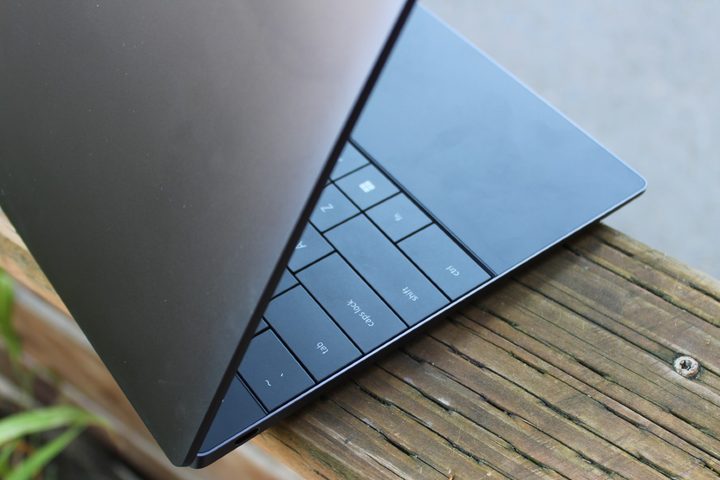
The Dell XPS 13 Plus introduced one of the most modern laptop designs in 2022. It incorporated an edge-to-edge keyboard that blended with the all-glass palm rest and hidden haptic touchpad to create a thoroughly clean interior design. The exterior chassis retained the XPS line’s streamlined sleekness, making the XPS 13 Plus one of the most attractive laptops on the market.
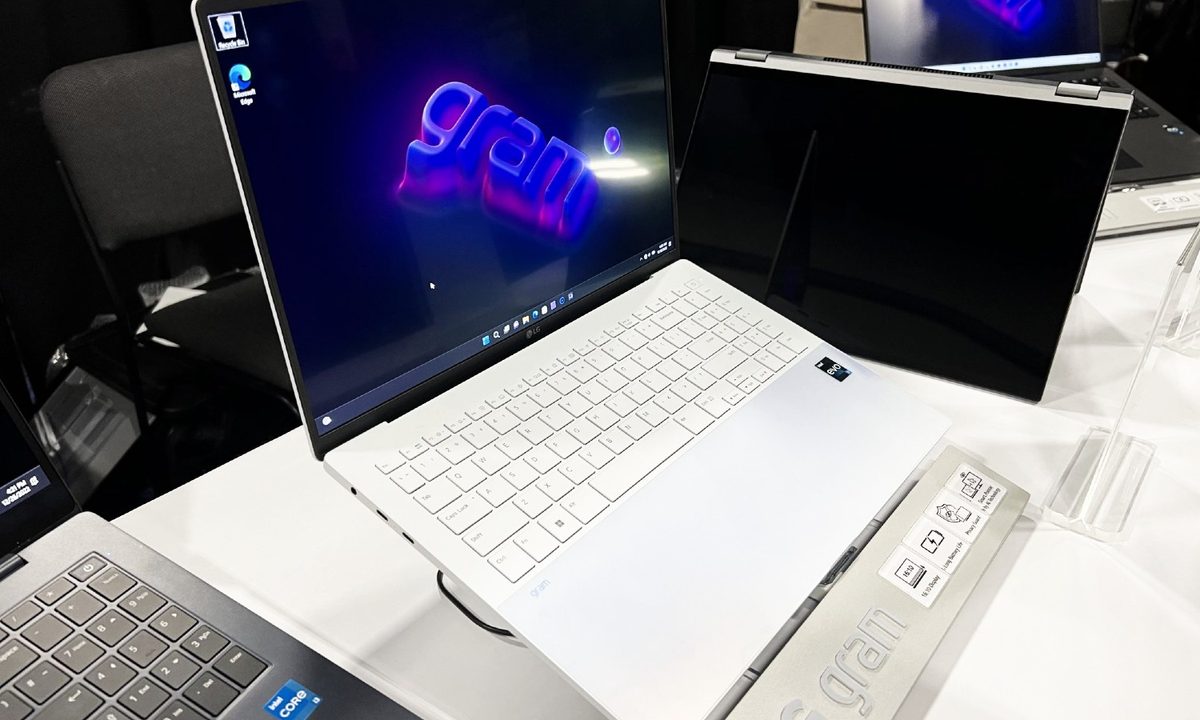
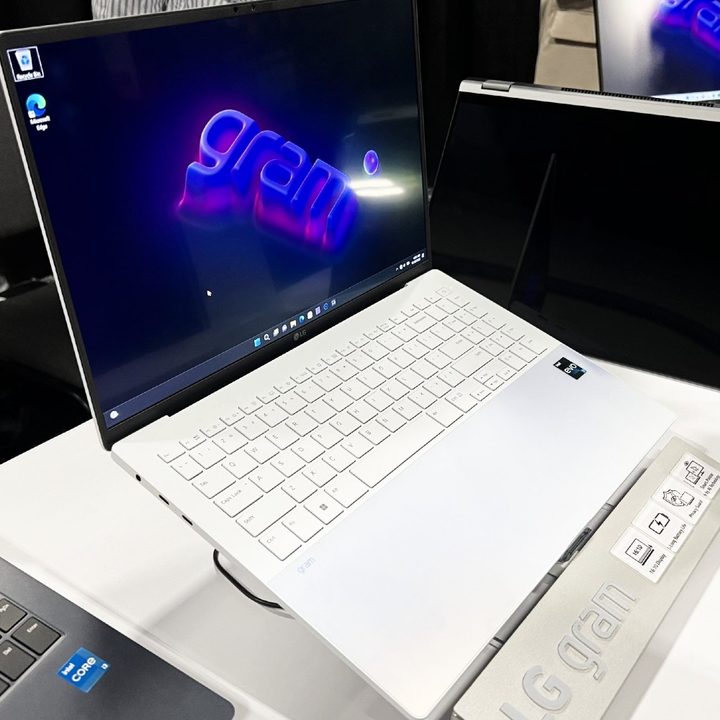
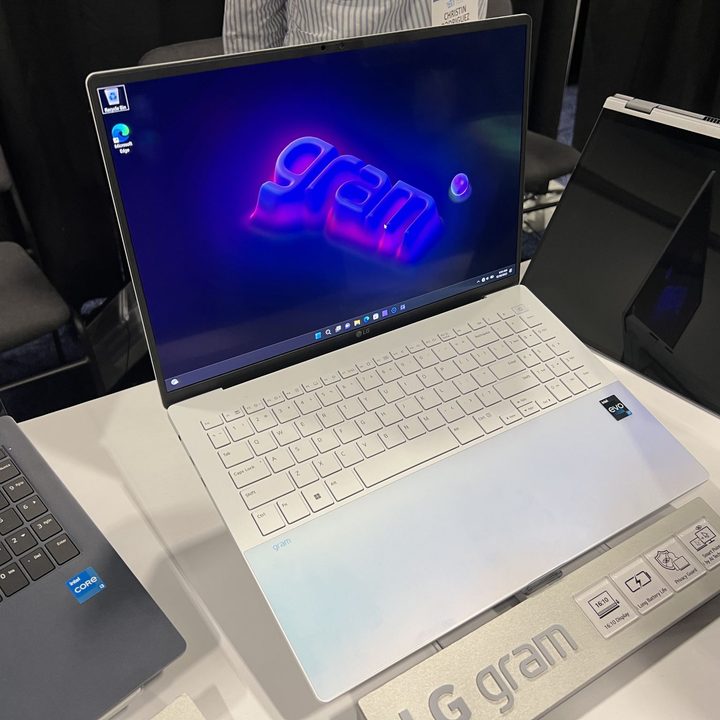
But LG introduced something even more striking at CES 2023. The Gram Style has many of the same features as the XPS 13 Plus, including an all-glass palm rest and hidden haptic touchpad, but it also utilizes iridescent colors that change with the ambient lighting. But does style trump overall design? Read on to find out.
Specs
| LG Gram Style | Dell XPS 13 Plus | |
| Dimensions | 12.26 inches x 8.42 inches x 0.63 inches | 11.63 inches by 7.84 inches by 0.60 inches |
| Weight | 2.2 pounds | 2.71 pounds |
| Processor | Intel 13th-gen P-series CPUs | Intel Core i5-1240P Intel Core i7-1260P Intel Core i7-1280P |
| Graphics | Intel Iris Xe graphics | Intel Iris Xe graphics |
| RAM | 8GB 16GB 32GB |
8GB 16GB 32GB |
| Display | 14.0-inch 16:10 WQXGA+ (2,880 x 1,800) OLED, 90Hz | 13.4-inch 16:10 IPS Full HD+ (1,920 x 1,200) non-touch 13.4-inch 16:10 IPS Full HD+ touch 13.4-inch 16:10 OLED 3.5K (3,456 x 2,160) touch 13.4-inch 16:10 IPS UHD+ (3,840 x 2,400) touch |
| Storage | 256GB SSD 512GB SSD 1TB SSD |
512GB SSD 1TB SSD 2GB SSD |
| Touch | No | Optional |
| Ports | 2 x USB-C with Thunderbolt 4 1 x USB-A 3.1 1 x 3.5mm audio jack 1 x microSD card reader |
2 x USB-C with Thunderbolt 4 |
| Wireless | Wi-Fi 6E and Bluetooth 5.3 | Wi-Fi 6E and Bluetooth 5.2 |
| Webcam | 1080p, Windows Hello IR webcam | 720p, Windows Hello IR webcam |
| Operating system | Windows 11 | Windows 11 Home or Pro |
| Battery | 72 watt-hours | 55 watt-hours |
| Price | TBD | Buy at Dell |
| Rating | Not yet reviewed | 4 out of 5 stars |
Design
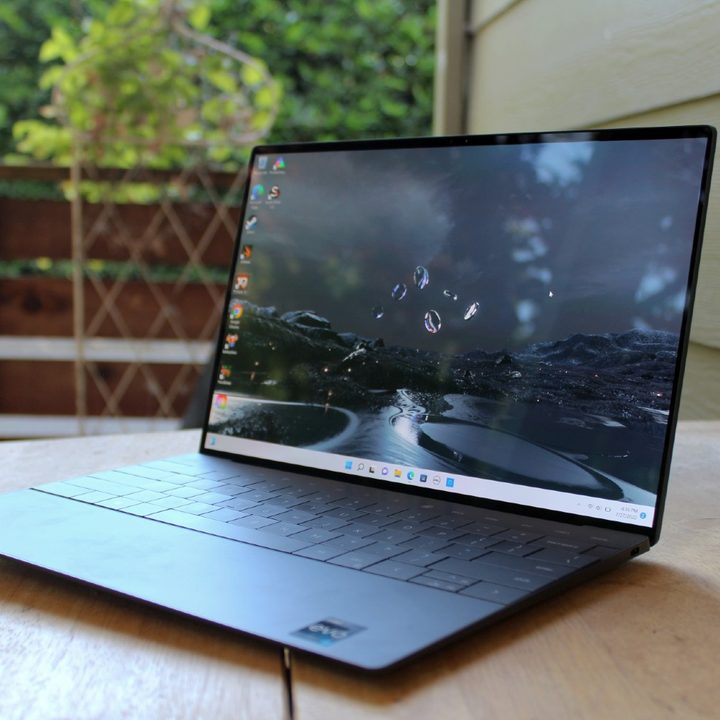
I’ve already discussed the XPS 13 Plus aesthetics, indicating that it’s one of the most modern laptops available today. The Gram Style matches it in several ways. While it doesn’t have the LED function keys of the XPS 13 Plus, which are questionable in their utility and convenience, nor the edge-to-edge keyboard, it does incorporate the same kind of all-glass palm rest and hidden haptic touchpad. But that’s not all. The Gram Style also has LED lights that highlight the touchpad and make it easier to recognize and use. That’s a real improvement over the XPS 13 Plus, where it’s sometimes difficult to figure out where the touchpad begins and ends.
And the Gram Style’s color options are simply stunning. They use a glass design that makes each color shine in bright lighting and causes colors to shift dynamically as lighting changes. From what we’ve seen so far, it’s a bold look that adds tremendously to the sheer beauty of the laptop.
We don’t know much more about the laptop’s construction, at least as far as it feels in hand. It uses a magnesium alloy chassis with a glass coating, giving the 14-inch laptop a light weight of just 2.2 pounds compared to the smaller all-aluminum XPS 13’s 2.71 pounds. The Gram Style is slightly thicker at 0.63 inches versus 0.60 inches, and given its larger 14-inch display, it’s wider and deeper. But its lightweight chassis will likely be noticed most when carrying it around.
The LG Gram Style’s keyboard looks like a comfortable, typical island with plenty of depth, but we’ll have to go hands-on to see how it compares to Dell’s flatter keyboard design. And haptic touchpads can be better and worse, so that remains to be determined.
The Gram Style has better connectivity, with the same number of Thunderbolt 4 ports, but a legacy USB-A port and an audio jack to go with a microSD card reader. Wireless connectivity seems equal. While both laptops have infrared cameras to support Windows 11 Hello passwordless login, the Gram Style’s main webcam is higher resolution at 1080p versus 720p, making it a better laptop for videoconferencing.
Performance
The Gram Style is built around Intel’s 13th-gen P-series CPUs, meaning it will have the same number of cores and threads as the 12th-gen CPUs in the XPS 13 Plus, but with about a 10% performance advantage. That means that we’ll likely see very similar performance between these two laptops.
Efficiency is a question, as always. Perhaps Intel will have improved that aspect in the 13th-gen as well, and we’ll see better battery life. But performance is one aspect that will require reviews to determine for sure.
Displays
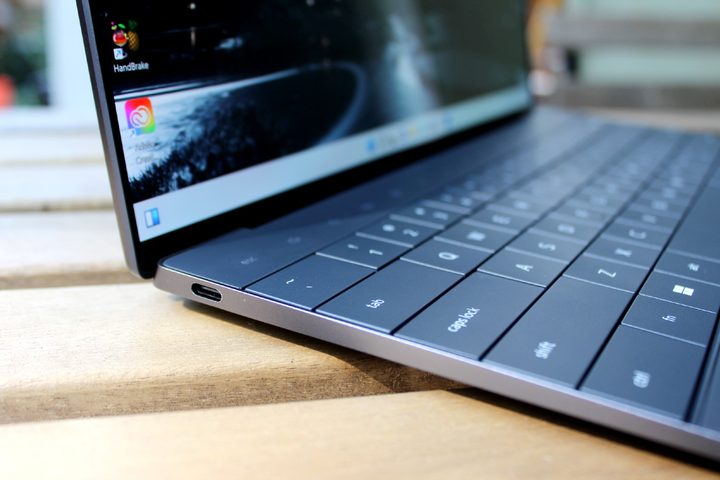
The XPS 13 Plus has a variety of displays available, ranging from an entry-level Full HD+ (1,920 x 1,200) IPS panel up to a choice between a 4K+ (3,840 x 2,400) IPS display and a 3.5K (3,456 x 2,160) OLED display. The latter, in particular, provides incredibly wide and accurate colors, plenty of brightness, and OLED’s inky blacks.
The Gram Style has just one display option, a 2.8K (2,880 x 1,800) OLED panel that’s a lower resolution than Dell’s option. It’s still sharp enough for a 14.0-inch display, however, and it offers a faster 90Hz refresh rate. It also offers an antiglare, antireflective coating that may make it more visible in different lighting conditions.
The Gram Style’s display will be smoother thanks to the higher refresh rates, but the XPS 13 Plus has more display options featuring higher resolutions.
Waiting game
We know that the XPS 13 Plus offers solid productivity performance, decent battery life, beautiful displays, and a gorgeous and modern design. Its keyboard and touchpad are excellent, and it’s solidly built.
We don’t know these things yet about the Gram Style, but we know that it’s a more attractive laptop overall. We can’t wait to put it through its paces to see how well it stacks up against Dell’s excellent XPS 13 Plus.